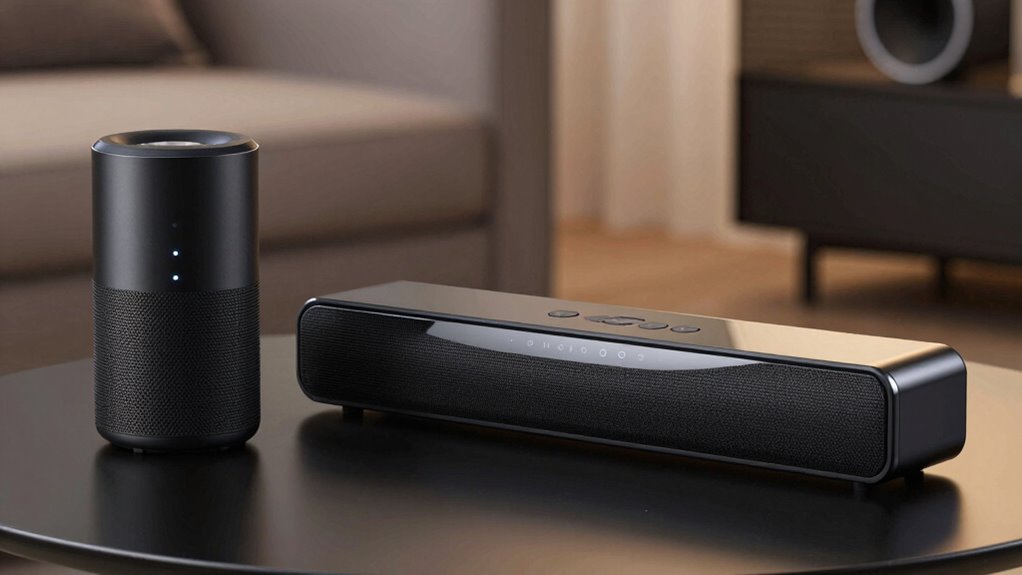

When comparing Bluetooth and Wi-Fi audio, you’ll notice that Bluetooth often uses compression, which can reduce sound quality and introduce slight delays, especially with older codecs. Wi-Fi, on the other hand, transmits uncompressed or minimally compressed audio, offering clearer sound and lower latency, ideal for real-time use. Choosing between them depends on whether you prioritize portability or high-quality, stable playback—discover more details to help you decide which suits your needs best.
Key Takeaways
- Bluetooth often compresses audio, which can reduce sound quality, while Wi‑Fi typically transmits higher-fidelity, minimally compressed audio.
- Wi‑Fi generally offers lower latency than Bluetooth, making it better for real-time audio synchronization like gaming or video streaming.
- Bluetooth connections are more susceptible to interference from other wireless devices, potentially impacting sound stability and quality.
- Wi‑Fi provides more stable and consistent audio streams over larger distances, supporting high-resolution and high-quality formats.
- Upgrading Bluetooth codecs (e.g., aptX, LDAC) can improve sound quality and reduce delay, narrowing the gap with Wi‑Fi performance.
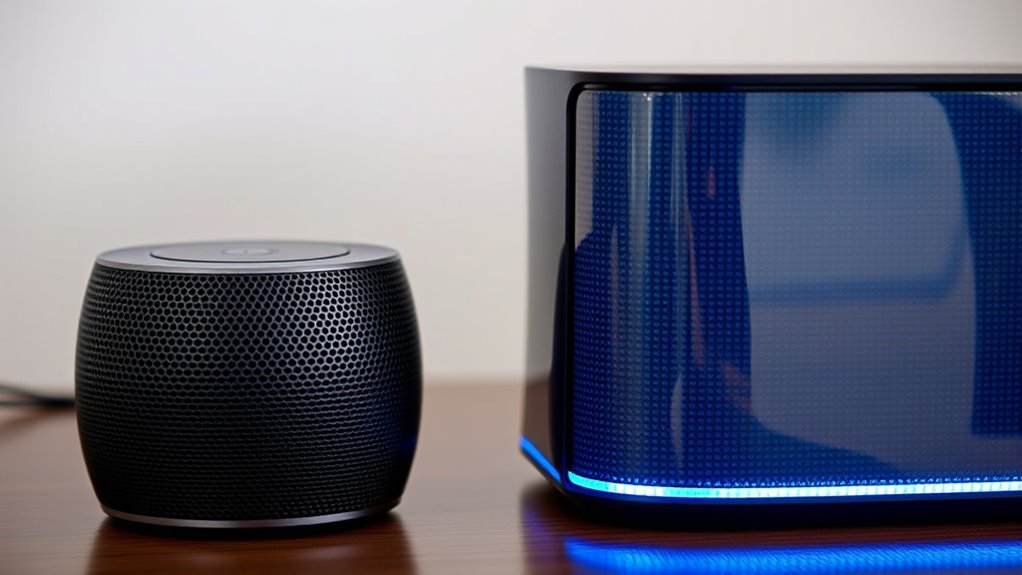
When choosing between Bluetooth and Wi‑Fi audio, understanding their differences can help you make the best decision for your needs. One key aspect to be mindful of is how each technology handles audio compression. Bluetooth relies on compression algorithms to transmit audio data efficiently over limited bandwidth, which can sometimes reduce sound quality, especially with lower-quality codecs. However, newer versions like Bluetooth 5.0 and advanced codecs like aptX or LDAC have improved audio fidelity. Wi‑Fi, on the other hand, typically transmits uncompressed or minimally compressed audio streams, which means it can deliver higher sound quality and preserve more detail. This makes Wi‑Fi a better choice if you prioritize audio clarity and richness, especially in high-resolution formats.
Another important factor is network stability. Bluetooth connections are generally straightforward but can be susceptible to interference from other wireless devices like Wi‑Fi routers, microwaves, or even other Bluetooth gadgets. This interference can cause dropouts or degraded audio quality, particularly if multiple devices are competing for the same bandwidth. Wi‑Fi connections, especially when set up on a dedicated network or using dual-band routers, tend to be more stable and less prone to interference. This stability is vital if you want consistent, uninterrupted playback, particularly in larger spaces or environments with many wireless signals. With Wi‑Fi, you often get the added benefit of higher bandwidth, which allows for stronger, more reliable connections over longer distances. Additionally, European cloud solutions are increasingly supporting high-quality audio streaming over Wi‑Fi, making it a viable option for modern audio setups.
Sound delay, or latency, is another key consideration. Bluetooth can introduce noticeable delay, especially in lower-quality codecs or older versions, which can be problematic when watching videos or gaming. You might find the audio lags behind the visuals, disrupting your experience. Modern Bluetooth versions and low-latency codecs help reduce this delay but may still not match the minimal latency offered by Wi‑Fi systems. Wi‑Fi audio streams usually have lower latency, making them better suited for real-time applications like gaming or video streaming where synchronization is critical.
Frequently Asked Questions
Can Bluetooth or Wi‑Fi Audio Support Multi-Room Synchronization?
Yes, Wi-Fi audio supports multi-room synchronization and device pairing, allowing you to easily connect multiple speakers or devices for seamless sound across your space. Bluetooth, however, generally doesn’t support multi-room support or synchronized playback without additional hardware or apps. With Wi-Fi, you can control and sync multiple devices effortlessly, making it ideal for whole-home audio setups, while Bluetooth remains more limited to pairing with one device at a time.
Which Technology Offers Better Compatibility With Different Devices?
Wi‑Fi audio generally offers better compatibility with different devices because it supports more flexible device pairing and cross-platform compatibility. You can connect multiple devices seamlessly, making it easier to stream music from various sources. Bluetooth, while convenient, can sometimes face pairing issues and limited cross-platform support. So, if you want broader device compatibility, Wi‑Fi audio is the better choice for your setup.
How Do Bluetooth and Wi‑Fi Handle Audio During Network Congestion?
Imagine surfing a wave; during network congestion, Bluetooth is like a small, steady ripple, often unaffected by traffic, thanks to interference mitigation. Wi-Fi, however, can become a turbulent ocean, struggling with bandwidth management under heavy load, causing delays or dropouts. Bluetooth handles audio smoothly during congestion, while Wi-Fi’s performance varies. Your experience depends on how well each technology manages interference and bandwidth during busy times.
Are There Differences in Power Consumption Between Bluetooth and Wi‑Fi Audio?
You’ll find that Bluetooth generally uses less power, making it more power-efficient and better for battery life. Wi-Fi audio consumes more energy due to higher data transfer rates and continuous connectivity, which can impact your device’s battery life over time. If you’re looking to extend battery life, Bluetooth is usually the better choice, as it’s designed to minimize power consumption while delivering good sound quality.
How Secure Are Bluetooth and Wi‑Fi Audio Streaming Methods?
Imagine your audio stream as a secret message passing through a busy city. Bluetooth uses strong encryption protocols, making it quite secure, but it can face interference resilience issues in crowded spaces. Wi-Fi offers robust encryption as well, with better interference resilience, ensuring your music stays private and steady. Both methods are secure, but Wi-Fi’s resilience gives you extra confidence when streaming in busy environments.
Conclusion
When choosing between Bluetooth and Wi-Fi audio, remember that Bluetooth is perfect for quick, everyday listening, while Wi-Fi offers a near-lossless experience for true audiophiles. If you want crystal-clear sound without delay, Wi-Fi is like having a personal concert hall right in your home. Don’t settle for less—opt for the tech that makes your music feel like a live performance. Your ears deserve the best, so pick what elevates your listening to legendary status!