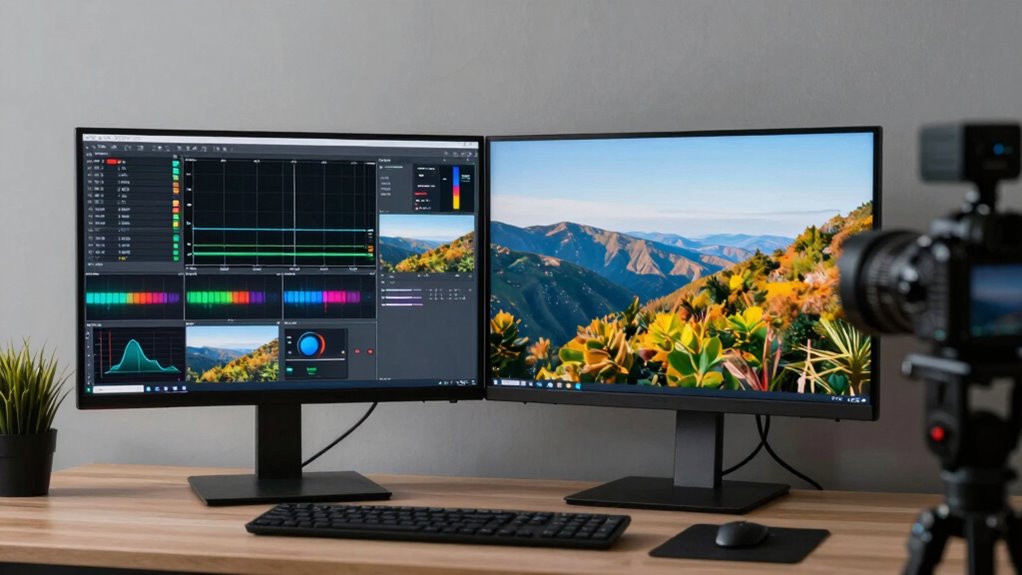
Multiview and picture-in-picture setups let you monitor multiple video feeds simultaneously or keep a small window active while working. They improve multitasking and live monitoring, but their performance depends on your hardware, software, and network. Proper camera calibration and latency management are key to smooth, synchronized feeds. While they can’t overcome severe limitations like high latency or overcomplex configurations, understanding these basics helps you optimize your setup further. Keep exploring to discover more tips and tricks.

Get audio and creator gear delivered free — and shop member deals
- Fast, free delivery on millions of items
- Access to Prime Big Deal Days deals on October 6–7
- Prime Video, Amazon Music and more included
Key Takeaways
- Multiview and PiP allow simultaneous viewing of multiple video feeds, enhancing multitasking and live monitoring.
- Proper camera calibration ensures accurate alignment and synchronization for a seamless multiview or PiP experience.
- Latency optimization minimizes delays, keeping feeds responsive and in sync during operation.
- Limitations include performance issues with complex or high-resolution sources if hardware/software are not properly configured.
- Troubleshooting involves adjusting calibration, optimizing hardware, and managing network latency to achieve smooth, natural displays.
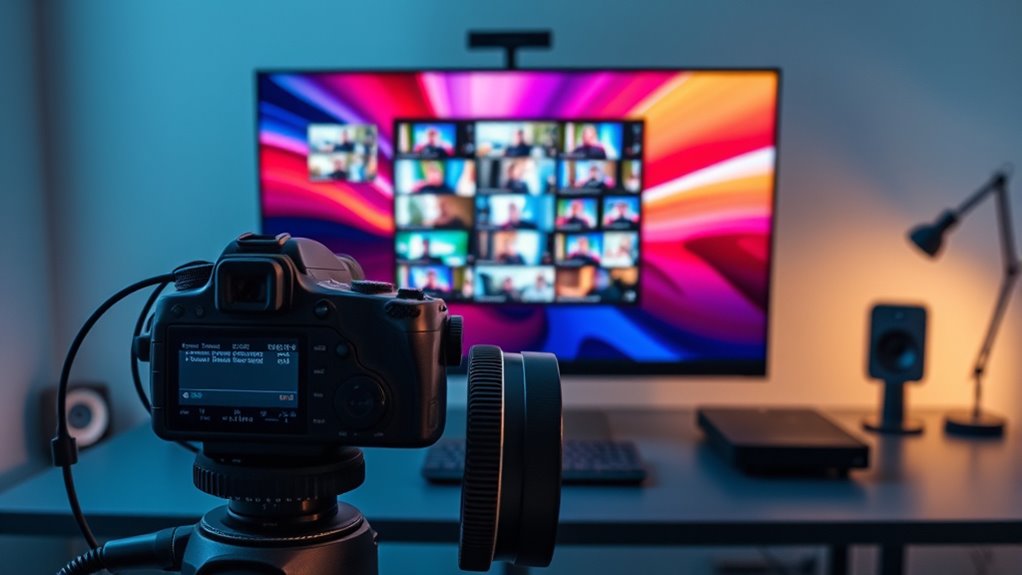
Have you ever wondered how you can view multiple videos at once or keep a small window of a video while working on something else? Multiview and picture-in-picture (PiP) setups make this possible, but understanding how they work can help you get the most out of them. When you’re managing multiple feeds or want to monitor content without switching screens constantly, these features become invaluable. They’re especially useful in live production, gaming, or even multitasking during work. To make these setups seamless, camera calibration plays a significant role, ensuring that all video feeds are correctly aligned and synchronized. Proper calibration minimizes distortions and inaccuracies, giving you a clear, cohesive multiview experience. Latency optimization is equally important because it reduces delays between the source and the displayed output. Without it, you might experience lag or out-of-sync feeds, which can be frustrating and undermine your workflow. Additionally, understanding high refresh rates can help improve the responsiveness and fluidity of your video feeds, especially during fast-paced activities.
Multiview and PiP enhance multitasking by ensuring synchronized, accurately calibrated video feeds with minimal latency.
In your setup, you’ll want to focus on camera calibration to ensure each camera or video source is accurately aligned. This involves adjusting lens distortions and perspective so that all feeds appear consistent and natural when displayed side by side or in a PiP window. When calibration is precise, switching between views or resizing windows feels smooth and natural. Latency optimization, on the other hand, involves fine-tuning your system to minimize delays. This might mean using faster processing hardware, optimizing your network for streaming, or configuring the software to prioritize real-time performance. When latency is well-managed, your multiview remains synchronized, and you can confidently monitor multiple sources simultaneously without noticeable lag.
Keep in mind that not all setups are capable of flawless multiview or PiP performance straight out of the box. Your hardware, software, and network infrastructure all influence the quality you can achieve. For instance, high latency can cause delayed responses when switching views or updating feeds, which diminishes the utility of these features. Conversely, with proper calibration and latency optimization, you can create a setup that feels almost instantaneous—allowing you to monitor multiple streams, focus on a specific video in a small window, or even switch views seamlessly during live broadcasts or gaming sessions.
While these features are powerful, they do have limitations. Some systems might struggle with high-resolution feeds or complex multi-source configurations, leading to performance issues or delays. Understanding the technical aspects like camera calibration and latency optimization helps you troubleshoot and improve your setup. Ultimately, the goal is to create a multiview or PiP experience that’s smooth, accurate, and responsive, so you can work or watch without distractions or frustration.
As an affiliate, we earn on qualifying purchases.
Frequently Asked Questions
Can Multiview and PIP Features Improve Gaming Performance?
Multiview and PIP features don’t directly boost gaming performance, but they can enhance your experience. They allow you to monitor multiple screens or inputs simultaneously, which helps you stay aware of your game and other tasks. To get smooth visuals, focus on your monitor’s refresh rate and color accuracy. These features improve multitasking and visual clarity, but for better gaming, prioritize hardware with a higher refresh rate and good color accuracy.
Are There Compatibility Issues With Certain Devices or Software?
You might encounter device compatibility issues or software limitations with multiview and PIP features, especially if your hardware or software isn’t designed to support them. Some devices may not fully integrate, leading to performance hiccups or missing features. To avoid problems, check your device specifications and software updates. Ensuring compatibility upfront helps you enjoy seamless multitasking without frustration or limitations.
How Do Multiview and PIP Impact Overall System Latency?
Multiview and PIP can increase your system delay, yet they also streamline your workflow. While these features add processing overhead, they often cause only minimal latency, especially with modern hardware. However, if your setup is already strained, enabling multiple views might introduce noticeable delays. To maintain smooth performance, balance feature use with your system’s capacity, and consider optimizing settings to reduce processing load.
What Are the Best Settings for Professional Video Editing?
For professional video editing, you should calibrate your monitor’s color settings precisely to guarantee accurate color representation. Use color calibration tools regularly and optimize hardware, like GPU and storage, for smooth performance. Adjust settings for best playback, ensuring minimal latency. Keep your editing software updated and prioritize hardware optimization. These steps give you consistent, high-quality results, enabling precise edits and seamless workflows.
Can Multiview and PIP Be Used Simultaneously on All Screens?
Can you run multiview and PIP on all screens simultaneously? It depends. While some setups let you display multiview limitations and PIP customization across multiple monitors, not all do. Your hardware and software must support this, and performance might suffer. Think of it as juggling—more screens mean more complexity. Check your system’s capabilities, and remember, not every display can handle both features at once without compromise.
picture-in-picture video switcher
As an affiliate, we earn on qualifying purchases.
As an affiliate, we earn on qualifying purchases.
Conclusion
Understanding multiview and picture-in-picture features can transform your setup into a powerhouse of multitasking. While these tools are incredible for managing multiple feeds at once, they do have limitations—like not turning your entire workspace into a Hollywood studio. Embrace their full potential, but remember, no setup can make you a superhuman. With the right configuration, you’ll be juggling tasks faster than a caffeinated squirrel!
As an affiliate, we earn on qualifying purchases.
As an affiliate, we earn on qualifying purchases.
Fall Picks
fall essentials
As an affiliate, we earn on qualifying purchases.