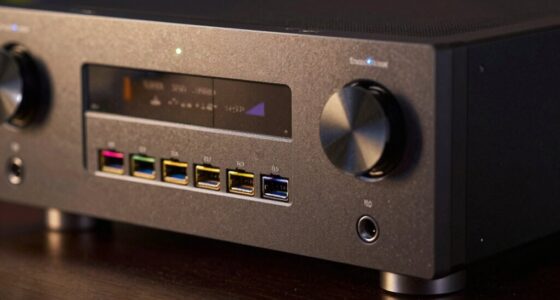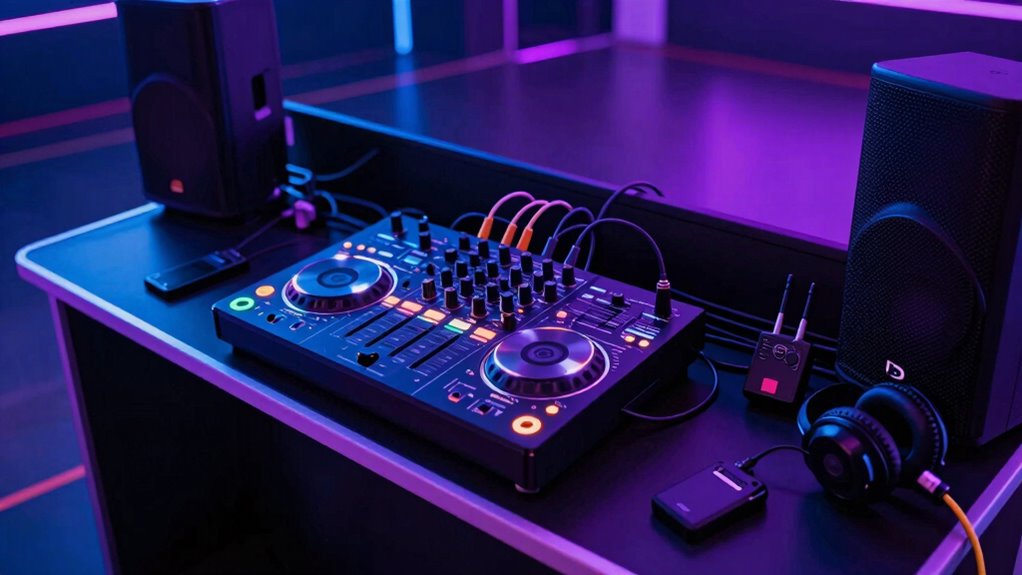

To run party sound in a second zone without rewiring, use wireless multi-zone audio systems that connect via Wi-Fi or Bluetooth. Place wireless speakers anywhere in your space, and link them to your main receiver or streaming device. You can control each zone independently, adjusting volume or playlists as needed. This setup makes it easy to expand and customize your sound experience without the hassle of rewiring. For more tips, you’ll find helpful details below.

Get audio and creator gear delivered free — and shop member deals
- Fast, free delivery on millions of items
- Access to Prime Big Deal Days deals on October 6–7
- Prime Video, Amazon Music and more included
Key Takeaways
- Use wireless speakers connected via Wi-Fi or Bluetooth to your existing audio system for easy setup.
- Place wireless speakers in different zones around your space without rewiring, ensuring good signal range.
- Control each zone independently with dedicated apps or voice assistants for customized party sound.
- Expand your system effortlessly by adding more wireless speakers later, no rewiring required.
- Adjust volume levels per zone dynamically to balance sound throughout your party area.
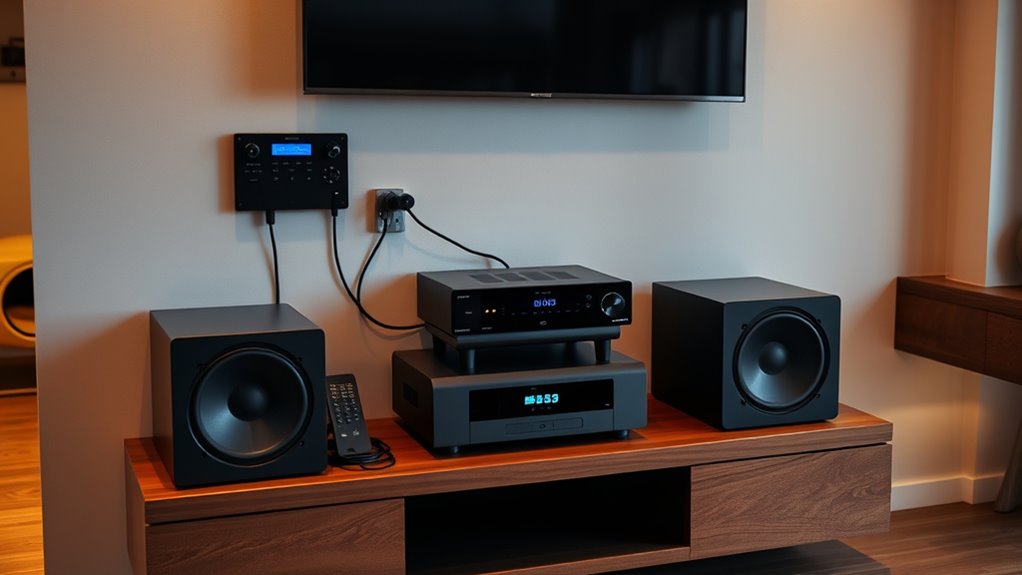
Setting up a second zone audio system allows you to enjoy music or audio in different areas of your home simultaneously. Instead of rewiring your entire setup, you can use wireless speakers to create a seamless experience. These speakers connect easily to your existing system via Wi-Fi or Bluetooth, eliminating the need for complicated wiring. This setup enables you to control the audio in each zone independently, providing a customized listening experience without disturbing other areas.
One of the key advantages of wireless speakers is their flexibility. You can place them anywhere within range, whether it’s your living room, patio, or bedroom. Because they operate wirelessly, you avoid clutter and the hassle of running cables through walls or ceilings, which can be time-consuming and costly. You simply connect the speakers to your main receiver or streaming device, and they automatically sync with your existing audio system. This makes it easy to expand your second zone setup later on by adding more wireless speakers without any rewiring.
Wireless speakers offer flexible placement and easy expansion without rewiring.
Volume control is essential when managing multiple zones. You want to enjoy your music at comfortable levels in each area, and wireless systems make this straightforward. Many wireless speakers come with dedicated apps or physical controls that let you adjust the volume independently. This means you can keep the music loud in the backyard for a party while keeping it soft in the bedroom for relaxation. Some advanced systems even allow you to set predefined volume levels for each zone, so your audio is always perfectly balanced without fiddling with controls each time.
Another benefit is the simplicity of operation. Modern wireless speakers often integrate with voice assistants like Alexa or Google Assistant, giving you hands-free control. You can ask your smart speaker to change the volume, skip tracks, or turn off a zone entirely. This ease of use means you won’t need to juggle multiple remotes or navigate complex menus. Instead, you get instant, intuitive control over your second zone audio system.
In addition, the ability to expand your system easily makes wireless setups ideal for growing or changing your home’s audio needs over time.
wireless multi-zone Bluetooth speakers
As an affiliate, we earn on qualifying purchases.
As an affiliate, we earn on qualifying purchases.
Frequently Asked Questions
Can I Connect Multiple Zones to Different Speakers Simultaneously?
Yes, you can connect multiple zones to different speakers simultaneously. Use multi-zone amplifiers to control each zone independently, allowing you to run various audio sources in different areas. Additionally, wireless speakers make it easier to expand your setup without rewiring. With the right equipment, you can effortlessly manage multiple zones, ensuring everyone enjoys their preferred music without hassle or complicated wiring.
What Equipment Is Necessary for a Wireless Second Zone Setup?
To establish a wireless second zone, you’ll need wireless transmitters to send audio signals to your speakers without rewiring. Pair these with a multi zone amplifier that supports multiple outputs and zones. This combo allows you to control sound in different areas seamlessly. Make certain your wireless transmitters are compatible with your amplifier, and place them strategically to ensure a strong, uninterrupted signal for your party.
How Do I Troubleshoot Audio Lag Between Zones?
To troubleshoot audio lag between zones, first check for signal interference from other wireless devices that might cause audio latency. Make certain your wireless connection is stable and use a clear, direct line of sight if possible. Update your audio equipment’s firmware, and consider adjusting the buffer settings on your receiver or controller. These steps help reduce lag, ensuring synchronized sound across zones.
Is There a Limit to How Many Zones I Can Set Up?
You can typically expand your zones, but there’s a limit based on your system’s capability and wireless limitations. Most setups support multiple zones, but exceeding the recommended number might cause signal degradation or lag. Check your system’s specifications for zone expansion options, and be mindful that wireless limitations can restrict how many zones you can effectively connect without wired infrastructure. Staying within these limits guarantees smooth, synchronized sound across all zones.
Can I Control All Zones With a Single Remote or App?
Ever wonder if you can control all zones with a single remote control or app integration? Yes, you can! Many multi-zone audio systems allow you to manage multiple zones from one device, making it super convenient. Check if your system supports app control or universal remote compatibility. With this setup, you gain seamless control over your entire sound system, eliminating the need for rewiring and simplifying your party management.
Wi-Fi enabled multi-room audio system
As an affiliate, we earn on qualifying purchases.
As an affiliate, we earn on qualifying purchases.
Conclusion
With a second zone audio setup, you can effortlessly run party sound without rewiring everything—it’s like having a remote control for your music. By following these simple steps, you’ll enjoy seamless sound management, keeping your party lively and stress-free. Just like flipping a switch, you can switch between zones effortlessly. So, set it up once, and let the good times roll without hassle or interruptions. Your perfect party sound is just a few steps away!
independent zone control speakers
As an affiliate, we earn on qualifying purchases.
As an affiliate, we earn on qualifying purchases.
As an affiliate, we earn on qualifying purchases.
Fall Picks
fall essentials
As an affiliate, we earn on qualifying purchases.