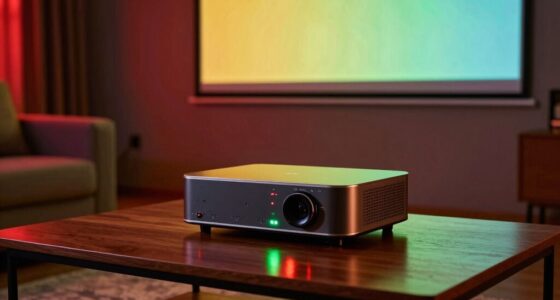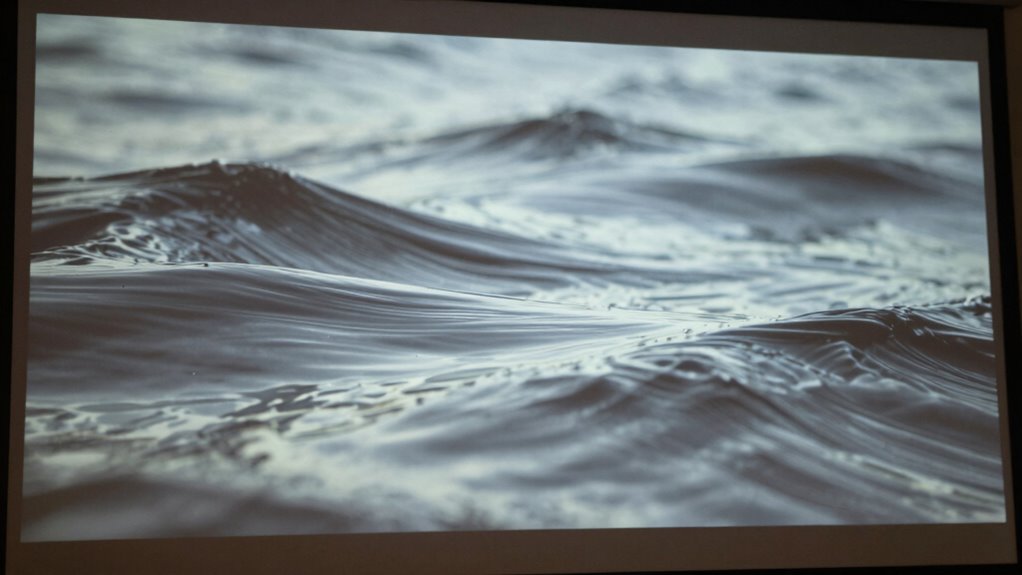

Waves and wrinkles on your projector screen usually happen due to tension problems, improper setup, or environmental changes like humidity and temperature shifts. If the material isn’t stretched evenly or if the tension isn’t maintained, surfacem imperfections develop over time. Poor installation techniques or fluctuating conditions can also cause deformation. To keep your screen smooth, you need proper tensioning and consistent environmental control. Keep exploring to find out how to achieve a perfectly flat projection surface.
Key Takeaways
- Material tension issues and improper installation can cause wrinkles and waves on projector screens.
- Changes in humidity and temperature affect material elasticity, leading to surface imperfections.
- Uneven stretching or slackness during setup results in a wavy or wrinkled surface.
- Using proper tensioning techniques and adjustable systems helps maintain a smooth, flat screen.
- Regular tension checks and environmental control prevent future wrinkles and waves over time.
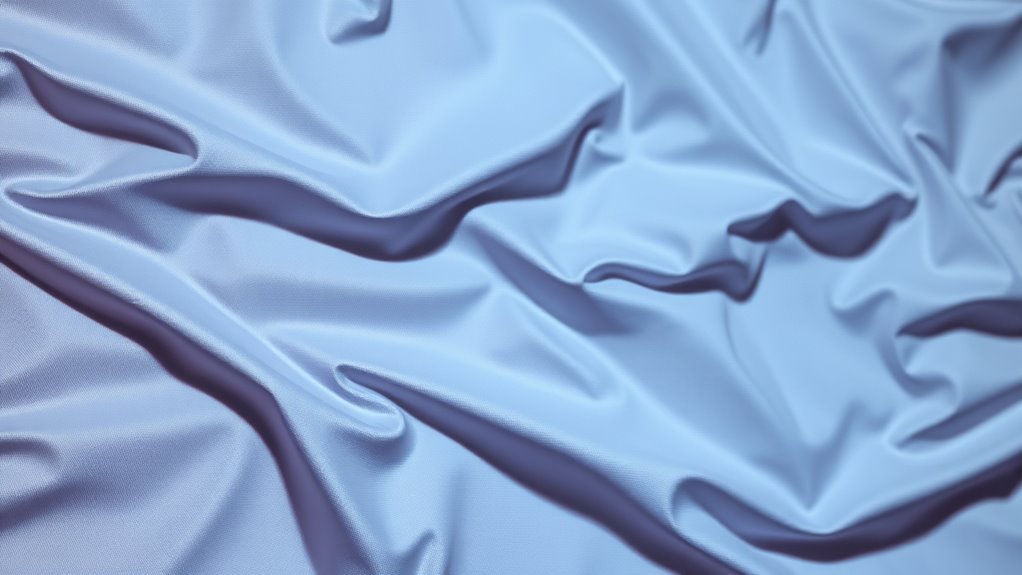
Waves and wrinkles on a projector screen can substantially affect your viewing experience, distorting images and reducing clarity. These imperfections often stem from issues related to material tension and installation techniques, which are essential to achieving a smooth, flat surface. When the material isn’t properly tensioned, it naturally develops ripples or waves over time, especially if exposed to changes in humidity or temperature. Understanding how to manage material tension and applying correct installation techniques can help you maintain a flawless display. Proper tensioning systems can also accommodate environmental changes, further preventing waviness.
First, pay attention to the type of material your screen is made of. Different fabrics or surfaces have varying degrees of elasticity and tension retention. Some materials are more prone to slackness or warping if they’re not stretched tightly during installation. To prevent this, you should always guarantee the material is pulled taut and secured evenly across the frame. Using a high-quality tensioning system, such as adjustable hooks or clamps, allows you to fine-tune the tightness once the screen is mounted. This helps eliminate loose spots that could cause wrinkles or waves to form over time.
Installation techniques play a critical role in avoiding these issues. Properly mounting your screen involves more than just attaching it to the wall or frame. It’s essential to start with a clean, level surface and stretch the material evenly before fixing it in place. When attaching the edges, work gradually, tightening each side or corner incrementally rather than fastening everything at once. This incremental approach ensures even tension across the entire surface. Additionally, pre-stretching the material before securing it can considerably reduce slack and prevent future waviness. If your screen frame has adjustable tensioning features, use them to achieve a uniformly tight surface.
Another tip is to take into account the environment where your projector screen is installed. Fluctuations in temperature and humidity can cause the material to expand or contract, resulting in waves or wrinkles. Maintaining a stable environment minimizes these effects and helps your screen stay smooth longer. If your screen is retractable or portable, always retract it carefully, ensuring the material is evenly tensioned when stored or set up again. Proper environmental management and understanding of material tension are crucial for long-term display quality.

Golf Simulator Projector Cover - Floor Mounted Enclosure with Cooling Fan for Optimal Protection of Outdoor Golf Simulation Projectors - Compatible with Leading Golf Simulators and Projectors
✅【Economical Solution】The Golf Simulator Projector Cover offers a budget-friendly alternative to ceiling installations, allowing you to easily position...
As an affiliate, we earn on qualifying purchases.
Frequently Asked Questions
Can Temperature Changes Cause Projector Screen Waves?
Yes, temperature changes can cause projector screen waves. When it gets warm, the material undergoes thermal expansion, making it stretch and develop wrinkles. Conversely, cooler temperatures lead to material contraction, which can also cause waves or ripples. These fluctuations in temperature alter the tension and shape of the screen, so maintaining a stable environment helps keep your screen smooth and free of waves.
Are Certain Projector Screen Materials More Prone to Wrinkles?
Yes, certain projector screen materials are more prone to wrinkles. Materials with lower durability or weaker surface tension tend to crease or develop waves more easily. For example, lightweight or flimsy fabrics can sag or wrinkle quickly, especially over time or with handling. To minimize this, choose high-quality, durable materials with strong surface tension, which resist wrinkling and maintain a smooth, professional appearance during presentations.
How Does Humidity Affect the Appearance of Screen Waves?
Imagine your screen as a calm lake, suddenly disturbed by rising humidity. Humidity effects cause moisture impact that makes the material swell, leading to more pronounced waves and wrinkles. As moisture seeps in, it creates tension and uneven surfaces, intensifying imperfections. To keep your screen smooth, maintain a controlled environment with low humidity, preventing moisture buildup and helping your screen stay flat and clear for the best viewing.
Is It Possible to Repair Wrinkled Screens Without Replacement?
Yes, you can often repair wrinkled screens without replacement. Adjust the screen tension by tightening the mounting frame or using tensioners, which helps smooth out wrinkles. Consider the material’s durability—some fabrics are more forgiving and respond better to tension adjustments. Carefully follow manufacturer instructions to avoid damaging the screen. If wrinkles persist, professional re-tensioning might be necessary, but many minor issues can be fixed with proper tension adjustments.
Do Different Projection Types Influence Screen Wave Formation?
Your projection type dramatically impacts screen distortion, making it feel like your visuals are battling a relentless storm. Different projection types, like rear or front projection, can cause waves or wrinkles to form differently due to the way the image interacts with the screen material. For example, some screens are more prone to distortion with certain projections, so choosing the right projection type helps mitigate waves and ensures a smoother, clearer display.

Projector Dust Cover for Ceiling Video Projector at Home or Outdoor Installation, Waterproof Dustproof Protection Case, 14"x14"x 9"
Ultimate Protection: waterproof cover protects your video projector from dust, scratches, and water damage or other possible factors...
As an affiliate, we earn on qualifying purchases.
Conclusion
In the end, waves and wrinkles in your projector screen are like tiny ripples in a calm pond—annoying but fixable. By understanding the causes and applying the right tension, cleaning, or replacement techniques, you can restore a smooth, flawless surface. Think of it as turning a bumpy road into a silk ribbon—your viewing experience will be seamless and crystal-clear. Don’t let these imperfections cast a shadow on your movie nights; smooth sailing is just a fix away.

Projector Dust Cover,Projector Cover Outdoor Case Protective,Dust-Proof,UV-Resistant,Moisture-Proof,Fit for Ceiling Video Mounted Equipment Enclosure Oxford,Cloth Drawstring(13.7" X 13.7" X 8.6")
【Projector Dust Cover Material and Design】: Mainly made of waterproof elastic Oxford cloth, with a sturdy and durable...
As an affiliate, we earn on qualifying purchases.

Projector Dust Cover,Fit for Ceiling Mounted Projector and Universa Projector Waterproof,Dust-Proof, UV-Resistant Cover Oxford Cloth,Dimensions13.7" x 13.7" X 8.6"
Projector dust cover: Protect the projector surface from damage. Keep the projector clean and prevent it from being...
As an affiliate, we earn on qualifying purchases.