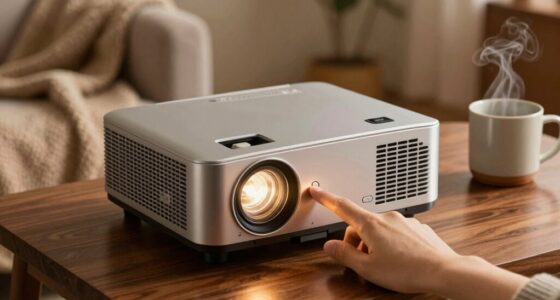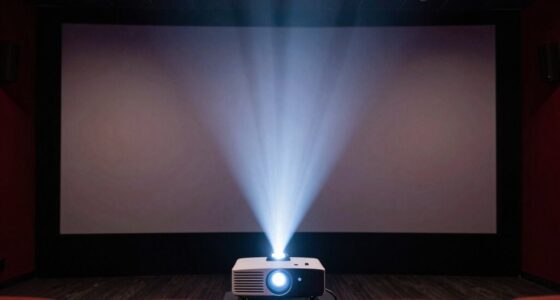
Lens shift is the cleaner, more precise way to fix projector alignment because it allows you to adjust the image without affecting quality or introducing distortion. Unlike keystone correction, which digitally modifies the picture and can soften or pixelate details, lens shift maintains sharpness and brightness. If you want seamless, distortion-free images and easier setup, lens shift is the better choice. Stay tuned, as you’ll discover more about these methods and how they impact your projection setup.
Key Takeaways
- Lens shift maintains image quality by mechanically repositioning the lens, avoiding digital distortion common with keystone correction.
- Keystone correction electronically adjusts the image, often causing softness, pixelation, and potential loss of sharpness.
- Lens shift allows seamless, precise alignment without image warping, ideal for long-term, high-quality installations.
- Keystone correction offers quick fixes for off-angle setups but may compromise image clarity and brightness over time.
- For a cleaner, distortion-free image, lens shift is generally the preferred method over digital keystone correction.
Top picks for "lens shift keystone"
Open Amazon search results for this keyword.
As an affiliate, we earn on qualifying purchases.
How Lens Shift Works and Its Benefits
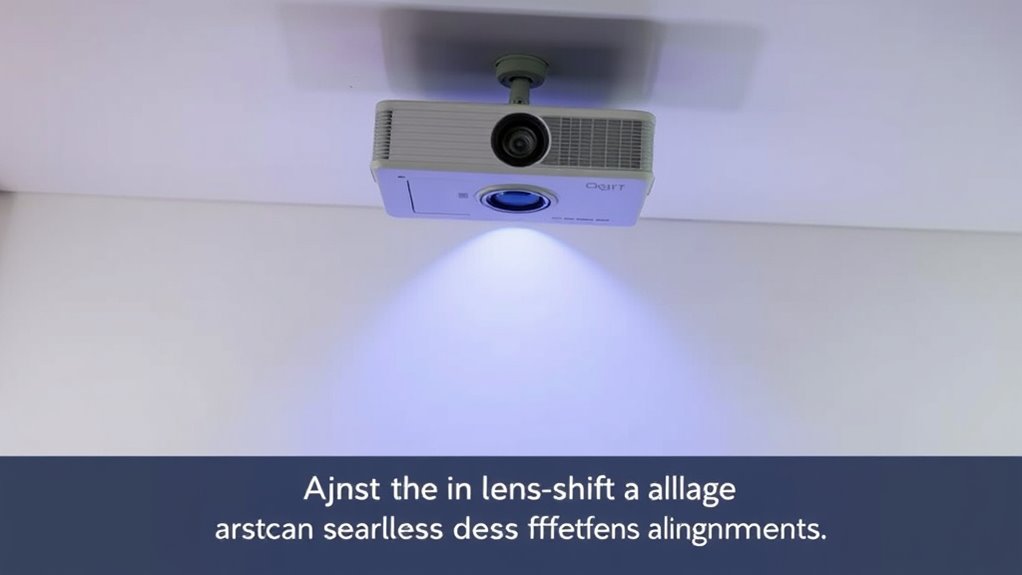
Lens shift allows you to adjust the position of the projected image vertically or horizontally without moving the projector itself. This feature works by shifting the lens inside the projector, moving the image on the screen without affecting focus or image quality. Because you can fine-tune the image position this way, it’s especially useful when you can’t reposition the projector easily. You won’t need to tilt or rotate the device, reducing the risk of image distortion or keystone issues. Lens shift provides a more precise, seamless adjustment compared to other methods. It’s ideal for maintaining the projector’s placement while ensuring a perfectly aligned image. Overall, lens shift offers convenience, flexibility, and cleaner image adjustments, making your setup more straightforward and professional-looking. It also minimizes the common image distortion issues that can occur with less precise adjustment methods. Additionally, lens shift is often preferred over keystone correction because it preserves image quality and reduces artifacts. Furthermore, projector calibration becomes simpler and more accurate with lens shift, and understanding the alignment capability helps optimize your viewing experience.
Understanding Keystone Correction and Its Uses
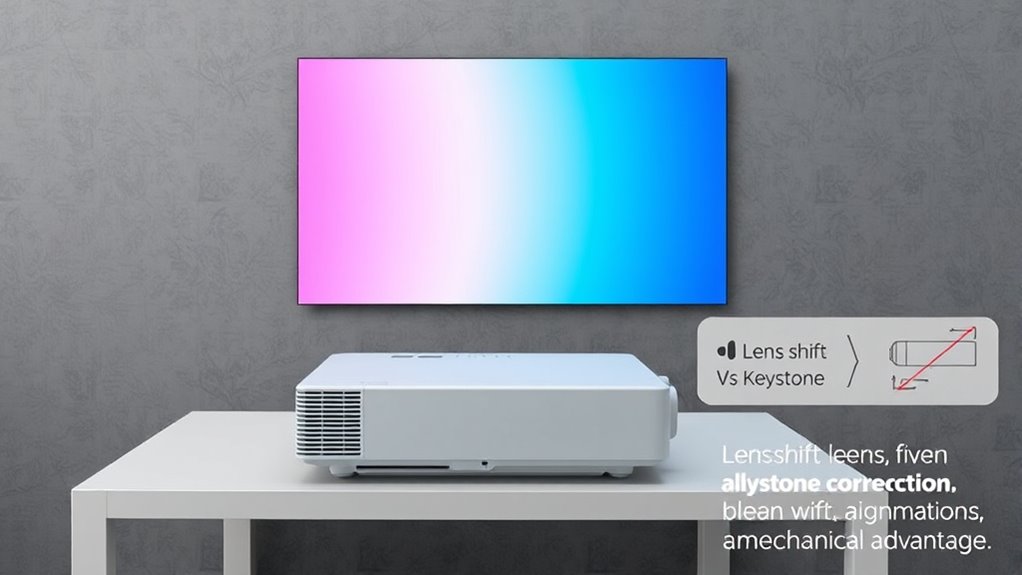
Keystone correction helps you adjust the image geometry when your projector is placed at an angle. It corrects off-angle projection to produce a straight, undistorted picture. This feature preserves image quality while making setup easier and more flexible. Incorporating smart appliance technology can further optimize your home entertainment setup by automating calibration processes. Additionally, understanding image distortion can help you choose the best correction method for your specific setup. Recognizing the impact of geometric distortion on image clarity can guide you in selecting the most effective correction technique. Being aware of lens shift allows for more precise adjustments without compromising image integrity. Awareness of the environmental conditions can also impact how effective your correction settings are, especially in outdoor or variable lighting situations.
Adjusts Image Geometry
When a projector’s image appears distorted or trapezoidal, adjusting the image geometry can fix the problem. Keystone correction helps reshape the image to appear properly proportioned. It temporarily adjusts the image sides to correct skewed angles caused by projector placement. This feature is useful when you can’t position your projector directly in front of the screen. Additionally, using keystone correction judiciously can help maintain image color accuracy and overall picture quality. Here are some key points:
- Corrects trapezoidal distortion caused by off-center projection.
- Adjusts height and width to make the image rectangular.
- Often available as digital controls in projectors.
- Provides a quick fix without physically repositioning the device.
While effective, remember that improper use can lead to image quality loss, so use keystone correction sparingly for ideal results.
Corrects Off-Angle Projection
Off-angle projection occurs when a projector isn’t positioned directly in front of the screen, causing the image to appear skewed or distorted. Keystone correction helps fix this by digitally adjusting the image, making it rectangular again. When you set up a projector off-center or at an angle, keystone correction shifts and shapes the image to align properly with the screen edges. This feature is especially useful in tight spaces or when mounting options are limited. Instead of repositioning the projector physically, you can use keystone correction to quickly fix the distortion. Keep in mind, though, that excessive correction might slightly reduce image clarity. Overall, keystone correction provides a convenient way to correct off-angle projections without moving the projector or changing its placement.
Preserves Image Quality
While keystone correction effectively adjusts distorted images caused by off-angle projection, it can sometimes compromise image quality if overused. When applied carefully, it preserves much of the original clarity and detail. Proper use minimizes artifacts and pixelation, maintaining sharpness. Keystone correction works best for minor adjustments, ensuring your image remains crisp. Over-reliance, however, may introduce blurriness or ghosting effects. To preserve quality: 1. Use keystone correction sparingly, only for slight distortions. 2. Opt for lens shift when possible, as it maintains native image quality. 3. Adjust settings gradually to avoid overcorrection. 4. Combine keystone with high-resolution sources for maximum clarity. 5. Understanding lens shift can help you choose the best method for maintaining image integrity. This approach ensures your image stays sharp and detailed, delivering clear visuals without sacrificing quality. Proper setup is essential to minimize the need for correction and optimize picture clarity. Additionally, learning about image distortion correction can help you better manage image adjustments in various projection setups. Incorporating free floating technology can also assist in achieving optimal alignment without compromising image quality.
Comparing Image Quality: Lens Shift Vs Keystone
When comparing lens shift and keystone correction, you’ll notice differences in image clarity and potential distortion. Lens shift generally maintains better image sharpness and causes less distortion, while keystone correction can sometimes introduce blurriness or skewed edges. Additionally, brightness and contrast levels may vary, affecting overall picture quality with each method. Understanding image distortion is essential for choosing the best alignment method for your setup. Furthermore, considering how each method impacts the overall viewing experience can help you select the most suitable approach.
Image Clarity Impact
Lens shift generally preserves image clarity better than keystone correction because it moves the lens itself without altering the image geometry. This means the image remains sharp and detailed, with minimal loss of quality. In contrast, keystone correction often involves digital adjustments that can soften or pixelate parts of the picture, reducing overall clarity. Additionally, using lens shift can help avoid image distortion, which is common with digital keystone adjustments. Here are four key points: 1. Lens shift maintains original image sharpness. 2. Keystone correction may cause pixelation or blurriness. 3. Digital adjustments can degrade fine details. 4. Lens shift offers a cleaner, crisper image without quality loss. Moreover, lens shift is a mechanical adjustment that preserves the integrity of the original image, unlike electronic corrections that may compromise detail.
Distortion Levels Comparison
Compared to keystone correction, lens shift considerably reduces distortion by physically repositioning the lens without bending or warping the image. This means the projected image maintains its original proportions and shape, resulting in sharper, more accurate visuals. Keystone correction, on the other hand, often introduces some degree of distortion because it electronically adjusts the image to fit the screen, which can cause stretching or skewing, especially at extreme angles. If you prioritize image quality, lens shift is the better choice for minimizing distortion. It preserves the natural geometry of the content, making your viewing experience more true to life. While keystone correction offers flexibility, it can compromise the overall clarity and accuracy of the image, especially with complex visuals or detailed graphics. Additionally, using connected home fitness technology can optimize your viewing setup for an immersive workout or entertainment experience.
Brightness and Contrast
While lens shift primarily enhances image stability and geometry, it also plays a role in maintaining brightness and contrast levels. When you use lens shift, you keep the projector’s position aligned, preventing light loss caused by excessive keystone correction. This ensures the image remains brighter and contrast stays sharp. Keystone correction, however, often requires digital adjustments that can reduce image quality, dimming brightness and softening contrast. To maximize image quality, consider these factors:
- Lens shift preserves original brightness levels better than keystone correction.
- Maintaining proper alignment reduces the need for digital adjustments.
- Excessive keystone correction can cause a noticeable drop in contrast.
- Brightness consistency depends on how well the projector maintains uniform light distribution.
- Understanding net worth of related individuals can offer insights into the financial aspects of high-end projection equipment.
- Proper use of digital calibration can further enhance image clarity and color accuracy.
- Employing lens shift effectively minimizes the reliance on digital corrections, thereby preserving overall image quality. Additionally, choosing projectors with high light output can help sustain brightness even when adjustments are needed.
- Selecting a projector with a robust build quality can also contribute to consistent performance and image stability.
Installation and Setup: Which Method Is Easier?
Setting up your projector can be straightforward, but choosing the right adjustment method can make a big difference. Lens shift offers a simple, tool-free way to align your image vertically or horizontally without moving the projector. You just adjust the internal mechanism, and the image stays perfectly aligned. Keystone correction, on the other hand, requires only a few button presses to correct image distortion, but it can degrade picture quality if overused. Installing and setting up with lens shift tends to be quicker and more precise, especially for frequent adjustments. Keystone correction is more convenient if your projector placement isn’t ideal but may need fine-tuning afterward. Overall, lens shift generally provides an easier, cleaner setup process, especially if you want to avoid image quality loss. Additionally, understanding image alignment can help ensure your setup remains optimal over time, especially with advanced calibration techniques that maintain image integrity during adjustments.
Flexibility in Placement: Where Each Technique Excels
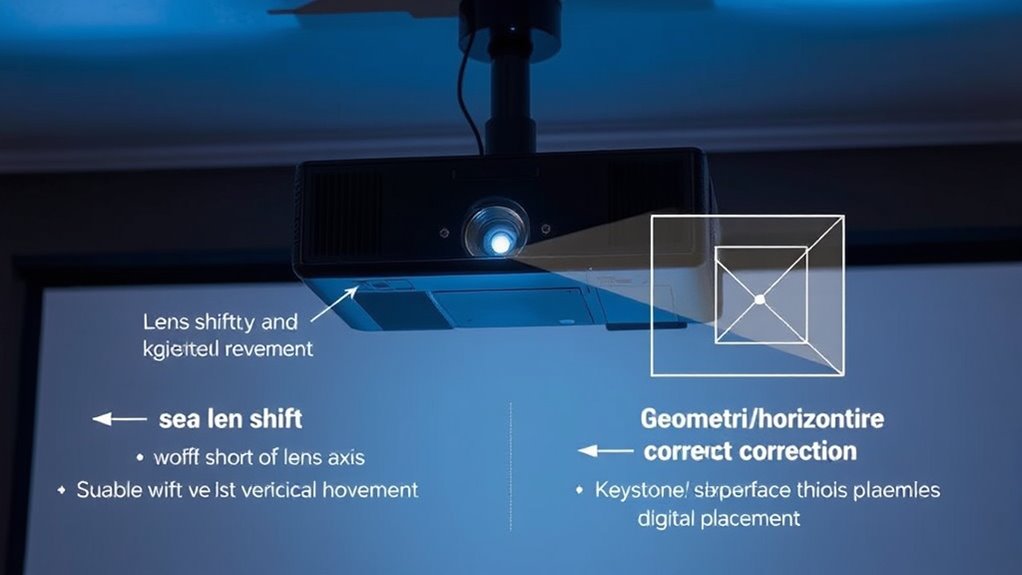
Lens shift offers great versatility in room placement because you can adjust the image vertically and horizontally without moving the projector. Keystone correction provides quick adjustments to fix image distortions when the projector isn’t perfectly aligned. Understanding where each method excels helps you choose the right option for your space and setup needs.
Versatile Room Placement
When it comes to versatile room placement, lens shift and keystone correction each offer unique advantages. Lens shift allows you to reposition the image without moving the projector, making it ideal for complex setups or limited spaces. Keystone correction, on the other hand, adjusts the image digitally, offering quick fixes for off-center projector placement.
Here are four ways each technique supports flexible room placement:
- Lens shift maintains image quality regardless of projector position.
- Keystone correction enables simple adjustments when projector mounting options are limited.
- Lens shift minimizes distortion, preserving image clarity.
- Keystone correction offers immediate, on-the-fly alignment without physical repositioning.
Both methods help adapt to various room layouts, but lens shift provides more precise, distortion-free placement.
Quick Adjustment Capabilities
While both lens shift and keystone correction offer quick adjustment capabilities, keystone correction often provides faster, more immediate fixes for misaligned images. With keystone correction, you can instantly adjust the image shape through on-screen menus or remote controls, making it ideal for quick fixes. It’s especially useful if your projector is hard to access or if you need a fast correction during presentations. Lens shift, on the other hand, requires physically repositioning the projector or adjusting internal optics, which takes more time and effort. While it’s less convenient for rapid changes, it provides a more precise image without distorting proportions. Overall, keystone correction excels when speed is essential, whereas lens shift is better suited for ongoing, fine-tuned adjustments.
Impact on Projector and Screen Positioning
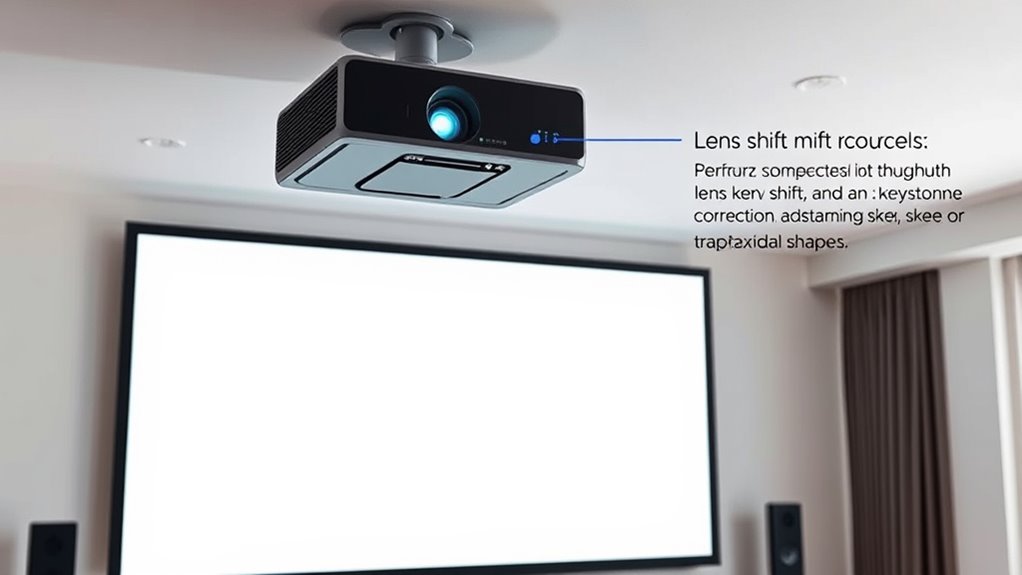
Both lens shift and keystone correction considerably influence how you position your projector and screen, but they do so in different ways. Lens shift allows you to move the image vertically or horizontally without altering the projector’s placement, giving you flexibility in room setup. Keystone correction, on the other hand, digitally adjusts the image to fix trapezoidal distortion caused by misalignment, which can sometimes reduce image quality.
Here’s how they impact positioning:
- Lens shift maintains the projector’s position, simplifying setup.
- Keystone correction requires minimal physical adjustment but may compromise image clarity.
- Lens shift keeps the original image geometry, ensuring sharpness.
- Keystone correction can introduce slight blurriness or pixelation due to digital processing.
Cost Considerations for Both Methods
Lens shift systems typically come with higher upfront costs because they require more complex optical components and precise engineering. You’ll pay more initially, but you gain the convenience of adjusting the image without moving the projector. These systems are built into the projector and can be quite expensive, especially for high-end models. Keystone correction, on the other hand, is usually a cheaper feature included in most projectors, often as a digital or manual adjustment. While it saves money upfront, it can introduce image quality issues, such as distortion or loss of resolution. If budget is a concern, keystone correction might seem appealing, but it’s worth considering that the long-term costs of potential image quality compromises could outweigh the initial savings.
Long-Term Reliability and Maintenance
Lens shift systems are generally more durable over the long term because they rely on mechanical components that, when properly maintained, can withstand frequent adjustments without degrading. You’ll find that these systems are built for repeated use, reducing the need for repairs or replacements. However, regular maintenance ensures smooth operation and prevents dust buildup or mechanical wear. To keep your lens shift system reliable, consider these points:
- Keep mechanical parts clean and lubricated.
- Avoid excessive force during adjustments.
- Inspect for signs of wear or damage periodically.
- Follow the manufacturer’s maintenance recommendations.
Common Scenarios for Choosing Lens Shift or Keystone
When selecting between lens shift and keystone correction, your choice depends largely on the specific setup and placement challenges you face. If your projector is mounted slightly off-center or at an angle, lens shift allows you to adjust the image without distorting it. Keystone correction is useful when the projector must be placed in a less-than-ideal position, such as on a table or uneven surface. Consider the following scenarios:
| Situation | Recommended Adjustment | Why |
|---|---|---|
| Off-center ceiling mount | Lens shift | Preserves image quality |
| Projector on a tilted surface | Keystone correction | Straightens the image |
| Limited space for mounting | Keystone correction | Easier to implement |
Making the Right Choice for a Seamless Projection Experience
Choosing between lens shift and keystone correction impacts your overall projection quality and setup efficiency. To make the right choice, consider your space, mobility needs, and image quality preferences. Lens shift offers seamless adjustments without degrading picture quality, ideal for permanent setups. Keystone correction is quick and flexible but can slightly reduce image sharpness.
Here are four key points to guide your decision:
- For a stable, high-quality image in a fixed position, lens shift is best.
- If you need fast adjustments or have limited space, keystone correction works well.
- Permanent installations benefit from lens shift to avoid image distortion.
- Portable or temporary setups may prefer keystone correction for convenience.
Assess your environment and priorities to choose the option that delivers a seamless, professional projection experience.
Frequently Asked Questions
Can Lens Shift Damage My Projector Over Time?
Lens shift won’t damage your projector over time if used correctly. It’s designed to move the lens without affecting internal components, so you can adjust the image without risking harm. However, forcing the shift beyond recommended limits might cause wear or misalignment. Always follow your projector’s guidelines, and avoid excessive or rough adjustments. Proper use guarantees longevity and keeps your projector functioning smoothly.
Are There Specific Projector Models Best Suited for Lens Shift?
You’ll find that many high-end projectors are like a finely tuned orchestra, perfectly suited for lens shift. Models from brands like Epson, Sony, and BenQ often feature excellent lens shift capabilities, allowing flexible installation without distortion. If you want smooth, precise adjustments, look for projectors with significant vertical and horizontal lens shift ranges. These models make it easier to align your image flawlessly, saving you time and frustration.
How Does Ambient Lighting Affect Keystone Correction Effectiveness?
Ambient lighting can considerably impact keystone correction effectiveness. When the room is brightly lit, the image may appear washed out or less sharp, making keystone adjustments less precise. You should control ambient light by dimming or blocking it to improve image clarity and alignment. This way, the corrected image looks clearer, and you won’t need to rely heavily on digital adjustments that can degrade picture quality.
Is Professional Installation Recommended for Both Methods?
Like a skilled artist, professional installation guarantees your projector aligns perfectly. For both lens shift and keystone correction, experts can precisely set up your device, avoiding common issues like image distortion or uneven focus. You’ll benefit from a cleaner, more stable picture and save yourself the hassle of trial-and-error adjustments. If you want the best visual experience, investing in professional installation is definitely worth it, especially for complex setups or high-end projectors.
Do Lens Shift and Keystone Correction Impact Projector Warranty?
Lens shift typically doesn’t void your projector’s warranty because it’s a built-in feature designed for easy alignment adjustments. However, using keystone correction excessively or improperly might risk damaging internal components and could potentially affect your warranty. Always read your projector’s warranty terms carefully. To stay safe, prefer lens shift for alignment and limit keystone corrections when possible, or consult your manufacturer before making adjustments.
Conclusion
Choosing between lens shift and keystone correction is like selecting the perfect paintbrush—you want what offers precision without sacrificing quality. Lens shift provides a smooth, reliable way to align your image effortlessly, while keystone offers quick fixes in tight spots. Think of it as finding your ideal partner in projection, ensuring your setup stays as flawless as a clear, crisp sunrise. Make the right choice, and your projector will shine bright and true, every time.