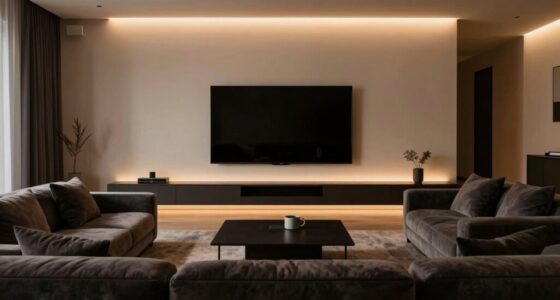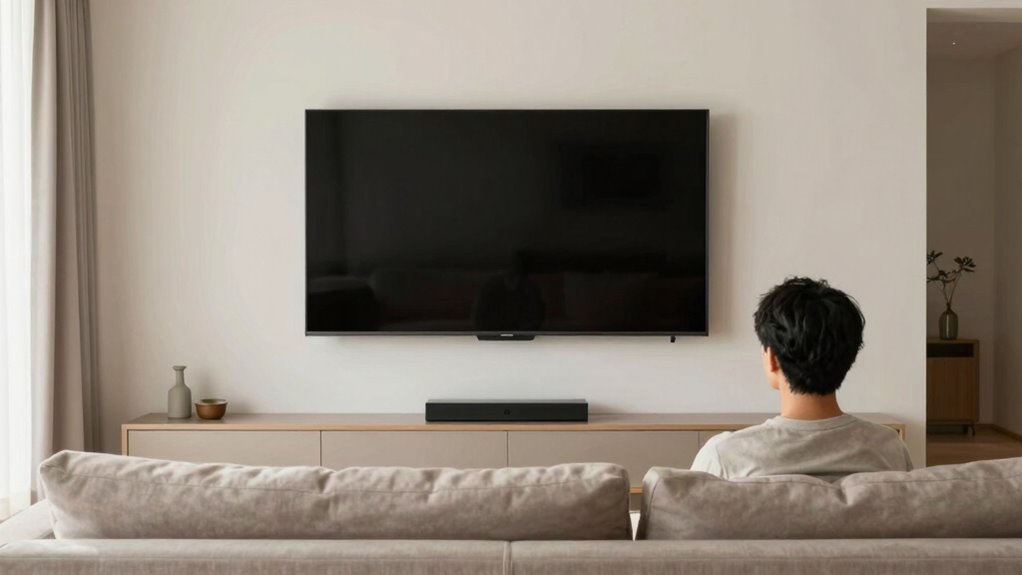

For comfortable viewing and to prevent neck pain, position your TV so that the center of the screen is at or just below your eye level when you’re seated. This way, you avoid tilting your head up or down, reducing strain during long sessions. Use adjustable mounts if possible for perfect alignment. Keep your setup relaxed and ergonomic, and you’ll enjoy your shows without discomfort. To learn more tips that optimize your viewing experience, keep going.

Get audio and creator gear delivered free with Prime
- Fast, free delivery on millions of items
- Prime Video, Amazon Music and more included
- Member-only deals all year
Key Takeaways
- Align the TV screen’s center with your seated eye level for optimal comfort.
- Use adjustable mounts to fine-tune TV height and reduce neck strain.
- Ensure your viewing position allows a relaxed, natural gaze without tilting your head.
- Measure your eye level while seated to set the ideal TV height accurately.
- Combine proper height with screen calibration for a comfortable, immersive viewing experience.
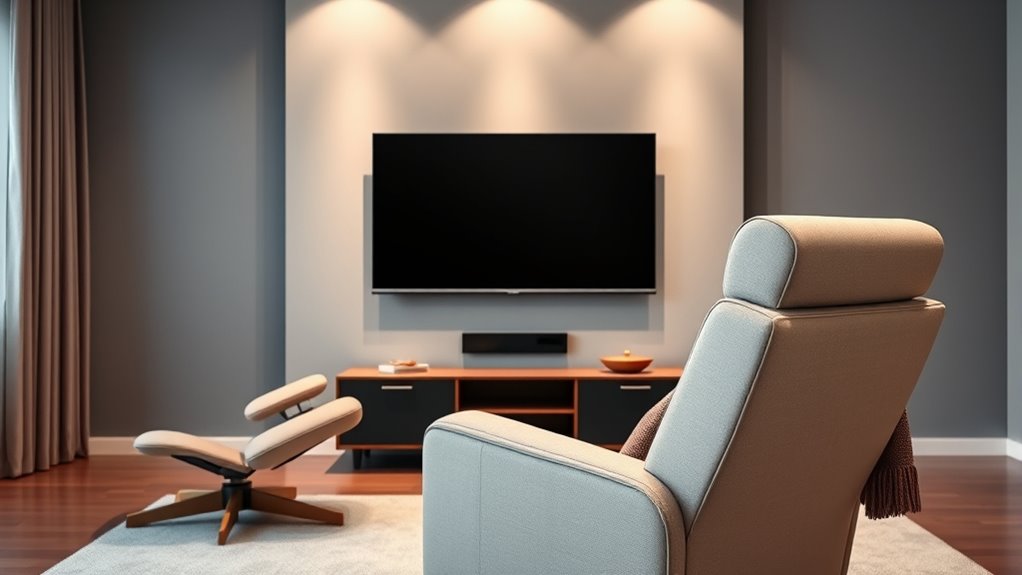
Choosing the right TV viewing height can considerably enhance your viewing experience and reduce neck strain. When you position your TV at the correct height, you prevent unnecessary discomfort that can develop over time. An ideal setup aligns your line of sight with the center of the screen, so you don’t have to tilt your head up or down for extended periods. This simple adjustment can make a big difference, especially during long movie nights or binge-watching sessions. To achieve this, start by measuring your eye level when seated comfortably. Ideally, the middle of the screen should be at or just slightly below your eye level. This way, you won’t strain your neck or shoulders constantly looking up or down.
In addition to proper positioning, using ergonomic accessories can help further improve your viewing comfort. Adjustable wall mounts or swivel brackets allow you to fine-tune your TV’s angle, making it easier to find the perfect height and tilt. These accessories are especially useful if multiple people watch from different seats or if your furniture arrangement changes. When installing the TV, take a moment to check the overall setup from your usual viewing position. Make sure your neck stays relaxed and your gaze is natural, rather than forced into an awkward position. Proper TV placement is essential for a comfortable viewing experience and can help prevent long-term neck problems.
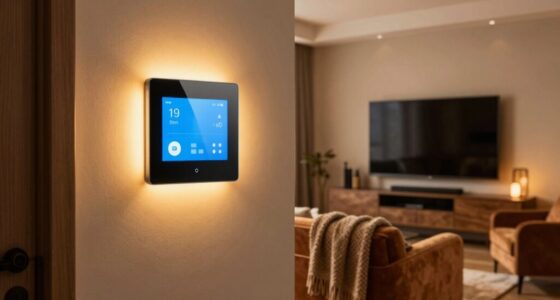
Screen calibration also plays a crucial role in creating a comfortable viewing environment. Proper calibration adjusts brightness, contrast, and color settings to reduce eye strain and improve visibility. When your screen is calibrated correctly, you won’t need to squint or strain your eyes to see details clearly, which can lead to fatigue. Many modern TVs offer automatic calibration features or presets designed for different lighting conditions, but you can also fine-tune these settings manually for maximum comfort. When combined with the correct height and ergonomic accessories, proper screen calibration creates a more immersive yet comfortable viewing experience.
As an affiliate, we earn on qualifying purchases.
Frequently Asked Questions
How Does My Eye Level Affect TV Viewing Comfort?
When your eye level matches the center of your TV screen, you reduce eye strain and enhance viewing comfort. If your eyes are too high or low, you’ll strain your neck and eyes, causing discomfort over time. Maintain proper eye level to prevent unnecessary tension, making your TV viewing more enjoyable. Adjust your seat or mount your TV higher or lower to align with your eye level for ideal comfort.
What Is the Ideal Distance From TV to Seating?
You should sit about 1.5 to 2.5 times the screen’s diagonal size away from your TV for ideal TV ergonomics. This distance ensures clear visuals without straining your eyes or neck. Proper seating arrangements support this perfect distance, promoting comfort during long viewing sessions. Adjust your seat placement to match your TV size, keeping your eyes level with the screen’s center, so you avoid unnecessary neck movement and enhance your overall viewing experience.
Can Wrong TV Height Cause Long-Term Neck Issues?
Did you know that poor TV height can lead to long-term neck issues? If your TV is too high or low, you might develop eye strain and neck pain over time. Correct ergonomic accessories, like adjustable mounts, help keep your neck aligned and reduce strain. Always position your TV at eye level to prevent discomfort, and avoid unnecessary neck movements that can cause lasting damage.
Does TV Size Influence Recommended Viewing Height?
Yes, TV size influences recommended viewing height because larger screens require you to adjust ergonomics principles accordingly. You should aim for ideal viewing angles, keeping the top of the screen at or slightly below eye level to prevent neck strain. When your TV is too high or low for its size, it can lead to discomfort over time. Always consider both TV size and ergonomics principles for a comfortable, strain-free viewing experience.
How Can I Adjust My Setup for Multiple Viewers?
To accommodate multiple viewers, you should explore versatile mounting options and adjustable stands. Mount your TV on a swivel or tilting bracket so everyone can find a comfortable angle. Alternatively, use an adjustable stand that allows height and tilt adjustments. This way, each person can customize their viewing position, reducing neck strain and ensuring everyone enjoys a comfortable, ideal viewing experience regardless of their seating arrangement.
As an affiliate, we earn on qualifying purchases.
Conclusion
Remember, keeping your TV at eye level can markedly reduce neck strain. Did you know that poor TV positioning can increase neck pain risk by up to 40%? By following this simple rule, you’ll enjoy your favorite shows comfortably and protect your health. Don’t overlook your viewing setup—small adjustments make a big difference. Make your TV viewing experience safer and more enjoyable today by setting it at the right height!
As an affiliate, we earn on qualifying purchases.
As an affiliate, we earn on qualifying purchases.
Halloween Picks
halloween
As an affiliate, we earn on qualifying purchases.