As you increase your screen size, your projector needs more brightness to keep images vivid and clear. Larger screens don’t get brighter on their own, so you must choose a projector with higher lumens to prevent dull, washed-out pictures—especially in well-lit rooms. Relying on over-boosting keystone correction or placing your projector far away can weaken image quality. Stick with proper setup, and you’ll find there’s more to optimize than just screen size, which you’ll discover as you go further.

Get audio and creator gear delivered free — and shop member deals
- Fast, free delivery on millions of items
- Access to Prime Big Deal Days deals on October 6–7
- Prime Video, Amazon Music and more included
Key Takeaways
- Larger screens require higher lumens to maintain brightness and prevent images from appearing washed out.
- Increasing screen size without adequate lumens results in dim, dull images, degrading viewing experience.
- Brightness needs scale with screen size, but projector lumens remain constant, creating a tradeoff.
- Ambient light conditions intensify the need for higher lumens on bigger screens for optimal clarity.
- Proper setup, including positioning and keystone correction, helps maximize brightness and image quality on larger screens.
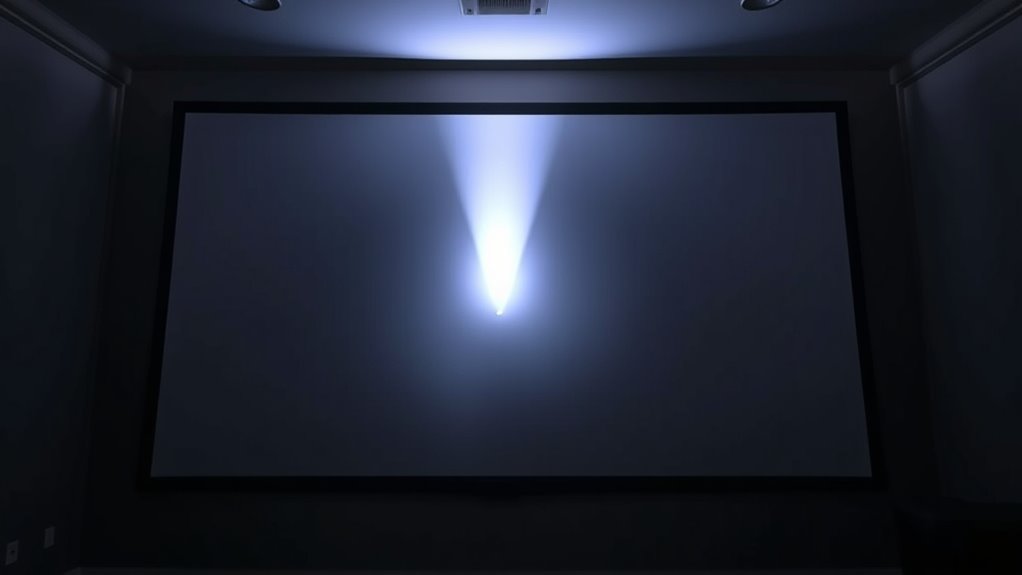
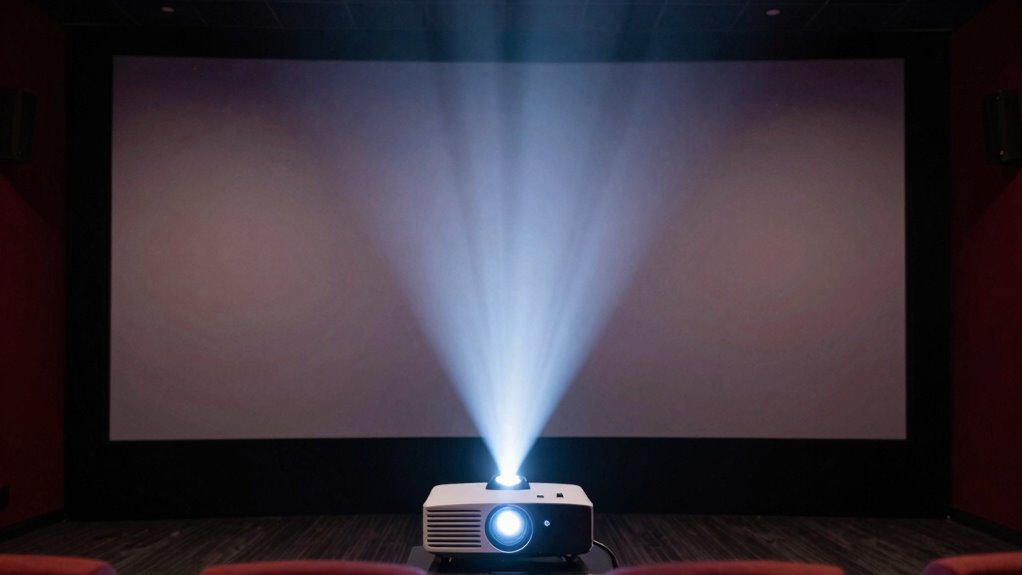
When choosing a projector, understanding the relationship between brightness and screen size is vital. The key factors that influence your decision are lens throw, keystone correction, and how much ambient light is present in your viewing environment. Lens throw refers to the distance between your projector and the screen needed to produce a specific image size. A short-throw lens allows you to project a large image from a short distance, which is great for small rooms or tight spaces. Conversely, a long-throw lens requires more space but can project larger images over greater distances. When you’re setting up your projector, consider how lens throw impacts your ability to achieve the desired screen size without sacrificing brightness or image quality.
Keystone correction is another critical factor. It enables you to adjust the image to be perfectly rectangular when the projector is positioned at an angle, rather than directly in front of the screen. While keystone correction is useful, relying heavily on digital correction can slightly reduce image sharpness and brightness. If you’re working with a projector that offers extensive keystone correction, you might find that the image becomes less vibrant or dimmer, especially at larger screen sizes. Consequently, when planning your setup, aim for a positioning that minimizes keystone correction needs, preserving maximum brightness and clarity.
As you increase your screen size, the brightness requirements also go up. A projector’s lumens rating indicates how bright it is; however, it doesn’t increase with screen size. Instead, a larger screen needs more lumens to appear equally bright. For instance, a projector rated at 2,000 lumens might suffice for a small, dark room with a 100-inch screen, but it can struggle in a bright room or on a larger screen, say 200 inches. The tradeoff becomes clear: to maintain a vivid picture on a bigger screen, you need a projector with higher brightness. Failing to do so results in a washed-out or dim image, which diminishes your viewing experience.
Furthermore, ambient light plays a vital role. Even a high-lumen projector can struggle in a well-lit room. This is where understanding the interplay between brightness and screen size matters most. If your space has a lot of windows or lighting, opting for a projector with higher lumens and a carefully planned setup—using lens throw and keystone correction—will help you achieve a clear, vibrant picture. Remember, larger screens demand more brightness, and improper positioning or over-reliance on keystone correction can weaken your image quality. Balancing these factors ensures you get the best picture quality without unnecessary compromises. Additionally, understanding how contrast ratio affects perceived image depth can help you select a projector that maintains clarity across different screen sizes and lighting conditions.
high lumen projector for large screens
As an affiliate, we earn on qualifying purchases.
As an affiliate, we earn on qualifying purchases.
Frequently Asked Questions
How Does Ambient Lighting Affect Projector Brightness and Screen Size Choices?
Ambient light considerably influences your projector selections. If your room has high ambient light, you’ll need a projector with greater brightness to sustain a clear image. This also means choosing a screen with a higher contrast ratio to enhance picture quality. In darker rooms, you can select a lower brightness projector and a larger screen without compromising image clarity. Balancing ambient light, contrast ratio, and screen size guarantees ideal viewing.
Can a High-Brightness Projector Compensate for a Larger Screen in Bright Rooms?
You can try a high-brightness projector to offset a larger screen in bright rooms, but it’s not a silver bullet. Brightness alone can’t solve issues like low contrast ratios or excessive throw distance, which affect image clarity. While a powerful projector helps, optimizing ambient lighting and choosing the right throw distance are equally important. Don’t put all your eggs in one basket—balance brightness with other factors for the best viewing experience.
What Are the Long-Term Energy Costs of Brighter Projectors With Bigger Screens?
Brighter projectors with bigger screens tend to have higher long-term energy costs due to increased power consumption. You should consider energy efficiency features like LED or laser light sources, which use less power and reduce your ongoing expenses. While initial costs might be higher, the cost implications over time can be minimized by choosing energy-efficient models, ultimately saving you money on electricity bills and supporting eco-friendly usage.
How Does Projector Resolution Impact the Perceived Brightness and Screen Size?
Your projector’s resolution impact markedly influences perceived brightness and screen size. Higher resolutions, like 4K, tend to make images appear sharper and brighter, even if the actual lumen output stays the same. This is because detailed images reflect more light, enhancing perceived brightness. Conversely, lower resolutions might make a screen seem dimmer or less vibrant. So, choosing the right resolution helps you maximize perceived brightness without necessarily increasing wattage or cost.
Are There Optimal Brightness and Size Combinations for Outdoor Projection Setups?
For outdoor projection setups, you should aim for a bright projector with high lumens and a screen size that fits your space. The key is balancing projector placement and screen resolution; a larger screen requires more brightness to stay clear. Ideally, choose a projector with at least 3,000 lumens for screens up to 150 inches. Proper placement guarantees even brightness and sharp resolution, making your outdoor movie experience stunning and enjoyable.
short throw projector for small rooms
As an affiliate, we earn on qualifying purchases.
As an affiliate, we earn on qualifying purchases.
Conclusion
Ultimately, balancing projector brightness and screen size isn’t just about numbers—it’s about understanding the tradeoff. While higher brightness lets you enjoy larger screens in well-lit rooms, it often comes with increased costs and potential image degradation. The myth that brighter always means better isn’t entirely true; sometimes, a smaller, more efficient setup delivers a sharper, more vibrant picture. So, don’t just chase brightness—consider your space, budget, and viewing experience for the perfect balance.
projector keystone correction adjustment
As an affiliate, we earn on qualifying purchases.
As an affiliate, we earn on qualifying purchases.
bright projector for well-lit rooms
As an affiliate, we earn on qualifying purchases.
As an affiliate, we earn on qualifying purchases.
Fall Picks
fall essentials
As an affiliate, we earn on qualifying purchases.