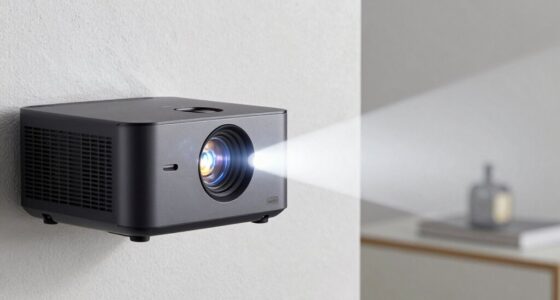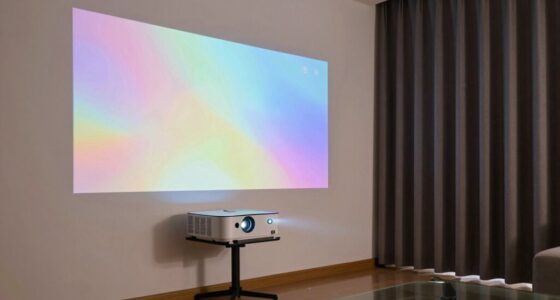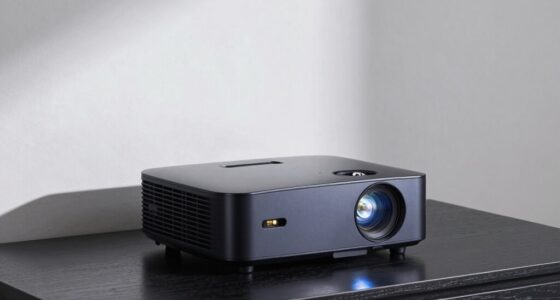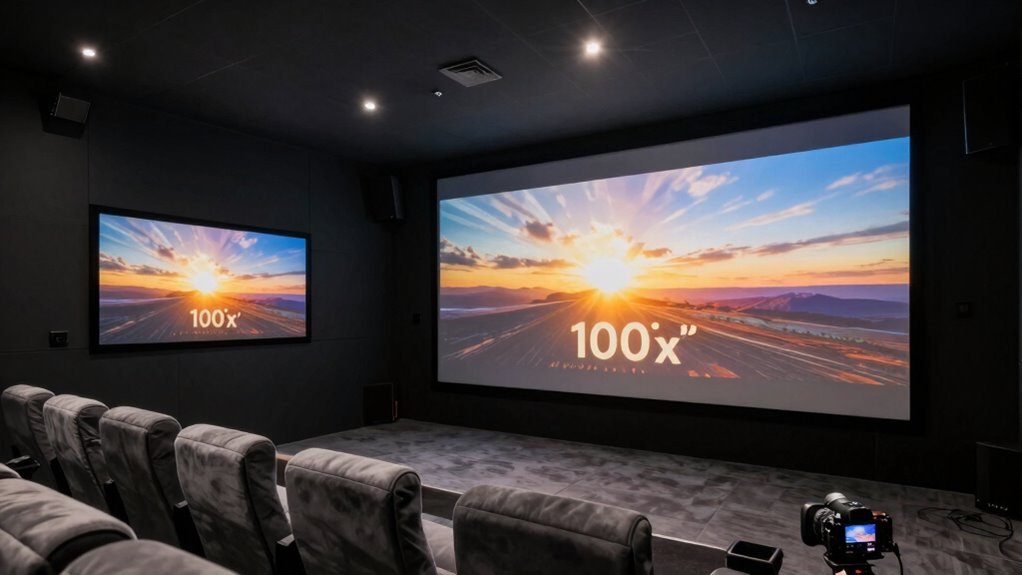
To decide between a 100-inch and 120-inch projection setup, consider your room’s size, seating distance, and aesthetic preferences. A 100-inch screen works well in smaller spaces or for closer viewing, while a 120-inch screen offers a bold statement in larger rooms with longer viewing distances. Make sure your projector has enough brightness and resolution to match the size for clear, vibrant images. Keep exploring to find the best fit for your space and style.

Get audio and creator gear delivered free — and shop member deals
- Fast, free delivery on millions of items
- Access to Prime Big Deal Days deals on October 6–7
- Prime Video, Amazon Music and more included
Key Takeaways
- Measure your room’s size and seating distance to ensure the screen fits comfortably without overwhelming the space.
- Consider your preferred viewing distance; 100-inch suits 10-12 feet, while 120-inch fits 12-15 feet for optimal comfort.
- Evaluate room aesthetics; smaller screens blend seamlessly, larger screens serve as bold focal points.
- Check projector brightness and resolution to ensure clear, vibrant images at your desired screen size.
- Balance functionality and style by choosing a size that enhances viewing comfort without compromising decor.
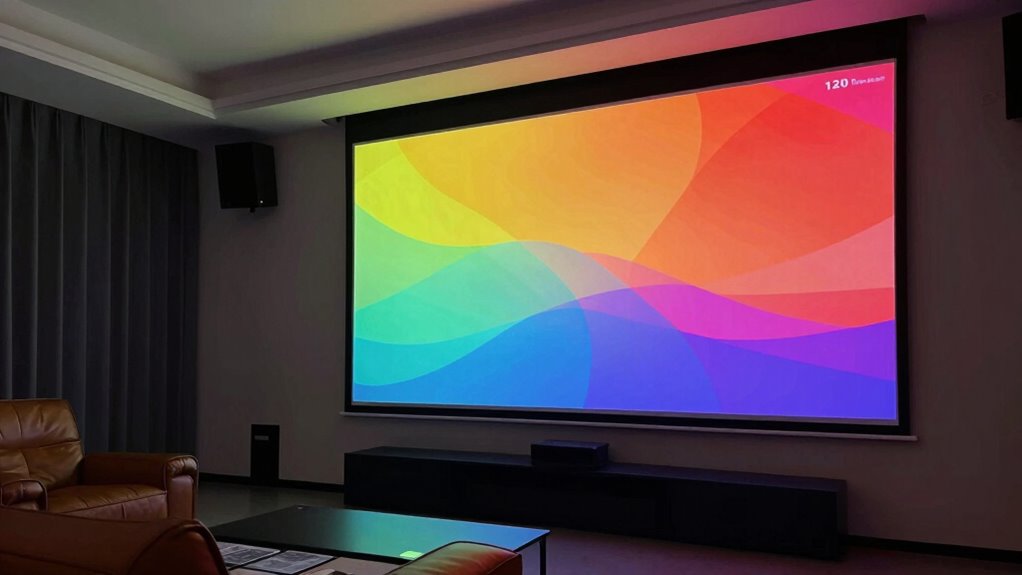
Are you struggling to choose between a 100-inch and a 120-inch projection setup? The decision mainly hinges on your desired screen size and how well it fits within your room dimensions. A larger screen can deliver a more immersive experience, but if your room isn’t spacious enough, it might feel overwhelming or even uncomfortable. On the other hand, a smaller screen may not provide the impact you want, especially if you’re aiming for a cinema-like atmosphere. To find the right balance, start by measuring your room carefully. Take note of the available wall space and the distance from your seating area to where the projector will be mounted or placed. These measurements are essential because they determine how large your projected image can comfortably be without sacrificing picture quality or causing eye strain.
Choosing the right screen size depends on your room space and seating distance for optimal comfort and image quality.
Next, evaluate the ideal viewing distance for each screen size. Generally, for a 100-inch projection, you want to sit roughly 10 to 12 feet away. For a 120-inch screen, that distance increases to about 12 to 15 feet. If your room doesn’t allow you to sit far enough back, a larger screen might feel overwhelming or force you to sit uncomfortably close, which can distort the image and diminish your viewing experience. Conversely, if your seating is too far from the screen, the image might seem too small, reducing the impact of your setup. It’s essential to match the screen size with your room’s dimensions to maximize comfort and image clarity. Additionally, consider how the screen size can influence the overall aesthetics and ambiance of your space, ensuring it complements your interior design style.
Another factor to think about is how the screen size affects the overall aesthetics of your space. A 100-inch screen might blend seamlessly into a smaller or more modestly decorated room, while a 120-inch screen can make a bold statement in a larger, more open area. You also want to consider the projector’s brightness and resolution; a larger screen demands a higher lumen output to maintain image clarity and vibrancy across the entire surface. If your room has ambient lighting, a bigger screen can help counteract that, but only if your projector is powerful enough.
Ultimately, choosing between a 100-inch and a 120-inch projection setup depends on balancing your room dimensions, seating distance, and desired screen size. Take precise measurements, think about how you’ll use the space, and prioritize clarity and comfort. That way, you can enjoy a stunning picture without feeling cramped or underwhelmed.
As an affiliate, we earn on qualifying purchases.
Frequently Asked Questions
What Are the Installation Differences Between 100-Inch and 120-Inch Setups?
You’ll find the installation differences mainly in mounting height and ceiling type. For a 120-inch setup, you need a higher mounting point, often requiring a longer throw distance, especially on low ceilings. On textured or sloped ceilings, precise mounting becomes more complex, needing adjustable mounts. A 100-inch setup is easier to install, with less height adjustment needed, making it suitable for standard ceilings and simpler mounting options.
How Does Room Lighting Affect Projection Size Choice?
Room lighting greatly influences your projection size choice. If ambient lighting is bright, go for a smaller projection like 100 inches to maintain color accuracy and clarity. In darker rooms, a larger projection like 120 inches works well without sacrificing image quality. Bright ambient light washes out images, so adjusting size based on lighting conditions helps guarantee your viewing remains vivid and sharp.
Are There Specific Projector Models Best Suited for Larger Screens?
For larger screens, you want a projector with high brightness and sharp screen resolution. Look for models with at least 3,000 lumens to guarantee clear images in various lighting conditions. Opt for projectors offering 4K or at least Full HD resolution to maintain picture quality on bigger screens. Brands like Sony, Epson, and Optoma offer models specifically designed for large displays, making your viewing experience vivid and detailed.
What Is the Impact of Screen Material on Image Quality at Different Sizes?
Screen material markedly impacts image quality at different sizes. Smooth textures reduce distractions, providing sharper images, especially on larger screens. Matte surfaces minimize reflections and glare, ensuring consistent brightness and color accuracy. Conversely, high-gloss screens enhance contrast but can cause unwanted reflections, which become more noticeable at larger sizes. So, choosing a screen with the right material reflection and texture helps maintain image clarity, no matter if you go for 100-inch or 120-inch setups.
How Does Viewing Distance Influence Optimal Projection Size?
You should consider how viewing distance influences your setup because the right projection size depends on your seating arrangement and viewing angle. If you sit too close, a larger screen might feel overwhelming, while sitting farther back allows for a bigger display without straining your eyes. Find a comfortable viewing angle, and adjust your projection size accordingly to guarantee an immersive experience without sacrificing clarity or comfort.
As an affiliate, we earn on qualifying purchases.
Conclusion
Ultimately, choosing between a 100-inch and 120-inch projection setup depends on your space and how immersed you want to feel. Think of it as finding the perfect fit for your home theater experience—sometimes a little extra size can elevate your viewing, but too much might overwhelm your room. Trust your instincts and preferences, and you’ll discover the ideal balance that makes every movie night special without overwhelming your space.
As an affiliate, we earn on qualifying purchases.
home theater projector resolution
As an affiliate, we earn on qualifying purchases.
As an affiliate, we earn on qualifying purchases.
Fall Picks
fall essentials
As an affiliate, we earn on qualifying purchases.