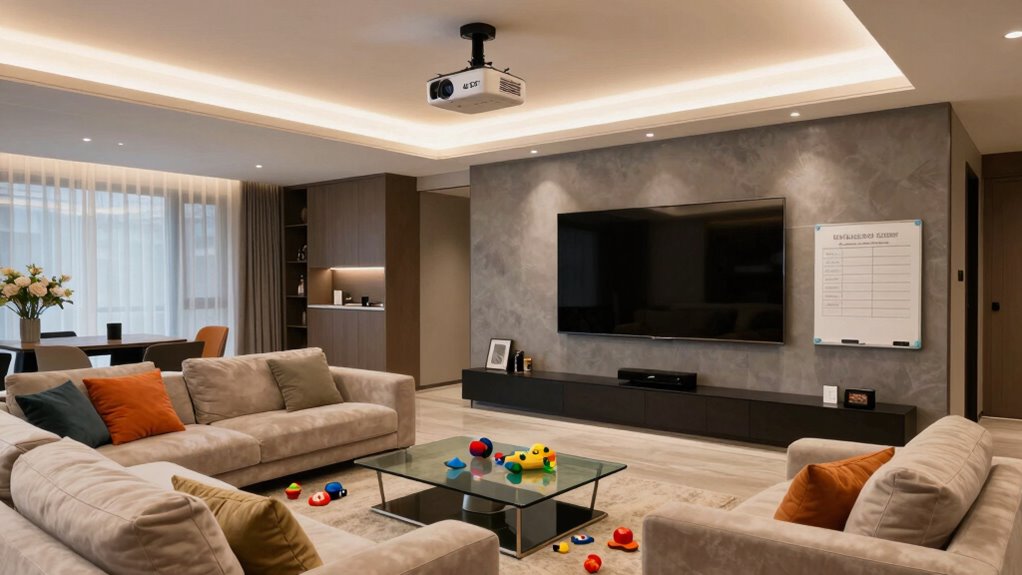

To optimize your UST projector in a busy family room, start by choosing a sturdy wall or ceiling mount, ensuring it’s securely attached and correctly positioned at the recommended distance for the desired image size. Manage cables neatly to prevent tripping and consider room lighting—using high gain screens or brighter projectors for daylight use. Double-check the alignment and test different angles to get the sharpest image. Keep exploring to find out how to refine your setup further for the best experience.

Get audio and creator gear delivered free — and shop member deals
- Fast, free delivery on millions of items
- Access to Prime Big Deal Days deals on October 6–7
- Prime Video, Amazon Music and more included
Key Takeaways
- Ensure ceiling mount is securely installed into joists for safety and stability.
- Position the UST projector at the recommended distance for optimal image size and clarity.
- Manage cables neatly along walls or ceiling to prevent tripping hazards and clutter.
- Use high-gain screens or increase brightness to counteract ambient light in busy rooms.
- Double-check alignment and test image sharpness, minimizing keystone correction for best quality.
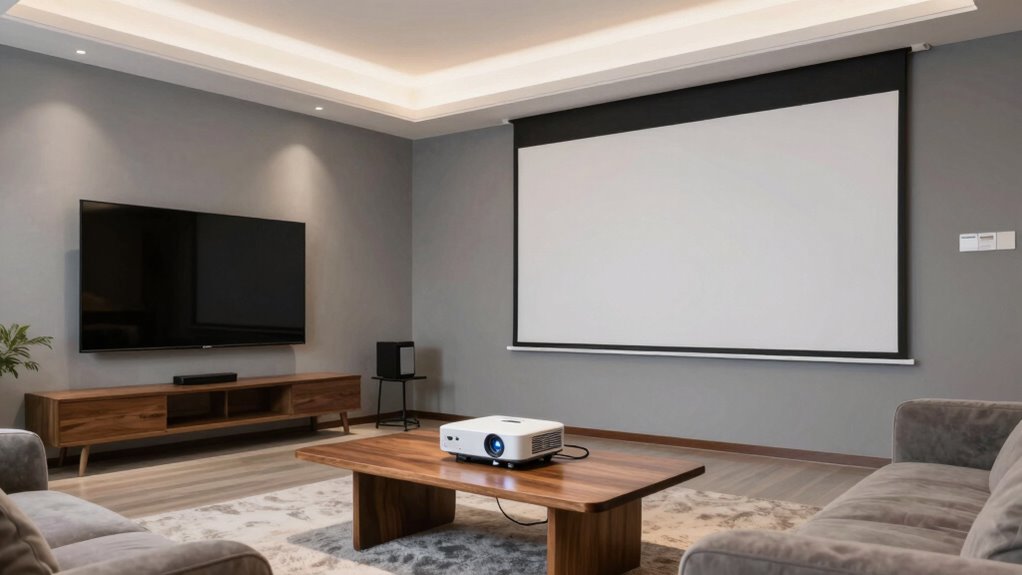
Are you ready to set up your UST projector for peak performance? In a busy family room, where space is at a premium and activity is nonstop, proper placement is key to enjoying a seamless entertainment experience. One of the first decisions you’ll face is how to mount your projector. Wall mounting is a popular choice because it keeps the projector out of the way and offers a stable setup. When wall mounting, verify the bracket is securely attached to studs or appropriate anchors, and position the projector at the right height to align with your screen. Keep in mind that wall mounting allows for easy adjustment of tilt and angle, which helps achieve a clear, focused image. Avoid placing the projector too high or too low, as this can cause distortion or require constant readjustment.
Wall mounting ensures stability and easy angle adjustments for optimal projector alignment.
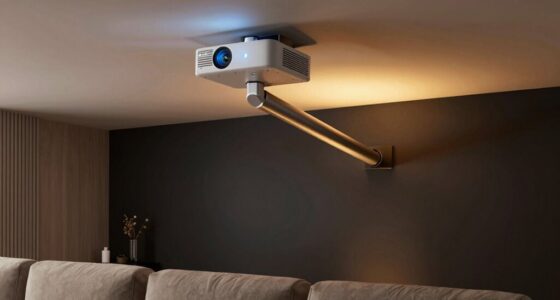
Alternatively, ceiling installation can be a more discreet and stable option, especially if you want a clean, clutter-free look. When ceiling mounting, consider the weight of your UST projector and use a mount rated for that weight. Make sure to install the mount into ceiling joists to prevent any accidents. Ceiling installation also offers the advantage of keeping the projector out of reach of children or pets, reducing the risk of accidental bumps or knocks. Whichever method you choose, verify the projector is positioned at the correct distance from your screen for ideal image size and clarity. Check the manufacturer’s recommended throw ratio and make sure your mounting location allows for precise placement. Proper placement also involves considering projector placement guidelines to optimize your viewing experience. Additionally, taking into account the specific room dimensions can help ensure your setup is both functional and aesthetically pleasing.
In a family room with a lot of movement, it’s essential to think about cable management. Use high-quality, long enough cables to reach power sources and your media devices without strain. Conceal and secure cables along walls or ceiling to prevent tripping hazards and maintain a tidy setup. When planning your placement, also think about ambient light. Bright rooms require a screen with high gain or a projector with higher brightness output to ensure the image remains vivid and visible, even during daytime.
Lastly, double-check the projector’s alignment after mounting. Make sure the image is centered and that keystone correction isn’t overly relied upon, as this can degrade picture quality. Take some time to test different positions and angles, ensuring the image is sharp, clear, and perfectly aligned with your screen. Proper placement—whether wall-mounted or ceiling-installed—makes all the difference in creating an immersive viewing experience in your busy family room.
As an affiliate, we earn on qualifying purchases.
Frequently Asked Questions
How Often Should I Calibrate My UST Projector?
You should calibrate your UST projector every 3 to 6 months to maintain ideal image accuracy. Calibration frequency depends on how often you use it and environmental factors like lighting and temperature changes. Regular calibration ensures your projector’s colors are true and the image remains sharp. If you notice color shifts or blurry images, it’s time to recalibrate. Staying consistent with calibration keeps your viewing experience clear and vibrant.
Can I Use a Screen Protector With a UST Projector?
Yes, you can use a screen protector with a UST projector, especially if you’re concerned about screen durability. Protective accessories like a screen protector help guard against scratches, smudges, and accidental damage. Just make certain it’s compatible with your projector’s screen size and type. Using a screen protector enhances the durability of your viewing setup, making it easier to maintain a clear, pristine display even in busy family rooms.
What’s the Best Way to Hide Projector Cables?
To hide projector cables effectively, focus on cable management and concealment techniques. Use cable raceways or conduit to run cables along walls neatly, keeping them out of sight. You can also hide cables behind furniture or inside wall channels for a cleaner look. Velcro straps or clips help secure cables along surfaces, preventing tripping hazards. These methods keep your family room tidy and guarantee your UST projector setup looks seamless.
How Does Ambient Light Affect UST Projector Image Quality?
You might think ambient light would be your friend, but it’s actually your projector’s worst enemy. When there’s too much, it washes out the UST projector’s image quality, making everything look dull and less sharp. Bright rooms or sunlight can substantially diminish picture clarity, so it’s best to control ambient light by dimming lights or using blackout curtains. Otherwise, your cinematic experience will be lost in the glare.
Are UST Projectors Suitable for Outdoor Family Rooms?
Yes, UST projectors can be suitable for outdoor family rooms if they have outdoor durability and weather resistance. Look for models specifically designed for outdoor use, which can withstand elements like moisture, dust, and temperature changes. Proper placement, such as under a covered area, helps protect the device. Keep in mind that ambient light and weather conditions may still affect image quality, so choose a projector with high brightness and weather-resistant features.
high gain projector screen for daylight
As an affiliate, we earn on qualifying purchases.
As an affiliate, we earn on qualifying purchases.
Conclusion
Now that you have this placement checklist, setting up your UST projector in your busy family room is as straightforward as pie. Just follow each step, and you’ll create a cozy, cinematic space without the hassle. Think of it like assembling a puzzle—you’ll enjoy the process just as much as the perfect picture you’ll get. Before you know it, movie nights will be more enjoyable than ever, bringing your family closer together in a space that’s just right.
As an affiliate, we earn on qualifying purchases.
As an affiliate, we earn on qualifying purchases.
Fall Picks
fall essentials
As an affiliate, we earn on qualifying purchases.