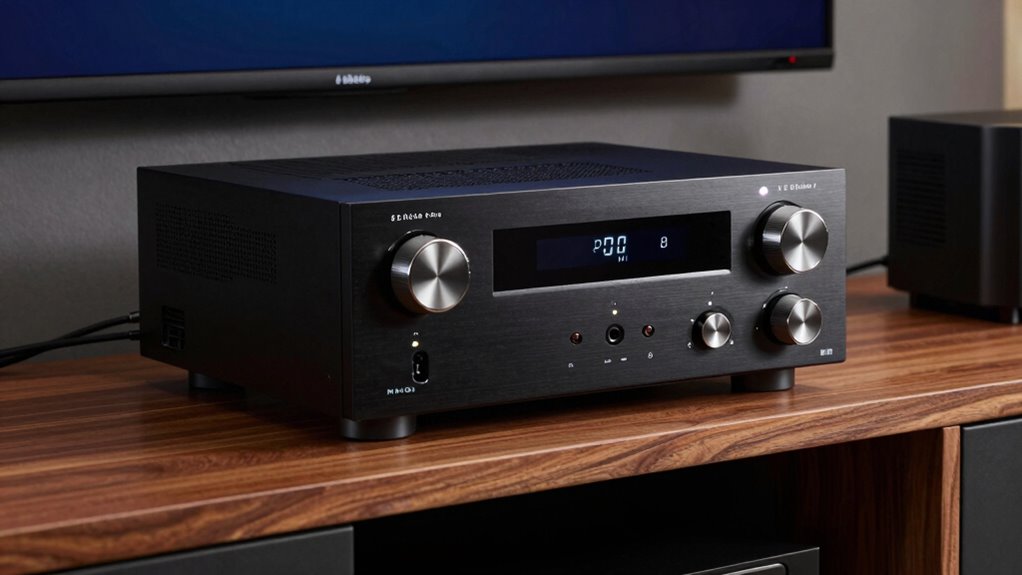
Your AV receiver triggers protection mode when it detects issues like wiring problems, overheating, or faulty HDMI connections, preventing damage to your system. Don’t ignore loose or damaged cables, as these can cause short circuits. Avoid bypassing safety features or forcing connections. Properly check speaker placement and wiring, and verify all devices are compatible. If issues persist, there’s more to explore on how to prevent protection mode and keep your system safe.
Key Takeaways
- Protection mode activates due to electrical faults, overheating, or wiring issues, preventing damage to your AV receiver.
- Incorrect speaker placement, loose connections, or mismatched impedance can trigger safety shutdowns.
- Faulty HDMI cables, loose connections, or incompatible devices may cause the receiver to enter protection mode.
- Do not bypass safety features, force connections, or ignore overheating; these actions can worsen damage.
- Always verify wiring, disconnect devices methodically, and consult the manual or professionals if issues persist.
AV Receiver ‘Protection Mode
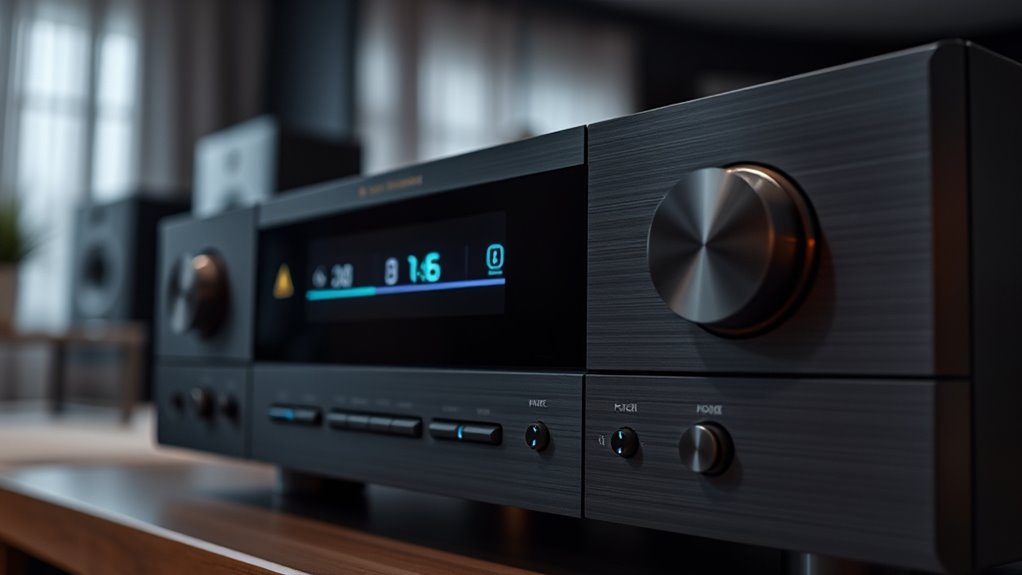
When your AV receiver enters protection mode, it’s a clear sign that something’s wrong, and immediate action is needed to prevent damage. Protection mode is designed to shield your receiver from potential harm caused by electrical faults, overheating, or other issues. To address it effectively, you need to identify the root cause quickly. Often, problems stem from incorrect speaker placement or issues with HDMI connections that disrupt signals or create short circuits.
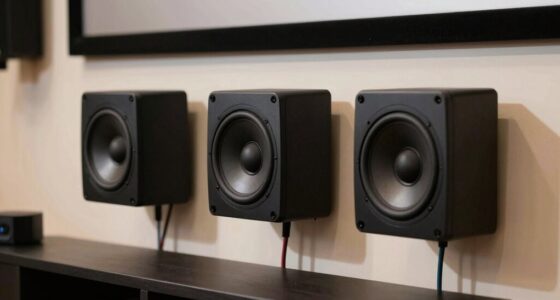
First, consider your speaker placement. If your speakers are too close to the receiver or improperly wired, it can cause a short circuit that triggers protection mode. Make sure your speakers are positioned at an appropriate distance and that the wiring is secure and correctly connected. Avoid crossing wires or connecting speakers with mismatched impedance because these mistakes can overload the receiver’s circuitry. Proper speaker placement isn’t just about sound quality; it’s also about guaranteeing the receiver functions safely and reliably. Once you verify your speaker wiring, test if the protection mode resets. Sometimes, simply repositioning or re-wiring your speakers can resolve the issue.
Another common cause involves HDMI troubleshooting. Faulty HDMI cables, loose connections, or incompatible devices can send incorrect signals or cause short circuits, prompting the receiver to activate protection mode. Start by inspecting all HDMI cables and replacing any that show signs of damage or wear. Ensure that all HDMI connections are firm and secure, especially at the receiver and source device ends. If you’re using multiple HDMI devices, try disconnecting them one by one to identify if a particular device or cable is causing the problem. Sometimes, updating your receiver’s firmware can also resolve HDMI-related issues, as manufacturers often release updates to improve compatibility and fix bugs. Avoid daisy-chaining multiple HDMI devices without proper switches or extenders, as this can overload the receiver and trigger protection mode. Additionally, examining your system for electrical faults can help prevent recurring issues.
It’s vital not to ignore these issues or attempt quick fixes like bypassing safety features, as doing so can cause permanent damage. Never force connections, ignore overheating, or use damaged cables, as these actions compromise your equipment’s safety. Always consult your user manual for specific troubleshooting steps and recommended configurations. If problems persist after checking speaker placement and HDMI connections, consider resetting your receiver or contacting professional support. Addressing the root causes promptly not only restores your system’s performance but also prolongs its lifespan. Remember, protection mode is there for your safety and your equipment’s longevity, so taking careful, deliberate steps is always the best approach.
Frequently Asked Questions
Can Protection Mode Cause Permanent Damage to My AV Receiver?
Protection mode rarely causes permanent damage to your AV receiver if you address the issue promptly. It’s usually triggered by hardware troubleshooting problems like overheating, short circuits, or power surges. To prevent damage, avoid ignoring warnings, and guarantee your firmware updates are current for peak performance. If protection mode persists, consult a professional rather than attempting repairs yourself, as improper handling could lead to hardware failure.
How Long Does Protection Mode Typically Last Before Resetting?
You wonder how long protection mode lasts before resetting? It varies, but usually, it stays active until you power cycle your receiver or follow the reset procedures. Sometimes, it can take just a few minutes or up to an hour, depending on the cause. To restore normal operation, turn off the receiver, wait a moment, then turn it back on. If it persists, consult your manual or a technician.
Does Protection Mode Affect Audio Quality Even When Not Active?
Protection mode doesn’t affect your audio quality when it’s not active. When your AV receiver isn’t in protection mode, it operates normally, delivering clear sound without interruptions. However, if protection mode triggers, it temporarily halts audio output to prevent damage, so you won’t hear any sound during that time. Once the issue’s resolved, protection mode disengages, and your audio quality returns to normal without any lasting impact.
Can Protection Mode Be Triggered by Firmware Issues?
Firmware glitches can definitely trigger protection mode, turning your receiver into a fortress to prevent damage. When you skip or delay software updates, those bugs and glitches pile up like a traffic jam, causing system errors. Outdated firmware might misinterpret normal signals as threats, activating protection mode unnecessarily. To avoid this, always keep your receiver’s firmware current, ensuring smooth operation and preventing false alarms that shut down your system.
Is There a Way to Bypass Protection Mode Safely?
You shouldn’t try to bypass protection mode, as it’s a safety feature. Instead, check your power supply to guarantee it’s stable and verify your speaker wiring for shorts or incorrect connections. If the problem persists, unplug the receiver for a few minutes, then reconnect everything carefully. If protection mode remains, consult a professional; bypassing it can damage your equipment or cause safety hazards.
Conclusion
Remember, your AV receiver’s protection mode is like a caring guardian, stepping in to shield your equipment from harm. Don’t ignore the warning signs or push through issues; doing so can cause irreversible damage. Treat it with respect, troubleshoot patiently, and you’ll keep your home theater shining bright. Think of protection mode as a gentle lifeline—once you understand what triggers it and how to prevent it, your audio paradise stays safe and sound, ready for many more movie nights.