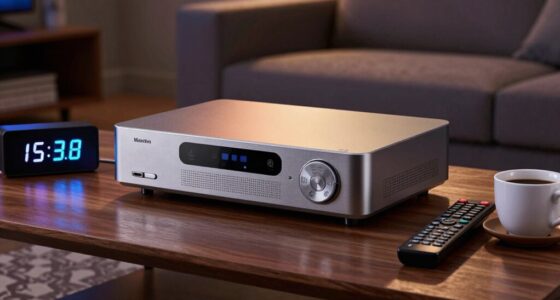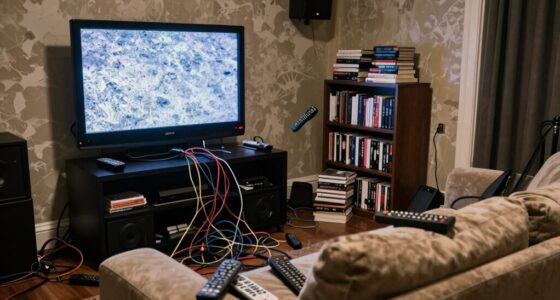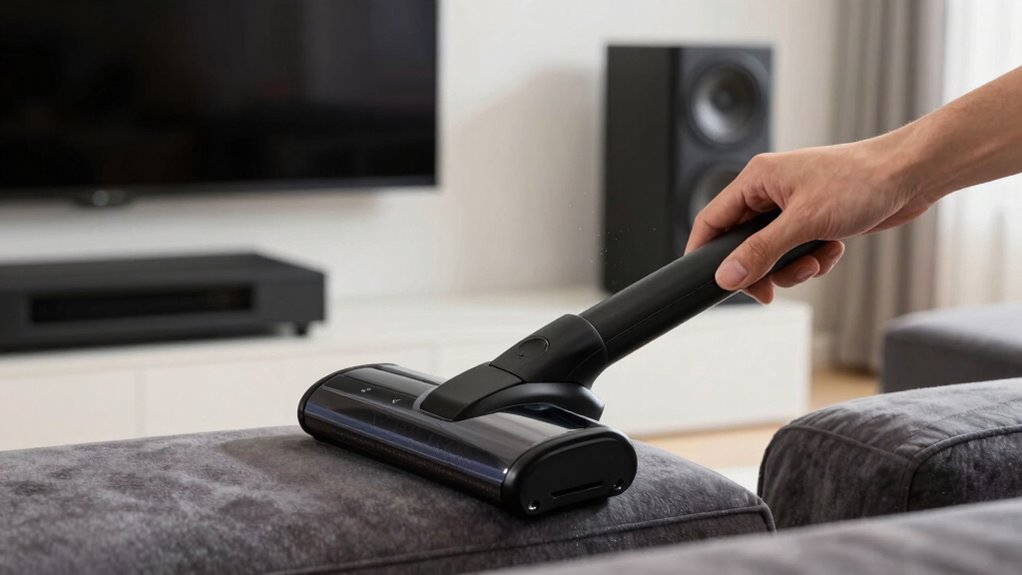

To vacuum around your speakers safely, use a vacuum with a soft brush attachment on a low suction setting. Keep the vacuum away from direct contact with the speaker surfaces and gently lift dust near edges and vents. Focus on areas around your components, like shelves and stands, to prevent dust buildup. Regularly check and adjust speaker placement for peak sound. Continuing with these tips will help you maintain clear sound quality and protect your system over time.

Get audio and creator gear delivered free with Prime
- Fast, free delivery on millions of items
- Prime Video, Amazon Music and more included
- Member-only deals all year
Key Takeaways
- Use a vacuum with a soft brush attachment and set it to low suction for gentle cleaning around speakers.
- Avoid direct contact with speaker surfaces to prevent damage during vacuuming.
- Focus on areas around speakers, including stands, shelves, and beneath furniture, to remove dust buildup.
- Regularly check and adjust speaker placement to maintain optimal sound quality and prevent dust accumulation.
- Incorporate routine cleaning schedules and dust control measures to protect speaker components and ensure system longevity.
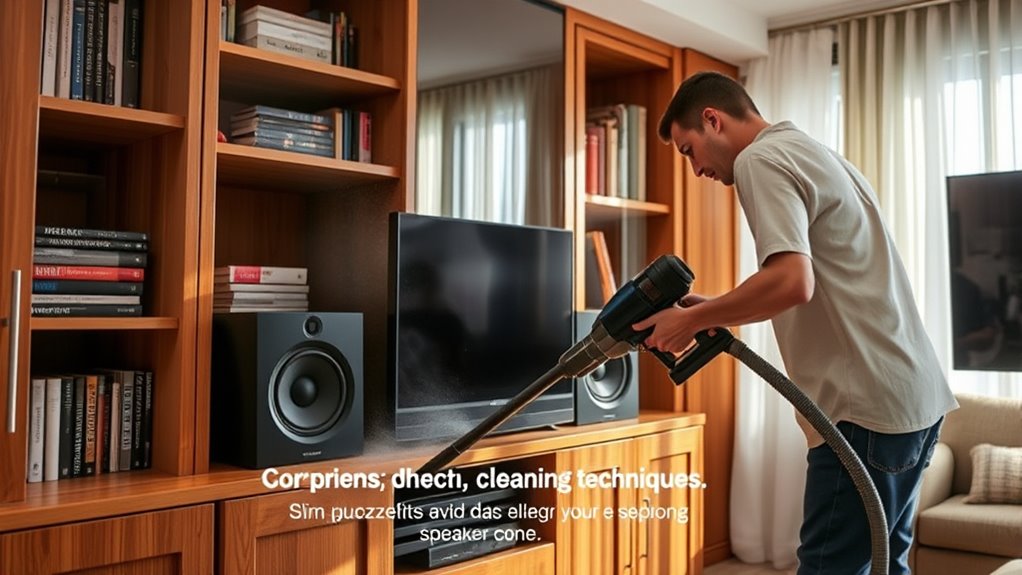
Are you ready to refresh your home theater for the new season? Spring cleaning isn’t just about dusting the furniture and wiping down surfaces; it’s also the perfect time to give your audio setup a thorough refresh. One of the most overlooked aspects of home theater maintenance involves careful attention to speaker placement and dust buildup. Proper speaker placement ensures ideal sound quality, while reducing dust accumulation helps maintain the longevity of your equipment. By combining these two aspects, you can enjoy a clearer, more immersive experience and extend the life of your system.
First, start by examining your speaker placement. Over time, furniture shifts and rearranged decor can throw off your speakers’ positioning, which impacts sound quality. When cleaning, take a moment to check if your speakers are still aligned correctly. Ideally, speakers should be positioned at ear level when seated, and their placement should form an equilateral triangle with your listening position. If they’re too close to walls or corners, you might notice muffled or distorted sound. Adjusting their placement slightly can greatly improve audio clarity. While making these adjustments, keep in mind that dust accumulation around the speakers can affect their performance. Dust on speaker grilles or inside the vents can block sound waves and diminish audio quality over time. Regularly cleaning around the speaker placement ensures dust doesn’t settle on the cabinets or get sucked into the drivers, which could cause overheating or damage in the long run. Additionally, being aware of dust management strategies can help you better maintain your system’s performance over time.
Check your speaker placement regularly for optimal sound and dust-free performance.
Vacuuming around your home theater is essential but must be done carefully. Use a vacuum with a soft brush attachment and set it to a low suction setting. Never insert the vacuum directly onto the speaker surfaces. Instead, hold the brush near the edges to gently lift dust away. Pay special attention to the area around your speakers, including shelves, stands, and the floor beneath them, to prevent dust from migrating into the speaker vents. This routine cleaning keeps dust buildup at bay and preserves your system’s audio fidelity.
Frequently Asked Questions
Can I Use a Regular Vacuum on My Speakers?
You shouldn’t use a regular vacuum on your speakers because it can harm them. For proper speaker maintenance, use a vacuum with a brush attachment and keep the nozzle at a safe distance to avoid applying too much pressure. This guarantees vacuum safety while cleaning around delicate speaker components. Always turn off your home theater system before cleaning, and gently vacuum around the speakers to prevent any accidental damage.
Is It Safe to Vacuum Behind My Home Theater System?
Yes, it’s safe to vacuum behind your home theater system, but you should do so carefully to protect your speaker placement and sound quality. Use a soft brush attachment to avoid damaging delicate components. Keep the vacuum at a low setting and avoid direct contact with the speakers. Regular cleaning helps prevent dust buildup, ensuring your system maintains peak sound quality without risking damage.
How Often Should I Vacuum Around My Home Theater Speakers?
Like a Victorian chimney sweep, you should vacuum around your home theater speakers every one to two months. This frequency helps prevent dust accumulation and keeps your speaker grille maintenance in check. Regular cleaning guarantees dust doesn’t settle into delicate components, preserving sound quality. Make sure to use a gentle attachment and avoid direct contact with speaker cones, so you protect your equipment while maintaining a dust-free environment.
What Tools Are Best for Cleaning Delicate Speaker Components?
You should use a soft brush or microfiber cloth for cleaning delicate speaker components. For speaker grill maintenance, a gentle vacuum with a brush attachment effectively removes dust without damaging the fabric. When dust removal techniques are necessary, avoid harsh chemicals and opt for compressed air or a soft brush to carefully loosen debris. This approach keeps your speakers clean and functioning as effectively as possible without risking damage.
Should I Unplug My Equipment Before Vacuuming?
Yes, you should unplug your equipment before vacuuming to prevent electrostatic discharge that could damage sensitive components. Unplugging also helps reduce vacuum noise that might interfere with your cleaning. This precaution safeguards your gear and ensures safe cleaning around your speakers. Always handle your equipment gently and avoid direct contact with delicate parts, maintaining the longevity and performance of your home theater system.
Conclusion
By following these safe vacuuming tips, you can keep your home theater spotless without risking damage to your speakers. Think cleaning is too complicated or might harm your equipment? Not at all—careful, gentle vacuuming guarantees your system stays pristine and performs at its best. So, don’t let spring cleaning feel overwhelming. With just a little effort, you’ll enjoy a cleaner, safer home theater that sounds as good as it looks—without any worries.
Halloween Picks
halloween
As an affiliate, we earn on qualifying purchases.