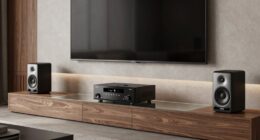
Establishing a daily routine of quick sound checks and visual inspections helps you catch problems early in your home theater. You should regularly listen for uneven or distorted audio and look for loose cables, dust, or sensor issues. Noticing these signs early prevents costly repairs and keeps your equipment performing at its best. By staying attentive, you gain confidence in your setup’s condition—if you keep going, you’ll discover how simple maintenance can make all the difference.

Get audio and creator gear delivered free — and shop member deals
- Fast, free delivery on millions of items
- Access to Prime Big Deal Days deals on October 6–7
- Prime Video, Amazon Music and more included
Key Takeaways
- Conduct daily visual inspections to spot loose connections, dust buildup, and signs of overheating early.
- Perform quick sound checks before viewing to detect distortions or imbalance indicating potential issues.
- Regularly clean equipment and lenses to prevent dust accumulation and maintain optimal performance.
- Familiarize yourself with normal equipment operation to identify deviations quickly.
- Address minor problems immediately to prevent them from escalating into costly repairs.
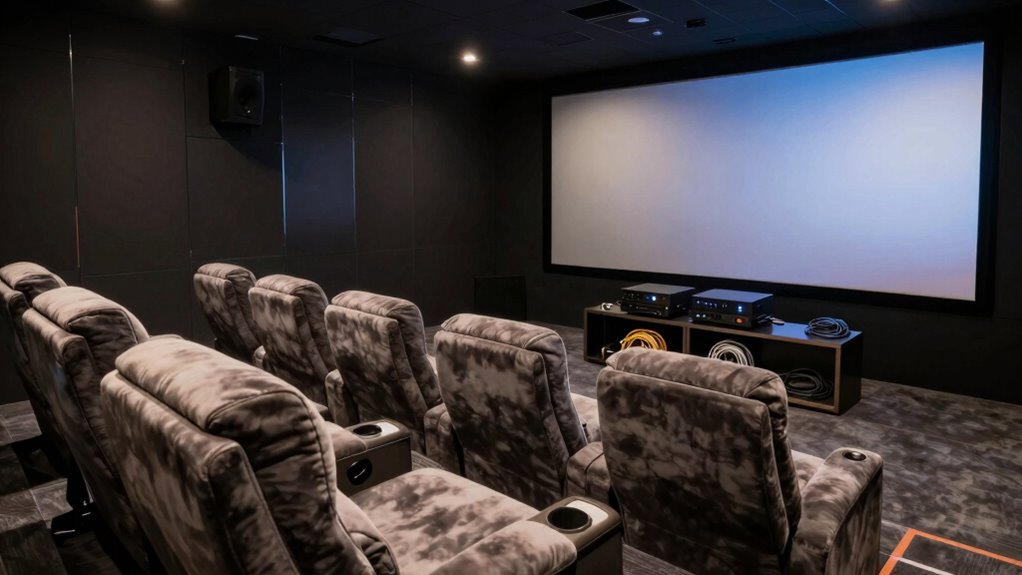
Have you ever wondered how a simple daily habit can keep your home theater running smoothly? It’s surprisingly easy to overlook small issues until they become major problems, but by establishing a quick routine, you can catch potential troubles early. One of the most effective habits involves a combination of sound calibration and visual inspection. These two steps help you stay ahead of issues like audio distortions, visual glitches, or hardware malfunctions before they ruin your viewing experience.
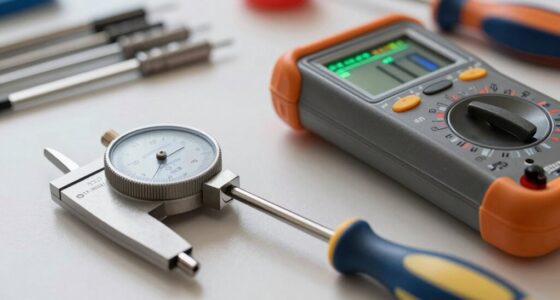
Each day, before settling in for your movie or show, take a few moments to run through a quick sound calibration. This doesn’t mean redoing complex setups; instead, you simply listen carefully to the audio output. Are the speakers delivering a balanced sound? Is there any crackling, static, or distortion? If the sound feels uneven or muffled, it could indicate loose connections, damaged cables, or a failing component. Addressing these early signs can save you from larger repairs down the line. Remember, clear and balanced sound is vital for an immersive experience, so don’t dismiss subtle changes—your ears are your best early warning system.
Check your sound daily for balanced audio and subtle issues to prevent bigger problems later.
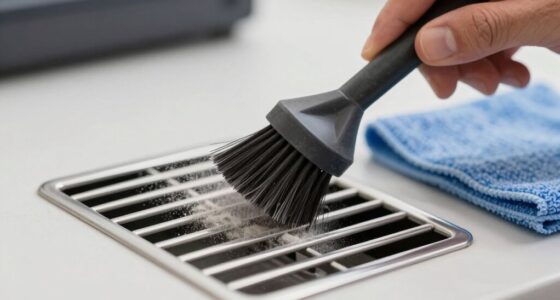
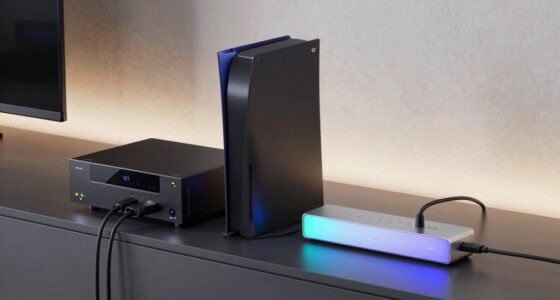
Alongside sound calibration, performing a visual inspection is equally essential. Look over your equipment and connections; check for loose wires, dust buildup, or signs of wear. Inspect your projector or TV for flickering, dead pixels, or unusual lines. Take note of any overheating signs, such as warm vents or strange smells. Sometimes, small issues like a loose HDMI cable or dust on a lens can cause significant disruptions, so catching them early makes a real difference. While it might seem minor, these quick visual checks can prevent more extensive damage or performance dips. Regularly cleaning and inspecting your equipment can also prevent major repairs, ensuring your home theater remains in top condition and prolongs its lifespan. Incorporating a routine check for electrical connections can help you identify potential hazards that might otherwise go unnoticed. Additionally, understanding common issues through knowledge of equipment can guide you in troubleshooting effectively. Developing a familiarity with your setup also helps you recognize normal operation, making deviations more obvious and easier to address promptly.
Incorporating this habit into your daily routine also helps you become more familiar with your home theater’s normal operation. When you’re used to regularly testing and inspecting, you’ll notice even subtle deviations. This heightened awareness makes it easier to troubleshoot or seek repairs before problems escalate. Plus, it guarantees you’re always ready for movie night, with the confidence that your setup is functioning at its best.
Ultimately, dedicating a few minutes each day to sound calibration and visual inspection is a small investment of time that pays off by maintaining your equipment’s longevity and performance. It’s an easy, proactive habit that keeps you ahead of issues, saving you both money and frustration. With consistent attention, you’ll enjoy consistently high-quality sound and picture, making sure your home theater remains a true sanctuary for entertainment.
home theater sound calibration tool
As an affiliate, we earn on qualifying purchases.
As an affiliate, we earn on qualifying purchases.
Frequently Asked Questions
What Specific Signs Indicate a Home Theater System Is Malfunctioning?
If your home theater system is malfunctioning, you’ll notice issues like distorted sound, uneven volume, or picture distortions. Regularly checking your audio calibration helps guarantee sound quality stays consistent, while wiring inspection reveals loose or damaged connections causing problems. Stay attentive to these signs, and promptly address any irregularities. This proactive approach helps you catch issues early, preventing bigger problems and maintaining peak performance for your viewing experience.
How Often Should I Perform Maintenance Checks on My Home Theater?
Think of your home theater as a finely-tuned orchestra; regular maintenance keeps every instrument in harmony. You should perform checks every three to six months, focusing on speaker calibration to guarantee peak sound and cable management to prevent issues. During these checks, clean connections, verify settings, and adjust speakers if needed. This proactive approach helps catch problems early, ensuring your system remains a symphony of cinematic bliss.
Are There Any Tools That Can Help Detect Issues Early?
Yes, tools like remote calibration devices and speaker alignment systems can help you detect issues early. Remote calibration allows you to fine-tune your audio settings easily, catching problems before they worsen. Speaker alignment tools ensure your speakers are properly positioned for peak sound. By using these tools regularly, you can spot potential issues with sound quality or setup early, preventing costly repairs and maintaining the best home theater experience.
Can Software Updates Improve or Fix Home Theater Problems?
Did you know that 60% of home theater issues can be resolved with proper software optimization? Yes, software updates like firmware updates can greatly improve and fix problems in your home theater system. They enhance device compatibility, fix bugs, and boost performance. Regularly installing firmware updates ensures your system runs smoothly, helping you catch and resolve issues early before they escalate, saving you time and frustration.
What Safety Precautions Should I Take During Troubleshooting?
When remote troubleshooting your home theater, you should prioritize safety by unplugging devices before inspecting connections and using safety gear like gloves or eye protection if needed. Always turn off power sources to avoid electric shocks, and keep liquids away from electronics. If you’re unsure or uncomfortable, consult a professional. Taking these precautions helps prevent accidents and guarantees your troubleshooting is safe and effective.
As an affiliate, we earn on qualifying purchases.
Conclusion
Just like a vigilant lighthouse keeper spots storms before they reach the shore, your regular home theater checks illuminate small issues before they grow. This habit keeps your system sailing smoothly, ensuring your movie nights stay uninterrupted. By staying attentive, you become the captain of your entertainment vessel, steering clear of surprises. Embrace this routine, and you’ll always be prepared to navigate any technical fog, keeping your cinematic journey uninterrupted and enjoyable.
As an affiliate, we earn on qualifying purchases.
home theater equipment cleaning kit
As an affiliate, we earn on qualifying purchases.
As an affiliate, we earn on qualifying purchases.
Fall Picks
fall essentials
As an affiliate, we earn on qualifying purchases.