
To watch sports like a pro and see the ball clearly, adjust your picture settings by increasing brightness to reveal details in shadows, boosting contrast for sharpness, and upping color saturation for vibrant visuals. Use sports or action modes if available to optimize clarity and contrast ratio, making the ball pop in fast-paced moments. Focusing on these settings and switching camera angles will sharpen your view and enhance your overall experience, so keep exploring to get even better results.
Key Takeaways
- Adjust brightness and contrast to enhance ball visibility against backgrounds during fast-paced action.
- Increase color saturation to make the ball’s color pop for easier tracking.
- Use sports picture mode presets to optimize clarity and focus on moving objects.
- Fine-tune contrast ratio for vivid images and deep blacks during intense moments.
- Switch camera angles and utilize zoom features to improve clarity and follow the ball closely.
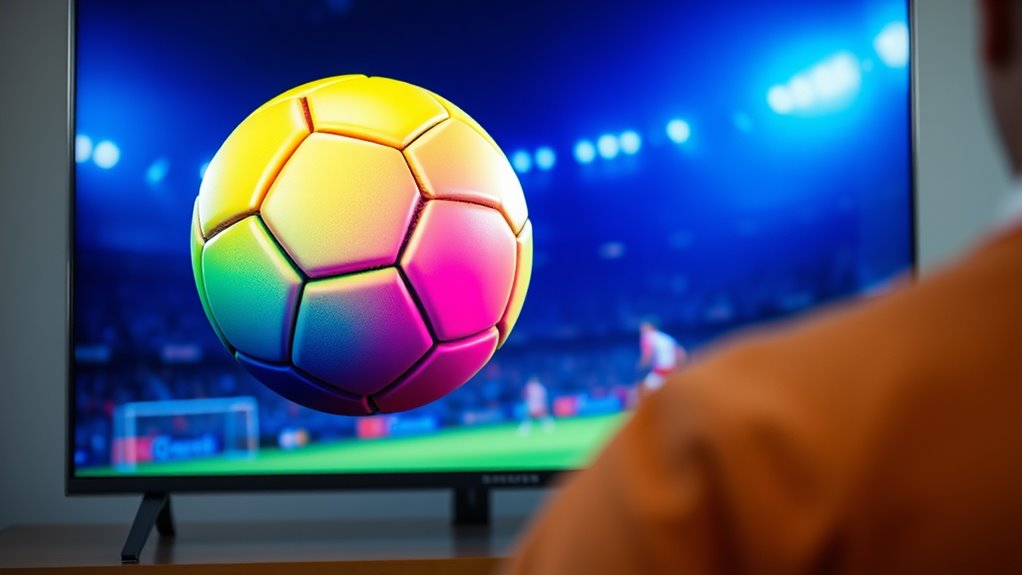
Ever wondered how to elevate your sports-watching experience from casual to expert? The secret lies in adjusting your picture settings and understanding how to make the ball pop against the background. When you fine-tune your display, you can better see the action and follow the game more easily. But to truly get the most out of your viewing, you also need to pay attention to camera angles and replay features. These elements work together to give you a clearer, more extensive view of the game, almost like you’re sitting courtside or in the owner’s box.
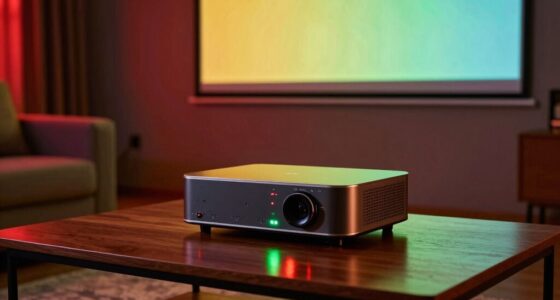
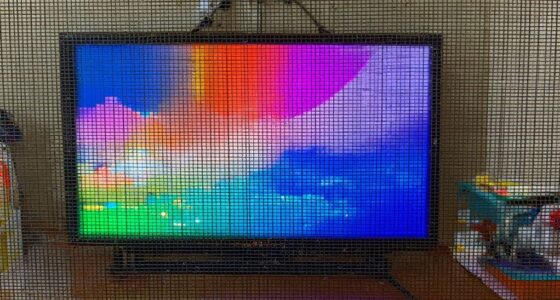
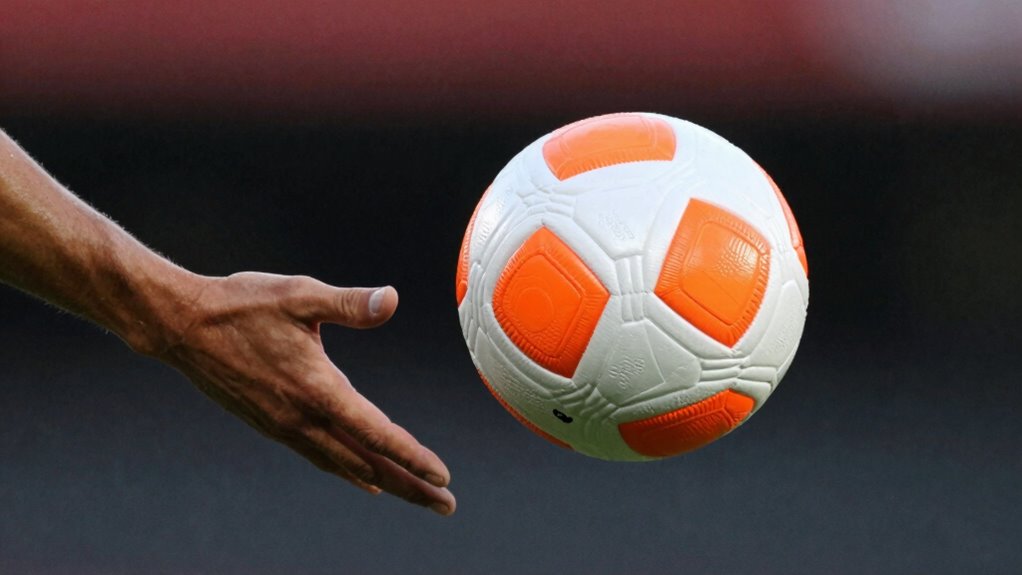
First, start by optimizing your picture settings. Brightness, contrast, and color saturation are key. Increasing contrast makes the ball stand out more sharply against the background, which is especially helpful when the game moves quickly. Adjusting brightness ensures you don’t miss details in darker scenes, while boosting color saturation helps the ball’s color pop, making it easier to track. Many modern TVs also offer picture mode presets tailored for sports; try switching to a “Sports” mode if available, as it’s designed to enhance fast-moving action and improve clarity. Additionally, understanding how contrast ratio impacts image quality can help you choose the best settings for vivid visuals and deep blacks during intense moments.
Optimizing brightness, contrast, and saturation makes sports visuals clearer and more engaging.
Beyond picture settings, understanding camera angles dramatically improves your viewing experience. Sports broadcasts use multiple camera angles to highlight different aspects of the game. Wide shots give you context, showing team formations and overall play, while close-ups focus on individual players and referees. Switching between these angles, or paying attention to the main camera view, helps you follow the ball more precisely. Some broadcasts let you select different camera feeds or zoom in for closer looks, giving you a sense of being right there on the field or court.
Replay features are another powerful tool. They allow you to rewatch critical moments from various angles. When you see a close call or an impressive play, take advantage of the replay options. Replay features often include multiple angles, slow-motion, and even freeze frames. These tools help you analyze the action more thoroughly, so you understand exactly what happened. Use replays to track the ball’s trajectory, see if a pass was legal, or observe a player’s technique. Over time, this deepens your understanding of the game and sharpens your observation skills.
Incorporating these picture settings, camera angles, and replay features into your viewing habits transforms a simple game into a detailed, engaging experience. You’ll notice the difference in how clearly you follow plays, how easily you spot the ball, and how much more you enjoy the game overall. With a little tweaking and attention, you’ll be watching sports like a pro—seeing every pass, shot, and tackle with crystal clarity.
Frequently Asked Questions
How Do I Adjust Picture Settings for Different Sports?
To adjust picture settings for different sports, start by tweaking your contrast and brightness to highlight fast-moving objects like balls. Use sports camera angles to improve clarity and focus on key action points. Adjust color saturation to enhance visibility, especially in low-light conditions. Familiarize yourself with broadcasting techniques, such as zoom and panning, to keep the ball in focus. Tailoring these settings makes viewing more engaging and helps you follow the game better.
Which Color Settings Improve Ball Visibility?
Think of your TV as a spotlight, highlighting the action. You’ll want to boost color contrast and optimize brightness so the ball pops like a beacon on the screen. High contrast settings sharpen the ball’s edges, making it easier to track, while adjusting brightness guarantees the ball stands out against the background. Play with these settings until the ball practically jumps into your view, transforming your viewing into a front-row experience.
Can I Save Multiple Settings for Various Sports?
Yes, you can save multiple settings for various sports to optimize broadcast quality and ball visibility. Most modern TVs and sports equipment have customizable picture modes, allowing you to switch easily between settings tailored for football, tennis, or basketball. This way, you get the best viewing experience for each sport, making it easier to follow the ball and enjoy the game at a higher quality.
Are There Automatic Modes for Specific Sports?
Yes, many TVs come with automatic mode, which detects the sport you’re watching and adjusts settings accordingly. You can also use sports-specific presets, which optimize picture quality for different games like football or tennis. These presets make it easier to see fast-moving balls and players, giving you a better viewing experience. Just select the mode or preset before starting your game, and enjoy clearer, more focused visuals automatically.
How Do Ambient Lighting Conditions Affect Picture Settings?
Ambient lighting conditions considerably impact your picture settings, so you need to adjust for ideal viewing. If there’s glare, enable glare reduction features and reduce ambient light to prevent reflections. Proper screen calibration helps maintain color accuracy and contrast, especially in bright or dim rooms. By tweaking these settings based on your environment, you’ll enhance visibility, making it easier to follow fast-paced sports and see the ball clearly, just like a pro.
Conclusion
Now that you know how to adjust your picture settings, aren’t you ready to enjoy every game like a pro? With the right tweaks, you’ll spot the ball easily and stay immersed in the action. Why settle for blurry, hard-to-see visuals when you can enhance your viewing experience effortlessly? Just make these simple changes, sit back, and cheer for your team with confidence—watch sports like a true expert!