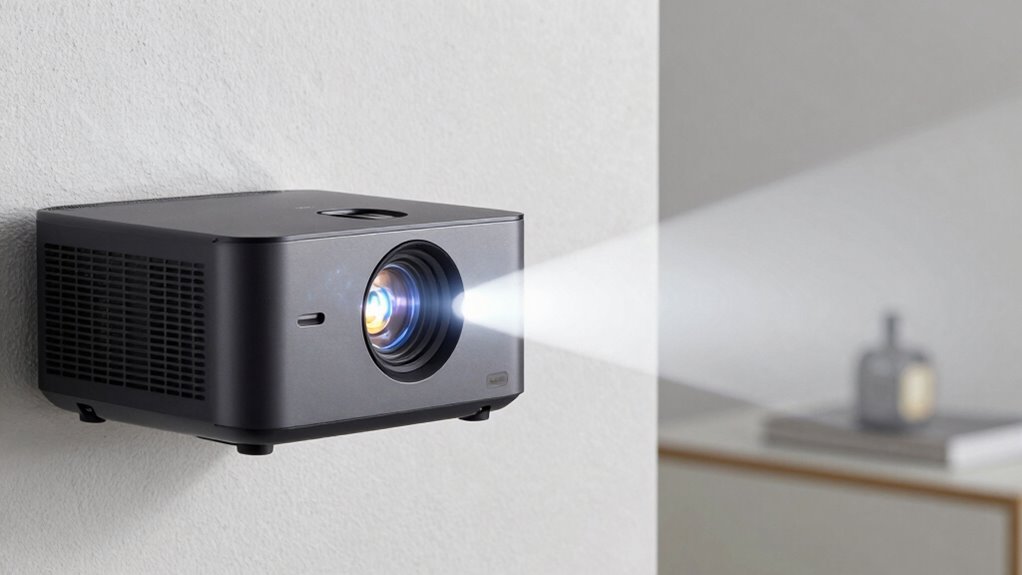

Your projector’s throw ratio tells you how far it needs to be from the screen to produce the desired size. It’s expressed as a number like 1.5:1, meaning 1.5 feet of distance for every foot of image. A lower ratio lets you place the projector closer, ideal for small spaces, while a higher ratio suits larger rooms. Understanding this spec helps you set up for a sharp, properly sized picture—if you’re curious, keep going to learn more.
Key Takeaways
- Throw ratio indicates the projector’s distance-to-width ratio, affecting how far the projector must be placed from the screen.
- A lower throw ratio (e.g., 0.8:1) allows closer placement, suitable for small rooms or tight spaces.
- A higher throw ratio (e.g., 2.0:1) requires a greater distance, ideal for larger rooms.
- Correctly matching throw ratio to room size ensures a clear, undistorted image without keystone correction.
- Using the right throw ratio helps optimize projector placement for ideal screen size and image quality.
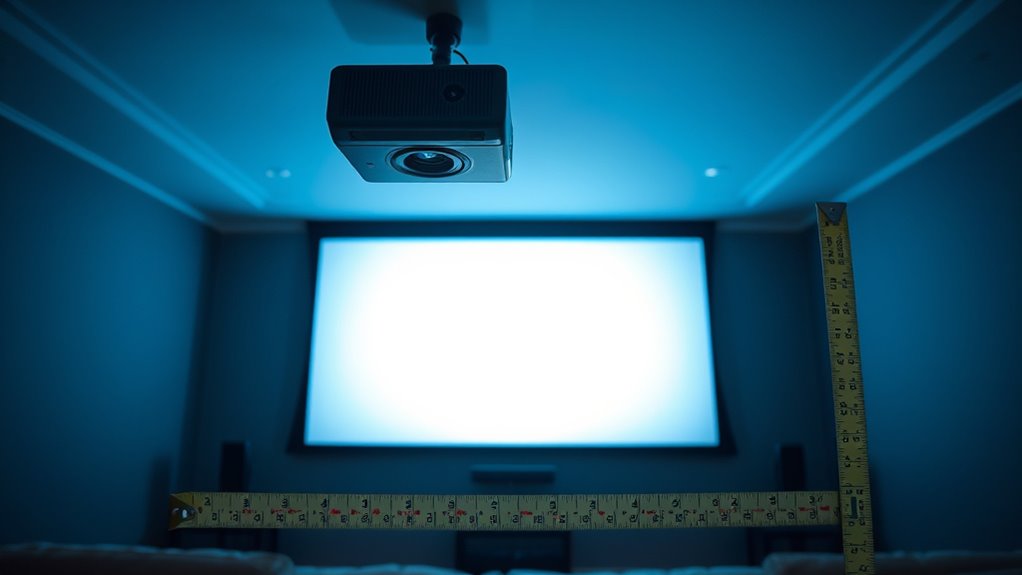
Understanding projector throw ratio is essential when setting up a projector, as it determines how far the device must be placed from the screen to produce a specific image size. This ratio influences not only the size of the projected image but also impacts the overall image quality you experience. A proper grasp of throw ratio helps you avoid common issues like stretched or distorted images and ensures your setup looks sharp and clear. When planning your installation, pay close attention to the projector’s throw ratio to decide the ideal placement distance. This way, you won’t need to move the projector around excessively or compromise the image’s clarity, both of which can negatively affect the viewing experience.
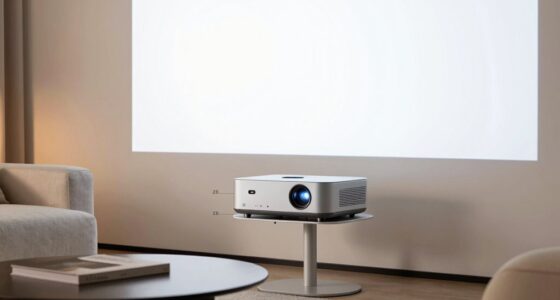
The throw ratio is typically expressed as a simple number, such as 1.5:1 or 0.8:1. The first number indicates the distance from the projector to the screen relative to the width of the image. For example, a throw ratio of 1.5:1 means you need to place the projector 1.5 feet away for every foot of image width. A lower ratio, like 0.8:1, allows you to place the projector closer to the screen, which is ideal for small spaces where you don’t have room for a long throw distance. Conversely, a higher ratio is suitable for larger rooms where the projector must be farther away to produce the desired image size. Knowing this helps you plan your installation effectively, ensuring the projector is neither too close nor too far, which can compromise image quality.
When setting up your projector, keep in mind some key installation tips related to throw ratio. Measure your room carefully and determine the ideal screen size beforehand. Use the projector’s throw ratio to figure out the appropriate distance, making sure it aligns with your room’s dimensions. Mounting the projector at the correct distance helps prevent image distortion, such as keystone effects or blurriness, which can occur if the projector is placed incorrectly. Additionally, positioning the projector at the right distance minimizes the need for digital keystone correction, which can degrade image quality. Proper placement also reduces shadows and glare, creating a more immersive viewing experience.

Golf Simulator Projector Cover - Floor Mounted Enclosure with Cooling Fan for Optimal Protection of Outdoor Golf Simulation Projectors - Compatible with Leading Golf Simulators and Projectors
✅【Economical Solution】The Golf Simulator Projector Cover offers a budget-friendly alternative to ceiling installations, allowing you to easily position...
As an affiliate, we earn on qualifying purchases.
Frequently Asked Questions
How Does Ambient Light Affect Projector Throw Ratio?
Ambient light doesn’t directly influence your projector’s throw ratio, but it affects your viewing experience. Bright rooms or high ambient light can wash out images, making scenes less vibrant and details harder to see. To improve your viewing experience, consider using a projector with higher brightness or adding window coverings. This helps make sure your image stays clear and vivid, regardless of ambient light levels.
Can Throw Ratio Change With Different Projector Lenses?
Yes, your throw ratio can change with different projector lenses. Lens variation allows you to adjust zoom capabilities, which directly impacts the throw ratio. When you switch lenses, you may find that the throw ratio shifts, enabling you to project larger or smaller images from the same distance. This flexibility helps you optimize your setup for different room sizes and screen dimensions, making your projector more versatile.
What Is the Impact of Throw Ratio on Image Quality?
Your throw ratio dramatically impacts your image quality, making or breaking your viewing experience. A poor ratio causes distortions, blurry images, or pixelation, especially if your projection distance isn’t ideal. When you match your throw ratio with your screen resolution and distance, it guarantees sharp, vibrant visuals. Get it right, and your projector becomes a window to stunning clarity—miss it, and your picture falls apart faster than a house of cards.
Are Short-Throw Projectors Suitable for Small Rooms?
Yes, short-throw projectors are perfect for small rooms because they require a short projection distance. This allows you to achieve a large screen size without needing a lot of space behind the projector. You can place the projector close to the wall or screen, maximizing your room’s limited space while still enjoying a clear, sizable image. They’re an excellent choice for small rooms with tight spaces.
How Does Throw Ratio Influence Installation Flexibility?
The throw ratio directly affects your installation flexibility by determining the projection distance needed for a given screen size. A lower throw ratio allows you to mount the projector closer to the screen, offering more versatile mounting options, especially in tight spaces. Conversely, a higher throw ratio requires more space, limiting your mounting options. Understanding this helps you choose the right projector for your room’s layout and desired projection setup.

Projector Dust Cover for Ceiling Video Projector at Home or Outdoor Installation, Waterproof Dustproof Protection Case, 14"x14"x 9"
Ultimate Protection: waterproof cover protects your video projector from dust, scratches, and water damage or other possible factors...
As an affiliate, we earn on qualifying purchases.
Conclusion
Understanding projector throw ratio helps you pick the perfect setup. For example, if you have a small room and want a large screen, choosing a projector with a low throw ratio allows you to place it closer to the wall. Imagine setting up in a cozy living room and still enjoying a cinematic experience without clutter. By grasping this spec, you guarantee your projector fits seamlessly into your space, delivering the size and image quality you desire.

Projector Dust Cover,Projector Cover Outdoor Case Protective,Dust-Proof,UV-Resistant,Moisture-Proof,Fit for Ceiling Video Mounted Equipment Enclosure Oxford,Cloth Drawstring(13.7" X 13.7" X 8.6")
【Projector Dust Cover Material and Design】: Mainly made of waterproof elastic Oxford cloth, with a sturdy and durable...
As an affiliate, we earn on qualifying purchases.

Projector Dust Cover,Fit for Ceiling Mounted Projector and Universa Projector Waterproof,Dust-Proof, UV-Resistant Cover Oxford Cloth,Dimensions13.7" x 13.7" X 8.6"
Projector dust cover: Protect the projector surface from damage. Keep the projector clean and prevent it from being...
As an affiliate, we earn on qualifying purchases.