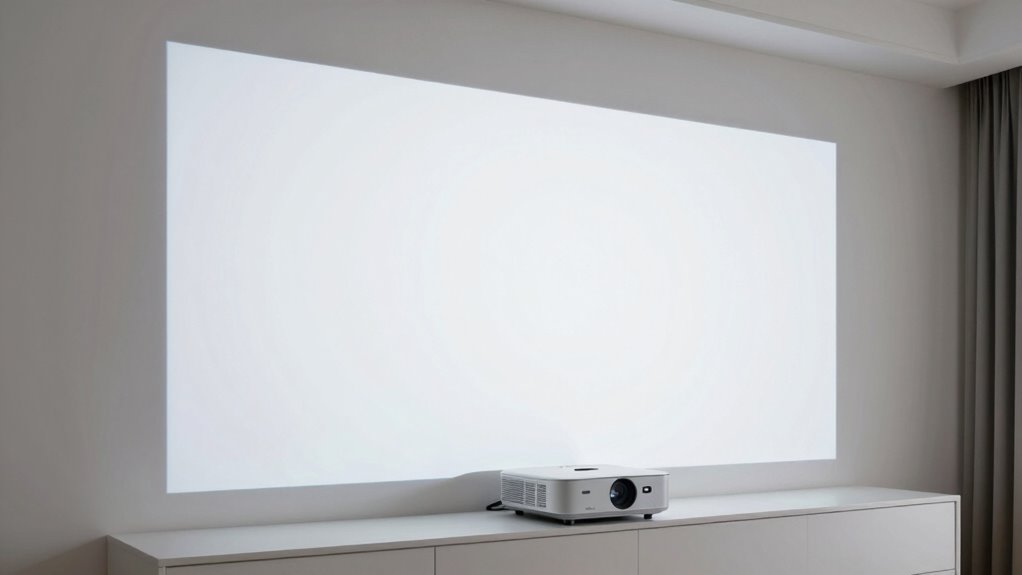

Even if your projector is perfectly aligned on paper, hidden factors like room acoustics, lighting, and calibration can still make the image feel off. Reflective surfaces, ambient light, or slight color mismatches disrupt the visual harmony, creating a sense that something’s not right. Small adjustments in sound, color, and setup can considerably improve the experience. Keep exploring, and you’ll discover how to fine-tune your space for an immersive, natural projection.

Get audio and creator gear delivered free — and shop member deals
- Fast, free delivery on millions of items
- Access to Prime Big Deal Days deals on October 6–7
- Prime Video, Amazon Music and more included
Key Takeaways
- Environmental factors like lighting and acoustics often impact image perception more than precise placement.
- Small calibration adjustments in color and focus can significantly improve image quality, even if placement is correct.
- Room furnishings and reflective surfaces can distort or distract from the projected image.
- Proper projection angles and keystone correction are essential to prevent visual distortions.
- A holistic setup, including acoustics and ambient light control, is crucial for an optimal viewing experience.
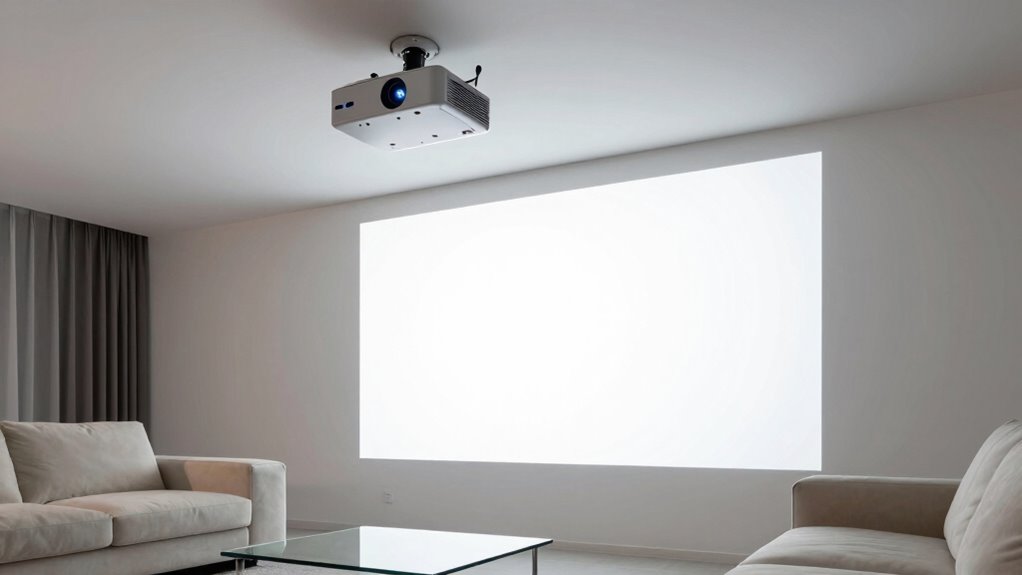
Even when your calculations for projector placement seem perfect, the image can still feel off. You might have carefully measured the distance, aligned the lens, and considered the throw ratio, but something just doesn’t look right. Often, the culprit isn’t math or positioning alone—it’s subtle factors like color calibration and room acoustics that influence your viewing experience more than you realize. These elements can make an image appear distorted, dull, or uneven, even if the projector is technically in the right spot. Properly assessing environmental factors can help identify hidden issues impacting your setup. Color calibration plays an essential role in how you perceive the projected image. If your projector isn’t properly calibrated, the colors can look washed out, overly saturated, or off-tone. This misalignment can give the impression that the image isn’t sharp or correctly aligned, even if the projector’s position is spot on. Proper calibration ensures the colors are true to life, which makes the image appear clearer and more natural. It’s worth investing time into adjusting the color settings, especially if you notice a tint or hue that doesn’t match the environment or your expectations. Small tweaks can dramatically improve the overall picture quality and make your setup feel more right. Room acoustics also profoundly impact your viewing experience, even though it might seem unrelated to projector placement. Sound quality influences how immersive the experience feels, and poor acoustics can make the image appear less vibrant or even cause visual discomfort. For example, if your room has a lot of reflective surfaces, echoes can distract you, making the image seem less focused or stable. Conversely, a room with poor sound absorption can cause audio to muddle, which diminishes the impact of the visual content. To optimize your setup, you need to think about the placement of furniture, rugs, or acoustic panels that can absorb or diffuse sound. When the acoustics are balanced, your visual perception improves because you’re not distracted by echoes or muffled sounds, helping the image appear more accurate and engaging. Additionally, understanding projection angles and keystone correction can help ensure your image is properly aligned without distortions. Adjusting lighting conditions in the room can also influence how vivid and true-to-life the projected image appears, making it crucial to consider ambient light sources. Remember that consistent calibration across all components is key to maintaining a cohesive and natural picture. In the end, it’s a combination of factors that make your projector setup feel right or wrong. Even if you’ve nailed the measurements, neglecting color calibration and room acoustics can undermine your efforts. Paying attention to these details ensures that your image looks true to life, sharp, and inviting, transforming your space into a truly immersive viewing environment. So, next time the picture feels off despite your meticulous placement, check your color calibration and room acoustics—they might be the missing pieces to perfect your setup.
projector color calibration tool
As an affiliate, we earn on qualifying purchases.
As an affiliate, we earn on qualifying purchases.
Frequently Asked Questions
How Does Room Lighting Affect Projector Image Quality?
Room lighting considerably impacts your projector’s image quality by affecting color accuracy and brightness consistency. Bright ambient light washes out the image, making colors less vibrant and details harder to see. To optimize, you should dim or control room lighting, especially during presentations or viewing. This helps the projector produce clearer, more accurate colors and maintains consistent brightness, ensuring you enjoy a high-quality, immersive viewing experience.
Can Wall Texture Distort the Projected Image?
Yes, wall texture can distort the projected image. Wall imperfections like bumps, grooves, or uneven surfaces cause projection distortion, making the image appear blurry or skewed. When you project onto textured walls, the light scatters unevenly, reducing clarity and sharpness. To improve image quality, consider using a smooth, flat surface or applying a projector screen or matte paint designed for ideal projection.
Does Projector Lens Cleanliness Impact Image Clarity?
Yes, projector lens cleanliness greatly impacts image clarity. Dust, fingerprints, or smudges on the lens can diminish image sharpness, making it appear blurry or washed out. Regular lens maintenance guarantees your projector delivers crisp, clear visuals. Keep the lens clean with a soft, lint-free cloth and appropriate cleaning solutions, especially before important presentations or movie nights. Proper lens care helps maintain ideal image quality and enhances your viewing experience.
How Does Ambient Temperature Influence Projector Performance?
Ambient temperature greatly influences your projector’s performance. You might think it’s just about comfort, but temperature fluctuations cause thermal expansion, affecting internal components and image stability. If the environment isn’t temperature-stable, your projector could overheat or underperform, making images look off despite correct placement. To guarantee the best clarity, keep the room temperature consistent, allowing your projector to operate within its ideal thermal range and maintain steady image quality.
Are There Specific Projector Brands More Prone to Alignment Issues?
Some projector brands are more prone to alignment issues due to inconsistent brand reliability. You might notice frequent need for alignment troubleshooting with budget or lesser-known brands, as their manufacturing quality varies. To minimize frustration, stick with reputable brands known for consistent performance and reliable image quality. Regularly check and calibrate your projector, regardless of brand, to guarantee the image stays aligned and sharp, especially if you notice it drifting despite correct placement.
room acoustic panels for home theater
As an affiliate, we earn on qualifying purchases.
As an affiliate, we earn on qualifying purchases.
Conclusion
So, next time your projector feels off despite the math checking out, remember it’s about more than just numbers—it’s about feeling the vibe. Think of it like tuning a vintage radio; even when the frequencies seem perfect, the sound might still be slightly off because of unseen quirks. Trust your senses and tweak that placement. After all, sometimes you gotta channel your inner wizard to make everything align just right—like magic, but tech.
projector keystone correction device
As an affiliate, we earn on qualifying purchases.
As an affiliate, we earn on qualifying purchases.
ambient light control for projector
As an affiliate, we earn on qualifying purchases.
As an affiliate, we earn on qualifying purchases.
Fall Picks
fall essentials
As an affiliate, we earn on qualifying purchases.