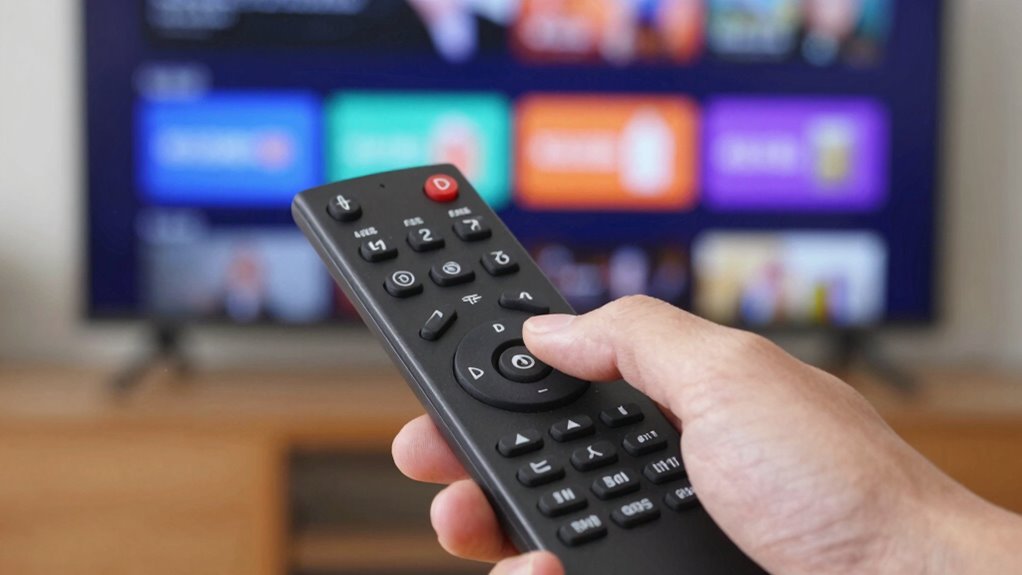

Remote control lag on your smart TV often happens because infrared signals get blocked or disrupted by objects, sunlight, or other electronic devices. Low batteries, outdated firmware, or dirt on sensors can also cause delays. To fix this, keep your remote and TV sensors clean, replace batteries, and update your firmware regularly. Ensuring a clear line of sight and minimizing interference usually helps. If you want to know more, there’s always a simple way to improve your remote’s responsiveness.
Key Takeaways
- Ensure remote batteries are fresh to maintain strong signal transmission and reduce input lag.
- Keep the remote sensor on the TV unobstructed and clean for optimal IR communication.
- Update your TV’s firmware to fix bugs that may cause remote response delays.
- Minimize electronic interference by moving other devices away from the TV and remote path.
- Reboot the TV or reset the remote to resolve software glitches causing button delays.

Remote control lag can be frustrating, especially when you’re trying to enjoy your favorite shows or games. That delay between pressing a button and seeing the response on your smart TV can ruin the experience, making it feel like your remote isn’t working properly. One common cause of this issue is infrared interference. Infrared signals rely on a clear line of sight between your remote and the TV’s sensor. If there are objects blocking the path, or if other devices emit similar IR signals, your remote’s commands can get lost or delayed. For example, sunlight streaming through a window or certain LED lights can cause interference, disrupting the infrared communication. To fix this, try moving other electronic devices away from your TV or repositioning your remote. Ensuring a direct line of sight can dramatically reduce lag caused by infrared interference. Additionally, environmental factors like electromagnetic interference from nearby appliances can also impact remote responsiveness, so consider the placement of your TV and remote in your room.
Infrared interference from objects or lights can cause remote lag; ensure clear line of sight for better response.
Another essential aspect to check is whether your TV’s firmware is up to date. Firmware updates often include performance improvements and bug fixes that can resolve lag issues. Manufacturers frequently release updates to optimize how the remote communicates with the TV, especially with new features or hardware changes. If your remote buttons feel delayed, it’s worth visiting your TV’s settings menu and checking for available firmware updates. Updating your firmware can improve response times, fix compatibility issues, and eliminate bugs that cause lag. Keep in mind, some updates require you to download the latest version via Wi-Fi or USB, so follow the manufacturer’s instructions carefully.
Beyond interference and firmware, consider the remote’s batteries. Low power can diminish signal strength, leading to delays. Replacing old batteries with fresh ones can make a noticeable difference in responsiveness. Additionally, if your remote has a lot of buttons or a complex interface, it might take longer to process commands, especially if the TV’s software is sluggish. In such cases, resetting the remote or performing a factory reset on your TV can help clear out software glitches that cause lag.
Ultimately, addressing remote control lag involves a combination of troubleshooting steps. Start by eliminating potential infrared interference sources and ensuring your firmware is current. Replace batteries regularly, and keep the remote and TV sensors clean and unobstructed. If problems persist, consult your TV’s support resources or consider replacing the remote if it’s physically damaged or outdated. By systematically tackling these issues, you’ll enjoy smoother, more responsive control, letting you focus on what truly matters—your entertainment.
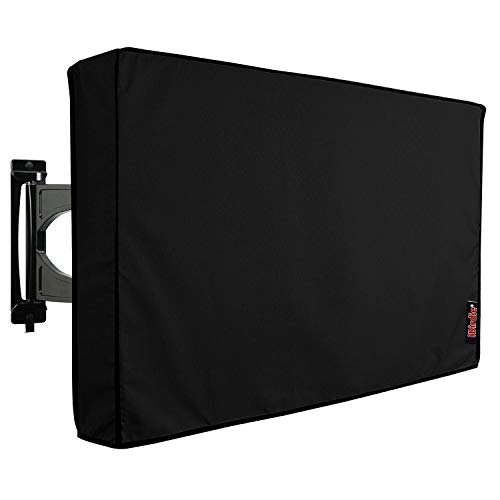
iBirdie Outdoor TV Cover 52 to 55 inch Weatherproof, Cover Size 52''L x 31''H, Waterproof for Outside Flat Screen 52 to 55 inch TV, Black, 600D Thick Fabric Screen Protector with Bottom
Protect Your Outdoor TV: Protect your outdoor TV with our outdoor TV cover, featuring a long-lasting design and...
As an affiliate, we earn on qualifying purchases.
Frequently Asked Questions
Can Remote Control Lag Affect All Smart TV Brands Equally?
Remote control lag can vary across smart TV brands because of differences in brand compatibility and remote signal strength. Some brands have better technology that reduces delay, while others may struggle if the remote doesn’t sync well or has weak signal strength. You might notice more lag on certain brands, especially if their remote isn’t optimized for your TV or if interference affects signal quality. So, not all brands are affected equally.
Is There a Difference Between Wireless and Wired Remote Controls?
A wireless remote, like infrared (IR), uses signals that can be affected by obstacles or poor Infrared compatibility, causing delays. Wired remotes, on the other hand, offer direct connection, reducing lag. For example, if your IR remote’s batteries are weak, responsiveness drops, increasing delay. Wired remotes eliminate battery concerns and interference, providing more reliable performance, especially when you need quick responses on your smart TV.
How Does HDMI-CEC Impact Remote Response Time?
HDMI-CEC can impact your remote response time because it enables remote synchronization and device control through a single HDMI connection. When HDMI CEC is enabled, your TV and connected devices communicate more actively, which may cause slight delays in remote responsiveness. To improve response time, consider disabling HDMI CEC if you notice lag, or check your device settings to optimize remote synchronization, ensuring smoother and quicker control.
Are There Specific Apps That Cause More Remote Lag?
Like a slow-moving river, certain apps can cause more remote lag. When you run apps with heavy performance demands or background processes, they distract your TV’s processor, making it less responsive to your remote. Streaming apps or games often use more resources, increasing delay. To improve response time, close unnecessary apps or restart your TV to reduce background activity and optimize app performance.
Can External Devices Like Soundbars Cause Remote Control Delays?
Yes, external devices like soundbars can cause remote control delays due to interference sources and device compatibility issues. When these devices emit signals or use similar frequencies, they can disrupt the remote’s communication with your TV. To fix this, verify your soundbar and TV are compatible, update firmware, and keep devices properly spaced to reduce interference. Doing so helps restore smooth, responsive remote control performance.

iBirdie Outdoor TV Cover 48 to 50 inch Weatherproof, Cover Size 47.5''L x 30''H, Waterproof for Outside Flat Screen 48 to 50 inch TV, Black, 600D Thick Fabric Screen Protector with Bottom
Protect Your Outdoor TV: Protect your outdoor TV with our outdoor TV cover, featuring a long-lasting design and...
As an affiliate, we earn on qualifying purchases.
Conclusion
So, next time your remote feels sluggish, ask yourself: do you want to keep waiting or take action? With a few simple steps, you can restore quick responsiveness and enjoy seamless control. Don’t let lag ruin your viewing experience—tackle the issue now and imagine effortlessly switching channels or adjusting volume without delay. After all, why settle for frustration when a quick fix can bring back smooth, instant command over your smart TV?

ULTCOVER Waterproof Outdoor TV Cover for 55-59 inch Outside Flat Screen Televisions with Mounts and Stands
Fits flat screen tv with cables size up to 54”(W)x33”(H)x5”(D).
As an affiliate, we earn on qualifying purchases.
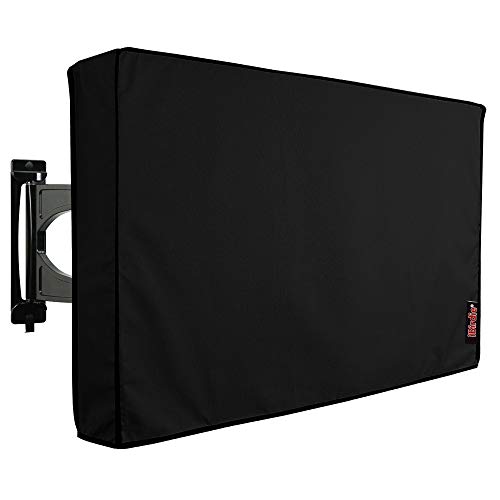
iBirdie Outdoor TV Cover 70 to 75 inch Weatherproof, Cover Size 68''L x 42''H, Waterproof for Outside Flat Screen 70 to 75 inch TV, Black, 600D Thick Fabric Screen Protector with Bottom
Protect Your Outdoor TV: Protect your outdoor TV with our outdoor TV cover, featuring a long-lasting design and...
As an affiliate, we earn on qualifying purchases.