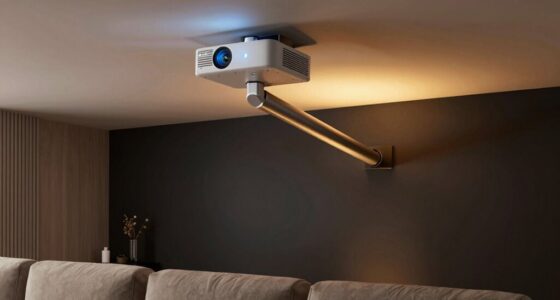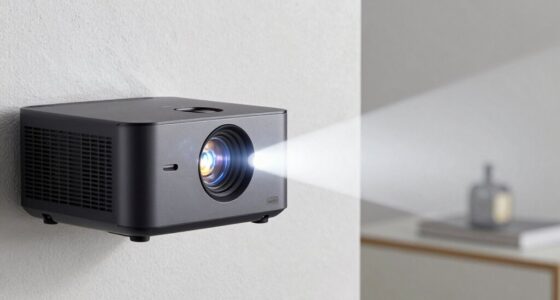

To keep your projector running smoothly, focus on cleaning and replacing filters regularly to prevent dust buildup and overheating. Keep an eye on the lamp’s lifespan, watch for signs of dimming or flickering, and replace it before failure. Lasers generally need less attention but should be checked for performance issues and proper cooling. Understanding what needs routine care helps avoid costly repairs; learn more about maintaining each component effectively.
Prime for Young Adults — start your free trial
Fast free delivery, streaming and member deals for eligible 18–24 year olds.
As an affiliate, we earn on qualifying purchases.
Key Takeaways
- Regularly clean and replace filters to prevent dust buildup and overheating.
- Monitor lamp hours and replace lamps proactively to maintain image brightness and color quality.
- Check laser modules for signs of dimming or flickering and perform proper cleaning and cooling.
- Keep external components and internal filters dust-free to ensure optimal airflow and heat management.
- Seek professional service if experiencing persistent overheating, flickering, or image degradation despite routine maintenance.
projector air filter replacement
As an affiliate, we earn on qualifying purchases.
As an affiliate, we earn on qualifying purchases.
Understanding Your Projector’s Key Components

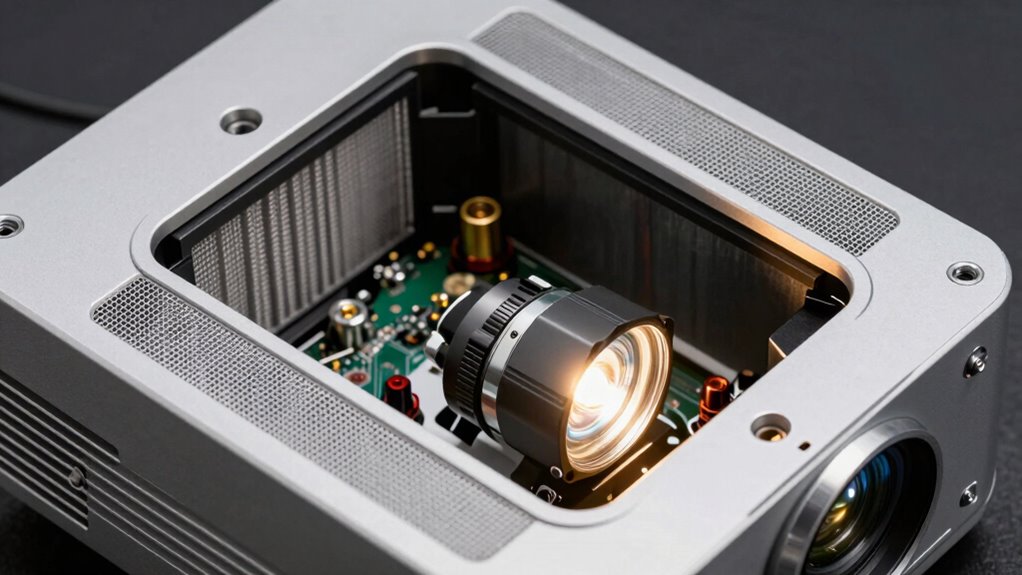
Understanding your projector’s key components is essential for proper maintenance and troubleshooting. You should familiarize yourself with the main parts: the lamp, which provides the light source; the lens, responsible for focusing the image; and the cooling system, including fans that prevent overheating. The control panel allows you to adjust settings, while the input ports connect your devices. Recognizing these components helps you identify issues quickly. For example, if the image is dim, it might be a lamp problem. If the projector overheats, check the cooling system. Knowing how these parts work together ensures you can perform basic maintenance and know when to seek professional repairs. Regularly inspecting and cleaning these parts can significantly extend your projector’s lifespan, especially the filters and cooling fans. Proper Heat distribution is a crucial factor in preventing component failure and ensuring optimal performance. Additionally, understanding the importance of component maintenance can help prevent costly repairs and improve overall device longevity. Being proactive with preventive maintenance can save you time and money in the long run.
As an affiliate, we earn on qualifying purchases.
The Role of Filters and When to Clean or Replace Them
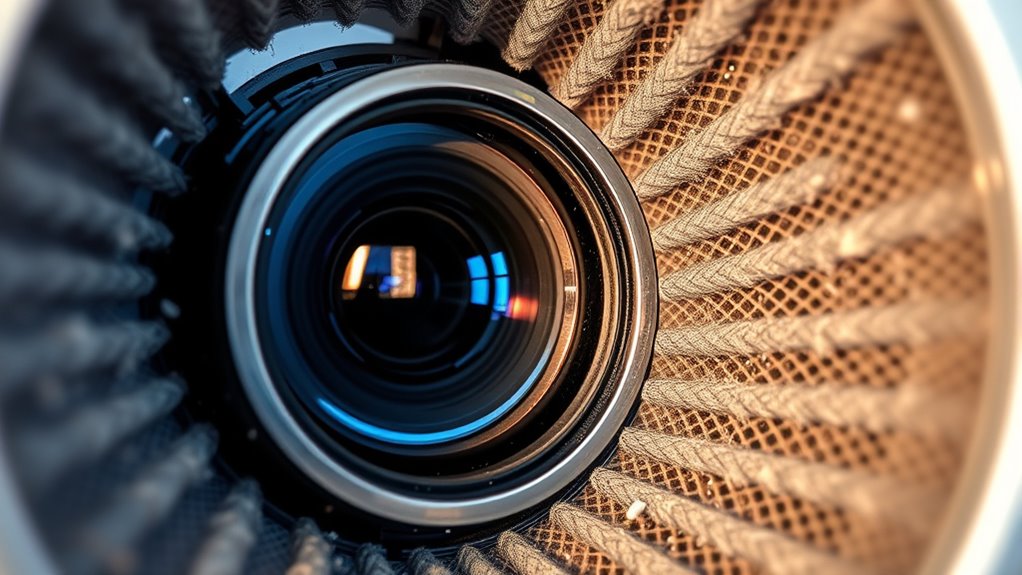
Have you checked your projector’s filters lately? Filters protect your device by trapping dust, dirt, and debris that can impair cooling and image quality. Over time, they become clogged, reducing airflow and causing the projector to overheat or work harder than necessary. It’s essential to inspect filters regularly, especially if you notice increased noise or flickering. Clean filters gently with compressed air or a soft brush to remove dust. If filters are torn or heavily soiled, replacement is necessary to prevent dust from circulating inside the projector. Proper filter maintenance is a key part of filter maintenance and preventive care, ensuring your device functions at its best. Regular inspection and cleaning can prevent hardware damage and extend the lifespan of your projector. Proper filter maintenance guarantees your projector operates efficiently and prolongs its lifespan. Regular care keeps your device running smoothly and prevents unnecessary repairs. Understanding filter maintenance as part of overall device care ensures optimal performance and longevity.
laser projector maintenance tools
As an affiliate, we earn on qualifying purchases.
As an affiliate, we earn on qualifying purchases.
Lamp Maintenance: Signs, Replacement, and Best Practices
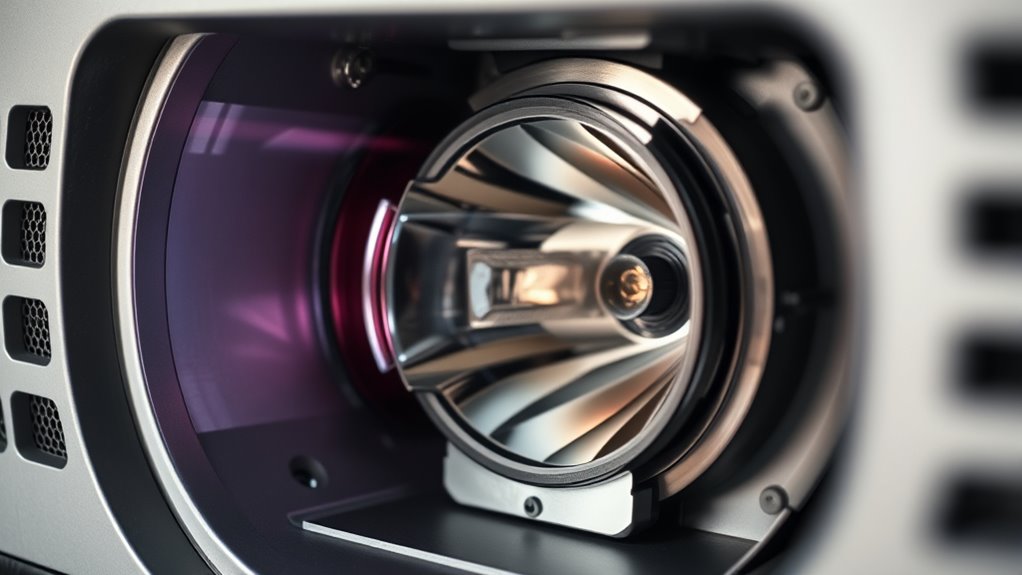
Your projector’s lamp is essential for delivering bright, clear images, but over time, it will show signs of wear that indicate it’s nearing the end of its lifespan. You might notice dimmer images, a color shift, or flickering. The projector’s warning lights or error messages can also alert you. When these signs appear, it’s time to replace the lamp to prevent sudden failures. Always follow the manufacturer’s instructions for replacement, and handle the lamp carefully—avoid touching the bulb with your fingers, as oils can damage it. Before replacing, turn off and unplug the projector, let it cool, and use gloves if possible. Regularly check the lamp’s usage hours via the projector’s menu so you can plan replacements proactively. Proper maintenance guarantees the best performance and longevity.
As an affiliate, we earn on qualifying purchases.
Laser Modules: Do They Need Regular Attention?
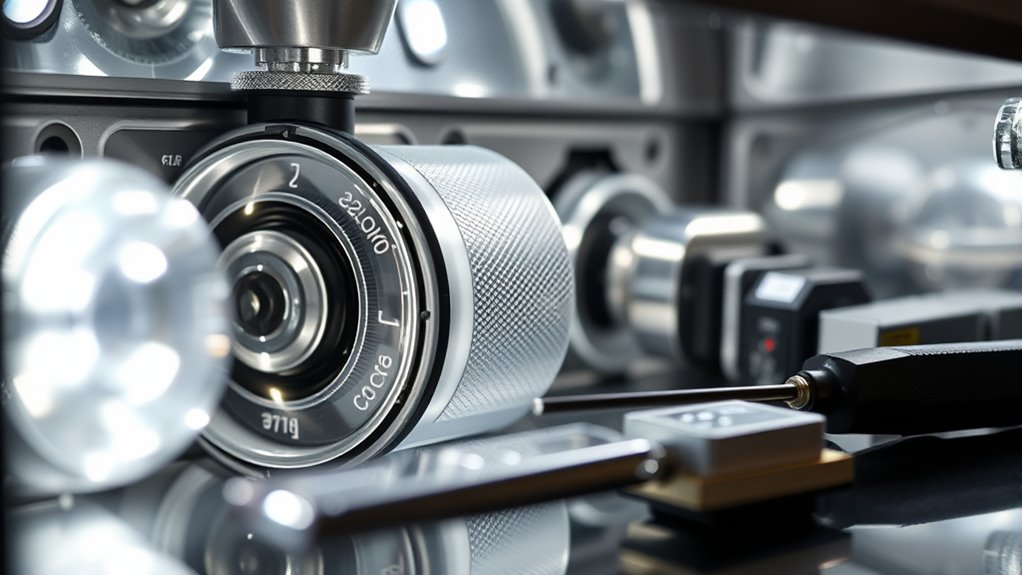
Laser modules typically last longer than traditional lamps, but they still have a limited lifespan. You should watch for signs of degradation, like dimmer output or color inconsistencies. Regular maintenance can help guarantee your laser modules perform at their best. Ensuring proper optical alignment also plays a crucial role in maintaining optimal laser performance over time. Additionally, monitoring laser diode health can prevent unexpected failures and extend the lifespan of your equipment. Incorporating preventive maintenance routines can further enhance the longevity and reliability of your projector’s laser components. Regular inspections of cooling systems can help prevent overheating, which is vital for maintaining laser performance. Keeping an eye on thermal management ensures the lasers operate within safe temperature ranges, further prolonging their lifespan.
Laser Module Lifespan
Do laser modules in projectors require regular attention to maintain their lifespan? Yes, they do. Proper care can prolong their operating life, saving you replacement costs. Most laser modules are rated for thousands of hours, but environmental factors like dust, heat, and handling impact longevity. Regular cleaning and avoiding overheating help preserve performance. Here’s a quick overview:
| Maintenance Aspect | Impact on Lifespan |
|---|---|
| Dust Cleaning | Prevents overheating and damage |
| Proper Ventilation | Reduces heat stress |
| Handling | Avoids physical damage |
| Operating Hours | Limits wear and tear |
| Cool-down Periods | Prevents heat buildup |
Maintaining environmental conditions such as humidity and temperature also plays a crucial role in extending laser module life. Keeping these in check ensures your laser module stays efficient longer, reducing downtime and expenses.
Signs of Degradation
Over time, even with proper maintenance, laser modules can show signs of degradation that impact performance. You might notice a decline in brightness, making images appear dull or less vibrant. Color accuracy could diminish, with hues losing their sharpness or appearing off. You may also see increased flickering or unstable laser output, which can cause inconsistent image quality. Sometimes, the laser may produce a faint or uneven beam, indicating alignment issues or internal wear. A noticeable increase in noise or a sudden drop in laser intensity are clear signs that your module might be nearing the end of its effective lifespan. Recognizing these symptoms early helps you decide when it’s time to consult a professional or consider replacement, ensuring your projector continues to perform efficiently.
Maintenance Requirements
Regular maintenance is essential to keep your projector’s laser modules functioning at their best. While laser modules are durable and designed for long-term use, they still benefit from periodic checks. You should keep the laser optics clean and free of dust or fingerprints, which can affect performance. Avoid touching the laser diode directly, as oils from your skin can damage it. Also, ensure proper ventilation around the projector to prevent overheating, which can degrade laser components. Some models have built-in diagnostics that alert you when service is needed, but others require manual inspection. Regularly updating the firmware can also enhance laser performance. Overall, while laser modules don’t need frequent replacement, routine care ensures longevity and optimal image quality.
Common Myths About Projector Maintenance
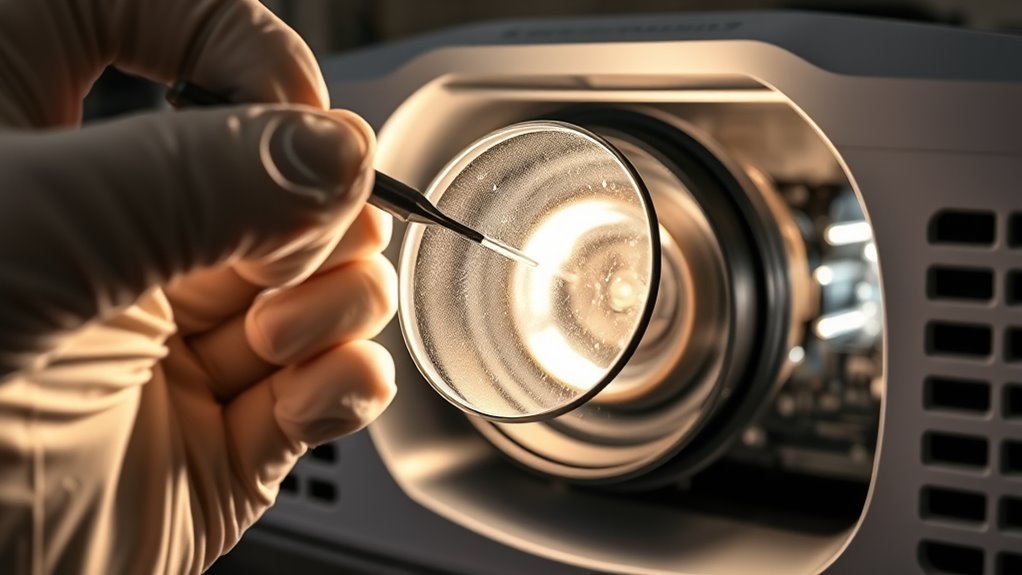
Many people believe that projector maintenance is complicated or unnecessary, but this isn’t true. Common myths can lead you to neglect simple tasks that keep your projector working smoothly. For example:
- Cleaning is pointless—skipping routine cleaning can cause overheating and damage. Regular dust removal prevents overheating and maintains optimal airflow. In fact, dust buildup can also affect lamp brightness and image quality over time. Proper ventilation is crucial to prevent heat buildup and prolong your projector’s lifespan. Additionally, understanding the maintenance needs of your specific projector model can help you avoid unnecessary repairs and ensure consistent performance.
- Replacing lamps is complicated—it’s often easier and cheaper than you think, preventing sudden failures.
- Maintenance is only for professionals—basic care like dust removal and bulb checks are simple and DIY-friendly.
Believing these myths might make you ignore essential upkeep, risking costly repairs or early projector failure. In reality, regular, straightforward maintenance keeps your device reliable and extends its lifespan. For example, scheduled maintenance can help prevent unexpected breakdowns and ensure optimal performance. Don’t let misconceptions hold you back from caring for your projector properly.
How to Properly Clean and Care for Your Projector
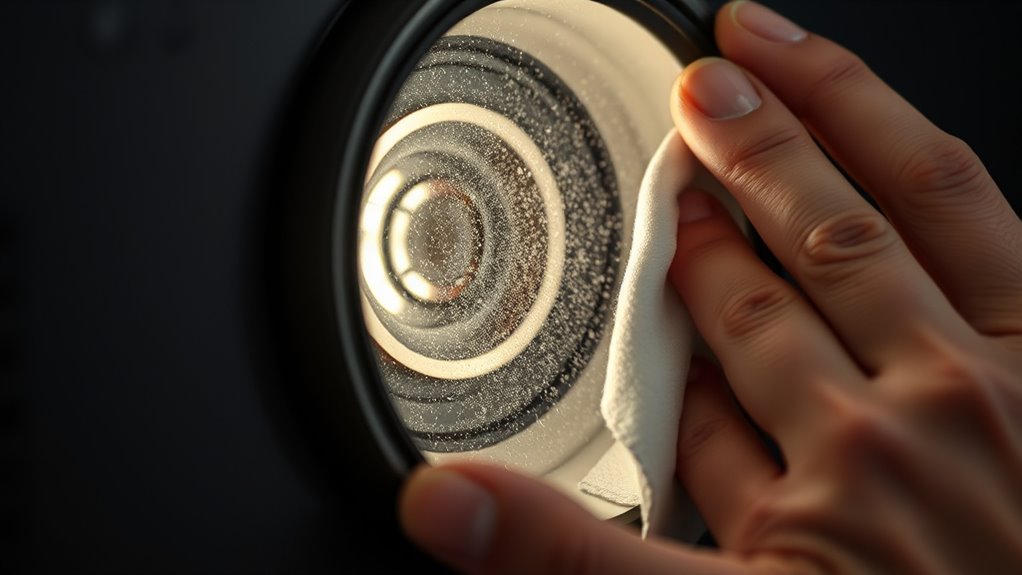
Proper cleaning and care are key to keeping your projector running smoothly and extending its lifespan. Regularly dust the exterior with a soft, lint-free cloth to prevent buildup that can cause overheating. Use compressed air to gently blow out vents and filters—never touch internal components. When cleaning filters, follow the manufacturer’s instructions, and replace them when they become clogged or worn. Avoid harsh chemicals; instead, dampen a cloth with water or mild cleaning solution for external surfaces. Always power off and unplug the projector before cleaning, and let it cool down if it’s been in use. Handle delicate parts like the lens carefully, using a microfiber cloth to clean smudges. Consistent, gentle maintenance guarantees the best performance and prevents avoidable damage. Regular upkeep also helps maintain the optical quality of your projector, ensuring bright, clear images over time.
Preventative Measures to Extend Your Device’s Lifespan
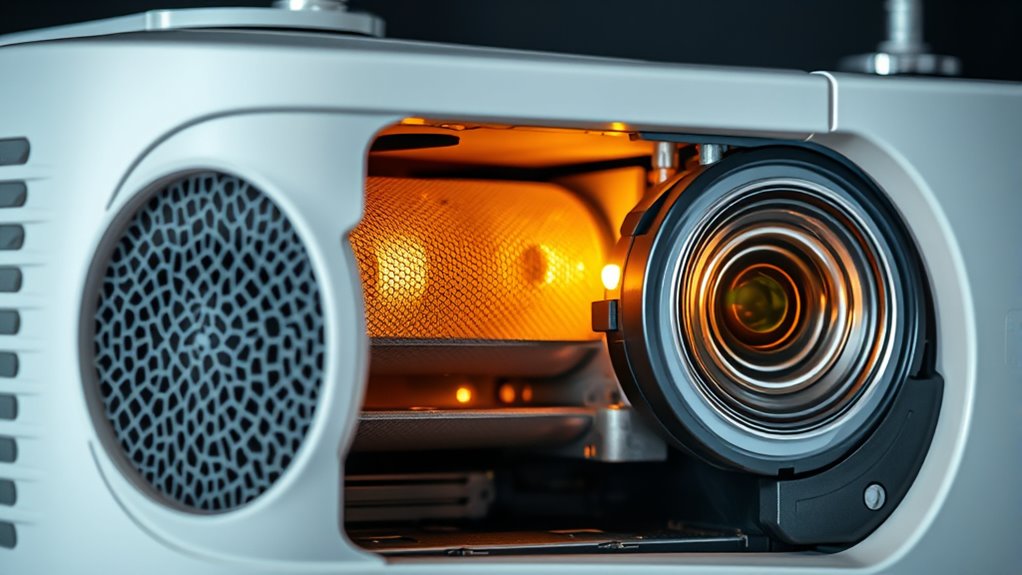
To maximize your projector’s lifespan, implementing preventative measures is essential. Taking proactive steps can save you time, money, and frustration down the line. First, make sure you clean the air filters regularly to prevent overheating and dust buildup, which can cause damage. Second, always use the device in a clean, dust-free environment to minimize debris that can clog vents and fans. Third, handle lamps and lasers carefully, replacing them promptly when needed to prevent sudden failures. These simple actions keep your projector running smoothly and extend its life markedly. When you prioritize maintenance, you reduce the risk of costly repairs and enjoy consistent performance. Staying vigilant with these preventative measures ensures your projector remains a reliable part of your setup for years to come.
Troubleshooting Performance Issues Related to Maintenance
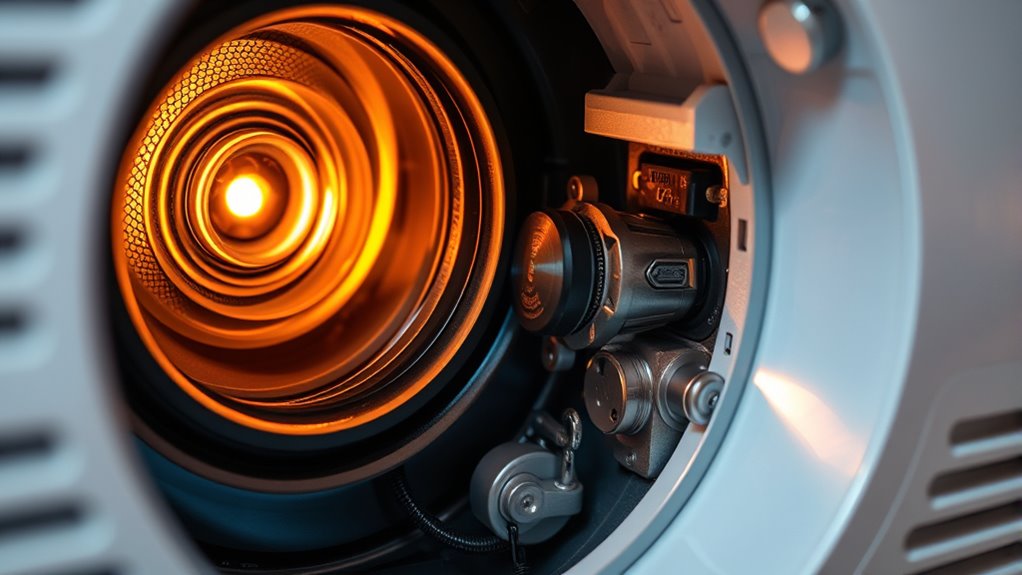
When your projector starts to perform poorly, maintenance-related issues are often the culprit. Dust buildup on filters can cause overheating, leading to dim images or frequent shutdowns. Check and clean filters regularly to guarantee proper airflow. Dirty or aging lamps may produce dull or flickering images; replacing the lamp often resolves these problems. Laser misalignment or degradation can cause color inconsistencies or faint images; calibrate or replace lasers as needed. Ensure vents are free of dust and debris to prevent overheating. Additionally, loose connections or faulty cables can mimic performance issues; inspect and secure all connections. Regular maintenance helps identify early signs of component wear, preventing more severe problems and keeping your projector running smoothly.
When to Seek Professional Service for Your Projector
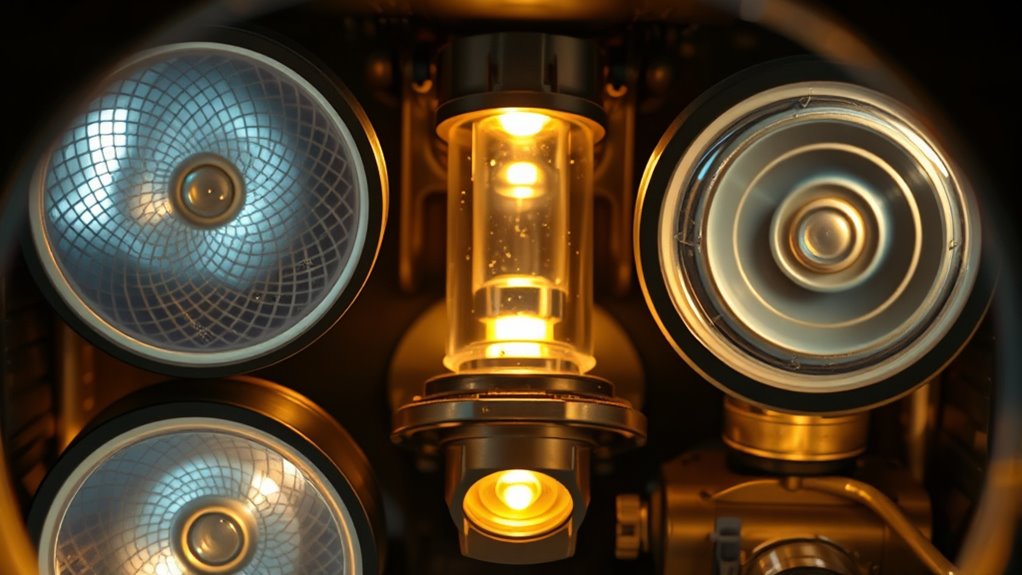
Regular maintenance can keep your projector running smoothly, but there are times when issues require professional attention. If you notice any of these signs, don’t hesitate to seek expert help:
Regular maintenance helps, but seek professional help for persistent projector issues.
- Persistent overheating that doesn’t improve after cleaning or vent checks, risking damage.
- Unusual noises or flickering that disrupt your viewing experience and may indicate internal component failure.
- Error messages or sudden shutdowns that persist despite troubleshooting, hinting at complex electrical or laser issues.
- Neglecting these warning signs can compromise the privacy policy of your device and lead to data vulnerabilities.
- Additionally, if your projector exhibits signs of optical component degradation, such as diminished image clarity or color fidelity, professional servicing can help prevent further damage.
- Routine inspections of lamp life and laser performance can extend your device’s longevity and ensure optimal image quality.
Ignoring these signs can lead to costly repairs or complete device failure. Professional service ensures proper diagnosis and safe handling, preserving your investment and ensuring top performance. When in doubt, trust the specialists to keep your projector shining bright.
Frequently Asked Questions
How Often Should I Schedule Professional Maintenance for My Projector?
You should schedule professional maintenance for your projector every 6 to 12 months, depending on usage. If you use it daily or in dusty environments, opt for more frequent check-ups. Regular professional care guarantees peak performance, prevents overheating, and extends the lifespan of components like lamps and filters. Keep an eye on image quality and noise levels; if you notice issues, don’t wait—schedule maintenance promptly.
Are There Specific Cleaning Products Recommended for Projector Filters?
Think of cleaning your projector filters like tending to a garden—gentle but essential. Use a soft, lint-free cloth or compressed air to remove dust. For stubborn dirt, dampen a cloth with a mixture of water and a small amount of mild soap, then wipe gently. Avoid harsh chemicals or abrasive cleaners, as they can damage delicate components, just like you’d avoid damaging fragile leaves.
Can Improper Handling Damage Projector Laser Modules?
Yes, improper handling can damage your projector’s laser modules. If you touch the laser with your fingers, oils can leave residue, affecting performance. Using unapproved cleaning tools or applying excessive force can also cause misalignment or scratches. Always follow the manufacturer’s guidelines, wear gloves if recommended, and handle the laser components delicately. Proper care guarantees your projector’s laser module functions at its best and lasts longer.
What Are the Environmental Factors That Affect Projector Component Longevity?
Environmental factors like dust, humidity, temperature, and direct sunlight can shorten your projector’s lifespan. Dust buildup clogs filters and cooling vents, causing overheating. High humidity promotes mold, while extreme temperatures stress internal components. Direct sunlight can damage delicate parts and cause color distortion. To keep your projector running smoothly, you should place it in a clean, cool, and dry environment, and shield it from direct sunlight. Regular maintenance helps prevent these issues.
Is It Safe to Replace Projector Lamps or Lasers Myself?
You can replace projector lamps or lasers yourself if you’re comfortable handling delicate components and follow proper safety precautions. It’s a bit of a double-edged sword—you don’t want to mess with something you’re unsure of, but with careful attention to instructions, it’s doable. Always unplug the projector first, wear gloves, and handle parts gently to avoid damage. When in doubt, seek professional help to avoid turning a small problem into a big one.
Conclusion
Now that you know the essentials of projector maintenance, are you ready to unseal its full potential? Regular care can prevent unexpected failures and keep your display sharp. But what hidden issues might still lurk beneath the surface? Stay vigilant, follow these tips, and you might just discover a secret to prolonging your projector’s life longer than you imagined. The next step could be the key to flawless performance—are you prepared to find out what it is?
Fall yard work Picks
leaf blowers
As an affiliate, we earn on qualifying purchases.