
Tone mapping is a process that helps projectors display HDR content more accurately by adjusting brightness, contrast, and colors to fit their specific limits. Since projectors can’t reproduce the full range of light and dark in HDR, tone mapping compresses these extremes into a balanced image, making details pop and colors look natural. To get the best picture quality, it’s helpful to understand how tone mapping works and how modern projectors handle it — keep going to learn more.
Key Takeaways
- Tone mapping adjusts the brightness and contrast of HDR images to fit a projector’s limited display capabilities.
- It compresses the wide range of HDR content into a viewable format, preventing washed-out highlights and lost shadow details.
- Tone mapping ensures colors and details look natural and vivid, even on projectors with lower brightness and contrast.
- Modern projectors automatically perform tone mapping in real-time to optimize HDR scenes dynamically.
- Proper tone mapping enhances the overall image quality, making HDR content look more realistic and immersive.

ViewSonic LS740HD 5500 Lumens 1080p Laser Projector, High Brightness for Auditoriums, 1.3x Optical Zoom, H/V Keystone, and 360-Degree Projection for Flexible Setup, HDR Support, and HDMI Inputs
High Brightness FHD Laser Projector: Full HD (1920x1080p) resolution with a 1.1-1.5 throw ratio and 5,500 ANSI lumens…
As an affiliate, we earn on qualifying purchases.
As an affiliate, we earn on qualifying purchases.
What Is HDR and Why Does It Matter for Projectors?
Have you ever wondered why some images look more vivid and lifelike than others? It’s because of HDR, or High Dynamic Range. HDR enhances the contrast between the brightest whites and the darkest blacks, making images pop with more detail and realism. For projectors, HDR matters because it allows you to see colors as they truly are, even in complex scenes with bright highlights and deep shadows. Without HDR, images can look dull or washed out, losing their depth. When your projector supports HDR, it processes the content to deliver sharper, more vibrant visuals. This means your movies, games, and photos will look closer to real life, immersing you in richer, more accurate colors and improved contrast. The development of energy-efficient projectors is also making HDR more accessible and sustainable, enhancing multimedia experiences like HDR on projectors. Additionally, advancements in image processing technology help optimize HDR performance for a more seamless viewing experience. As HDR technology becomes more widespread, it is also driving innovation in display calibration, ensuring viewers get the best possible picture quality across different devices. Moreover, ongoing research into color accuracy continues to refine how projectors reproduce the full spectrum of visible colors for even more realistic images.

Valerion VisionMaster Pro2 Triple Laser Projector 4K,15000:1 Contrast, 0.9-1.5x Optical Zoom, 2X Multitasking Power, IMAX, HDR10+, GTV, 4ms Lag-Free Gaming, 3000 ISO Lumens, Google Home, Apple Homekit
Color Mastery with 15,000:1 Contrast – Experience a 15,000:1 ultra-high contrast ratio and Enhanced Black Level (EBL) technology,…
As an affiliate, we earn on qualifying purchases.
As an affiliate, we earn on qualifying purchases.
How HDR Enhances Picture Quality on Big Screens
When you watch content on a big screen, HDR considerably boosts picture quality by delivering brighter highlights, deeper blacks, and more vibrant colors. This results in a more dynamic and immersive viewing experience, making scenes look more realistic and detailed. HDR enhances contrast, so bright areas stand out without washing out darker parts, adding depth to the image. Colors become richer and more accurate, bringing scenes to life with natural tones. On large screens, these improvements are especially noticeable, as the increased contrast and color range prevent images from appearing flat or dull. Additionally, display calibration ensures that HDR settings are optimized for the best possible picture quality. Proper calibration is especially important to maintain accurate colors and contrast levels, maximizing the benefits of HDR technology. A well-calibrated setup also helps in balancing brightness and contrast, further enhancing the visual experience. To fully enjoy these enhancements, ensuring your projector’s HDR compatibility is essential. Overall, HDR transforms your viewing experience by making images more vivid, detailed, and true to life, allowing you to see every nuance of the content as the creator intended. Additionally, understanding tone mapping helps in comprehending how HDR images are adapted to different display capabilities, ensuring you get the best possible picture quality.

4K Projector with Built-in Apps, 1500ANSI Auto Focus&6D Keystone Dolby Audio Kogata Smart Projector with WiFi 6 Bluetooth Outdoor Movie Proyector for Home Theater HDR10+ UPGRADE
【UPGRADE Version】Unlimited Streaming –Compatible with Netflix & Dolby Audio& DTS Audio: The Kogata GC357 home projector comes with…
As an affiliate, we earn on qualifying purchases.
As an affiliate, we earn on qualifying purchases.
The Basics of Tone Mapping Explained
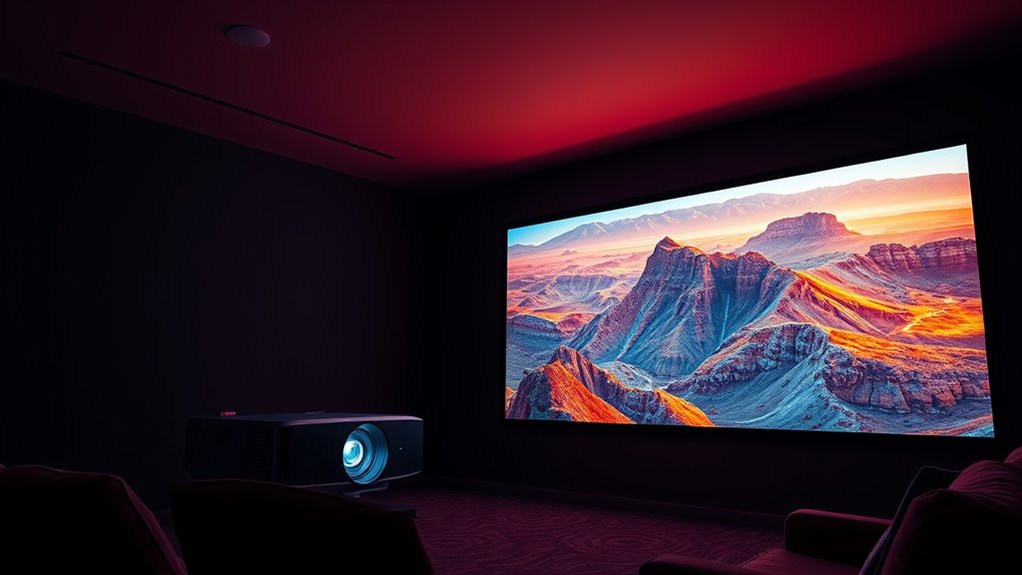
While HDR enhances the overall picture quality by expanding contrast and color range, the way your projector handles these extremes is managed through a process called tone mapping. Essentially, tone mapping adjusts how bright and dark areas are displayed, ensuring the image looks natural and detailed. It compresses the high dynamic range into what your projector can reproduce, preventing loss of detail in highlights or shadows. Think of it as a translator that makes extreme colors and brightness levels understandable for your display. Here’s how it feels:
| Bright Highlights | Deep Shadows | Vibrant Colors |
|---|---|---|
| Awe-inspiring | Mysterious | Lively |
| Radiant | Hidden depth | Rich |
| Blinding | Subtle hints | Stunning |
| Overexposed | Too dark | Overwhelming |
| Balanced tone | Natural look | Vivid |
Additionally, effective tone mapping is crucial for dynamic range adaptation, allowing viewers to experience realistic images across various lighting conditions. Proper tone mapping ensures that the contrast and color are balanced, resulting in a more immersive viewing experience.

ADAS Calibration Tool Radar Aiming Corner Reflector Target Kit with Plumb Bobs,Stand with 0-30 cm Scale,Plumbob with String,Car Calibration Tool Compatible with Kia Honda Toyota Mazda Ford GM Hyundai
【Precision ADAS Calibration Setup】Plumb bob transfers exact vehicle center line to floor markings; Corner Reflector and Stand enhance…
As an affiliate, we earn on qualifying purchases.
As an affiliate, we earn on qualifying purchases.
Why Projectors Need Tone Mapping to Show HDR Content
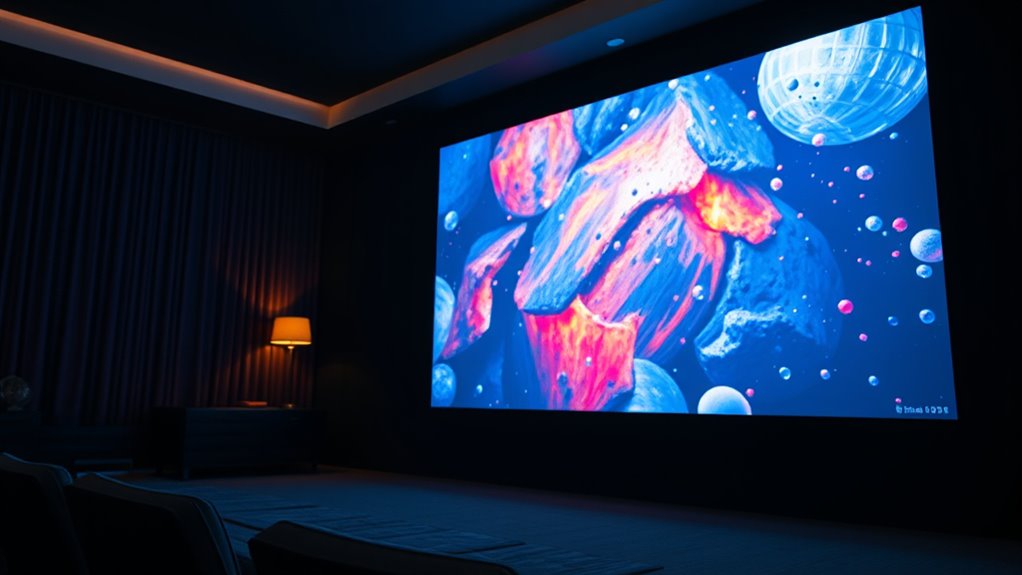
Projectors need tone mapping to effectively display HDR content because their limited brightness and contrast capabilities can’t naturally reproduce the full range of light and color that HDR offers. Without tone mapping, bright areas might appear washed out or overly dim, and dark regions could lose detail. Since projectors typically can’t match the luminance of high-end TVs, tone mapping adjusts the HDR image to fit within their display limits. This process preserves important details in highlights and shadows, ensuring the image looks balanced and realistic. Fundamentally, tone mapping acts as a visual translator, converting the expansive dynamic range of HDR into a version that a projector can handle without losing vital visual information. It’s a necessary step to make HDR content look its best on projector screens. Additionally, color accuracy can be affected without proper tone mapping, leading to less vibrant images. Proper tone mapping techniques enhance overall image quality by ensuring that all elements, from shadows to highlights, are displayed accurately and appealingly. Moreover, display capabilities vary among projectors, making tone mapping essential to optimize each device’s unique performance characteristics.
Different Types of Tone Mapping Techniques

Different tone mapping techniques aim to convert HDR content into a displayable range by selectively compressing or adapting luminance levels. The goal is to preserve important details while fitting the bright and dark areas within your projector’s limits. Some common methods include global tone mapping, which applies the same adjustment across the entire image, and local tone mapping, which adapts brightness based on specific regions. Understanding reliable backup power options can ensure your viewing experience remains uninterrupted, even during power fluctuations. Additionally, advanced tone mapping algorithms help your projector display HDR content more naturally and vividly. Incorporating proper calibration can further enhance the accuracy of tone mapping, resulting in a more realistic picture.
How Tone Mapping Affects Brightness and Color
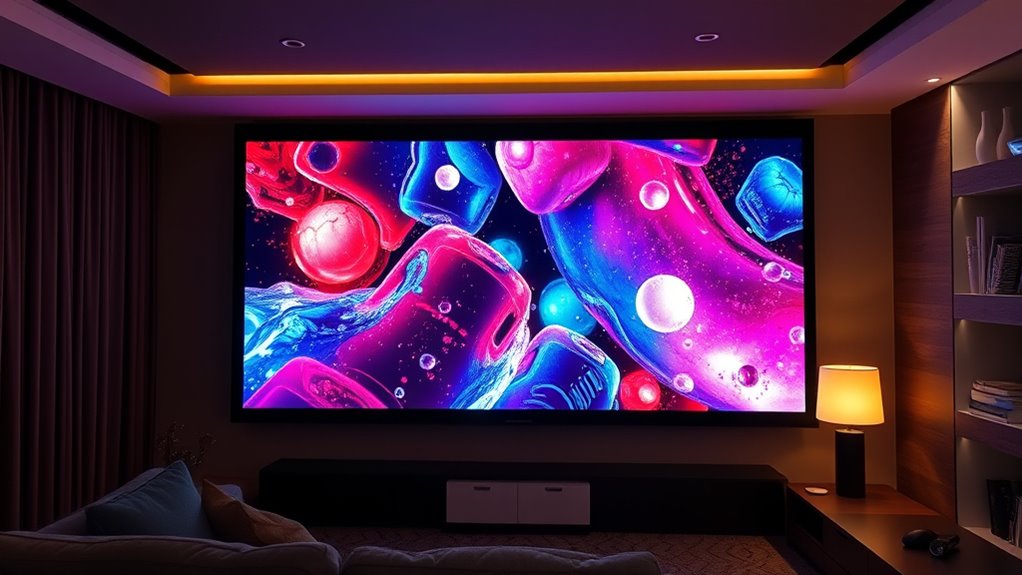
Tone mapping fundamentally influences how brightness and color are represented in HDR images on your projector. It adjusts the wide range of luminance and colors captured in HDR content to fit your projector’s limited capabilities. Bright areas are compressed to prevent overexposure, ensuring details remain visible without washing out. Similarly, color saturation is toned down or enhanced to preserve realistic hues, preventing colors from appearing overly vivid or dull. This process helps maintain scene integrity, making images look natural and balanced. Without proper tone mapping, images can appear flat, overly bright, or unnaturally colorful. Essentially, tone mapping acts as a translator, ensuring your projector displays HDR content with accurate brightness and vibrant, true-to-life colors that enhance your viewing experience. Understanding HDR is crucial for appreciating how tone mapping improves image quality. Additionally, the effectiveness of tone mapping depends on the projector’s capabilities, highlighting the importance of selecting a device suited for HDR content. To optimize your viewing, many projectors incorporate advanced tone mapping algorithms that better adapt HDR images to their specific display ranges. Moreover, as projector technology advances, these algorithms become increasingly sophisticated, providing even more natural and vibrant images for viewers. A deeper understanding of tone mapping techniques can also help users fine-tune their settings for the best picture quality.
Common Challenges of Displaying HDR on Projectors
While HDR offers stunning visuals, displaying it accurately on projectors presents several challenges. One major issue is brightness. Projectors often can’t reach the high luminance levels needed for true HDR, causing images to look dull or washed out. Another challenge is contrast ratio; projectors struggle to produce deep blacks and bright highlights simultaneously, which diminishes HDR impact. Color accuracy is also problematic because many projectors aren’t calibrated for the wide color gamut HDR requires, leading to less vibrant images. Additionally, ambient light in the viewing environment can wash out the projected image, making it harder to see HDR details. Proper calibration can help improve color and contrast performance, but hardware limitations still pose significant obstacles. These factors mean that even with advanced technology, achieving perfect HDR reproduction on projectors remains difficult. Improving calibration techniques can help mitigate some of these issues, but limitations in projector hardware continue to pose significant obstacles.
How Modern Projectors Handle Tone Mapping
Modern projectors use tone mapping to optimize HDR content for their limited dynamic range. They adjust brightness and contrast automatically or through preset modes to display detail in bright and dark areas. Understanding how these controls work helps you get the best picture quality for your viewing environment.
Dynamic Range Adjustment
To guarantee images look balanced and vibrant, modern projectors actively adjust their dynamic range through a process called tone mapping. This process analyzes each scene’s brightness and contrast levels, then compresses or expands specific parts of the image to fit within the projector’s capabilities. When bright areas are too intense, the projector dims them so they don’t overwhelm the scene. Conversely, darker details are brightened to reveal hidden elements without washing out the overall picture. Dynamic range adjustment happens in real-time, ensuring each frame maintains visual harmony. This continuous adjustment helps deliver more accurate colors and richer details, especially in scenes with a wide mix of bright and dark areas. Ultimately, it creates a more immersive viewing experience without sacrificing image quality.
Brightness and Contrast Control
Brightness and contrast control are essential tools that projectors use to implement tone mapping effectively. By adjusting these settings, your projector can better balance bright and dark areas, ensuring details are preserved without washing out highlights or losing shadow depth. Proper control helps the projector adapt HDR content to its capabilities, making images look more natural and immersive.
Here are four key points to contemplate:
- Brightness influences how luminous the image appears, impacting highlight rendering.
- Contrast adjusts the difference between darkest and brightest parts, enhancing detail.
- Fine-tuning both helps prevent clipping of highlights and crushed shadows.
- Dynamic adjustments during playback optimize each scene for a more consistent viewing experience.
Together, these controls enable your projector to handle HDR tone mapping smoothly and effectively.
Preset Tone Mapping Modes
Preset tone mapping modes simplify how your projector processes HDR content by automatically applying specific adjustments. They let you choose a style that best suits your viewing preferences without manually tweaking settings. Common modes include options like “HDR Video,” “Theater,” “Bright,” and “Vivid.” Each mode adjusts contrast, brightness, and color to optimize picture quality for different scenes or ambient lighting conditions. For example:
| Mode | Best Used For |
|---|---|
| HDR Video | General HDR content |
| Theater | Dark room viewing |
| Bright | Well-lit rooms |
| Vivid | Bright, colorful scenes |
These presets make it easier to enjoy HDR content with minimal effort, ensuring your projector delivers the best possible image based on your environment.
Tips for Getting the Best HDR Experience With Your Projector
Getting the best HDR experience with your projector often comes down to proper setup and calibration. To enhance your viewing, focus on these key tips:
- Adjust brightness and contrast to match your room’s lighting conditions, ensuring vibrant yet natural images.
- Use the projector’s HDR settings or presets to optimize tone mapping for your content.
- Calibrate your projector with a test pattern or calibration tool to fine-tune color accuracy and gamma.
- Minimize ambient light and ensure your screen is clean for maximum contrast and clarity.
These steps help your projector deliver the full range of HDR details, making images look more lifelike and immersive. Proper calibration is crucial for getting the most out of your HDR content.
Future Trends in HDR and Tone Mapping for Projectors
As technology advances, future developments in HDR and tone mapping for projectors are poised to deliver even more realistic and immersive viewing experiences. Expect smarter algorithms that adapt in real-time, enhancing contrast and color accuracy based on your environment. Innovations may include AI-powered tone mapping, which fine-tunes images instantly for peak quality. Additionally, hardware improvements will enable higher brightness and wider color gamuts, making HDR content pop like never before. Here’s a glimpse of what’s ahead:
| Trend | Impact | Benefit |
|---|---|---|
| AI-Driven Tone Mapping | Real-time scene optimization | Superior image quality |
| Higher Brightness Levels | Better visibility in bright rooms | More vibrant images |
| Expanded Color Gamut | Richer, more accurate colors | Authentic viewing experience |
| Adaptive HDR Processing | Adjusts to ambient light conditions | Consistent quality across environments |
Frequently Asked Questions
Can All Projectors Display HDR Content Effectively?
Not all projectors display HDR content effectively. You need a projector with HDR support and good contrast ratio to see the full benefits. Lower-end models might struggle with brightness, color accuracy, and contrast, making HDR look dull or washed out. To enjoy HDR as intended, look for projectors specifically designed for HDR, with features like high brightness, wide color gamut, and proper tone mapping capabilities.
How Do I Know if My Projector Supports Tone Mapping?
You can check if your projector supports tone mapping by looking at its specifications or user manual. Usually, manufacturers mention tone mapping as a feature if it’s included. You can also visit the manufacturer’s website or contact customer support for confirmation. If your projector has advanced HDR capabilities, it’s likely to support tone mapping, ensuring better image quality with HDR content.
Is Tone Mapping Necessary for All HDR Sources?
No, tone mapping isn’t necessary for all HDR sources, but it’s often beneficial. If your HDR content has a wide range of brightness levels, tone mapping helps your projector display these details accurately, preventing overly bright or dark scenes. Without it, some images might look washed out or too contrasty. You’ll get better overall picture quality with tone mapping, especially on projectors that struggle with high dynamic range content.
What Is the Difference Between Static and Dynamic Tone Mapping?
You might think static and dynamic tone mapping are just fancy names, but they’re quite different. Static uses a fixed setting, so your picture stays consistent, like a well-rehearsed actor. Dynamic adjusts on the fly, reacting to scenes—like a chameleon. Ironically, static can look dull in varied scenes, while dynamic might cause flickering. You choose based on whether you prefer stability or adaptability for your viewing experience.
How Does Tone Mapping Impact Viewing Comfort and Eye Strain?
Tone mapping improves your viewing comfort by adjusting brightness and contrast to match your eye’s sensitivity, reducing eye strain during long sessions. It prevents overly bright or dark scenes that can cause discomfort and makes details more visible without overwhelming your eyes. By smoothing out extreme contrasts, tone mapping creates a more natural, balanced image, so you can enjoy movies or games longer without feeling fatigued.
Conclusion
Think of tone mapping as the translator your projector needs to turn dazzling HDR content into a vivid, beautiful story you can enjoy on your big screen. When done right, it brings out the rich colors and deep contrasts, making movies and games feel alive. With modern projectors mastering this art, your viewing experience becomes like stepping into a vibrant world bursting with life. Just sit back and let your projector paint you a masterpiece.