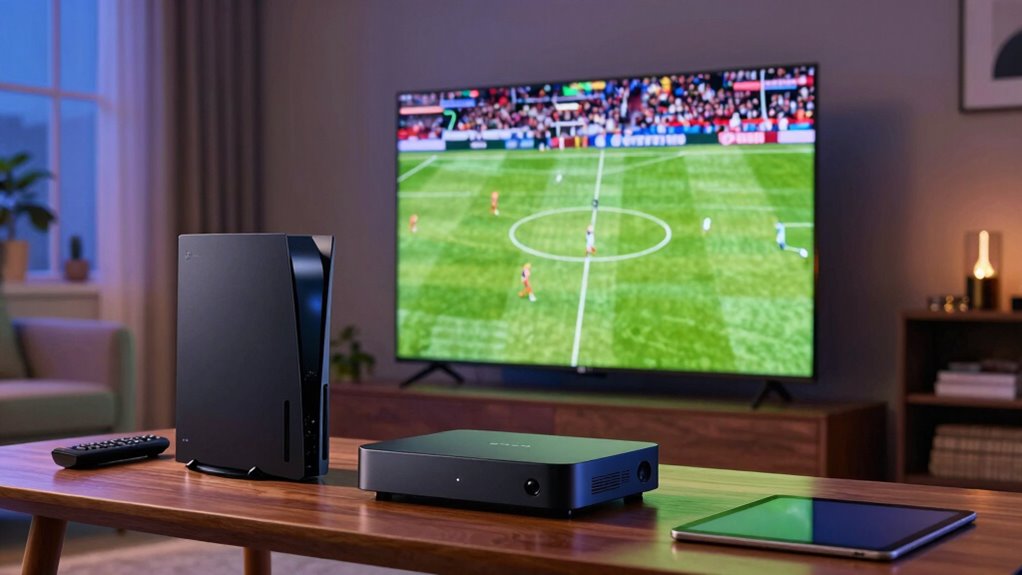
Streaming live sports can lag due to slow internet speeds, Wi-Fi congestion, or interference. Your connection needs to be stable and fast—at least 5 Mbps for HD or 25 Mbps for 4K—to keep up with real-time action. Using a wired connection, limiting devices, and lowering streaming quality can help reduce delays. For more tips on improving your stream, discover how adjusting your setup can make all the difference.
Key Takeaways
- Live sports streaming demands higher internet speeds (25 Mbps+) to prevent buffering and reduce delays.
- Network congestion from multiple devices can cause lag; limiting devices improves stream stability.
- Using a wired Ethernet connection offers a more reliable, lower-latency experience than Wi-Fi.
- Ensuring your device and streaming app are updated optimizes performance and minimizes lag.
- Adjusting streaming quality settings during poor connections can help reduce delay and buffering.
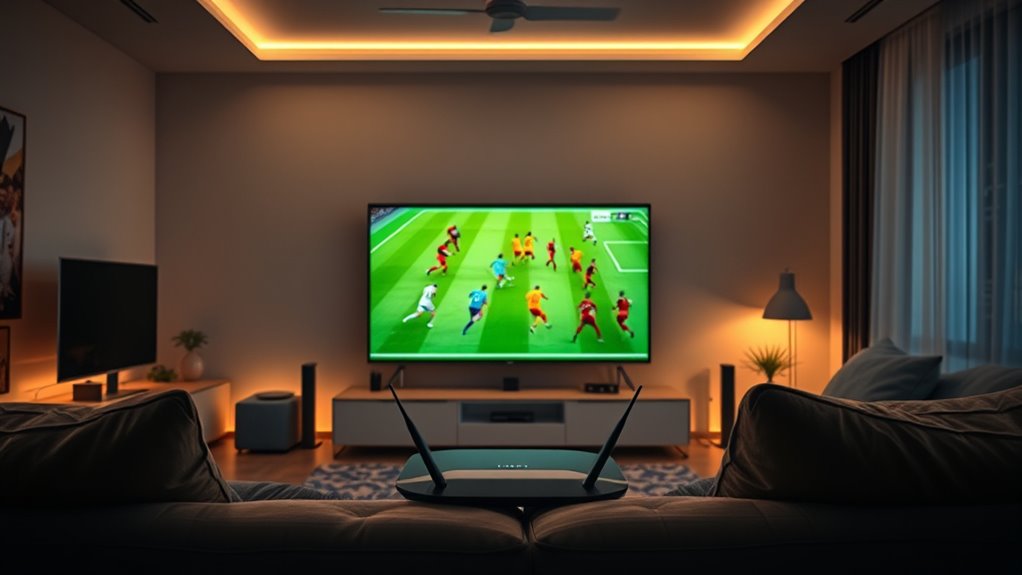
Streaming live sports has revolutionized how fans watch their favorite games, making it easier than ever to tune in from anywhere. But if you’ve experienced frustrating buffering issues or delays during a vital moment, you know it can take away from the excitement. One of the main reasons for lag or pauses is your internet speed. Streaming requires a stable, high-speed connection to deliver smooth, real-time video. If your internet speed isn’t fast enough, you’ll notice buffering problems that interrupt your viewing experience. Even a slight dip in connection quality can cause long pauses or lower the video quality, making it difficult to follow fast-paced plays. To enjoy seamless streaming, you need to guarantee your internet connection meets the recommended speeds for your streaming service. For standard HD streaming, at least 5 Mbps is advised, but for higher resolutions like 4K, you should aim for 25 Mbps or more. Checking your current internet speed with a speed test can give you a clear idea of whether your connection is sufficient. If it’s lacking, upgrading your plan or switching providers might be necessary. Besides internet speed, other factors can contribute to lag. Wi-Fi congestion, especially if multiple devices are sharing the network, can cause fluctuations in performance. Using a wired Ethernet connection instead of Wi-Fi can help stabilize your connection, reducing buffering issues. Additionally, closing unnecessary background apps that consume bandwidth can improve streaming quality. Sometimes, your device’s performance itself can be a bottleneck. Running outdated software or having too many background processes can slow things down. Keeping your device updated and clearing cache regularly can help guarantee smoother playback. If you’re streaming through a smart TV or a streaming device, make sure it’s running the latest firmware. Also, consider lowering the streaming quality settings if your internet connection isn’t reliable enough for high-definition content. Many platforms allow you to choose a lower resolution, which can greatly reduce buffering and lag. Finally, network interference can cause instability. Keep your router away from other electronic devices and thick walls that can weaken the signal. Restarting your router periodically can also refresh your internet connection, helping to maintain a steady stream. To further improve your streaming experience, investing in European cloud servers with better infrastructure can provide more reliable and faster content delivery. By paying attention to your internet speed, reducing network congestion, and optimizing your device setup, you can minimize lag and enjoy live sports with minimal interruptions. Although technology isn’t perfect, small adjustments can make a big difference, guaranteeing you stay engaged during every vital moment of the game.

DbillionDa Cat 8 Ethernet Cable 40Gbps 2000MHz, 6FT Supports Cat7 Cat6 Cat5e Cat5, High-Speed RJ45 Cable, Heavy-Duty Indoor/Outdoor, Gold-Plated, Weatherproof & UV-Resistant for Gaming, PC, Router
Designed for Outdoor & Direct Burial Installations – Heavy-duty double-shielded Cat8 Ethernet cable minimizes EMI/RFI interference and delivers…
As an affiliate, we earn on qualifying purchases.
As an affiliate, we earn on qualifying purchases.
Frequently Asked Questions
How Does Internet Speed Impact Live Sports Streaming Delay?
Your internet speed directly impacts live sports streaming delay. Faster speeds reduce buffering issues and help maintain a smooth, real-time experience. If your speed is slow, the buffer size increases, causing more delay. Additionally, your ISP might throttle your connection during peak times, further increasing lag. To minimize delay, guarantee you have a high-speed connection, avoid throttling, and optimize your buffer settings for quicker, more synchronized streaming.
Can VPNS Improve Live Sports Streaming Latency?
Using a VPN can improve your live sports streaming latency by enhancing security and potentially optimizing bandwidth. A VPN encrypts your connection, reducing interference from network congestion, which may lower delays. Additionally, choosing a VPN with bandwidth optimization features helps prioritize your streaming traffic. Just verify you select a reliable VPN provider, as poor security or low speeds can worsen lag. This way, you enjoy smoother, more responsive live sports streams.
What Equipment Minimizes Delay During Live Sports Streaming?
You need lightning-fast equipment to minimize delay during live sports streaming! Invest in a high-performance PC with the latest video codecs and enable hardware acceleration—think of it as turbocharging your device. Use a top-tier router for stable, low-latency connections. Upgrading your modem and ensuring your network is wired rather than Wi-Fi can cut delays dramatically. These upgrades transform your streaming experience into near real-time action!
Does Streaming Platform Choice Affect Latency?
Yes, your streaming platform choice greatly affects latency. Some platforms handle buffering issues better and provide higher video quality, reducing lag and delay during live sports. Opt for platforms with optimized servers and adaptive streaming technology to minimize buffering issues, ensuring smoother playback. By choosing a reliable platform, you’ll experience less delay, enjoy better video quality, and stay more engaged with the game without frustrating interruptions.
Are There Legal Risks to Using Third-Party Streaming Services?
Using third-party streaming services can pose legal risks, including copyright concerns and licensing restrictions. You might unknowingly stream content that infringes on rights, risking legal action, fines, or service shutdowns. Always verify that the service has proper licensing agreements and respects copyright laws. By doing so, you safeguard yourself from potential legal troubles and ensure you’re consuming content responsibly and legally.

TP-Link AC1200 WiFi Extender – 1.2Gbps Home Signal Booster, Dual Band 5GHz/2.4GHz, Up to 1600 Sq.ft and 32 Devices, EasyMesh Compatible, One Ethernet Port (RE315)
𝐒𝐭𝐫𝐨𝐧𝐠𝐞𝐫 𝐖𝐢-𝐅𝐢 𝐢𝐧 𝐄𝐯𝐞𝐫𝐲 𝐂𝐨𝐫𝐧𝐞𝐫 – Enjoy extended coverage with strong performance powered by Adaptive Path Selection and…
As an affiliate, we earn on qualifying purchases.
As an affiliate, we earn on qualifying purchases.
Conclusion
As you experience live sports streaming, it’s no coincidence that small delays often feel like missed moments. Understanding the reasons behind lag helps you take control—adjust your settings, choose the right platform, or upgrade your internet. While some delay is inevitable, aligning your setup with the technology’s quirks means you’re more in sync with the game. After all, in the digital age, timing isn’t just a feature; it’s the game itself.

TP-Link AX1800 WiFi 6 Router (Archer AX21 V5) – Dual Band Wireless Internet, Gigabit, Easy Mesh, Works with Alexa – A Certified for Humans Device, Free Expert Support
DUAL-BAND WIFI 6 ROUTER: Wi-Fi 6(802.11ax) technology achieves faster speeds, greater capacity and reduced network congestion compared to…
As an affiliate, we earn on qualifying purchases.
As an affiliate, we earn on qualifying purchases.

4K HDMI Capture Card USB 3.0 – 1080P 60FPS Gaming & Streaming Video Capture Card with HDMI Loop-Out, Plug & Play, Low-Latency Recording for PS5/PS4/Xbox/Switch/OBS/PC/Mac
High-Quality Video Capture, 4K HDMI Capture Card Ready:Capture smooth and vibrant video with this 4K HDMI capture card,…
As an affiliate, we earn on qualifying purchases.
As an affiliate, we earn on qualifying purchases.