
Your random HDMI blackouts often follow a pattern because they’re influenced by triggers like electromagnetic interference from nearby devices, firmware glitches after updates, or environmental factors. You might notice blackouts occur when appliances turn on or wireless devices operate nearby. Recognizing these triggers can help you pinpoint the cause. If you want to understand these patterns better and find effective solutions, keep exploring the common reasons behind these intermittent issues.

Get audio and creator gear delivered free with Prime
- Fast, free delivery on millions of items
- Prime Video, Amazon Music and more included
- Member-only deals all year
Key Takeaways
- HDMI blackouts often correlate with specific device actions or environmental factors, revealing underlying interference or firmware issues.
- Patterns such as timing with appliance use or wireless device operation indicate electromagnetic interference causes.
- Firmware glitches tend to recur after updates or device restarts, creating predictable blackout patterns.
- Moving cables or updating firmware can break recurring patterns, confirming the cause of blackouts.
- Recognizing environmental and operational cues helps distinguish between interference and firmware-related issues.
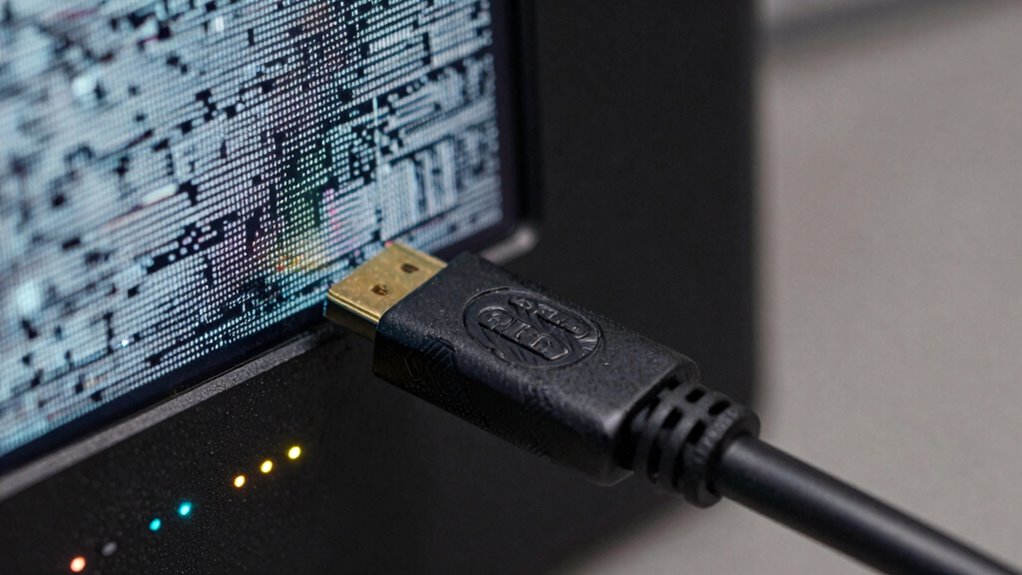
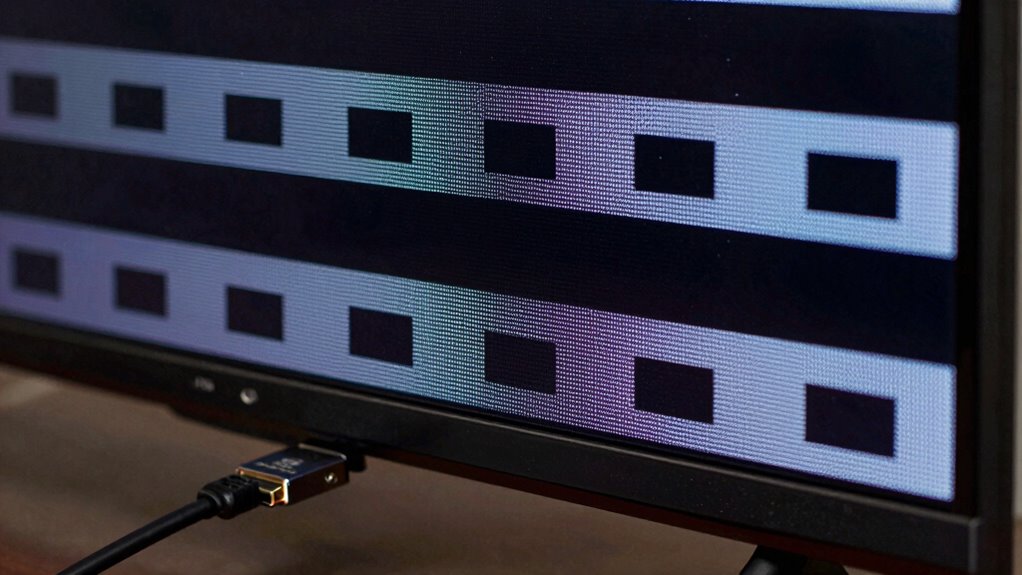
If your HDMI blackouts seem random, you might be surprised to learn that they often follow a hidden pattern. The key to understanding these interruptions lies in recognizing the underlying causes, especially signal interference and firmware glitches. When your screen suddenly goes blank or flickers, it’s easy to assume it’s just bad luck, but in many cases, these issues are predictable once you identify what triggers them.
One common culprit is signal interference. HDMI cables run through environments filled with other electronic devices—Wi-Fi routers, cordless phones, Bluetooth speakers, and even microwave ovens can all emit signals that disrupt your HDMI connection. These interferences tend to happen at specific times or under certain conditions, such as when large appliances turn on or when wireless devices operate nearby. If you notice your blackouts coincide with these activities, then interference is likely the cause. Paying attention to when and where the blackouts occur can help you pinpoint if interference is the pattern behind the chaos.
Interference from Wi-Fi, phones, or microwaves often causes HDMI blackouts during specific activities or times.
Another considerable factor is firmware glitches. Your HDMI device’s firmware controls how it communicates with other components, and if it’s outdated or has bugs, it can cause periodic connection drops. Firmware glitches often follow a pattern related to software updates, device restarts, or certain usage conditions. For example, after a firmware update, you might notice blackouts happen more frequently or at specific times during operation. Similarly, prolonged usage or switching between different devices can trigger these glitches, revealing a pattern if you observe carefully. Keeping your firmware updated and resetting devices periodically can help break this cycle. Firmware stability plays a significant role in maintaining a consistent connection. Additionally, many manufacturers release firmware patches that specifically address connection stability issues, making it crucial to stay current with updates. Recognizing how device compatibility impacts these issues can further streamline troubleshooting efforts.
Additionally, understanding the role of electromagnetic interference in these issues can further improve troubleshooting efforts. These patterns may seem confusing at first, but once you piece them together, you gain clarity. For instance, if your blackouts happen only during peak Wi-Fi usage or after firmware updates, those are clues pointing to interference or glitches. Recognizing these patterns allows you to troubleshoot more effectively—moving your HDMI cables away from interference sources, updating firmware, or adjusting device settings to minimize disruptions.
Products Worth Considering

LG UltraGear 27-Inch QHD OLED Gaming Monitor, 240Hz, 0.03ms, G-SYNC Compatible, FreeSync Premium Pro, HDMI 2.1

Bose TV Speaker Compact Soundbar with Bluetooth and HDMI-ARC, Black

Logitech MX Brio Ultra HD 4K Webcam, Graphite
As an affiliate, we earn on qualifying purchases.
Frequently Asked Questions
Can HDMI Blackouts Damage My TV or Devices?
HDMI blackouts typically won’t damage your TV or devices, but poor cable quality or signal interference can cause frequent disruptions. Low-quality cables may degrade the signal or cause overheating, potentially harming your equipment over time. To prevent issues, use high-quality HDMI cables and minimize interference from other electronics. While blackouts themselves aren’t usually harmful, persistent problems might strain your devices, so addressing the root cause is essential for long-term safety.
Do HDMI Cables Affect Blackout Frequency or Patterns?
Coincidences often seem random, but cable quality and signal interference play key roles in blackout patterns. Higher-quality HDMI cables reduce signal interference and guarantee stable connections, decreasing blackout frequency. Poor quality cables or damaged ones can cause intermittent blackouts, mimicking coincidence. So, if you’re experiencing frequent blackouts, check your HDMI cables first—they directly influence the consistency of your connection and can reveal underlying issues affecting your devices.
Is Firmware Updating Necessary to Prevent HDMI Blackouts?
Firmware updates are often necessary to prevent HDMI blackouts because they fix bugs and improve compatibility with your devices. Keeping your firmware current guarantees your connection remains stable. Additionally, cable quality plays an essential role; using high-quality HDMI cables minimizes interference and signal loss. Regularly updating your firmware and choosing good cables help you avoid random blackouts, providing a more reliable and consistent viewing experience.
Are Certain HDMI Ports More Prone to Blackouts?
Yes, certain HDMI ports are more prone to blackouts due to wear and tear over time. You might notice that the ports you frequently use experience more issues, especially if the cable quality is poor or the connection is loose. To reduce blackouts, try switching to different ports, use high-quality cables, and avoid excessive plugging and unplugging. Regularly inspecting and cleaning ports can also help maintain a stable connection.
How Does Ambient Temperature Influence HDMI Connection Stability?
Ambient temperature influences HDMI connection stability by causing temperature fluctuations that impact cable insulation. When it gets too hot or cold, the insulation can expand or contract, leading to loose connections or signal interruptions. You might notice blackouts during extreme temperature changes, especially if your HDMI cable isn’t well-insulated. To improve stability, keep your setup in a temperature-controlled environment and consider using cables with better insulation properties.
Conclusion
Understanding the pattern behind random HDMI blackouts helps you troubleshoot effectively. For instance, if your TV blacks out every time you turn on your gaming console, it might be a power or HDMI cable issue. Recognizing these patterns allows you to test specific components or settings, saving you time and frustration. Remember, patterns often point to a root cause, so observing and noting when blackouts occur is your best troubleshooting tool.