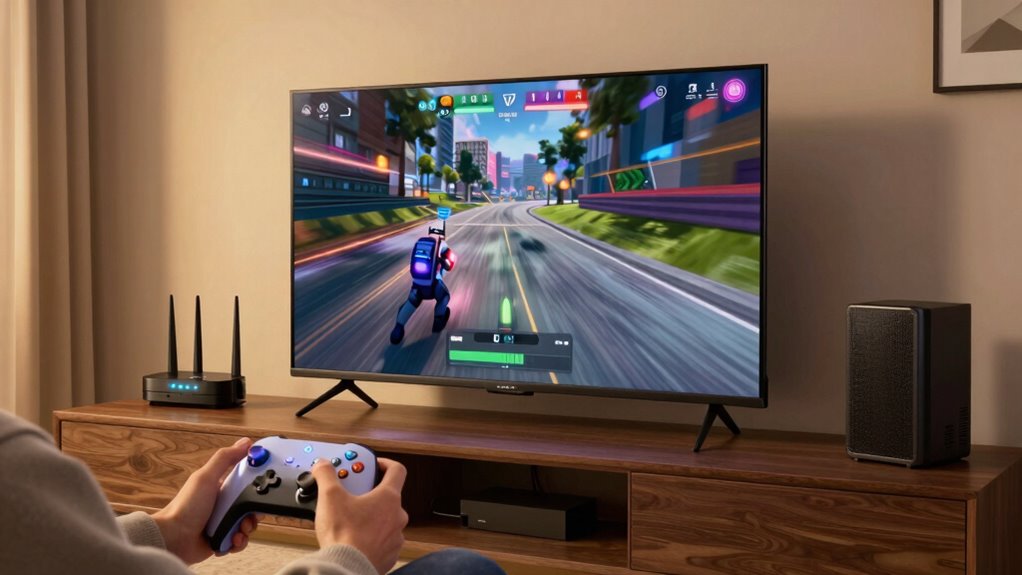

To keep everyone online without buffering during the big game, position your router centrally and elevate it to maximize coverage. Use QoS settings to prioritize streaming devices and applications, limit the number of connected devices, and disconnect non-essential gadgets. Switch to less congested Wi-Fi channels and update your router’s firmware regularly. For reliable performance, consider wired connections for critical devices. Keep these tips in mind, and you’ll discover more ways to guarantee a smooth streaming experience.
Key Takeaways
- Position your router centrally, elevated, and free from obstructions to maximize Wi-Fi coverage during the game.
- Enable QoS settings to prioritize streaming devices and critical applications, reducing buffering.
- Switch to less congested Wi-Fi channels and update router firmware for improved stability and performance.
- Limit connected devices and disconnect non-essential gadgets to free bandwidth for important streams.
- Use wired Ethernet connections for critical devices to ensure a stable, buffer-free viewing experience.
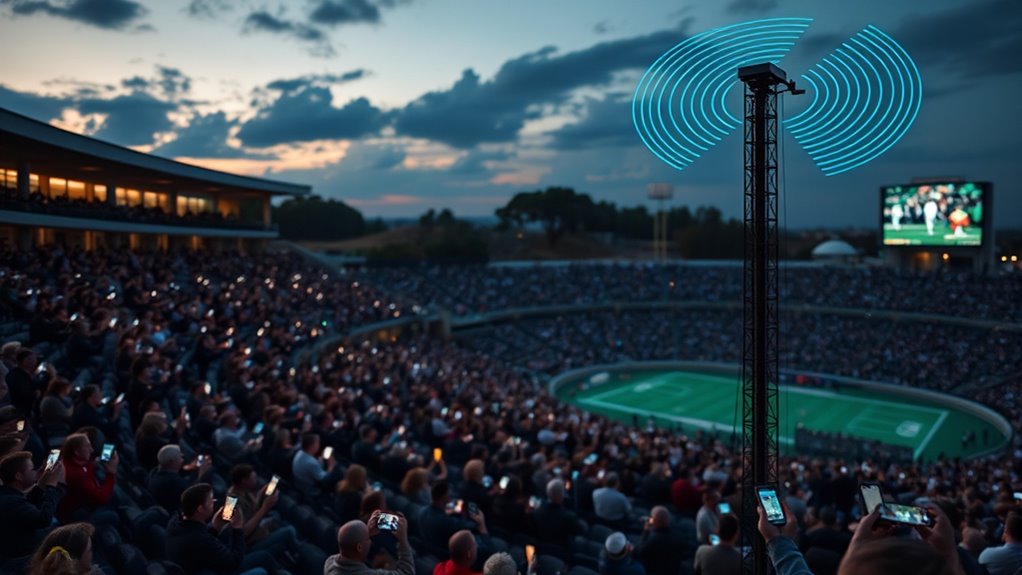
When you’re out in the wild for a big game adventure, staying connected can feel nearly impossible, yet it’s more important than ever. Whether you’re streaming the game live, coordinating with friends, or just keeping an eye on updates, a reliable Wi-Fi connection makes all the difference. The key to maintaining that connection lies in smart network management, starting with router optimization and device prioritization. These steps help ensure your devices get the bandwidth they need without causing unnecessary lag or buffering.
Router optimization is your first line of defense. When you’re in a remote location, signals can be weak or inconsistent, especially if multiple devices are competing for bandwidth. To combat this, position your router in a central location, free from obstructions, and elevate it off the ground if possible. Adjust the antenna angles to maximize coverage and switch to a less congested Wi-Fi channel if your router offers that option. Updating your router’s firmware can also improve performance and stability, fixing bugs that might hinder your connection. These simple tweaks create a stronger, more stable network foundation, reducing interruptions during critical moments of the game. Additionally, understanding network interference can help you identify and eliminate sources of signal disruption, further improving your connection quality.
Position your router centrally, elevate it, and update firmware for stronger, more reliable outdoor Wi-Fi connections.
Device prioritization takes your connection management a step further. Not all devices need equal bandwidth at all times. By setting up device prioritization, you can ensure your streaming device or smartphone gets priority access when it matters most. Many modern routers have Quality of Service (QoS) settings, allowing you to assign higher priority to specific devices or applications. For example, you can prioritize your streaming app over background downloads or other devices connected to the network. This prevents less important devices from hogging bandwidth and keeps your live stream smooth and buffer-free.
Additionally, limit the number of connected devices to only what you need for the game day. Disconnect gadgets that aren’t essential, as more devices mean more competition for bandwidth. Consider using wired connections for critical devices if possible, as Ethernet offers more stable speeds than Wi-Fi. Keep in mind that even a small increase in available bandwidth can make a significant difference—so optimizing your network through proper router settings and device prioritization can turn a shaky connection into a reliable one.
With some proactive setup, you can enjoy the big game without constant buffering or lag. Focus on router optimization to strengthen your network’s foundation, and use device prioritization to make sure your most important streams and updates stay smooth. When you approach your outdoor Wi-Fi setup with these strategies, you’re not just surviving—you’re thriving, even in the most challenging conditions.
Frequently Asked Questions
How Can I Boost Wi-Fi Signal During a Big Game?
To boost your Wi-Fi signal during a big game, you should consider using Wi-Fi extenders or mesh networks. Wi-Fi extenders amplify your existing signal, covering dead zones, while mesh networks create a seamless coverage area throughout your home. Place extenders strategically near high-traffic areas and guarantee your mesh nodes are well-spaced for peak performance. These solutions help keep everyone online and streaming smoothly without buffering interruptions.
What Equipment Is Best for High-Speed Streaming at Events?
To guarantee high-speed streaming at events, choose a high-performance router with strong antenna upgrades and place it centrally for maximum coverage. Elevate the router off the ground and away from obstructions to improve signal strength. Adjust the antennas to direct the signal toward your devices. Using a router with advanced features like MU-MIMO and dual-band support can also help handle multiple streams smoothly without buffering.
How Do I Prevent Wi-Fi Congestion in Crowded Areas?
To prevent Wi-Fi congestion in crowded areas, you should minimize Wi-Fi interference by placing your access points strategically away from interference sources. Use network prioritization to ensure critical devices or streams get bandwidth first, preventing lag and buffering. Also, consider implementing dual-band or mesh networks to distribute traffic evenly. Regularly monitor network performance and adjust settings to maintain smooth connectivity for everyone.
Are There Portable Wi-Fi Options for Outdoor Game Viewing?
Sure, satellite internet and portable routers are your best bets for outdoor game viewing. Ironically, while you’d think they’d be unreliable in the wild, these tech marvels actually keep you connected even miles from Wi-Fi hotspots. Portable routers with satellite internet provide reliable streaming, so you can enjoy the game without buffering, no matter where you are. Just pack the gear, and you’re all set for an uninterrupted, outdoor viewing experience.
What Is the Recommended Bandwidth for Streaming High-Definition Sports?
For streaming high-definition sports, you should aim for a bandwidth requirement of at least 5 to 8 Mbps for HD quality and 25 Mbps or higher for 4K streaming. This guarantees smooth streaming quality without buffering. Keep in mind, higher bandwidth allows multiple devices to stream simultaneously, so if you’re watching with friends or family outdoors, consider upgrading your connection to maintain a seamless viewing experience.
Conclusion
Now that you’ve secured your Wi-Fi for the big game, you’re ready to cheer without a single buffering pause. It’s like having a clear, uninterrupted voice in a noisy crowd—your streaming stays smooth while others struggle. Staying connected means you enjoy every play, every highlight, without interruption. So, enjoy the game with confidence, knowing your Wi-Fi is your silent champion, keeping you online while the action unfolds. No buffering, no worries—just pure, uninterrupted excitement.