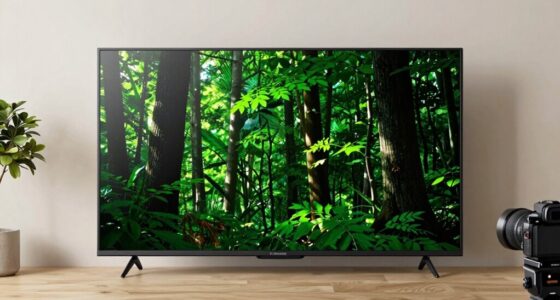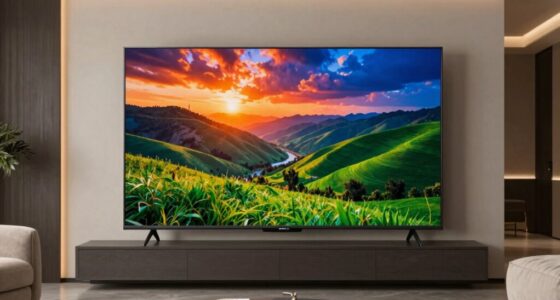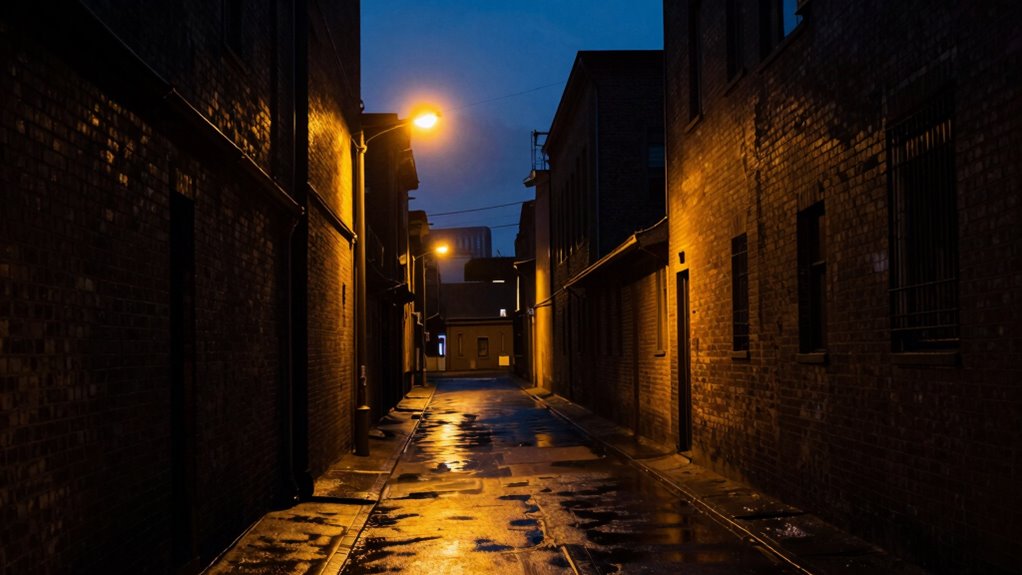

Balancing black levels and brightness is key to getting the best picture quality. If black levels are too high, your images will look washed out; too low, and dark scenes lose detail. Brightness controls how much light your display emits, affecting contrast and highlight visibility. To achieve vibrant, lifelike images, you need to fine-tune both together. Keep in mind, understanding how they interact helps you create the perfect viewing experience—there’s more to uncover as you go further.

Get audio and creator gear delivered free — and shop member deals
- Fast, free delivery on millions of items
- Access to Prime Big Deal Days deals on October 6–7
- Prime Video, Amazon Music and more included
Key Takeaways
- Black levels determine how deep and true blacks appear, while brightness affects the overall light output of highlights.
- Proper calibration balances black depth with sufficient brightness for highlights, ensuring contrast and detail.
- Overemphasizing black levels can make daytime scenes too dark; excessive brightness can wash out dark areas.
- Achieving a good balance enhances HDR content, revealing shadow detail without sacrificing highlight impact.
- Regular adjustments and calibration help maintain an optimal balance suited for different viewing environments.
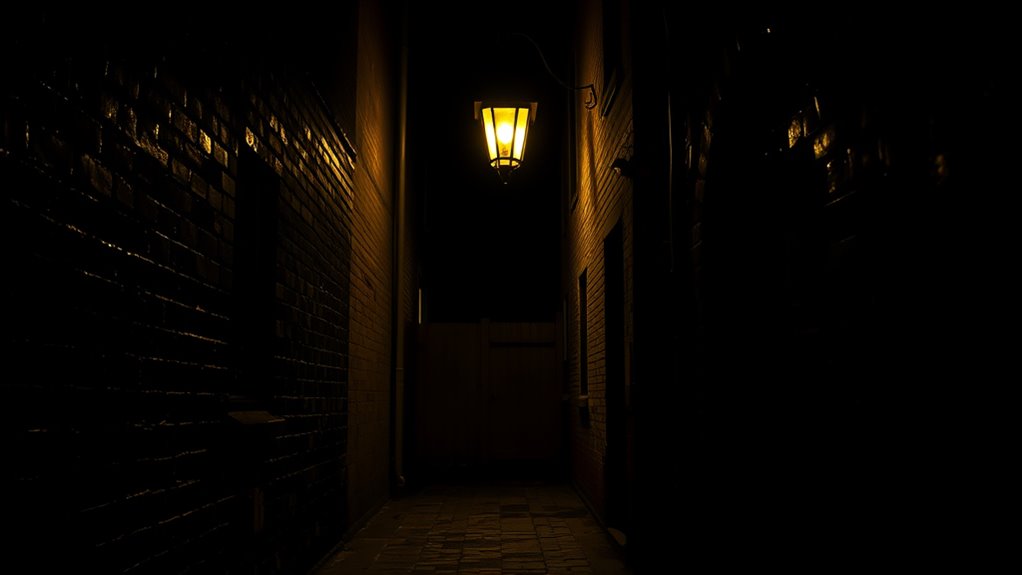
When choosing a display, understanding the balance between black levels and brightness is fundamental because both considerably impact picture quality. If either is off, your viewing experience can suffer, making images appear dull or overly washed out. To get the best picture, you need to consider how these settings interact, especially during HDR calibration. HDR content relies heavily on accurate black levels and brightness to deliver the full range of contrast and detail. Proper HDR calibration ensures that blacks are deep enough to convey shadow details without crushing them, while brightness is set high enough to make highlights pop without sacrificing dark scene depth. This calibration process helps you tune your display so that both black levels and brightness work harmoniously, revealing the content as intended by the creators. Additionally, advancements in energy-efficient display technology have made it easier to optimize these settings without excessive power consumption. Screen uniformity also plays an indispensable role in maintaining a balanced picture. Uneven backlighting or panel inconsistencies can cause parts of the screen to appear brighter or darker than others, disrupting your perception of contrast and color accuracy. When screen uniformity isn’t ideal, you might notice patches that seem less detailed or overly bright, which throws off your overall viewing experience. To mitigate these issues, you should regularly check your display for uniformity problems and adjust settings accordingly. Some displays allow for local dimming or other adjustments that can improve uniformity, but often, calibration tools or professional services are needed to fine-tune these aspects effectively. Finding the right balance between black levels and brightness involves more than just adjusting sliders. It’s about understanding how these settings interact during different viewing scenarios. For example, in a dark room, you want blacks to be truly deep, but you also need enough brightness to see detail in well-lit scenes. Overemphasizing brightness can lead to washed-out blacks, while focusing solely on black levels might make daytime scenes too dim. This balance is indispensable for enjoying HDR content, where both elements work together to produce vivid, lifelike images. Remember, the goal is to create a picture that feels natural and immersive, with true blacks, bright highlights, and consistent screen performance. Regularly calibrate your display, paying close attention to HDR settings and uniformity, and you’ll enjoy a sharper, more vibrant picture that truly brings your content to life.
As an affiliate, we earn on qualifying purchases.
Frequently Asked Questions
How Do Black Levels Affect Overall Picture Quality?
Black levels directly influence your picture quality by affecting contrast ratio and shadow detail. When black levels are set properly, you see deeper blacks, making colors pop and enhancing overall clarity. If blacks are too high, your image looks washed out; too low, and you lose detail in shadows. Balancing black levels guarantees richer contrast and sharper shadow detail, giving you a more immersive, cinematic viewing experience.
Can Adjusting Brightness Impact Color Accuracy?
Adjusting brightness can impact color accuracy, affecting your overall viewing experience. When you increase brightness, it can wash out colors, reducing color precision and making images look less natural. Conversely, lowering brightness might enhance contrast but can also dull colors if set too low. To maintain ideal color accuracy and guarantee a vibrant, true-to-life picture, find a balanced brightness setting that complements your black levels and overall display calibration.
What Is the Best Setting for Gaming?
For gaming, the best setting depends on your viewing environment, but generally, keep black levels low for better contrast. Studies show 85% of gamers prefer calibrated displays for ideal performance. Use calibration tools to fine-tune your settings, balancing black levels and brightness. In a dark room, lower brightness enhances detail, while in a bright room, increase it to reduce glare. Adjust accordingly for clear visuals and immersive gameplay.
Do Different TV Brands Have Unique Calibration Needs?
Yes, different TV brands have unique calibration needs. You’ll find that brand-specific calibration is necessary because each brand’s technology and panel type vary. Additionally, model-dependent settings influence how you fine-tune your TV’s picture quality. You should always consult your TV’s manual or a professional calibration guide to guarantee the best picture. Adjusting for brand-specific calibration ensures you get the best blacks, brightness, and overall picture quality tailored to your TV.
How Often Should I Recalibrate for Optimal Settings?
They say, “Nothing lasts forever,” and that’s true for TV calibration too. You should recalibrate your TV every six months to a year for maximum recalibration. Regular calibration ensures your black levels and brightness stay balanced, providing the best picture quality. If you notice picture quality fading or colors becoming off, it’s time for an immediate recalibration. Staying on top helps you enjoy the best viewing experience consistently.
As an affiliate, we earn on qualifying purchases.
Conclusion
Finding the right balance between black levels and brightness isn’t just about settings; it’s about understanding how they work together to deliver a better viewing experience. Don’t assume higher brightness always means better image quality—sometimes, lowering it can reveal richer blacks and more detail. Think of it like life: too much of one thing can drown out the nuances. Adjust wisely, and you’ll enjoy a picture that’s truly optimized for your eyes.
As an affiliate, we earn on qualifying purchases.
display brightness and black level settings
As an affiliate, we earn on qualifying purchases.
As an affiliate, we earn on qualifying purchases.
Evergreen bestsellers Picks
bestsellers
As an affiliate, we earn on qualifying purchases.