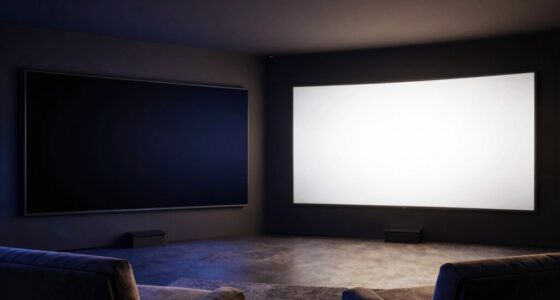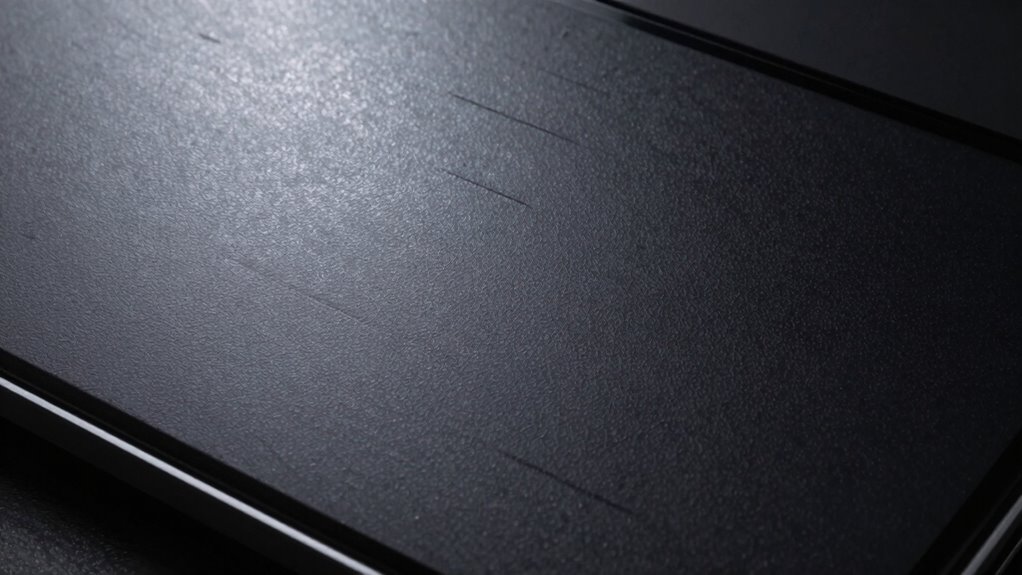

The surface finish of your screen, whether glossy or matte, changes contrast more than you might think. Glossy screens reflect more ambient light, washing out dark details and reducing contrast in bright settings. Matte surfaces scatter light and minimize glare, helping preserve contrast even in bright environments. Semi-gloss finishes strike a balance, offering vibrancy with less reflection. If you want to understand how different surface materials impact your display’s contrast, there’s more to explore.
Key Takeaways
- Surface reflection significantly impacts perceived contrast, often more than the actual display technology.
- Glossy surfaces increase reflections, washing out dark details and reducing effective contrast.
- Matte finishes scatter light, minimizing glare and preserving contrast in bright environments.
- Small differences in surface finish can cause noticeable contrast variations in different lighting conditions.
- Material composition and surface texture influence how ambient light affects contrast perception.

When choosing a screen material, you might expect consistent contrast levels, but in reality, subtle details can cause significant variations. One key factor that often goes overlooked is the display surface, specifically how its finish affects surface reflection. The surface reflection of a screen isn’t just about glare; it directly impacts how you perceive contrast in different lighting conditions. A glossy surface, for example, reflects more ambient light, which can wash out darker details and make the contrast seem less sharp. Conversely, a matte surface scatters incoming light, reducing glare and preserving contrast, but sometimes at the expense of image sharpness or brightness.
Surface finish impacts contrast more than you think—glossy reflects ambient light, while matte reduces glare but may soften images.
The subtle differences in the display surface’s texture influence how light interacts with the material. Even a slight change in the surface finish can cause variations in surface reflection, which then alters perceived contrast. For instance, a semi-gloss finish offers a compromise: it minimizes surface reflection while maintaining some degree of vibrancy. But if your environment has bright lighting or windows, the surface reflection from any glossy elements can create hotspots that diminish the contrast between dark and light areas. On the other hand, a matte surface mitigates these reflections, resulting in more consistent contrast regardless of ambient lighting, but it can sometimes introduce a powdery or hazy appearance that slightly softens the image.
Understanding how surface reflection interacts with ambient conditions is crucial for optimizing your viewing experience. Knowing this, you should consider how your environment interacts with the display surface. If you work in a brightly lit room or near windows, a matte screen is likely your best choice, as it reduces surface reflection and maintains contrast. If you mostly watch in controlled lighting or prefer vibrant colors, a glossy surface might enhance your experience, but be aware of potential surface reflections that could interfere with your contrast perception. These reflections are often subtle but can significantly affect your viewing experience, especially in high-contrast scenes. Understanding surface reflection is crucial for making an informed decision about your display. Additionally, considering the material composition of the surface can help predict how it will perform in different environments. For example, some materials are engineered to better manage light scattering and minimize reflection, which can be a valuable consideration. It’s also helpful to look into how different finishes are designed to handle ambient lighting and prevent glare. The bottom line is that the display surface’s finish and how it handles surface reflection can change the contrast more than you might expect. It’s worth paying close attention to the material details and understanding how they perform in your typical environment. Small differences in surface reflection can lead to noticeable changes in contrast, impacting your overall enjoyment and the accuracy of what you see on screen. So, don’t overlook this aspect—what’s beneath the surface can make all the difference.

2 PCS 27" Anti Glare Screen Protector for 27 Inch 16:9 Widescreen Desktop Monitor, Matte Screen Filter for Sceptre/LG/Dell/HP/Acer/ViewSonic/ASUS/Aoc/Samsung,Eye Protection & Anti Scratch film
- Device Compatibility: Fits 27-inch 16:9 monitors
- High Definition Clarity: No screen distortion, anti-fingerprint
- Eye Protection & Durability: Reduces glare, scratches, and radiation
As an affiliate, we earn on qualifying purchases.
As an affiliate, we earn on qualifying purchases.
Frequently Asked Questions
How Does Ambient Lighting Affect Contrast on Different Screen Materials?
Ambient lighting impacts contrast on different screen materials by affecting surface glare and color accuracy. Bright light can cause glare, reducing contrast and making images look washed out, especially on glossy surfaces. Matte screens minimize glare but might slightly reduce color accuracy. You should adjust your environment, like dimming lights or choosing matte over glossy, to optimize contrast and preserve color accuracy across various lighting conditions.
Can Screen Coatings Degrade Over Time and Impact Contrast?
Think of your screen like a painted wall—over time, its coating can peel or fade, affecting contrast. Yes, screen coatings can degrade, impacting durability and coating stability. As coatings wear down, contrast diminishes because the reflective or anti-glare properties weaken. Regular cleaning and avoiding harsh chemicals help preserve your screen’s longevity, but eventually, wear and tear can cause noticeable contrast loss, prompting a need for replacement or professional re-coating.
What Role Does Viewing Angle Play in Perceived Contrast Differences?
You’ll notice that your viewing angle considerably affects perceived contrast, especially with color accuracy and light diffusion. When you view the screen from an angle, light diffusion causes colors to appear washed out or distorted, reducing contrast. This means the clarity and vibrancy you see depend heavily on your position. To maintain ideal contrast, sit directly in front of the screen, where light diffusion is minimized and color accuracy is preserved.
Are There Specific Screen Materials Better for High-Contrast Gaming?
For high-contrast gaming, opt for screens with matte surfaces like anti-glare coatings, which prevent reflections and maintain vivid contrast, even in bright rooms. Hypothetically, a durable IPS panel with a specialized matte surface balances contrast and longevity, ensuring your screen surface resists scratches and fading over time. These materials enhance contrast stability, so your gaming visuals stay sharp and immersive without sacrificing durability.
How Do Manufacturing Variations Influence Contrast Performance?
Manufacturing inconsistencies can considerably impact contrast performance because even small variations in material uniformity affect how light interacts with the screen. If production isn’t precise, certain areas might reflect or absorb light differently, causing contrast to fluctuate unexpectedly. To guarantee consistent contrast, manufacturers need strict quality controls that minimize these inconsistencies, maintaining uniform material properties across the entire screen. This consistency ensures you get reliable contrast levels during gaming or viewing.

Supershieldz (3 Pack) Designed for Universal 15.6 inch with 16:9 Aspect Ratio Laptop Screen Protector, (344mm x 194mm) Screen Protector, 0.12mm, High Definition Clear Shield (PET)
- Material: High-quality Japanese PET film
- Ease of Installation: Easy to install with no residue
- Transparency: High definition clear film
As an affiliate, we earn on qualifying purchases.
As an affiliate, we earn on qualifying purchases.
Conclusion
So, next time you’re choosing a screen material, ask yourself—are you really considering how much contrast it can change? Don’t overlook the subtle details that can make a big difference in your viewing experience. Understanding these materials helps you make smarter choices, ensuring your display looks its best. After all, isn’t it worth paying attention to the tiny details that can transform your screen’s performance? Make informed decisions and enjoy better visuals every time.

HP Durable Semi-gloss Display Film, 36 Inches x 50 ft Roll (Q6620B)
- Product Type: HP Durable Semi-gloss Display Film
- Size: 36 inches x 50 feet roll
- Ideal Uses: POP signs, banners, displays, posters
As an affiliate, we earn on qualifying purchases.
As an affiliate, we earn on qualifying purchases.

Magicmoon 2-Pack 24 Inch Computer Privacy Screen Filter, Anti-Spy/Glare Protector Film for Widescreen Monitor with 16:9 Aspect Ratio (Width x Height: 531mm x 298mm)
- Compatible Model: Fits 24-inch widescreen monitors
- Privacy Enhancement: Darkens screen from side angles
- Adjustable Privacy Level: Modify brightness to change privacy
As an affiliate, we earn on qualifying purchases.
As an affiliate, we earn on qualifying purchases.