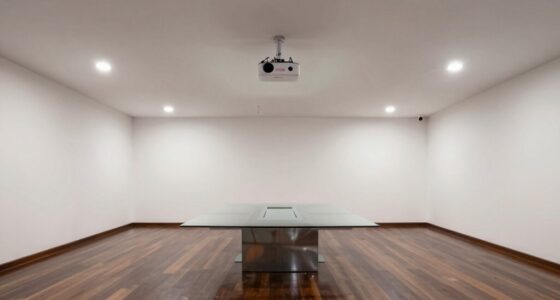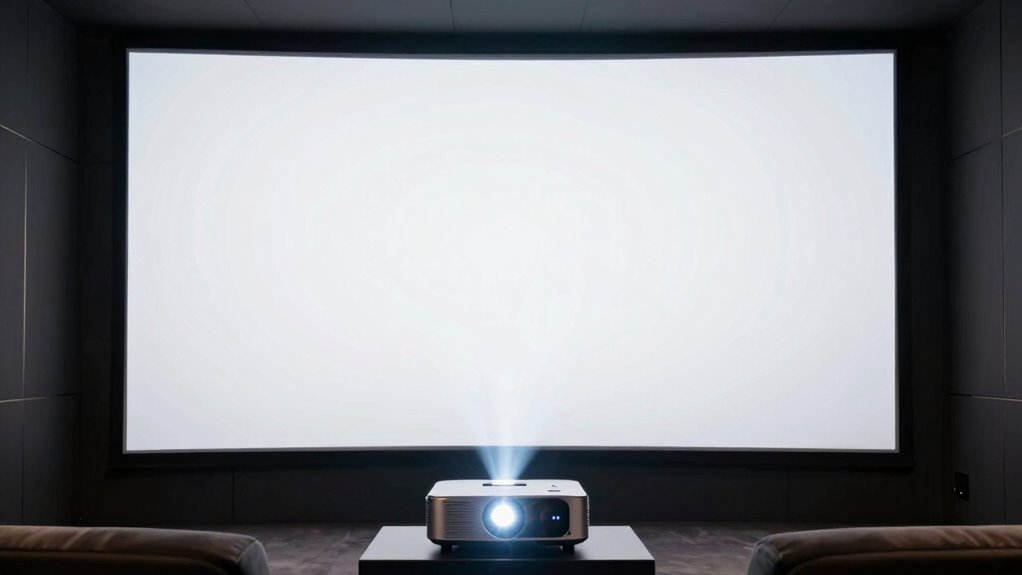

To match your projector’s brightness to your screen size without guessing, start by evaluating your room’s ambient light and size. Bright rooms and large screens need projectors with 2,500 to 3,500 lumens, while darker spaces with smaller screens need less. Proper placement also enhances perceived brightness. Balancing these factors helps you avoid dull images or excess energy use. Continue exploring for more tips to optimize your setup for the best viewing experience.
Open a free Amazon Business account
Business pricing, bulk buying and tax-exempt orders.
As an affiliate, we earn on qualifying purchases.
Key Takeaways
- Measure your room’s ambient light and choose a projector with lumen output suited to that lighting level.
- Match projector brightness to screen size: larger screens need higher lumens to maintain image clarity.
- Consider room size; bigger spaces require more lumens to ensure vivid images without dullness.
- Use recommended lumen ranges based on room brightness and screen dimensions for optimal viewing.
- Adjust projector placement to improve perceived brightness and compensate for size or lighting challenges.

Wondering how to guarantee your projector’s brightness matches your room’s lighting conditions? It’s a common concern, especially when you’re trying to create a clear, vibrant image without wasting energy or risking a washed-out picture. The key factors to consider are the lighting conditions of your space and the size of the room. Both elements directly influence how much brightness your projector needs to deliver for optimal viewing.
Start by evaluating your room’s lighting conditions. If your room is bright with lots of natural light or strong artificial lighting, you’ll need a projector with a higher lumen output. Typically, rooms with significant ambient light demand projectors with at least 2,500 to 3,500 lumens to produce a bright image that’s easy to see. On the other hand, if your space can be darkened easily, a projector with fewer lumens—say 1,500 to 2,500—may suffice. Matching your projector’s brightness to the lighting conditions ensures the image remains sharp, colorful, and easily viewable without straining your eyes or requiring constant adjustments.
Next, consider the room size. A larger room means the image has to be bigger, which in turn requires more brightness to maintain clarity. If you’re projecting onto a large screen in a spacious environment, opt for a higher lumen rating to prevent the image from appearing dull or washed out. Conversely, in a small, cozy room, a projector with moderate brightness levels will do the trick, as the smaller screen size naturally concentrates the light, making the picture appear brighter and more vivid. Additionally, understanding lumens is essential for selecting the right projector, as it directly impacts image brightness. When selecting a projector, also consider how ambient light interacts with your setup, as it can significantly influence the perceived brightness and overall viewing quality. Being aware of the projector’s placement can also help maximize brightness and image clarity, especially in rooms with challenging lighting conditions.
Furthermore, thinking about how the projector’s brightness interacts with the ambient light levels can help fine-tune your choice, ensuring you avoid under- or over-illumination for the best viewing experience. It’s also helpful to remember that projector placement can influence perceived brightness and image quality, so positioning your projector correctly is crucial. Avoid the temptation to guess based solely on specifications or marketing claims. Instead, think about your actual room conditions and how you plan to use the projector. For instance, a bright living room with large windows will need a more powerful projector than a dim basement theater. Keep in mind that increasing the brightness beyond what’s necessary can lead to higher energy consumption and potential bulb wear. On the flip side, choosing a projector with too little brightness for your setup results in a dull image that’s hard to see.
projector with 3500 lumens for bright rooms
As an affiliate, we earn on qualifying purchases.
As an affiliate, we earn on qualifying purchases.
Frequently Asked Questions
What Is the Ideal Projector Brightness for Outdoor Use?
For outdoor use, you’ll want a projector with at least 3,000 lumens, especially in ambient light. The ideal brightness depends on your projection technology and the screen size. To guarantee clear images, focus on brightness calibration, adjusting settings for best display. Brighter projectors provide better visibility outdoors, but avoid over-brightening, which can cause washout. Choose a high-lumen model suited for your screen size to get sharp, vivid images.
How Does Ambient Light Affect Projector Brightness Requirements?
Ambient light markedly impacts your projector’s brightness needs; in bright conditions, like a sunny outdoor space, you’ll require at least 3,000 lumens for clear images. Studies show that even small increases in ambient light can reduce projected image quality by up to 50%. To guarantee ideal viewing, you must increase your projector’s brightness requirements accordingly, especially in well-lit environments, so your image remains vibrant and visible without straining your eyes.
Can Projector Brightness Be Adjusted After Installation?
Yes, projector brightness can be adjusted after installation. You can use adjustable lumens settings or brightness calibration features built into many projectors. Access the menu or settings panel to fine-tune the brightness to match your screen size and ambient light conditions. This helps optimize image quality and clarity, ensuring you get the best viewing experience without the need for physical adjustments or replacing hardware.
What Are the Signs of a Projector That’s Too Dim or Too Bright?
Imagine your screen as a canvas—if colors look washed out or overly vivid, your projector might be too dim or bright. Signs of this include poor color accuracy, loss of detail in shadows, or glare that strains your eyes. Lens quality can also influence brightness perception. If images seem blurry or unevenly lit, it’s time to verify these factors. Adjusting brightness properly ensures vibrant, clear visuals without eye strain.
How Does Screen Material Influence Brightness Perception?
Screen material greatly influences brightness perception because of its reflectivity and potential for glare. If your screen has high reflectivity, it can boost brightness but also cause glare, making images appear washed out or difficult to see. Conversely, matte screens reduce glare but may absorb some light, making images seem dimmer. You should choose a screen material that balances reflectivity and glare control, aligning with your projector’s brightness and the room’s lighting conditions.
best projector for small dark rooms
As an affiliate, we earn on qualifying purchases.
As an affiliate, we earn on qualifying purchases.
Conclusion
As you step back and observe your illuminated screen, the perfect brightness feels like a gentle glow, not a harsh glare. When you match your projector’s lumens to your screen size, you create a cozy theater where images dance softly, inviting everyone in. It’s like tuning a delicate instrument—once in harmony, your space transforms into a mesmerizing oasis of clarity and comfort. Enjoy your perfectly balanced projection, where every detail shines with just the right brilliance.
high lumen projectors for large screens
As an affiliate, we earn on qualifying purchases.
As an affiliate, we earn on qualifying purchases.
adjustable projector placement accessories
As an affiliate, we earn on qualifying purchases.
As an affiliate, we earn on qualifying purchases.
Fall yard work Picks
leaf blowers
As an affiliate, we earn on qualifying purchases.