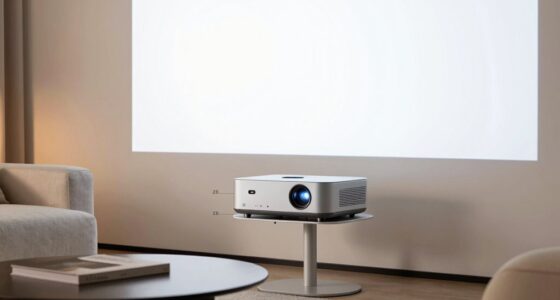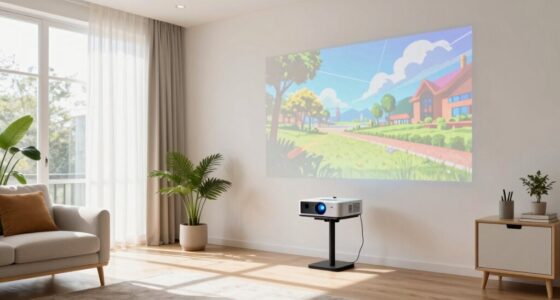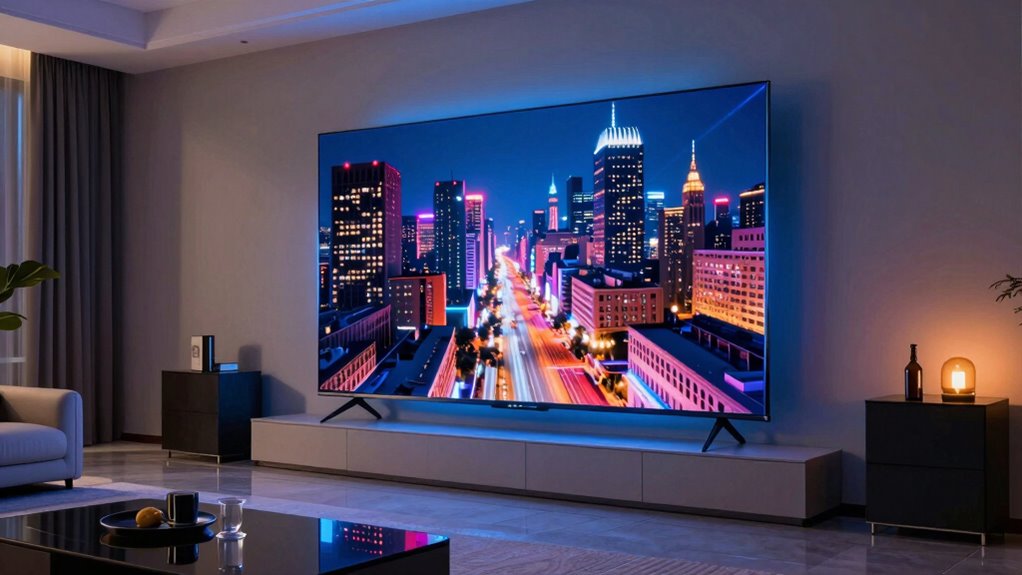
In everyday use, a laser TV means enjoying vibrant, lifelike images on a large screen with rich colors and deep blacks. It combines laser projection technology with advanced display techniques to create cinematic-quality visuals right in your living room. While setup can be a bit tricky and room conditions matter, once installed properly, you’ll experience immersive entertainment with minimal fuss. If you keep exploring, you’ll discover how to optimize your laser TV for the best quality and performance.
Key Takeaways
- Laser TV delivers vibrant, lifelike images with deep blacks, creating a cinematic viewing experience at home.
- It requires careful installation, including proper room setup and screen placement for optimal picture quality.
- The technology uses laser light sources to produce bright, vivid colors that outperform traditional projectors or TVs.
- Proper alignment and maintenance are essential to sustain sharpness and brightness over time.
- Despite setup challenges, Laser TV offers an immersive, high-quality entertainment experience in a home environment.
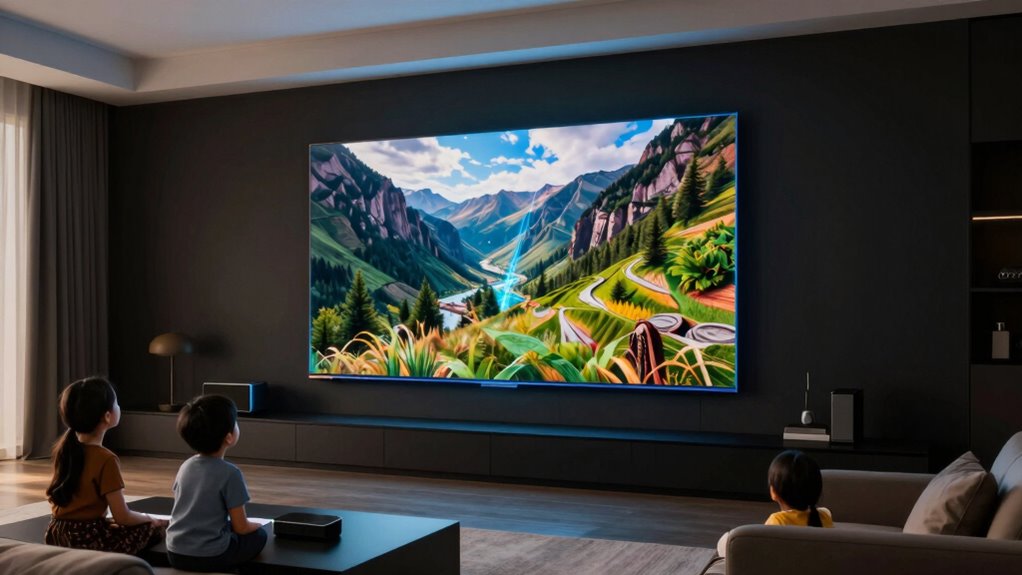
Laser TVs are quickly becoming a popular choice for home entertainment because they offer stunning picture quality and large screen sizes in a compact design. When you decide to bring one into your living space, you’ll immediately notice the vibrant, crisp images that outperform many traditional projectors or flat-screen TVs. The key to this impressive display is the projection quality, which relies on laser light sources that deliver bright, vivid colors and deep blacks. As a result, your movies, games, and shows look incredibly lifelike, transforming your viewing experience from ordinary to extraordinary.
Laser TVs deliver stunning, lifelike images with vibrant colors and deep blacks, transforming your home entertainment experience.
However, understanding what a laser TV truly entails in everyday use means recognizing that setup isn’t always as straightforward as plugging in a new TV. Installation challenges can arise, especially if you’re aiming for the best possible picture quality. Unlike standard TVs that just need wall mounting or placing on a stand, laser projectors often require a dedicated space with specific considerations. You’ll need a suitable wall or screen for projection, and the room’s lighting conditions matter. Too much ambient light can wash out the image, so you might have to control your room’s lighting environment or invest in blackout curtains.
Positioning the laser projector is also essential. You need to verify it’s aligned correctly to project a clear, undistorted image. This might involve adjusting the distance from the screen, leveling the device, or even mounting it on the ceiling. Some models come with motorized adjustments, but that adds complexity to the installation process. Additionally, you’ll want to think about the placement of speakers or sound systems, as laser projectors typically don’t include built-in audio that matches their visual performance. Proper setup guarantees you get the sharpness, brightness, and color fidelity that define projection quality.
Furthermore, space considerations can be an installation challenge. Laser TVs and their projectors often require a clear projection path and enough room for the image to reach the desired size. If your living room is small or cluttered, you might need to rearrange furniture or choose a different spot for the projector. While the compact design of laser TVs makes them visually appealing, their installation demands planning to optimize picture quality. Also, understanding the projection technology behind laser TVs helps in setting realistic expectations for image performance and maintenance. Additionally, researching room conditions can help in achieving the best viewing experience. Paying attention to ambient lighting can significantly improve the overall picture clarity and color vibrancy.
In everyday use, once you’ve navigated these setup challenges, you’ll find that laser TVs provide an immersive viewing experience with minimal fuss. The effort you put into proper installation pays off with stunning visuals, making your entertainment space feel more cinematic and engaging.

NexiGo Nova Mini, Portable Laser Projector, Google TV w/Netflix, 1080p FHD, 1200 Lumens, 15000:1 Contrast w/SAE, 3D, Auto Setup, 150" Display, 8W Dolby Audio, Portable for Home & Outdoor
【Google TV】Access all your favorite content in one place with Google TV. Browse over 10,000 apps and 800+…
As an affiliate, we earn on qualifying purchases.
As an affiliate, we earn on qualifying purchases.
Frequently Asked Questions
How Does Laser TV Differ From Traditional Projectors?
Laser TVs differ from traditional projectors by offering better color accuracy and installation flexibility. You’ll notice richer, more vibrant images with laser technology, making your viewing experience more immersive. Unlike traditional projectors, laser TVs are easier to set up, often requiring less space and fewer adjustments. They provide a sleek, integrated solution that fits seamlessly into your home entertainment setup, making it simple to enjoy high-quality visuals without hassle.
What Is the Typical Lifespan of a Laser TV?
A laser TV typically lasts around 20,000 to 30,000 hours of use, making it quite durable. Its energy efficiency means it consumes less power over time compared to traditional projectors or TVs, which can reduce your overall costs. When considering cost comparison, laser TVs might be more expensive upfront but tend to save you money in the long run because of their longevity and lower energy use.
Can Laser TV Be Used Outdoors Effectively?
Laser TVs aren’t ideal for outdoor use because they lack outdoor durability and can struggle with sunlight glare. Bright sunlight diminishes picture quality, making it hard to see the screen clearly. If you want an outdoor viewing experience, consider a weatherproof outdoor projector with a high lumen rating. Laser TVs are best kept indoors where controlled lighting conditions prevent sunlight glare and protect their delicate components.
Is Laser TV Suitable for Gaming?
You might be surprised, but laser TVs can be quite suitable for gaming. Their impressive gaming performance guarantees smooth visuals, reducing lag during intense moments. Plus, their screen size flexibility immerses you fully into the game world, making every session thrilling. However, consider ambient lighting, as laser projectors can struggle in bright rooms. With the right setup, a laser TV can elevate your gaming experience to new heights, blending size and clarity seamlessly.
What Are the Main Maintenance Needs for Laser TVS?
You’ll need to regularly check color calibration on your laser TV to guarantee vibrant, accurate images. It’s also important to monitor power consumption, as laser projectors can vary in efficiency. Keep the lens clean and replace the laser module if brightness diminishes over time. Regular maintenance like firmware updates and filter cleaning helps prolong your TV’s lifespan, ensuring consistent performance and picture quality.

XGIMI Horizon 20 Max 4K Projector Triple Laser Home Theater, 2025 New, 5700 ISO Lumens, Google TV with Licensed Netflix, Optical Zoom Lens Shift, IMAX Enhanced, Dolby Vision, 20000:1 Contrast
Lossless Optics: Flexible lens shift and optical zoom give you more freedom in setup—without sacrificing clarity. Enjoy crisp,…
As an affiliate, we earn on qualifying purchases.
As an affiliate, we earn on qualifying purchases.
Conclusion
In the end, understanding what ‘laser TV’ truly means helps you make smarter choices. It’s not just about the fancy name or size — it’s about how you enjoy your movies and shows daily. Remember, “a picture is worth a thousand words,” so choose a laser TV that brings clarity and color to your living room. When you pick wisely, you’ll turn your space into a true home theater, making every viewing moment special.

Akia Screens Fixed Frame Projector Screen 120-Inch, 16:9, Wall Mount, CINEWHITE UHD-B, 4K/8K Ready, Indoor Home Theater, AK-FF120WH2
120-INCH 16:9 FIXED FRAME DISPLAY: 120-inch diagonal fixed frame projector screen with a 16:9 aspect ratio. Designed for…
As an affiliate, we earn on qualifying purchases.
As an affiliate, we earn on qualifying purchases.

NICETOWN 100% Blackout Window Curtain Panels, Cold and Full Light Blocking Drapes with Black Liner for Nursery, 84 inches Drop Thermal Insulated Draperies (White, 2 Pieces, 52 Wide Each Panel)
Ready Made: 2 panels per package. Each Classic Curtain measures 52" wide x 84" long (Total width is…
As an affiliate, we earn on qualifying purchases.
As an affiliate, we earn on qualifying purchases.