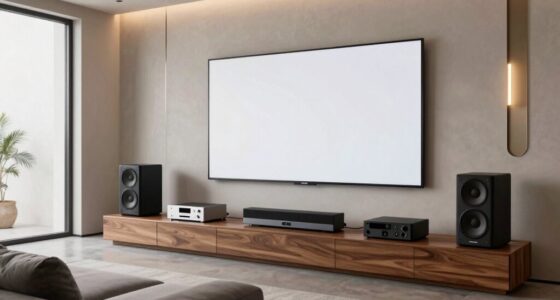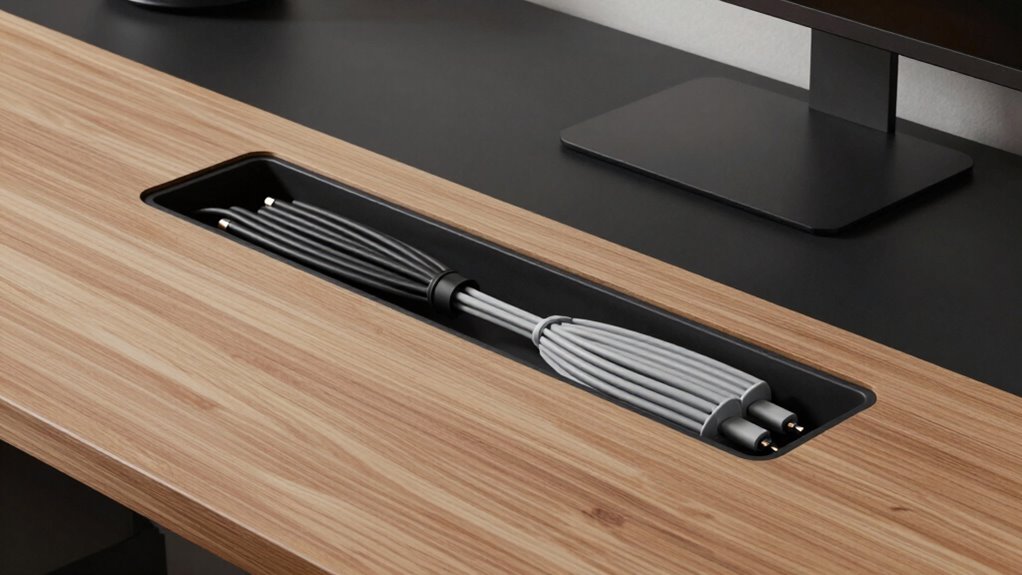

To hide cables without complicating future upgrades, choose flexible cable management tools like clips, sleeves, or conduit that keep cords tidy but are easy to modify later. Opt for flat or low-profile cables to blend seamlessly with your space, and position power strips thoughtfully for quick access. Keep some slack in cables for device changes. Using adaptable solutions now ensures your setup stays sleek and easily upgradable down the line—you’ll find plenty of clever tips ahead.

Get audio and creator gear delivered free — and shop member deals
- Fast, free delivery on millions of items
- Access to Prime Big Deal Days deals on October 6–7
- Prime Video, Amazon Music and more included
Key Takeaways
- Use flexible cable management solutions like clips and sleeves to organize cables while allowing easy access for future upgrades.
- Incorporate modular power strips and outlets to simplify adding or replacing devices without rework.
- Opt for flat, low-profile cables and concealment methods that can be easily adjusted as technology evolves.
- Plan for accessible cable routes and leave slack to accommodate device changes or additions.
- Prioritize wireless solutions where possible to reduce reliance on cables and facilitate seamless upgrades.
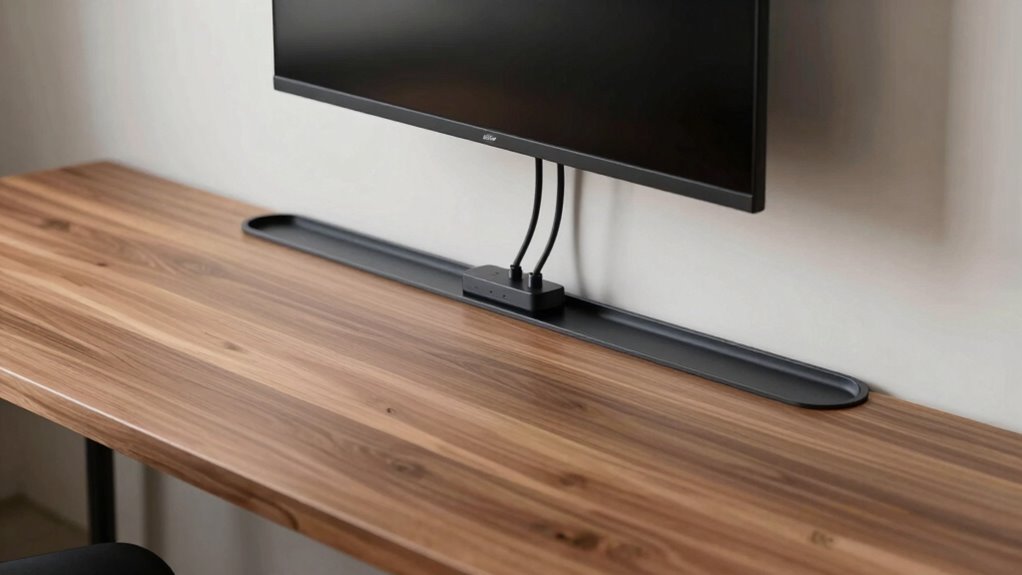
Ever wonder how to keep your space looking neat and clutter-free? The secret lies in effective cable management and embracing wireless solutions whenever possible. Instead of letting cords tangle behind your desk or entertainment center, you can create a clean, streamlined look that’s both functional and easy to maintain. The key is to plan ahead so that future upgrades or device changes won’t turn into a frustrating mess.
Start by evaluating your current setup and identifying which cables are essential and which can be replaced with wireless options. Wireless solutions—such as Bluetooth speakers, wireless chargers, and Wi-Fi-connected devices—reduce the number of cords running across your space. This not only makes your area look tidier but also makes upgrading or swapping out gadgets much easier. When you minimize cable clutter, you eliminate the need to constantly untangle or reroute cords every time you add a new device. Additionally, considering wireless connectivity options can enhance your overall setup flexibility.
Evaluate your cables and switch to wireless devices for a cleaner, more adaptable space.
Next, focus on cable management techniques that make future adjustments simple. Use cable clips, sleeves, or conduit to bundle cords together along walls or furniture. These tools keep everything organized and prevent cables from tangling or getting damaged. When planning your setup, consider leaving some slack in your cables. It might seem counterintuitive, but having extra length allows you to move or upgrade devices without having to redo your entire cable arrangement. This foresight saves you time and headache down the road. Additionally, choosing versatile cable management options can help keep your setup adaptable to future tech changes. Incorporating flexible wiring solutions can further enhance your ability to modify your setup with minimal effort. Being aware of future-proofing strategies can ensure your setup remains efficient as your technology evolves.
Incorporate power strips with USB ports and surge protectors to centralize your power sources. Mount power strips behind furniture or under desks so they’re hidden but still accessible. This approach keeps cables off the floor and reduces tripping hazards, while also making it easier to add or remove devices without pulling out multiple cords. When possible, opt for flat or low-profile cables that lie flush against surfaces, making them less conspicuous and easier to conceal with cable covers or paint. Additionally, choosing wireless solutions whenever feasible can greatly simplify your setup and future upgrades.
Finally, think about future-proofing your setup. As technology evolves, new devices will come with different cable needs or wireless capabilities. By investing in versatile cable management options now and choosing wireless solutions when feasible, you’ll make upgrades smoother and less disruptive. With a little planning and the right tools, you can enjoy a neat, organized space that adapts effortlessly to your changing tech landscape.
As an affiliate, we earn on qualifying purchases.
Frequently Asked Questions
Can Cable Hides Be Easily Removed for Upgrades?
Yes, cable hides can be easily removed for upgrades if you choose designs with removable panels or flexible cable management solutions. Opt for systems that allow quick access, like clips or velcro strips, which maintain aesthetic concealment while enabling easy disassembly. This way, you preserve a clean look without complicating future upgrades, making cable management both functional and visually appealing.
What Materials Are Best for Flexible Cable Concealment?
Wondering what materials are best for flexible cable concealment? Opt for high-quality silicone or braided fabric sleeves—they’re durable and effortlessly bend with your setup, ensuring sleek cable management. These materials resist wear and tear, making future upgrades smoother. Flexible yet sturdy, silicone and fabric sleeves keep your cables hidden without sacrificing accessibility, allowing you to adapt your setup easily. Choose wisely, and your cable concealment will stay effective through any future changes.
How Do You Hide Cables in Rented Spaces?
To hide cables in rented spaces, use decorating tricks like strategic furniture placement to conceal cords behind sofas or under tables. You can also utilize cord covers that stick to walls without damaging paint, or hide cables within decorative items like plants, vases, or baskets. These methods keep your space tidy without permanent changes, making future upgrades simple and hassle-free while maintaining a stylish look.
Are There DIY Solutions for Hiding Cables?
You can definitely find DIY solutions for hiding cables using simple cable management tricks. With a little creativity, you might use adhesive clips, fabric sleeves, or even paintable conduit to blend cables into your space. These aesthetic solutions keep your area tidy without sacrificing style, and they’re easily adjustable if you upgrade later. Plus, many of these DIY methods are budget-friendly, making cable management both practical and visually appealing.
How Do Hidden Cables Affect Wi-Fi Signal Strength?
Hiding cables generally doesn’t considerably impact your Wi-Fi signal strength, but it can cause some wireless interference if cables block or reflect signals. If cables are tightly packed or run close to wireless devices, they may contribute to signal attenuation, reducing connectivity quality. To avoid this, keep cables organized and away from Wi-Fi routers or antennas, ensuring minimal interference and maintaining strong, reliable wireless signals.
modular power strips with USB ports
As an affiliate, we earn on qualifying purchases.
As an affiliate, we earn on qualifying purchases.
Conclusion
Hiding cables doesn’t have to mean sacrificing future upgrades. With flexible solutions like cable sleeves or raceways, you can keep your setup sleek while still allowing easy access for modifications. Some might worry about these methods being permanent or messy, but choosing high-quality, removable options guarantees you’re never locked in. So, go ahead—organize your space confidently, knowing that smart cable management keeps things tidy today and adaptable tomorrow.
As an affiliate, we earn on qualifying purchases.
As an affiliate, we earn on qualifying purchases.
Fall Picks
fall essentials
As an affiliate, we earn on qualifying purchases.