To avoid weird echo with your console surround sound, start by properly positioning your speakers or soundbar away from walls and reflective surfaces, and use soft furnishings like curtains or rugs to absorb excess sound. Choose the right connection method, such as HDMI, and make sure your console’s audio settings are optimized for surround formats like Dolby Atmos. Fine-tune speaker levels and calibration for balanced sound. Keep exploring to discover more tips for a clear, immersive audio experience.
Key Takeaways
- Position speakers at ear level and angled toward the listening area to minimize reflections and echo.
- Keep speakers and soundbars away from walls and reflective surfaces for clearer sound.
- Use soft furnishings like curtains and carpets to absorb excess sound and reduce echo zones.
- Calibrate speakers with test tones and adjust volume and placement for balanced audio.
- Ensure all connections are secure and compatible with surround sound formats to prevent audio issues.
Assess Your Audio Equipment and Environment
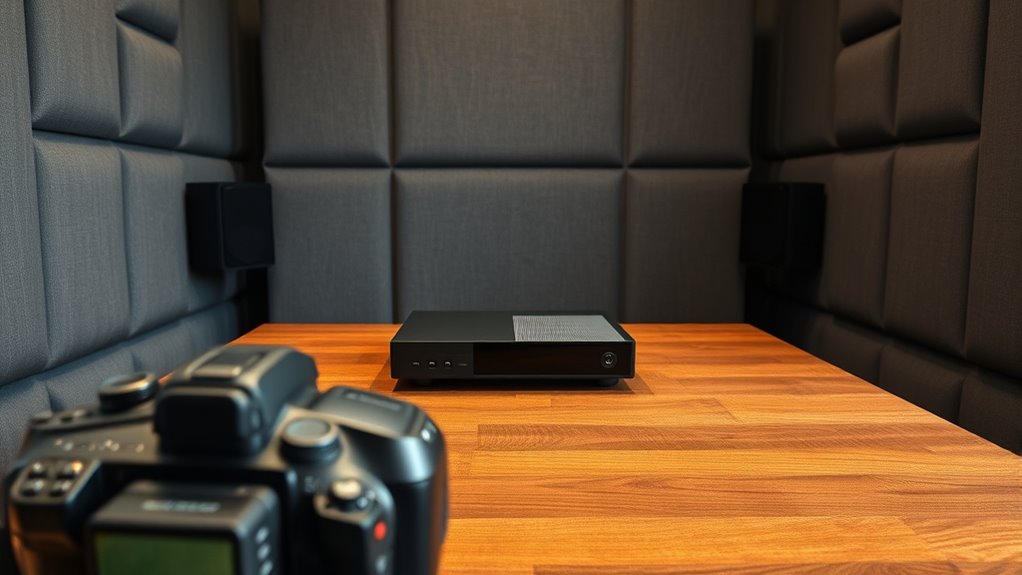
Before setting up your console surround sound, it is essential to evaluate your current audio equipment and environment. Check if your speakers or headphones are capable of delivering surround sound or if you’ll need upgrades. Consider the placement of your existing speakers; ideal positioning can considerably improve sound quality. Identify any obstacles like furniture or walls that might cause echoes or distortions. Assess the size and shape of your room—larger spaces may require more powerful audio gear. Test your current setup by playing familiar audio to pinpoint issues like muffled sound or imbalance. Understanding your existing equipment’s capabilities and your environment’s acoustics will help you make informed decisions and guarantee a smoother, more effective surround sound setup. Additionally, paying attention to ventilation considerations can prevent overheating of electronic components and improve overall audio performance. Incorporating knowledge about acoustic treatment can further optimize your space for better sound quality. Moreover, evaluating your room acoustics can reveal specific areas where sound reflections may interfere with your listening experience, allowing for targeted improvements. For example, installing sound-absorbing panels can significantly reduce unwanted reverberations. Also, considering the compatibility of your audio gear with surround sound formats ensures a seamless listening experience.
Choose the Right Connection Method for Your Console
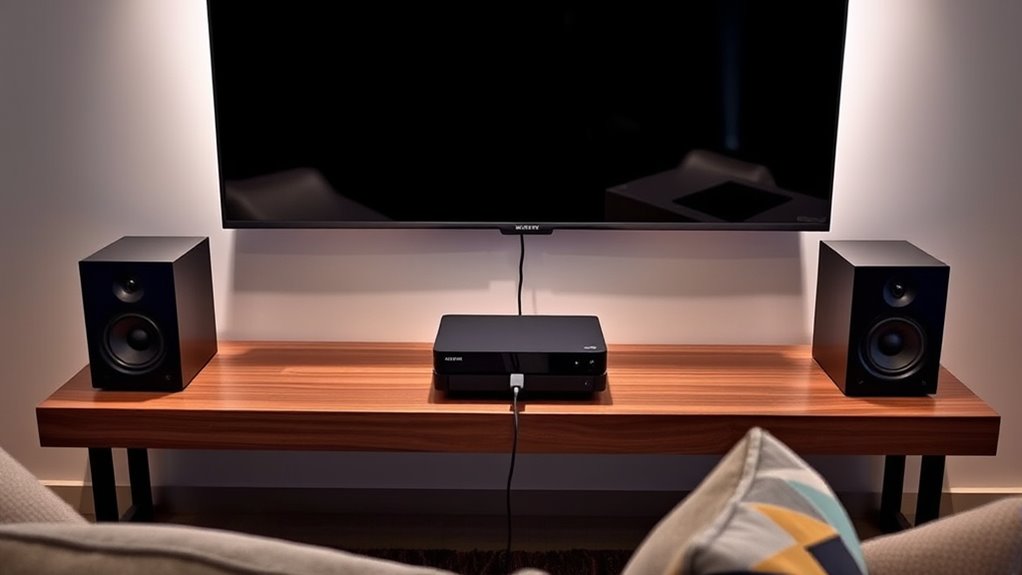
Choosing the right connection method for your console is a key step in achieving ideal surround sound. The connection you choose influences audio quality and how well your system integrates with your TV or receiver. HDMI is the best option because it transmits high-definition audio and video simultaneously, supporting surround sound formats like Dolby Atmos and DTS:X. If your console and receiver support optical audio, it’s a good backup, but it doesn’t carry surround formats as fully as HDMI. Some consoles also support USB audio or analog outputs, but these may limit sound quality or surround sound capabilities. Always verify your equipment’s input options, and select the connection that offers the best audio fidelity without sacrificing compatibility. Audio transmission plays a critical role in maintaining sound integrity across your setup. Additionally, understanding audio formats can help you optimize your sound system for the best experience. For instance, choosing a connection that supports high-bandwidth audio ensures you get the full surround sound experience. Consider also exploring digital audio formats to maximize your system’s capabilities. To further enhance your setup, consider exploring audio processing technologies, which can improve clarity and spatial effects. This foundation ensures you get the most immersive sound experience possible.
Properly Position Your Speakers or Soundbar
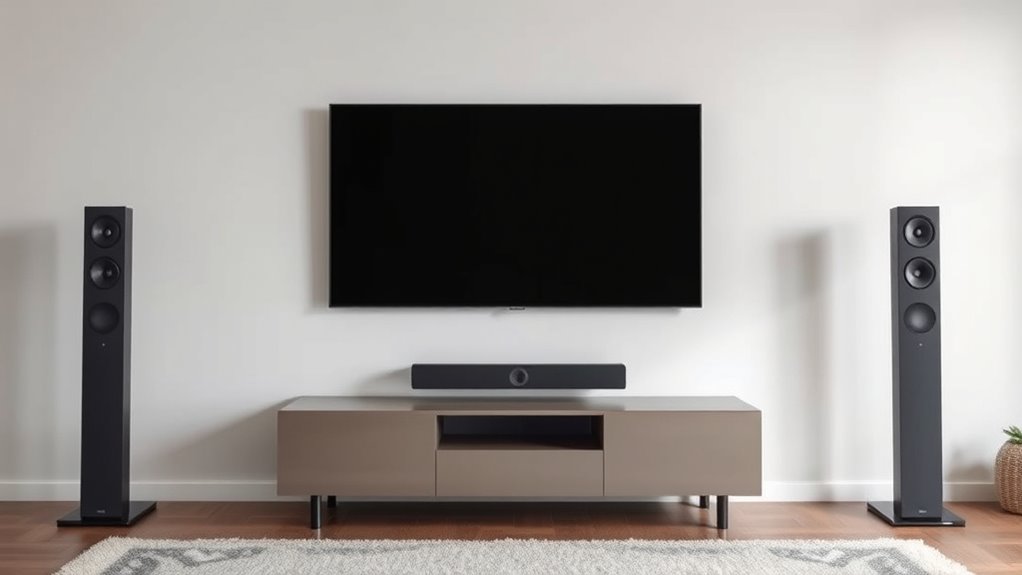
To get the best surround sound, you need to place your speakers or soundbar carefully. Make sure they’re positioned for ideal sound distribution and avoid spots that cause echoes. Also, pay attention to height and angle to enhance your listening experience. Proper calibration and spacing also play a crucial role in achieving immersive audio. Speaker placement is essential for creating a balanced and echo-free environment. Additionally, understanding room acoustics can help you optimize your setup and prevent sound distortions. Proper soundproofing can further improve audio clarity by reducing external noise and unwanted reverberations. Being aware of how room size and shape influence sound can help you make better placement choices and achieve a more natural audio experience. Considering speaker orientation can significantly improve the overall sound quality by directing audio where it’s most effective.
Optimal Speaker Placement
Have you ever wondered why some home theater setups sound more immersive than others? Proper speaker placement makes a huge difference. To optimize your sound experience, consider these key points:
- Position your front speakers at ear level, forming an angle of about 22-30 degrees from your listening position.
- Place the center speaker directly above or below your TV, centered with the screen.
- Set your surround speakers slightly behind and to the sides of your seating area, about 1-2 feet above ear level.
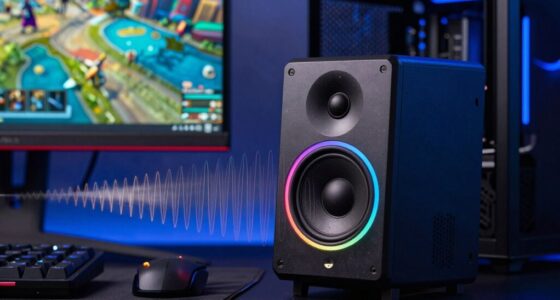
- Keep the soundbar or speakers at least a few inches away from walls to prevent sound reflections that can cause echo or muddiness.
- Additionally, understanding speaker calibration can help you fine-tune your system for the best sound quality. Proper calibration ensures your audio imaging is accurate and balanced across all channels, enhancing the immersive experience. For optimal results, consider using room acoustics adjustments to minimize echo and improve clarity. Paying attention to speaker placement can significantly reduce unwanted echoes and improve overall sound clarity.
Avoiding Echo Zones
Even with perfect speaker placement, sound reflections can create echo zones that diminish your home theater experience. To avoid this, focus on positioning your speakers or soundbar away from reflective surfaces like walls, glass, or hardwood floors. Place them at ear level and avoid positioning directly against walls or corners, which can cause sound to bounce and create echoes. Consider using furniture or soft materials, such as rugs or curtains, around your setup to absorb excess sound reflections. If you have a soundbar, ensure it’s centered and not obstructed by objects that could reflect sound. Regularly test your setup by listening from your usual viewing spot, making small adjustments to minimize echo zones and improve overall sound clarity. Additionally, understanding acoustic treatment principles can help you tailor your space for optimal sound quality. Proper speaker placement is essential for avoiding unwanted echoes and achieving clear, immersive sound. Incorporating sound absorption materials can further reduce reflections and enhance your listening experience. Being aware of room acoustics can guide you in optimizing your environment for better sound clarity.
Height and Angle Tips
Proper height and angle are vital for achieving ideal surround sound. When positioning your speakers or soundbar, the goal is to create an immersive experience without distortion or echo. Here are key tips to optimize their placement:
- Position front speakers at ear level when seated for clear dialogue and precise sound imaging.
- Angle speakers slightly inward toward your listening position to improve sound focus.
- Mount or place surround speakers slightly above ear level, aiming downward at your ears.
- Keep soundbars centered beneath your TV, angling them upward or downward if adjustable.
Following these tips ensures your setup delivers balanced, immersive sound, avoiding weird echoes and enhancing your overall audio experience. Proper placement is essential for a seamless, theater-like surround sound environment.
Configure Console Audio Settings for Surround Sound
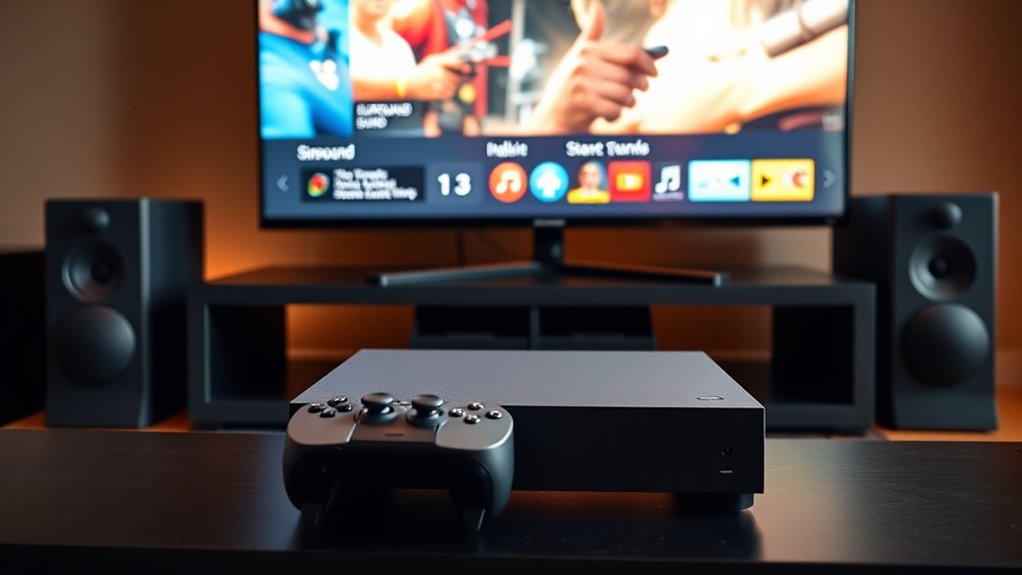
To enjoy immersive surround sound from your console, you need to properly configure your audio settings. First, access your console’s audio menu, then select the surround sound or spatial audio option. Confirm your audio output matches your speaker setup—whether HDMI, optical, or AV port. Enable Dolby Atmos or DTS:X if available, as these formats enhance surround sound accuracy. Adjust settings like “Bitstream” or “Bitstream out” to send unprocessed audio for better surround effects. Using the correct audio format ensures your system delivers optimal sound quality. Properly configuring your audio settings helps prevent issues like echo and ensures clear, immersive sound. Use the table below as a quick reference:
| Step | Action | Result |
|---|---|---|
| 1 | Access audio settings on your console | Open configuration menu |
| 2 | Choose the correct output format | Match your speaker setup |
| 3 | Enable surround sound formats | Improve spatial audio quality |
Adjust Speaker Calibration and Levels
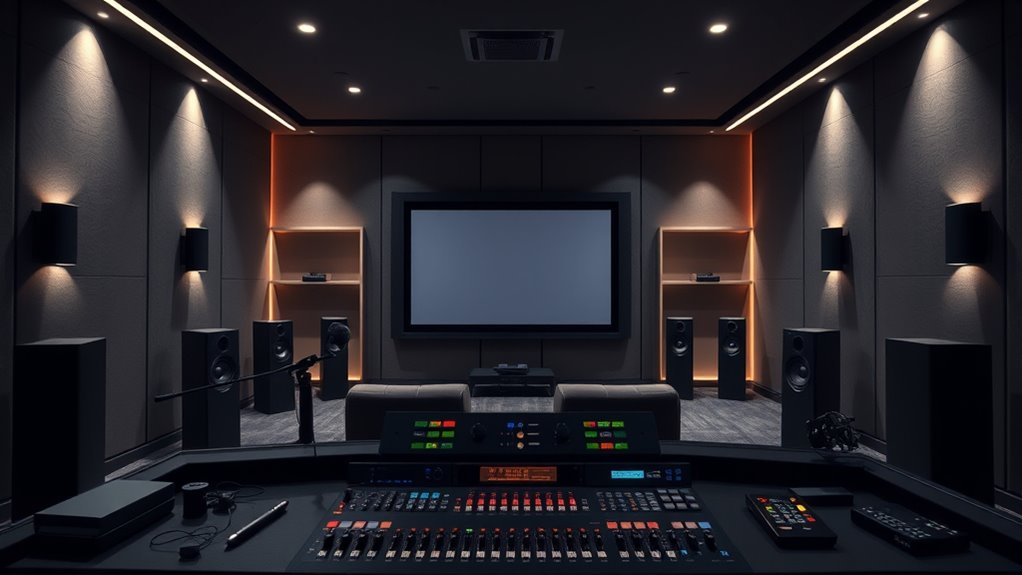
Before enjoying your surround sound setup, it’s essential to calibrate your speakers and adjust their levels for peak performance. Proper calibration ensures balanced audio and prevents sound from being skewed or overpowering. Start by using your console’s calibration tool or a sound level meter. Follow these steps:
- Play test tones and listen for even sound distribution.
- Adjust each speaker’s volume so that all sound sources are consistent.
- Fine-tune the distance settings to match your room layout.
- Check for any dead spots or overly loud areas in your listening space.
Taking these steps helps you achieve clear, immersive audio without echoes or distortions, setting the stage for a perfect gaming or movie experience.
Minimize Echoes by Optimizing Room Acoustics
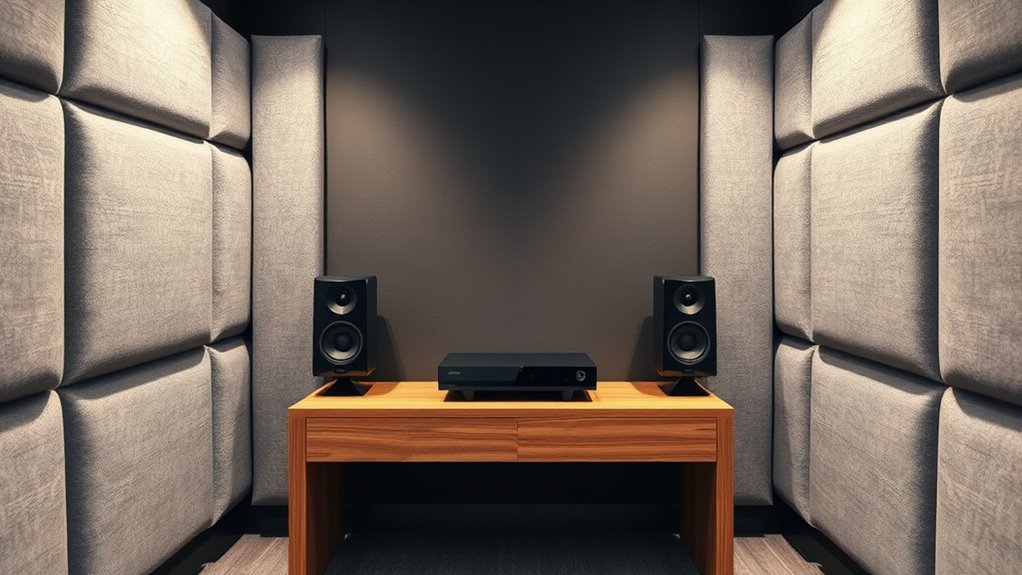
Echoes and sound reflections can markedly diminish your surround sound experience, but you can reduce these issues by optimizing your room’s acoustics. Start by placing your speakers away from walls and corners, which can cause excessive reflection and echo. Use soft furnishings like carpets, curtains, and upholstered furniture to absorb sound waves and prevent them from bouncing around. Adding acoustic panels or foam to walls helps break up sound reflections, creating a cleaner audio environment. Rearrange furniture to avoid parallel walls that can cause flutter echoes. Keep the room clutter-free to minimize hard surfaces. These adjustments help control how sound interacts with the space, reducing echoes and reflections, and ensuring you get a clearer, more immersive surround sound experience without weird reverberations.
Test and Fine-Tune Your Audio Setup
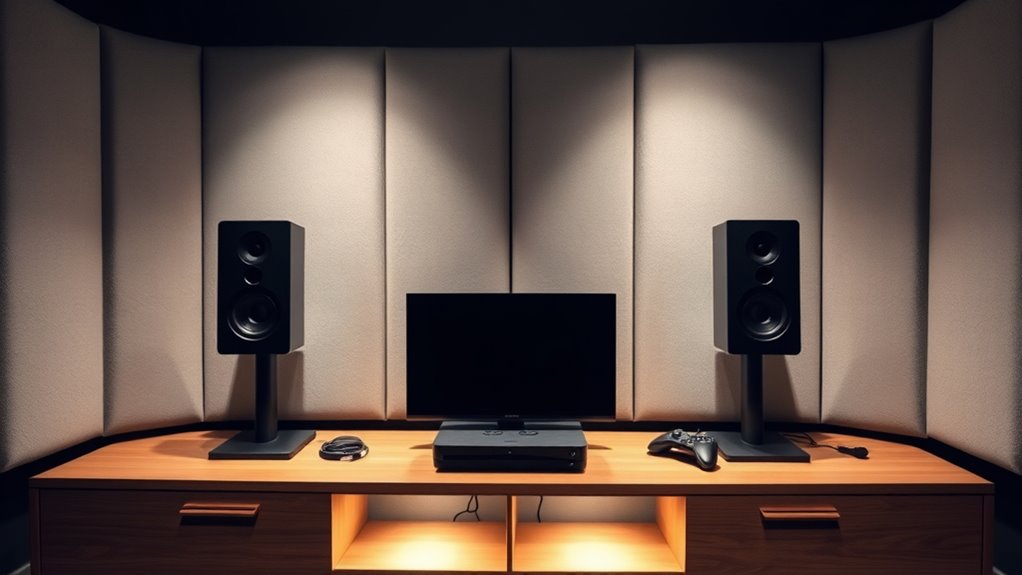
To get the best surround sound experience, you need to test and adjust your audio setup. Start by balancing your speakers so each one delivers the right level, and use calibration tools to help fine-tune the sound. This guarantees you enjoy clear, immersive audio during every gaming session.
Adjust Speaker Balance
Have you ever wondered if your speakers are properly balanced for the best sound experience? Adjusting speaker balance is essential for immersive audio. First, sit in your usual viewing position and listen carefully. Second, access your console’s audio settings and find the balance controls. Third, gradually shift the balance toward the side that sounds quieter or less clear. Fourth, test with different audio content to guarantee consistent quality. Proper balance prevents one side from overpowering the other, creating a more natural soundscape. Small adjustments can considerably improve clarity and immersion. Remember, the goal is for sound to feel evenly distributed, so you’re truly immersed in your favorite games and movies. Fine-tuning the balance enhances the overall surround sound experience, avoiding echo or imbalance issues.
Use Calibration Tools
Using calibration tools is a reliable way to guarantee your surround sound setup is refined. These tools help you identify any inconsistencies or misalignments in your audio system. Many receivers come with built-in calibration microphones that automatically measure speaker distances, levels, and delays. Alternatively, you can use software apps designed for audio calibration. To start, position the microphone at your typical listening spot. Run the calibration process, and let the tool analyze your room’s acoustics. It will suggest adjustments to speaker levels, distances, and crossover points. Fine-tuning with calibration tools ensures your speakers work together seamlessly, providing a balanced, immersive sound experience. Regularly recalibrating your system helps maintain excellent audio quality, especially if you rearrange furniture or add new equipment.
Troubleshoot Common Surround Sound Issues

When your surround sound system isn’t working properly, diagnosing the issue can seem challenging. But with a systematic approach, you can identify and fix common problems quickly. First, check your connections to ensure cables are plugged in securely. Second, verify your audio settings to confirm surround sound is enabled and configured correctly. Third, test different source devices to rule out hardware issues. Fourth, update your system firmware and audio drivers, as outdated software can cause glitches. If you still experience issues, try resetting your system to factory settings. By following these steps, you can pinpoint the problem without frustration and enjoy clear, immersive sound without weird echoes or distortions.
Frequently Asked Questions
Can I Set up Surround Sound With Just Headphones?
Yes, you can set up surround sound with just headphones. Many gaming headsets include virtual surround sound technology, which creates an immersive experience by simulating multi-directional audio. You simply need to connect a compatible headset to your console or PC, and enable the surround sound settings in your device’s audio options. This way, you get a rich, spatial audio experience without needing external speakers or complex setups.
Do I Need Professional Help for Optimal Speaker Placement?
No, you don’t need professional help for ideal speaker placement. You can easily set up your speakers yourself by following basic guidelines. Start by positioning the front speakers at ear level, equidistant from your listening spot, and angle them slightly inward. Place the surround speakers slightly behind and to the sides of your seating area. Adjust the volume and test sound to ensure balanced, immersive audio without echo or distortion.
How Often Should I Recalibrate My Surround Sound System?
You should recalibrate your surround sound system whenever you notice a change in audio quality, sound imbalance, or after moving your speakers. Regularly, doing it every few months keeps your setup ideal, ensuring clear dialogue, immersive effects, and balanced sound. Don’t wait for issues—proactively recalibrate to enjoy the best experience. Keep your system tuned, your audio consistent, and your entertainment immersive.
Is Wireless Surround Sound as Effective as Wired Setups?
Wireless surround sound can be just as effective as wired setups if you choose quality components and guarantee a strong, stable connection. Modern wireless systems use advanced technology to minimize lag and interference, providing clear, immersive audio. However, you might experience occasional dropouts or latency issues if your Wi-Fi is crowded or weak. For the best experience, pick a reputable brand, keep your firmware updated, and ensure your network is optimized.
What Are the Signs of a Bad Room Acoustics Affecting Sound Quality?
If your room has poor acoustics, you’ll notice echoes or muffled sound, making it hard to distinguish dialogue or music details. About 60% of sound quality issues come from room reflections and furniture placement. You might also feel sound bouncing around, causing uneven volume levels or reverberation. If these signs appear, consider adding soft furnishings like rugs or curtains, or reposition your speakers to improve clarity and reduce unwanted echoes.
Conclusion
By following these simple steps, you can enjoy immersive surround sound without the dreaded echo. Have you considered how your room setup impacts your audio experience? With a little tweaking and attention to detail, you’ll transform your gaming or movie sessions into a true cinematic experience. Don’t settle for mediocre sound—take control of your environment and elevate your entertainment. After all, isn’t better audio worth a few adjustments?