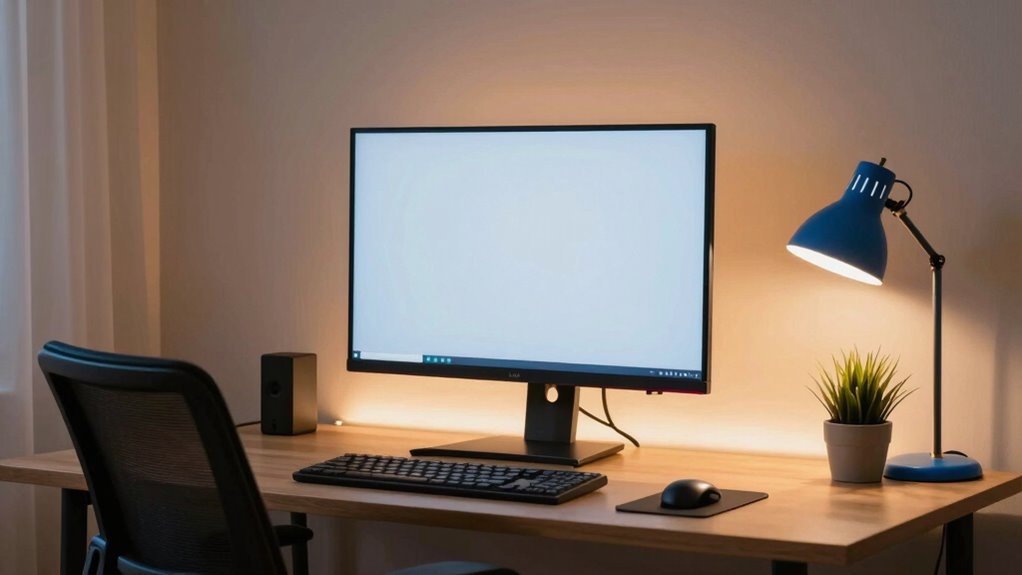

To reduce eye fatigue while gaming, optimize your lighting and display settings. Use ambient lighting like desk lamps or bias lighting behind your monitor to minimize contrast and glare. Adjust your monitor’s brightness to match the room and shift the color temperature to warmer tones to lessen blue light strain. Enable blue light filters or monitor modes that cut harmful wavelengths. Keeping your environment balanced and making small adjustments can make a big difference—learn more to protect your eyes even better.

Get audio and creator gear delivered free — and shop member deals
- Fast, free delivery on millions of items
- Access to Prime Big Deal Days deals on October 6–7
- Prime Video, Amazon Music and more included
Key Takeaways
- Use blue light filters or glasses and enable monitor blue light reduction modes to minimize eye strain.
- Adjust monitor brightness to match ambient lighting, avoiding glare and excessive contrast.
- Incorporate ambient lighting like bias lights or desk lamps to reduce screen contrast and improve comfort.
- Take regular breaks using the 20-20-20 rule to relax eye muscles and prevent fatigue.
- Set display color temperature to warmer tones and adjust settings for optimal visual comfort during gaming.
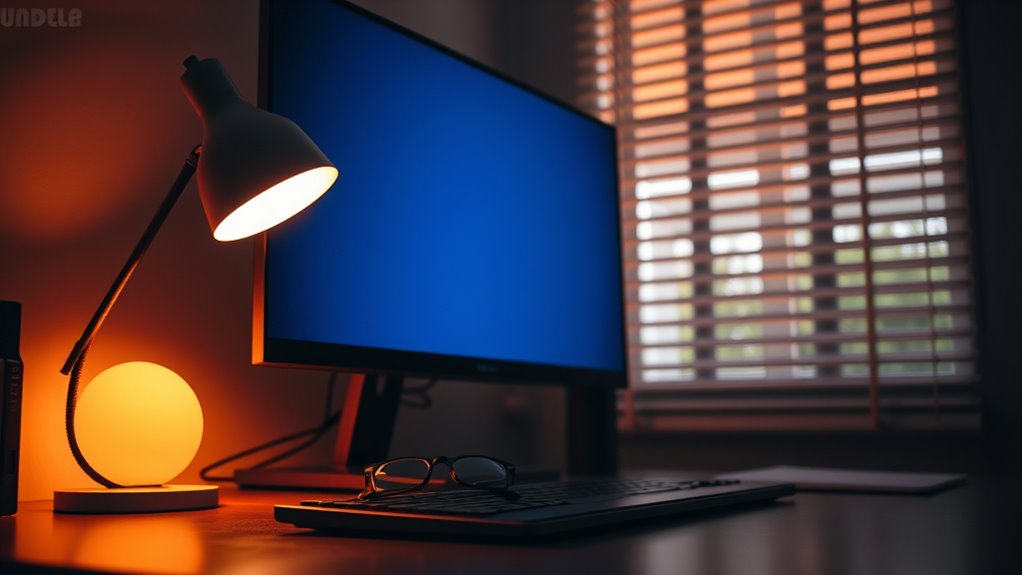
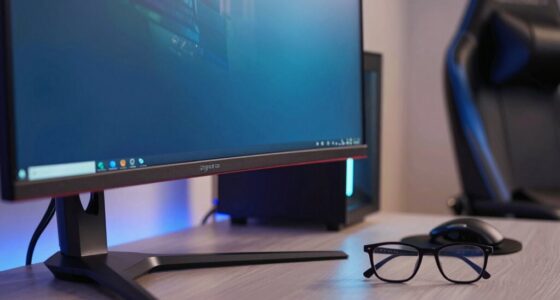
If you spend hours gaming, eye fatigue can quickly become a problem that affects your performance and comfort. One of the main culprits is exposure to blue light emitted by your screen. Blue light penetrates deep into your eyes and can cause strain, headaches, and disrupted sleep patterns. To combat this, consider using blue light filters or glasses designed to block out these harmful wavelengths. Many gaming monitors now come with built-in blue light reduction modes, which can be activated easily. These modes shift the display’s color temperature to warmer tones, making it easier on your eyes during long gaming sessions.
Blue light filters and monitor modes help reduce eye strain during long gaming sessions.
Besides blue light, screen brightness plays a significant role in eye comfort. If your screen is too bright, it can cause glare and increase eye strain, especially in dimly lit environments. Conversely, a screen that’s too dim can make it harder to see details, forcing you to squint and strain your eyes. The key is to set your display brightness to a level that matches your surroundings. You want it bright enough to see clearly without causing glare or discomfort. Many gaming monitors have automatic brightness adjustment features, which can help maintain an ideal level as your environment changes. If yours doesn’t, manually adjusting the brightness to a comfortable level is essential.
Another helpful tip is to optimize your room lighting. Avoid gaming in complete darkness, as this creates a stark contrast between your screen and the surrounding space, which can strain your eyes. Instead, use ambient lighting—such as a desk lamp or bias lighting behind your monitor—that provides enough illumination without creating glare. This reduces the contrast your eyes have to adjust to and minimizes fatigue. Incorporating proper lighting solutions can significantly enhance your visual comfort during extended gaming sessions.
It’s also beneficial to follow the 20-20-20 rule: every 20 minutes, look at something 20 feet away for at least 20 seconds. This simple habit helps relax eye muscles and reduces strain caused by focusing on a screen for extended periods. Additionally, blinking regularly keeps your eyes moist and prevents dryness, which often accompanies intense gaming sessions.
blue light blocking glasses for gaming
As an affiliate, we earn on qualifying purchases.
As an affiliate, we earn on qualifying purchases.
Frequently Asked Questions
Can Specific Screen Colors Minimize Eye Strain During Gaming?
Yes, specific screen colors can help minimize eye strain during gaming. You should choose a warmer color temperature, like 3000K to 4000K, which reduces blue light and eases eye fatigue. Adjust your screen contrast to a comfortable level so details stand out without causing glare. These settings make your gaming experience more comfortable, especially during long sessions, and help prevent unnecessary eye strain.
How Does Ambient Noise Affect Eye Fatigue?
Did you know that over 60% of gamers report increased eye fatigue with noisy environments? Ambient noise can be a sound distraction, making it harder to focus on your screen and leading to eye strain. To improve focus and reduce fatigue, use soundproofing or noise-canceling headphones. This helps create a calmer environment, allowing you to concentrate better and protect your eyes during long gaming sessions.
Are Blue Light Glasses Effective for Gamers?
Blue light glasses can be effective for gamers by reducing eye strain caused by prolonged screen time. Gaming glasses with blue light filtering lenses block blue light, helping you feel less fatigued and improving comfort during long sessions. While their effectiveness varies among individuals, many gamers find that using these glasses, especially when combined with proper lighting and screen settings, markedly alleviates eye fatigue and enhances overall gaming experience.
What Role Does Blinking Play in Reducing Eye Fatigue?
Blinking acts as your eyes’ gentle tide, preventing dryness and fatigue. When you maintain a healthy blink rate, you boost tear production, which lubricates your eyes and flushes out irritants. To reduce eye fatigue, remember to blink more often during gaming sessions, just like a steady rhythm signals calm in a storm. This simple act helps preserve your eye health and keeps your focus sharp and comfortable.
Can Eye Exercises Improve Comfort During Long Gaming Sessions?
Eye exercises, like eye focus techniques and eye muscle relaxation, can definitely improve comfort during long gaming sessions. You should regularly practice shifting your focus between near and distant objects to ease eye strain. Incorporate eye muscle relaxation exercises to reduce tension, and use eye focus techniques to prevent fatigue. These habits help keep your eyes relaxed, reduce discomfort, and enhance your overall gaming experience during extended play.
monitor blue light reduction mode
As an affiliate, we earn on qualifying purchases.
As an affiliate, we earn on qualifying purchases.
Conclusion
By optimizing your lighting and display settings, you can substantially cut down eye fatigue during gaming sessions. Did you know that eye strain affects over 70% of gamers? Simple adjustments like reducing screen brightness, using ambient lighting, and taking regular breaks can make a huge difference. Don’t let discomfort ruin your gameplay—try these tips and enjoy longer, more comfortable gaming sessions without sacrificing your eye health.
bias lighting for computer monitor
As an affiliate, we earn on qualifying purchases.
As an affiliate, we earn on qualifying purchases.
adjustable desk lamp for gaming setup
As an affiliate, we earn on qualifying purchases.
As an affiliate, we earn on qualifying purchases.
Fall Picks
fall essentials
As an affiliate, we earn on qualifying purchases.