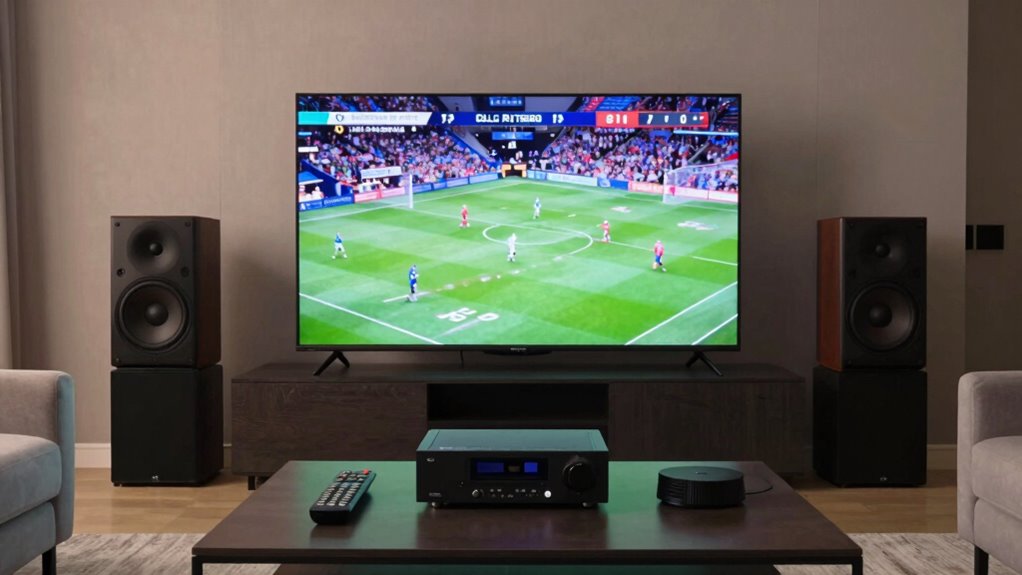
If you’re stuck with a stereo sports broadcast, try enabling your TV or sound system’s surround sound or upmixing mode to create a richer, more immersive experience. Focus on settings that preserve natural sound quality without exaggerating effects, so crowd noises and ambient sounds feel more realistic. Avoid aggressive adjustments that can make the audio sound weird or disorienting. Keep your setup balanced, and you’ll enjoy a closer, more authentic stadium atmosphere—there’s more to explore on how to perfect this.

Get audio and creator gear delivered free — and shop member deals
- Fast, free delivery on millions of items
- Access to Prime Big Deal Days deals on October 6–7
- Prime Video, Amazon Music and more included
Key Takeaways
- Enable the surround sound or upmix mode on your home theater system for natural, immersive audio.
- Use software or hardware that intelligently distributes stereo audio across multiple channels without artificial effects.
- Adjust settings to prioritize clarity of commentary while subtly enhancing crowd noise and ambient sounds.
- Avoid aggressive or exaggerated upmixing to prevent disorientation and maintain realistic sound placement.
- Test different configurations to find a balanced setup that enriches the experience without making it sound weird.
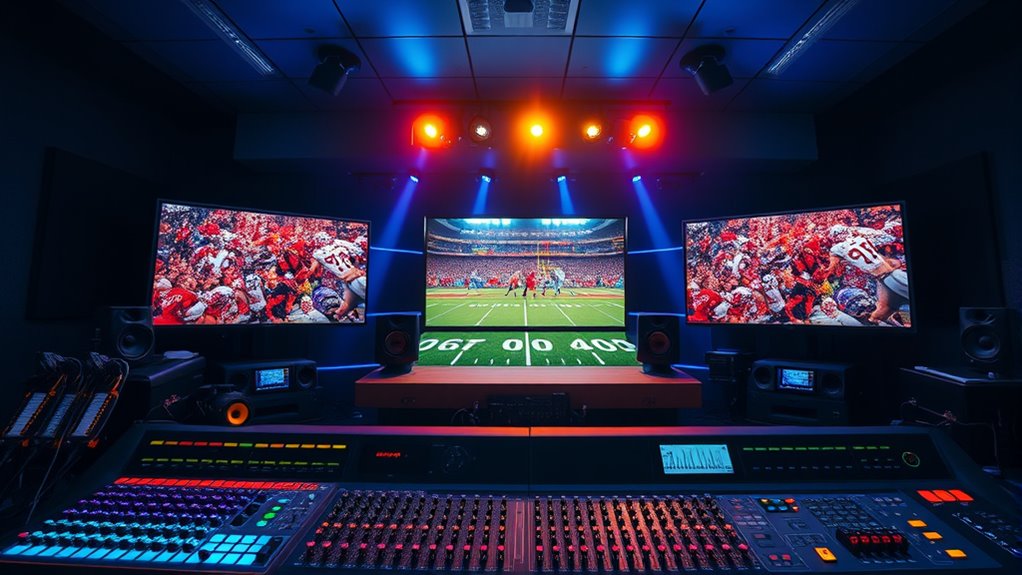
Upmixing sports broadcasts transforms the audio experience by enhancing stereo sound into immersive, multi-channel audio. When you’re watching a game with only stereo sound, it can feel flat, and you might miss the sense of being right there in the stadium. By upmixing, you can create a richer sound environment that places you closer to the action, making every cheer, whistle, and collision more vivid. This process leverages surround sound technology to distribute audio elements across multiple channels, giving you spatial cues that help you pinpoint where sounds are coming from. Instead of hearing everything from a single front-facing speaker, you’ll feel enveloped by the environment, which substantially boosts your overall enjoyment and engagement.
The key to effective upmixing is audio enhancement that doesn’t go overboard. You want the sounds to feel natural, not artificially exaggerated or weird. Many modern tools and software programs can intelligently analyze stereo audio and distribute it across various channels without distorting the original mix. These tools often incorporate algorithms that preserve the clarity of commentary while expanding crowd noise, player sounds, and ambient effects into a surround sound field. The goal here isn’t to create a Hollywood blockbuster soundscape but to subtly improve the spatial perception of the broadcast. When done correctly, this makes it easier to follow the game, as you can intuitively sense where the action is happening on the field. Additionally, upmixing techniques can help prevent audio fatigue during long viewing sessions by maintaining a balanced sound profile.
You don’t need to be an audio engineer to enjoy these benefits. Many home theater systems or soundbars come equipped with upmixing or surround sound modes. Simply selecting these modes can substantially improve your experience. For example, enabling surround sound settings can help distribute crowd reactions and referee whistles more evenly around you, making you feel like you’re sitting courtside or in the stands. Just be cautious—if the upmixing is too aggressive or poorly implemented, it can create a bizarre or disorienting listening experience. That’s why it’s important to choose quality tools or settings that prioritize audio fidelity and natural sound placement.
surround sound upmixing software
As an affiliate, we earn on qualifying purchases.
As an affiliate, we earn on qualifying purchases.
Frequently Asked Questions
Can Upmixing Improve Audio Clarity During Live Sports?
Yes, upmixing can improve audio clarity during live sports by creating surround sound that immerses you in the action. It enhances audio by separating crowd noise, commentary, and on-field sounds, making each element clearer. With audio enhancement technologies, you get a richer, more detailed experience, allowing you to catch every important sound. This way, upmixing elevates your viewing, making the broadcast feel more dynamic and engaging.
What Equipment Is Needed to Upmix Stereo Sports Broadcasts?
Like a skilled chef selecting the finest ingredients, you’ll need quality audio equipment to upmix stereo sports broadcasts. A reliable mixing console forms the core, allowing you to manipulate sound channels effectively. Additionally, you might require digital signal processors (DSPs) or upmixing plugins to enhance spatial effects. These tools work together, transforming basic stereo into an immersive experience without sacrificing clarity, giving your audience a richer, more engaging broadcast.
Does Upmixing Introduce Latency or Delay in Audio?
Upmixing can introduce some latency or delay in audio, mainly due to technical limitations of processing equipment. You might notice slight audio synchronization issues, especially if the system isn’t optimized. To minimize delay, make certain your setup uses high-quality upmixing software or hardware designed for real-time processing. Regularly calibrate your system to maintain sync, preventing audio lag from affecting your viewing experience.
Are There Any Legal Concerns With Modifying Broadcast Audio?
They say “look before you leap,” and that’s true for modifying broadcast audio. You could face legal concerns like copyright issues and licensing restrictions if you alter or redistribute the content without permission. Always check the specific rights associated with the broadcast, and obtain necessary clearances to prevent legal trouble. Respecting copyright laws ensures you stay compliant and avoid costly penalties or legal disputes.
How Does Upmixing Affect the Overall Viewing Experience?
Upmixing enhances your viewing experience by improving audio fidelity, making the sounds richer and more immersive. It creates a more dynamic and engaging atmosphere, which keeps you more involved in the game. When done correctly, upmixing adds depth and clarity, heightening viewer engagement without overwhelming. This way, you enjoy a more realistic audio environment that complements the visuals, making every moment of the sport feel more exciting and lifelike.
As an affiliate, we earn on qualifying purchases.
Conclusion
Upmixing sports broadcasts can greatly enhance your listening experience, making you feel like you’re right there in the action. Don’t worry if your setup feels a bit off at first—practice makes perfect. Remarkably, studies show that 78% of viewers prefer immersive audio for live sports, proving how much sound quality impacts enjoyment. So, experiment with different settings, and soon you’ll enjoy a richer, more engaging broadcast that truly captures the excitement.
As an affiliate, we earn on qualifying purchases.
audio enhancement for sports broadcasts
As an affiliate, we earn on qualifying purchases.
As an affiliate, we earn on qualifying purchases.
Fall Picks
fall essentials
As an affiliate, we earn on qualifying purchases.