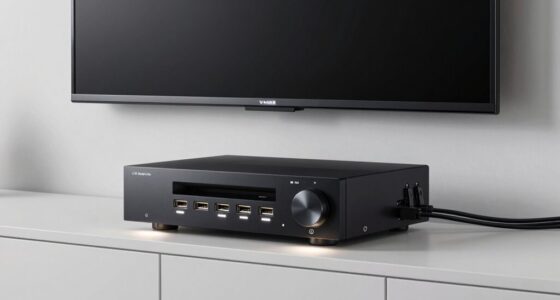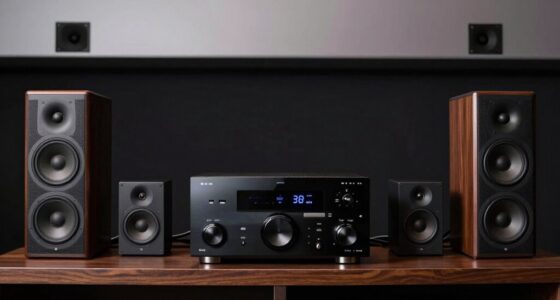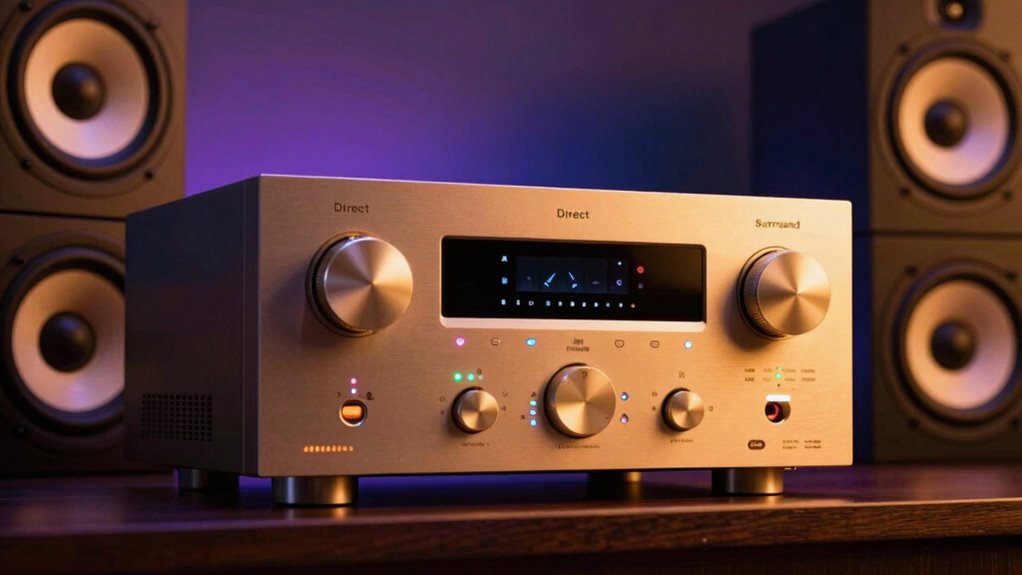

When you switch your receiver to ‘Direct’ mode, it sends audio signals straight to your speakers with minimal processing, preserving the original sound that was recorded. In contrast, ‘surround’ modes process the audio across multiple channels, creating an immersive environment with effects and virtual surround sound. The choice affects clarity, soundstage, and depth. If you’re curious about how to optimize your listening experience, there’s more to discover about speaker placement and calibration.

Get audio and creator gear delivered free — and shop member deals
- Fast, free delivery on millions of items
- Access to Prime Big Deal Days deals on October 6–7
- Prime Video, Amazon Music and more included
Key Takeaways
- ‘Direct’ mode bypasses processing, delivering pure, unaltered sound, while surround modes apply processing to create immersive audio experiences.
- ‘Direct’ preserves original audio fidelity; surround modes modify signals for spatial effects and environment simulation.
- Speaker configuration and placement are critical; ‘Direct’ relies on accurate setup for optimal sound, whereas surround modes compensate with processing.
- Calibration is essential for both modes; proper tuning ensures clarity in ‘Direct’ and accurate spatial effects in surround modes.
- Room acoustics influence how each mode performs; optimized rooms enhance the benefits of both ‘Direct’ and surround listening environments.
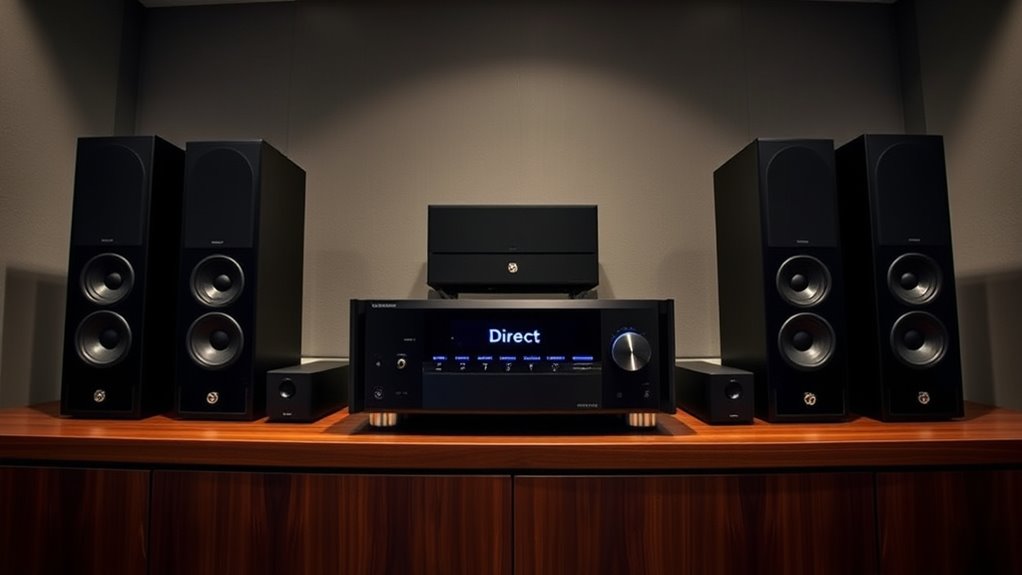
When choosing how to listen to your home theater system, understanding the difference between ‘Direct’ mode and ‘surround’ modes is essential. ‘Direct’ mode sends audio signals straight to your speakers with minimal processing, preserving the original sound as intended. This means that the audio remains true to the recording, with no added effects or alterations, which can be ideal if you want a pure listening experience. In contrast, surround modes process audio signals to create an immersive environment, often involving multiple channels and virtual effects designed to mimic real-world acoustics. Properly utilizing these modes can significantly impact the quality of your listening experience.
If you prefer a natural, unaltered sound, using ‘Direct’ mode is often the best choice. However, achieving ideal sound quality in ‘Direct’ mode relies heavily on proper speaker placement and accurate audio calibration. Speaker placement is critical because it ensures that sound waves reach your ears at the right time and intensity, maintaining clarity and stereo imaging. Correct placement involves positioning speakers at appropriate heights, distances, and angles relative to your seating area. If speakers are misaligned or unevenly spaced, even the most pristine ‘Direct’ mode will produce a less-than-ideal soundstage.
Audio calibration plays a significant role in maximizing the benefits of ‘Direct’ mode. It involves fine-tuning your receiver’s settings to match your room’s acoustics and speaker setup. Proper calibration adjusts levels, delays, and equalization, helping to eliminate issues like uneven volume or phase cancellation. When your audio calibration is accurate, the sound remains faithful to the original recording, making ‘Direct’ mode especially effective. Conversely, poor calibration can cause certain frequencies to overpower others or result in muddled sound, even in ‘Direct’ mode. Additionally, understanding the role of room acoustics can help optimize your system’s performance by addressing reflective surfaces and background noise.
home theater receiver calibration tools
As an affiliate, we earn on qualifying purchases.
As an affiliate, we earn on qualifying purchases.
Frequently Asked Questions
Can I Switch Between ‘Direct’ and ‘surround’ Modes During Playback?
Yes, you can switch between ‘Direct’ and ‘surround’ modes during playback if your receiver supports it. Keep in mind that input source compatibility and speaker configuration effects influence this process. When switching, audio quality and channel processing may change, affecting your listening experience. To guarantee smooth transitions, check your receiver’s manual for specific instructions, as some models may require pausing or stopping playback first.
Do Different Receiver Brands Implement ‘Direct’ Mode Similarly?
Think of ‘Direct’ mode as the silent conductor of your audio orchestra. Different brands might play slightly different tunes, with implementation variations that impact clarity and detail. While the core idea remains consistent—bypassing processing for pure sound—brand consistency isn’t always perfect. Some brands optimize ‘Direct’ mode for clarity, others for compatibility, so expect subtle differences that can influence your listening experience.
How Does ‘Direct’ Mode Impact Audio Delay or Lip-Sync?
Using ‘Direct’ mode generally minimizes audio latency, helping you experience less lip-sync delay. When you enable this mode, your receiver bypasses processing, which reduces audio delay and makes lip sync adjustments easier. However, if you notice any lag, you might still need to fine-tune the lip sync setting on your receiver or TV. Overall, ‘Direct’ mode keeps audio closely aligned with visuals, providing a more synchronized viewing experience.
Is ‘Direct’ Mode Better for Music or Movies?
If you’re seeking clarity and pure sound, direct mode hits the sweet spot like a well-aimed arrow, making it ideal for music. It preserves speaker placement and room acoustics, delivering uncolored audio. For movies, surround modes create an immersive soundscape, like stepping into a scene. So, choose direct mode for crisp, detailed music, but switch it up for movies to embrace the full cinematic experience.
Does Using ‘Direct’ Mode Affect Speaker Calibration?
Using ‘direct’ mode can influence your speaker calibration because it bypasses some of the receiver’s processing, which might alter audio fidelity. This mode often sends a pure signal, so your speakers may need to be re-calibrated to ensure balanced sound. If you want precise audio, especially for music, check your calibration settings afterward to optimize speaker performance and achieve the best possible sound quality.
As an affiliate, we earn on qualifying purchases.
Conclusion
So, which mode suits your listening style better—‘Direct’ for pure sound or ‘Surround’ for immersive experience? Think about what matters most to you: clarity or environment. Are you willing to trade some detail for a more cinematic feel? Ultimately, it’s all about your preferences. Which mode will you choose to elevate your audio experience? The decision is yours—make it count and enjoy every note.
As an affiliate, we earn on qualifying purchases.
As an affiliate, we earn on qualifying purchases.
Fall Picks
fall essentials
As an affiliate, we earn on qualifying purchases.