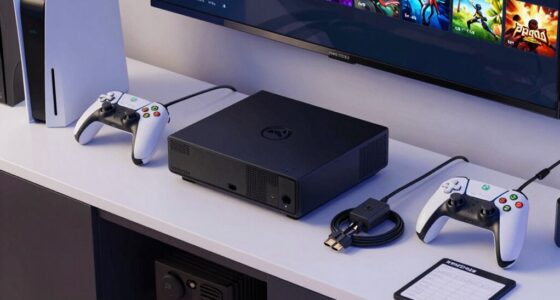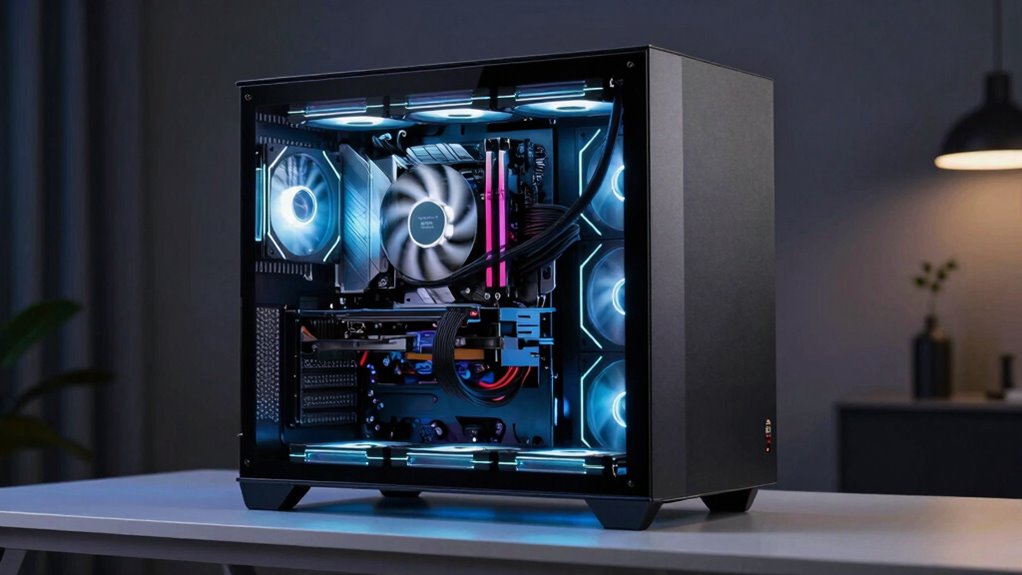

Cooling fans are essential in media furniture because they prevent devices like gaming consoles and TVs from overheating. They help extend your equipment’s lifespan and keep performance steady. Modern fans are sleek and blend seamlessly with furniture, so they don’t disrupt your setup’s looks. Plus, they save energy and reduce clutter. If you want to discover how proper ventilation boosts durability and overall efficiency, keep exploring how these fans can transform your media experience.
Key Takeaways
- Cooling fans prevent electronic devices from overheating, extending their lifespan and maintaining optimal performance.
- Well-designed fans blend seamlessly with furniture, enhancing aesthetics without clutter or disruption.
- Proper ventilation reduces energy consumption by allowing devices to operate efficiently at lower power levels.
- Incorporating fans in media furniture is affordable, easy to install, and suitable for even compact setups.
- Enhanced cooling ensures device reliability, reduces system crashes, and protects electronics from damage.
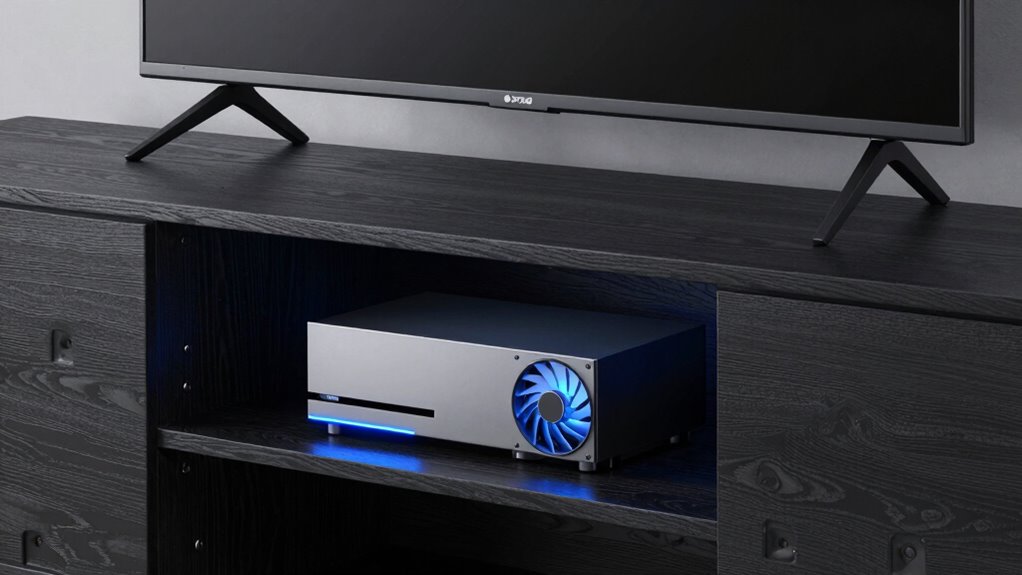
Media furniture often houses electronic devices like gaming consoles, TVs, and sound systems, which generate heat during operation. Without proper cooling, these devices can overheat, leading to potential damage, reduced lifespan, and even performance issues. That’s where cooling fans come into play, and surprisingly, they belong in more media furniture than you might initially think. Modern fans aren’t just about airflow; they’re designed with aesthetic integration in mind. You can find sleek, minimalistic designs that blend seamlessly with your furniture, maintaining the clean look you want without sacrificing functionality. When cooling fans are well-integrated, they don’t disrupt the overall style of your media setup—they enhance it by keeping everything cool and working efficiently.
Well-integrated cooling fans enhance your media setup by maintaining style and efficiency without disruption.
Energy efficiency is another compelling reason to consider adding cooling fans to your media furniture. Older or poorly ventilated setups may require your devices to run at higher power levels to compensate for heat buildup, which wastes energy. Proper cooling helps maintain optimal operating temperatures, allowing your electronics to perform at their best without overexerting. This means lower power consumption over time, translating into savings on your energy bills. Plus, more energy-efficient devices and cooling solutions contribute to a greener environment, aligning with sustainable living practices. Understanding the importance of ventilation can help you optimize your setup for better cooling.
You might think that cooling fans are only necessary for high-end or homemade custom setups, but the truth is, they’re beneficial for any media furniture where heat can build up. Even in compact entertainment centers, a small, discreet fan can make a big difference. It prolongs device lifespan, prevents overheating, and reduces the risk of system crashes or hardware failure. Installing a fan isn’t complicated, and many models come with adjustable speeds and quiet operation, so they won’t interfere with your viewing experience. It’s a simple upgrade that can significantly improve your media setup’s reliability and longevity. Additionally, understanding the importance of proper ventilation can help you choose the right cooling solutions for your space. When you prioritize proper ventilation, you’re investing in the durability of your electronics and the sleekness of your setup. Ultimately, incorporating cooling fans into your media furniture isn’t just about preventing damage; it’s about enhancing the overall aesthetic and energy efficiency of your entertainment space. Well-placed fans can be discreet yet effective, ensuring your devices stay cool without cluttering your décor. When you prioritize proper ventilation, you’re investing in the durability of your electronics and the sleekness of your setup. Whether you have a single TV stand or a complex gaming station, adding cooling fans makes sense—more than you might think—helping you enjoy your media in a cooler, more efficient way.
As an affiliate, we earn on qualifying purchases.
Frequently Asked Questions
How Do Cooling Fans Improve Media Furniture Lifespan?
Cooling fans extend the lifespan of media furniture by improving airflow optimization, which helps dissipate heat generated by electronic components. By maintaining a steady temperature, fans prevent overheating that can damage internal parts and warp materials. They also aid in dust prevention, reducing dust buildup that can clog vents and cause overheating. Overall, fans keep your media furniture cooler and cleaner, ensuring it lasts longer and performs better over time.
Are There Safety Concerns With Integrated Fans in Media Furniture?
Yes, there are safety concerns with integrated fans in media furniture. You should be cautious of potential safety hazards, such as electrical malfunctions or improper wiring, which could cause fire risks. To minimize these dangers, guarantee the fans are installed by professionals, use high-quality components, and regularly inspect the units for dust buildup or damage. Proper maintenance and adherence to safety standards help keep your media furniture safe and functional.
What Are the Best Types of Fans for Media Furniture?
Think of your media furniture as a garden that needs careful watering; the right fans are like gentle rain. You should choose quiet, efficient, and adjustable fans for aesthetic integration. Look for models with good airflow and strategic placement strategies—placing fans near heat sources or vents guarantees ideal cooling without disrupting your décor. Slim, low-profile fans blend seamlessly, making cooling effective yet unobtrusive.
Can Cooling Fans Reduce Noise From Electronics?
Yes, cooling fans can reduce noise from electronics by preventing overheating, which minimizes fan noise caused by thermal stress. When your devices stay cool, they don’t work as hard, resulting in less electronic cooling noise. Properly placed fans in media furniture help maintain a steady temperature, reducing the need for fans to run at higher speeds. This overall improvement in airflow and temperature management leads to quieter operation and better electronic performance.
How Energy-Efficient Are Fans in Media Furniture?
Cooling fans in media furniture are quite energy-efficient, consuming minimal energy to operate while effectively managing heat. You’ll find that their low energy consumption helps reduce overall electricity use, lessening their environmental impact. This means you can keep your electronics cool without worrying about high energy bills or contributing markedly to environmental harm. By choosing fans designed for media furniture, you’re making a smart, eco-conscious decision that benefits both your setup and the planet.
quiet cooling fan for gaming console
As an affiliate, we earn on qualifying purchases.
As an affiliate, we earn on qualifying purchases.
Conclusion
Just like a lighthouse guides ships safely to shore, a well-placed cooling fan in your media furniture keeps your devices running smoothly, preventing overheating and chaos. Don’t underestimate the quiet power of good airflow—it’s the unsung hero in your entertainment setup. Think of it as a guardian, silently working behind the scenes, ensuring your movies, games, and music never miss a beat. Keep your media space cool, calm, and collected, and enjoy the show.
sleek electronic device cooling fan
As an affiliate, we earn on qualifying purchases.
As an affiliate, we earn on qualifying purchases.
As an affiliate, we earn on qualifying purchases.