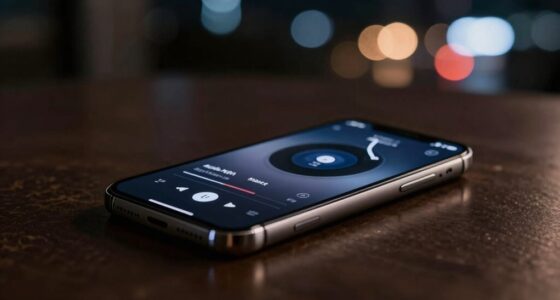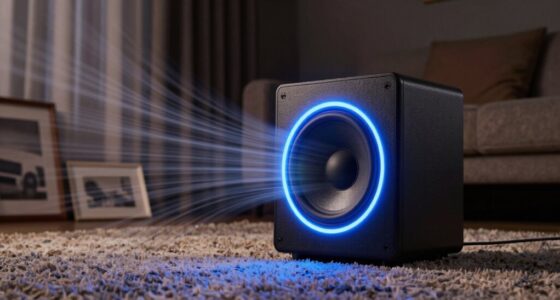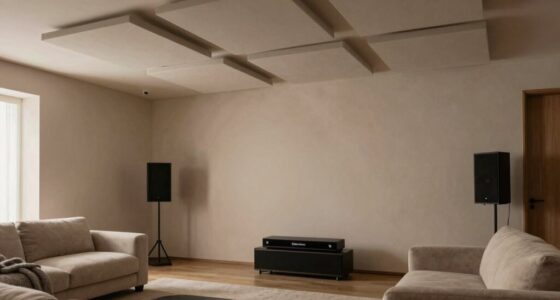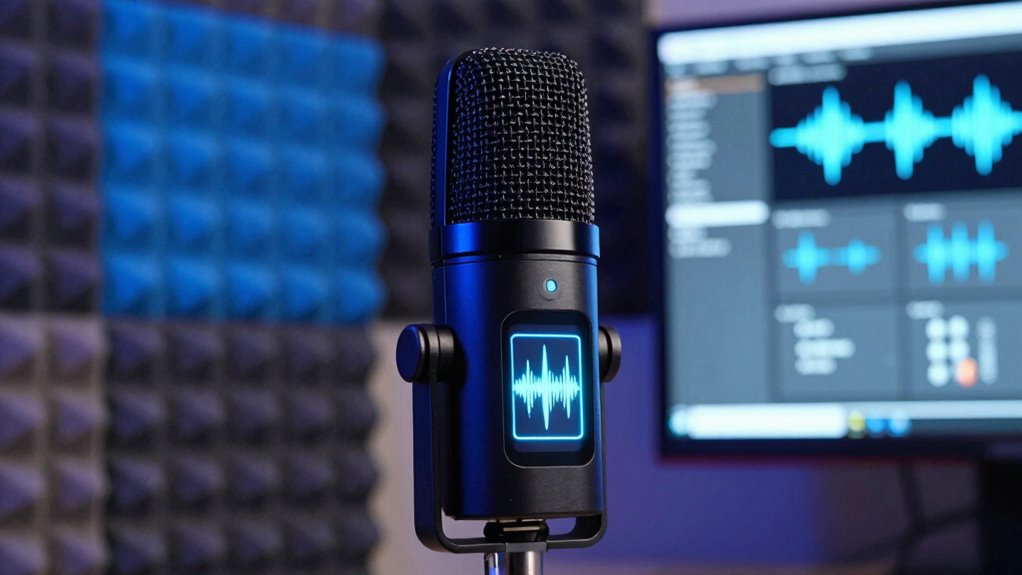

Speech enhancement modes use noise suppression and adaptive filtering to make your voice clearer, especially in noisy environments. They help by reducing constant background sounds like hums or engine noise and can improve clarity during sudden interruptions. However, if not tuned properly, they might cause your voice to sound hollow, robotic, or muffled—making it seem unnatural. To learn how to optimize these modes and avoid weird sound artifacts, stay with us for more insights.
Key Takeaways
- Speech enhancement modes improve clarity by reducing background noise but can cause unnatural sounds if overused.
- Proper tuning balances noise suppression strength to prevent artifacts like robotic or muffled voices.
- They work best in predictable noise environments; highly dynamic sounds may still produce distortions.
- Excessive suppression can lead to hollow, underwater, or tube-like speech effects.
- Continuous advancements aim to refine adaptive filtering, reducing artifacts while maintaining natural sound quality.
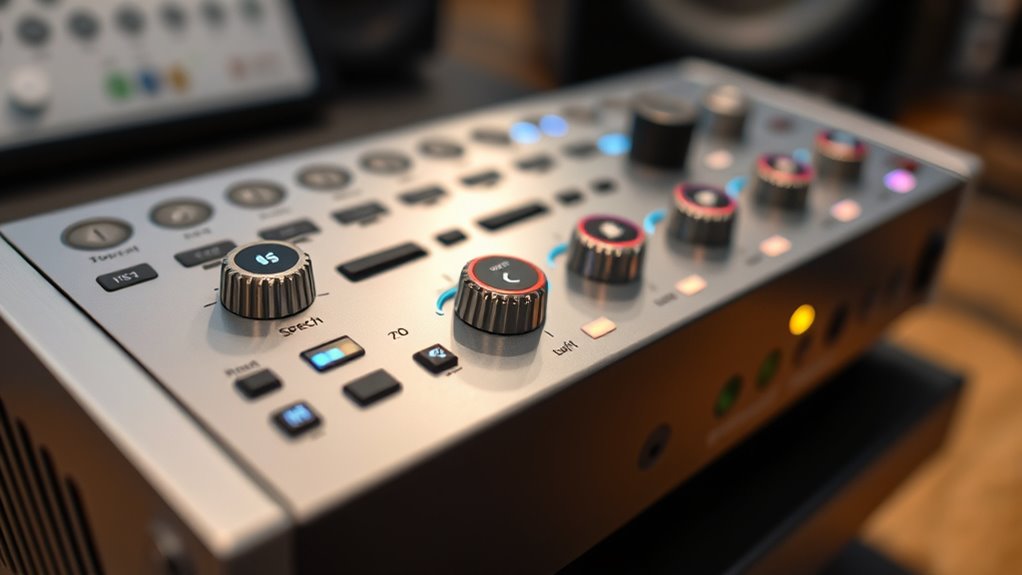
Have you ever wondered how speech enhancement modes improve audio clarity in noisy environments? These modes are designed to make your voice clearer by reducing background noise, allowing you to communicate more effectively whether you’re on a call or recording audio. At the heart of many of these systems are processes like noise suppression and adaptive filtering, which work together to separate speech from unwanted sounds. Noise suppression acts as a filter that targets constant or predictable background noises—like hums or engine sounds—reducing their volume so your voice stands out more prominently. Adaptive filtering takes this a step further by dynamically adjusting its parameters in real-time, learning the specific noise patterns in your environment, and continuously refining its ability to suppress noise without compromising your speech quality. Proper tuning of these systems maximizes their effectiveness and ensures a more natural sound.
Speech enhancement modes use noise suppression and adaptive filtering to clarify your voice amid background noise.
When these technologies are effectively implemented, you notice a significant increase in clarity. Speech sounds more natural, with less interference from consistent background sounds. For example, if you’re in a busy coffee shop, noise suppression reduces the chatter and clattering, making your voice clearer to the listener on the other end. Adaptive filtering ensures that sudden noises, like a door slamming or a car honking outside, are also minimized without muffling your voice. This combination creates a more seamless listening experience, especially in environments where noise fluctuates unpredictably.
However, these modes can sometimes sound weird or unnatural if not properly calibrated. Over-aggressive noise suppression, for instance, can lead to a hollow or robotic quality in your voice, as if you’re speaking through a tube or underwater. This happens because the system might mistake some speech sounds for noise and suppress them too aggressively. Similarly, if the adaptive filter’s parameters are set too tightly, it may overcorrect, causing your voice to sound distorted or muffled. On the other hand, if the noise suppression isn’t strong enough, background sounds may still seep through, defeating the purpose of the enhancement mode altogether.
The key to enjoying the benefits of speech enhancement modes without the weird artifacts is proper tuning and understanding their limits. They work best when the noise environment is relatively consistent or predictable. In highly dynamic environments, some artifacts are inevitable, but advances in adaptive filtering are continually improving their ability to adapt smoothly. Ultimately, these modes are powerful tools for clearer communication, but they require a delicate balance to avoid sounding unnatural. As you explore different settings, you’ll find the right mix that enhances your speech naturally while minimizing unwanted noise.

WEN Quiet and Lightweight 3600-Watt Dual Fuel RV-Ready Portable Inverter Generator with Fuel Shut Off and CO Watchdog (DF360iX)
Dual-fuel design runs on both gasoline (3600 surge watts, 2900 rated watts) and propane (3500 surge watts, 2600...
As an affiliate, we earn on qualifying purchases.
Frequently Asked Questions
How Do Speech Enhancement Modes Affect Battery Life?
Speech enhancement modes can increase your device’s battery drain because they require extra processing power, which boosts overall power consumption. When you turn these modes on, your device works harder to filter and clarify speech, leading to faster battery depletion. If you notice your battery life shrinking quickly, consider disabling these modes to save power, especially when you’re away from charging sources.
Can Speech Enhancement Modes Be Customized for Individual Preferences?
Yes, speech enhancement modes can be customized for your preferences. Many devices offer personalization options and user adjustable settings, allowing you to fine-tune how speech sounds through sliders, presets, or app controls. You can modify levels like clarity, noise reduction, and amplification, ensuring the mode suits your hearing needs and comfort. This customization helps you achieve a clearer, more natural listening experience tailored specifically to you.
Are Speech Enhancement Modes Suitable for All Hearing Aids?
Sure, speech enhancement modes aren’t suitable for all hearing aids, despite what you might hope. They can sometimes create auditory illusions or distort sound quality, making speech sound weird instead of clearer. While many modern hearing aids support these modes, compatibility varies. You’ll want to verify with your audiologist to confirm your device can handle them effectively, or you might end up with more confusion than clarity.
Do Speech Enhancement Modes Work Effectively in Noisy Environments?
Yes, speech enhancement modes work effectively in noisy environments by utilizing noise reduction and environmental adaptation features. They focus on filtering out background noise and amplifying speech, making conversations clearer. When you’re in a busy place, these modes automatically adjust to your surroundings, helping you hear better without overwhelming sounds. However, in extremely loud settings, they may struggle, so it’s good to be aware of their limitations for ideal hearing.
How Quickly Do Speech Enhancement Modes Adapt to Changing Sounds?
Think of speech enhancement modes as chameleons that quickly blend into changing environments. They adapt to sound variation in milliseconds, making you feel like your ears are on a rapid rollercoaster. The adaptive speed varies by device, but most adjust almost instantly, ensuring your voice stays clear amid chaos. You’ll notice these modes respond swiftly, keeping your conversations smooth even when the noise level shifts unexpectedly.
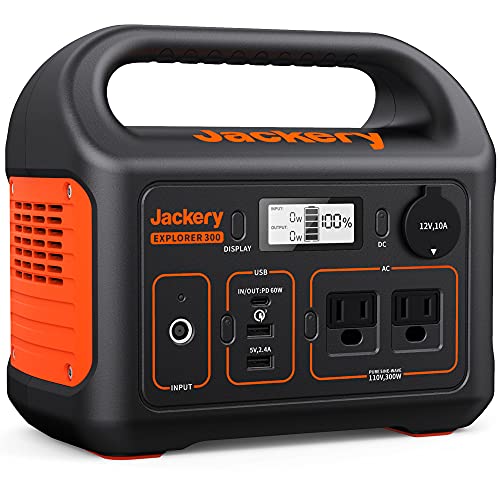
Jackery Portable Power Station Explorer 300, 293Wh Backup Lithium Battery, Solar Generator for Outdoors Camping Travel Hunting Blackout (Solar Panel Optional)
SPEED UP YOUR RECHARGEABILITY: It takes only 2 hours to recharge 80% battery of the power station through...
As an affiliate, we earn on qualifying purchases.
Conclusion
Now that you understand the different speech enhancement modes and when they work best, you’ll be better equipped to choose the right setting for your needs. Have you ever wondered if those “improved” sounds are truly natural or just a clever illusion? By knowing when each mode helps and when it sounds weird, you can enjoy clearer conversations without sacrificing authenticity. Isn’t it worth mastering these tricks to make every chat more enjoyable?

AMERISUN 2500-Watt Gas Powered Portable Inverter Generator for Home Use - Ultral Light for RV and Camping, CO Sensor, Outdoor and Home Backup, Long Run Time
[POWERFUL & RELIABLE]: Generate up to 2500 peak watts and 1900 running watts, providing enough power to keep...
As an affiliate, we earn on qualifying purchases.

Pulsar PGD40ISCO Ultra Light Quiet 4000W Portable Gas Inverter Generator, white
Provides 4,000 peak watts and 3,200 rated watts of power
As an affiliate, we earn on qualifying purchases.