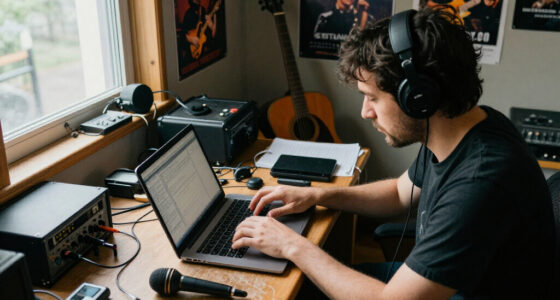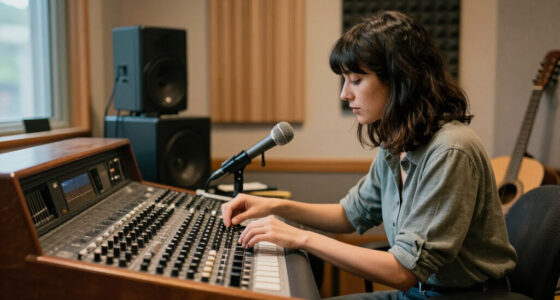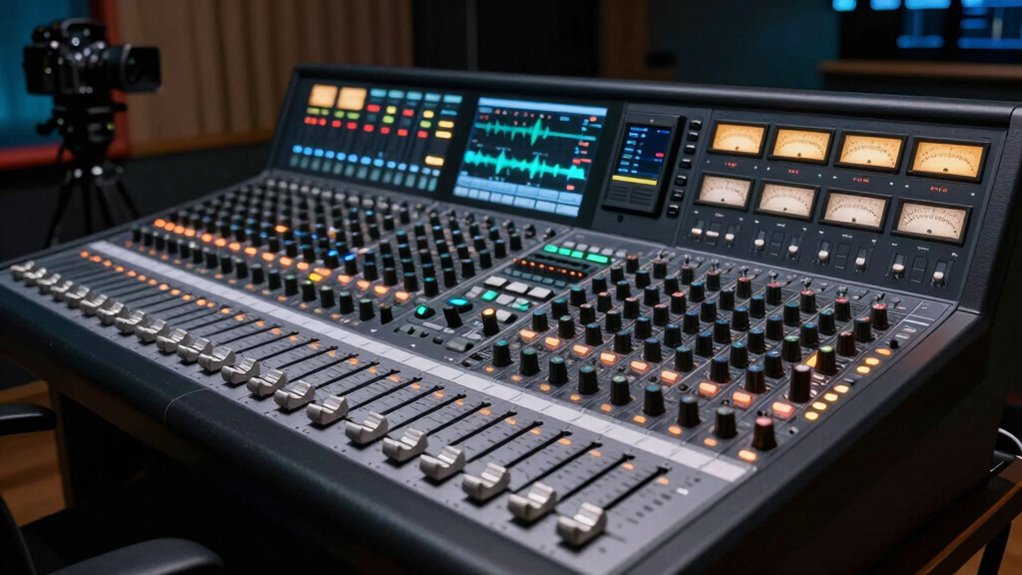
Choose a dialogue enhancer when you want to make speech clearer and stand out against background noise, especially in dialogue-heavy content. Use dynamic compression if your goal is to maintain consistent volume levels throughout scenes, preventing loud parts from overpowering softer ones. Both tools serve different purposes but can be combined for ideal results. To find out which setting suits your needs best and how to achieve the perfect balance, keep exploring further.

Get audio and creator gear delivered free — and shop member deals
- Fast, free delivery on millions of items
- Access to Prime Big Deal Days deals on October 6–7
- Prime Video, Amazon Music and more included
Key Takeaways
- Use dialogue enhancers when clarity of speech against background noise is the priority.
- Apply dynamic compression to maintain consistent volume levels across scenes.
- Combine both tools for optimal speech intelligibility and volume stability in complex audio environments.
- Avoid overuse of either to prevent unnatural sound or loss of natural dynamics.
- Choose dialogue enhancer for emphasizing spoken words; select compression for balancing overall loudness.
When it comes to improving audio clarity in movies and broadcasts, understanding the difference between dialogue enhancers and dynamic compression is fundamental. Each plays a unique role in shaping how you perceive speech, and choosing the right setting can make a significant difference in vocal clarity and overall mixing consistency. Dialogue enhancers are designed specifically to make speech more intelligible by emphasizing vocal frequencies, often boosting the midrange where most speech information resides. This means that when you activate a dialogue enhancer, you’ll notice that spoken words become sharper and clearer, even in busy or noisy scenes. It’s an effective tool for ensuring that viewers don’t miss important details, especially in dialogue-heavy content. However, because dialogue enhancers focus on specific frequency ranges, they can sometimes make the audio sound unnatural or overly processed if overused, disrupting the seamlessness of the mix. Additionally, the frequency-specific adjustments made by dialogue enhancers can sometimes lead to a less natural sound if not carefully balanced.
On the other hand, dynamic compression works by reducing the difference between the loudest and softest sounds, which helps maintain consistent volume levels throughout a broadcast or film. When you apply compression, you’re fundamentally evening out the dynamic range, so quiet speech remains audible without being drowned out by loud background sounds or music. This process enhances vocal clarity by preventing speech from getting lost in the mix, especially during scenes with fluctuating sound levels. Additionally, compression maintains mixing consistency, making sure that dialogue stays at a comfortable volume relative to other sound elements. It’s particularly useful in situations where background noise varies or when you need a uniform sound experience across different scenes or devices. Still, if overdone, compression can lead to a squashed, unnatural sound, reducing the natural dynamics of speech and potentially making the audio feel less lively.
Choosing between a dialogue enhancer and dynamic compression depends on your specific needs. If your goal is to make dialogue stand out sharply against background noise, a dialogue enhancer might be your best choice. It will sharpen speech clarity without overly affecting the overall mix’s natural dynamics. Conversely, if you’re aiming for consistent volume levels throughout a broadcast or film, especially in environments with variable sound levels, dynamic compression is the way to go. It ensures that speech remains intelligible and maintains mixing consistency without sacrificing the natural flow of audio. Ultimately, many professional audio setups combine both tools, using dialogue enhancers to boost clarity and compression to maintain consistency, resulting in a balanced, clear, and engaging listening experience.
Frequently Asked Questions
Can Dialogue Enhancer Be Used in Live Streaming?
Yes, you can use a dialogue enhancer in live streaming. It improves audio quality by making speech clearer and more intelligible in real-time. Just guarantee your streaming software supports the dialogue enhancer plugin or feature you choose, as software compatibility is essential. When set up correctly, it helps maintain professional audio quality, ensuring your audience hears every word without background noise or distortion.
How Do I Adjust Settings for Different Vocal Styles?
Like a skilled composer tuning an orchestra, you adjust settings for different vocal styles by focusing on vocal tone and frequency adjustment. For a bright, energetic voice, boost high frequencies and tighten the vocal tone. For a warm, mellow style, soften high frequencies and emphasize low or mid-range. Use the equalizer to tailor these aspects, ensuring each vocal style sounds natural and balanced, just like a master tuning a symphony.
Is There a Risk of Audio Artifacts With Dynamic Compression?
Yes, there’s a risk of audio artifacts with dynamic compression. When you overdo it, compression risks introducing unwanted artifacts like pumping or breathing sounds, which can make your audio sound unnatural. To avoid this, set your threshold and ratio carefully, and listen closely for distortion. Properly applied, compression enhances clarity without compromising audio quality, but always monitor your sound to prevent artifacts from sneaking in.
Can These Tools Be Used Simultaneously?
Imagine a sound engineer weaving threads of multiband processing and sidechain techniques into a tapestry; yes, you can use dialogue enhancer and dynamic compression simultaneously. These tools work like layered filters, shaping audio with precision. When you blend them carefully, you maintain clarity while controlling dynamics. Just be mindful of over-processing, which can cause artifacts. Experiment, listen closely, and you’ll find a harmonious balance that elevates your sound without distortion.
What Are the Best Practices for Beginner Users?
As a beginner, focus on enhancing vocal clarity and sound consistency by starting with gentle settings. Use dialogue enhancers sparingly to brighten vocals without overprocessing, and apply light compression to maintain a balanced volume. Always listen carefully to your adjustments, and avoid overdoing it to keep your sound natural. Practice with different settings, trust your ears, and you’ll improve your audio quality over time.
Conclusion
So, next time you’re adjusting your audio, ask yourself: do I want clearer dialogue that stands out or a more natural, balanced sound? If you need voices to cut through the mix, go for the dialogue enhancer. But if you prefer a smoother, more immersive experience, dynamic compression is your friend. Isn’t it better to choose the setting that truly makes your audio sound just right—like a conversation coming to life or a gentle, controlled whisper?
Fall Picks
fall essentials
As an affiliate, we earn on qualifying purchases.