To understand audio formats like PCM, Bitstream, Dolby, and DTS, know that PCM captures uncompressed, high-fidelity sound but results in larger files, making it ideal for audiophiles. Bitstream streams raw audio data for external decoding, supporting formats like Dolby Atmos or DTS:X for immersive surround sound, which are compressed but clear. Dolby and DTS are popular surround sound technologies that enhance your home theater experience. Continuing to explore these options can help you optimize your audio setup effectively.

Get audio and creator gear delivered free — and shop member deals
- Fast, free delivery on millions of items
- Access to Prime Big Deal Days deals on October 6–7
- Prime Video, Amazon Music and more included
Key Takeaways
- PCM is uncompressed, delivering the highest sound fidelity but with larger files; ideal for professional audio.
- Dolby and DTS are compressed formats that provide immersive surround sound while maintaining high clarity.
- Bitstream transmits raw audio data directly to external receivers for advanced decoding and format flexibility.
- PCM is processed internally by the device, whereas bitstream allows external decoding for formats like Dolby Atmos or DTS:X.
- Choosing between PCM and bitstream impacts audio quality and format compatibility in home theater setups.
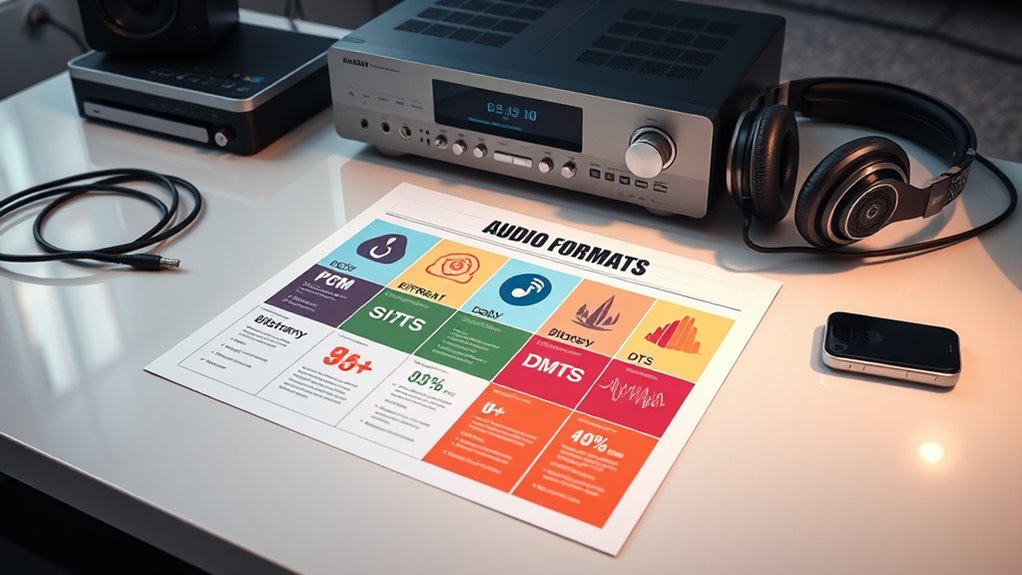
Ever wondered which audio format best suits your needs? Choosing the right one depends on understanding how each handles sound, especially if you’re aiming for immersive audio experiences like surround sound. PCM, or Pulse Code Modulation, is a straightforward, uncompressed format that captures audio in its purest form. Since it doesn’t rely on audio compression, it preserves every detail, making it ideal for audiophiles who prioritize sound fidelity. However, this means larger file sizes, which can be a downside if you’re limited on storage or bandwidth. PCM is often used in professional audio recording and high-quality music playback, ensuring you get the richest, most accurate sound possible.
In contrast, formats like Dolby and DTS use sophisticated audio compression techniques to reduce file size while maintaining high-quality sound, especially in surround sound setups. These formats are designed to deliver immersive audio experiences by encoding multiple audio channels, allowing you to enjoy multi-dimensional sound from your home theater system. Dolby, for example, employs advanced compression algorithms that optimize audio data without sacrificing clarity, making it well-suited for movies and streaming content. DTS similarly offers high-bitrate compression, ensuring that your surround sound experience remains dynamic and detailed, even with smaller files. Both formats excel at transmitting complex audio signals efficiently, which is essential when streaming or storing large audio libraries.
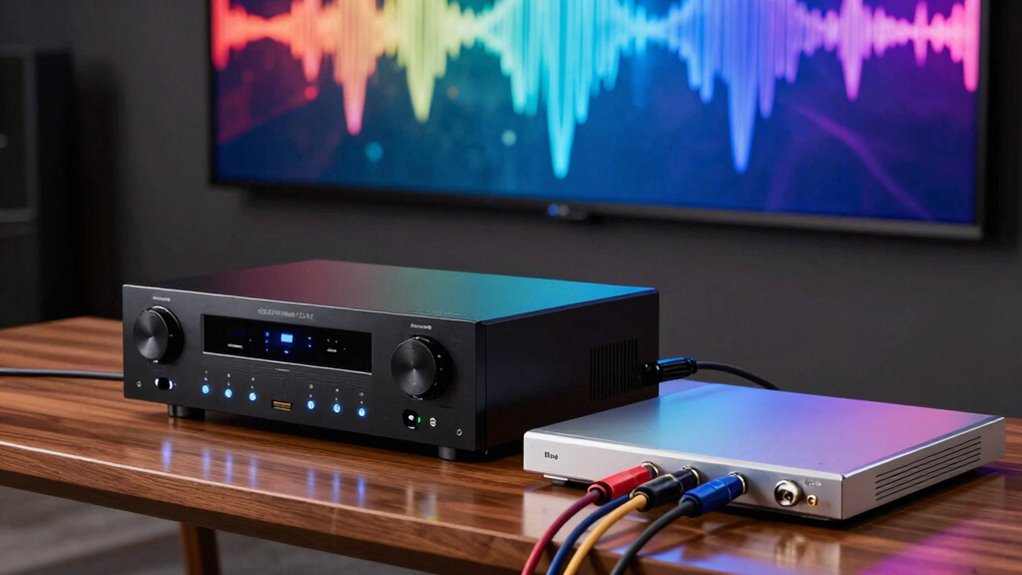
Bitstream output plays a key role when you’re using external home theater receivers or soundbars. Instead of decoding audio internally, your device passes raw audio data directly to the receiver, which then processes the sound using its own decoding capabilities. This method allows for better sound quality and access to advanced surround sound formats like Dolby Atmos or DTS:X, providing an immersive experience that’s highly dependent on the receiver’s decoding power. It’s important to understand that bitstreaming is less about the audio format itself and more about how the data is transmitted and processed, giving you flexibility in choosing your preferred surround sound format. Additionally, understanding the significance of audio fidelity and how formats impact it can help you make more informed choices for your home theater setup.
home theater receiver with Dolby Atmos support
As an affiliate, we earn on qualifying purchases.
As an affiliate, we earn on qualifying purchases.
Frequently Asked Questions
Can I Upgrade My Home Theater System to Support All Formats?
Yes, you can upgrade your home theater system to support all formats. Focus on audio format upgrades by choosing a receiver that’s compatible with PCM, Bitstream, Dolby, and DTS. Check your system’s compatibility before buying new components, and verify your speakers and cables can handle advanced formats. This way, you’ll enjoy seamless playback of all audio types, enhancing your home theater experience without compatibility issues.
Are There Compatibility Issues Between Different Audio Formats?
Ever wondered if your devices speak the same language? Compatibility issues can arise because of different format compatibility and device limitations. Some systems may struggle to decode certain formats like Dolby or DTS, leading to sound problems. To avoid this, check your device specs and verify they support the formats you want to use. Upgrading your gear or adding a compatible receiver can help you enjoy seamless audio across all formats.
How Do I Identify Supported Formats on My Device?
You can identify supported formats on your device by checking the device label, which usually lists compatible audio formats. Additionally, consult your user manual, as it provides detailed information about supported formats like PCM, Dolby, or DTS. If you’re still unsure, visit the manufacturer’s website or contact customer support for clarification. Ensuring your device supports the needed formats guarantees peak audio playback without compatibility issues.
Is Higher Bit Rate Always Better for Audio Quality?
Higher bit rate doesn’t always mean better audio quality, as bit rate implications depend on other audio quality factors like compression and codec efficiency. A higher bit rate can improve sound clarity, but only if the source material and codec support it well. Sometimes, a lower bit rate with a good codec offers comparable quality. Focus on the overall audio quality factors, not just bit rate, to get the best listening experience.
Do Streaming Services Support All Advanced Audio Formats?
You can’t have your cake and eat it too—streaming services don’t support all advanced audio formats. While some platforms support formats like Dolby Atmos and DTS:X, many have format compatibility and streaming limitations that prevent full access. This means you might not enjoy the highest quality audio unless you use specific devices or services that bypass these restrictions. Always check your streaming service’s supported formats before expecting top-tier audio.
As an affiliate, we earn on qualifying purchases.
Conclusion
Understanding the differences between PCM, bitstream, Dolby, and DTS helps you make informed choices for your audio setup. While some believe one format is always superior, the truth is, each has its strengths depending on your equipment and preferences. Ultimately, the best format is the one that delivers the sound quality you enjoy most. So, experiment and find what sounds best to you—after all, your ears are the final judge.
As an affiliate, we earn on qualifying purchases.
external audio decoder for Dolby and DTS
As an affiliate, we earn on qualifying purchases.
As an affiliate, we earn on qualifying purchases.
Fall Picks
fall essentials
As an affiliate, we earn on qualifying purchases.