To guarantee clear commentary and lively crowd noise during The Big Game, start by testing and adjusting your microphone levels to highlight announcers without distortion. Balance the crowd sounds by using noise gates or equalization, making sure they amplify excitement but don’t overshadow speech. Monitor sound levels throughout the event, making real-time tweaks to maintain clarity and energy. Keep refining your setup, and you’ll create an immersive experience—continue to learn key tips for perfect calibration.
Key Takeaways
- Test microphone levels for clear, natural commentary using sound level meters or mixing console indicators.
- Adjust gain and equalization to balance speech clarity and crowd noise, avoiding distortion.
- Use noise gates or sound masking to control ambient crowd sounds and prevent overpowering commentary.
- Monitor and tweak sound levels during the game to accommodate fluctuating crowd reactions and maintain balance.
- Conduct a comprehensive pre-game sound check to ensure an immersive, well-balanced audio experience for viewers.
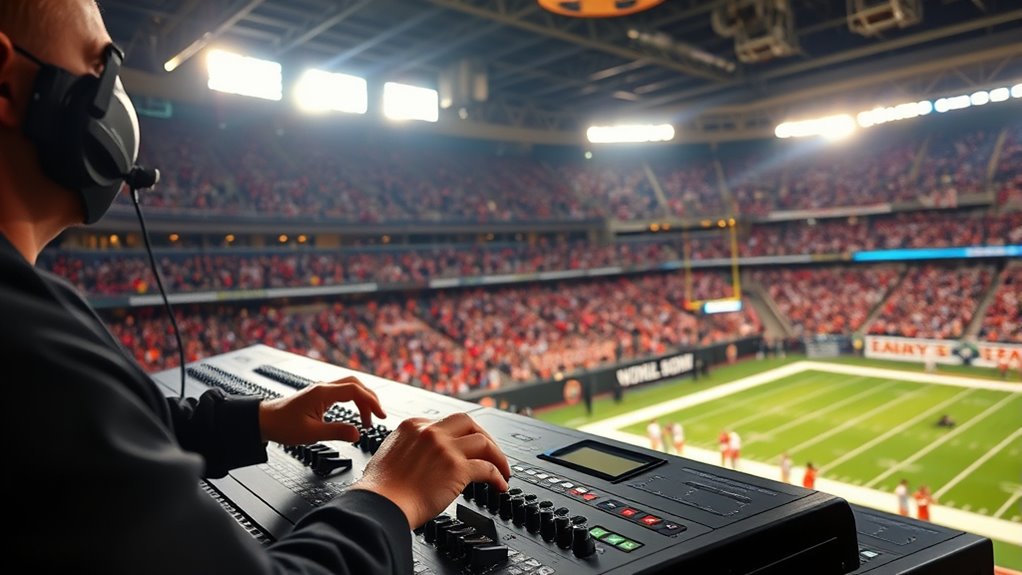
As the excitement builds for The Big Game, ensuring the sound system is ready becomes a essential step. You want every cheer, chant, and comment to come through clearly, without overwhelming the audience or losing important details. This is where audio calibration plays a pivotal role. Proper calibration means adjusting your system so that the commentary is crisp and audible, and the crowd noise adds energy without drowning out the announcers or key sounds. If you neglect this step, you risk having a muddled audio experience that leaves fans frustrated and less engaged.
Proper audio calibration ensures clear commentary and energetic crowd sounds for a memorable Big Game experience.
Start by testing the microphone levels for the commentators. You need their voices to be prominent, but not so loud that they distort or feel unnatural. Use a sound level meter or your mixing console’s visual indicators to set appropriate gain levels. Remember, the goal is clarity, so take your time to fine-tune the microphone inputs until their voices are balanced against the ambient noise. Once the announcers sound natural and intelligible, shift your focus to the crowd noise.
Crowd noise adds excitement and authenticity to the event, but it can easily overpower speech if not properly managed. Use sound masking techniques or noise gates to control the ambient sounds. Adjust the equalization settings to emphasize frequencies that enhance crowd energy without overwhelming the spoken commentary. During the calibration process, periodically simulate the loudest crowd reactions to see how the system responds. This helps you identify any distortions or feedback issues that could ruin the experience.
It’s important to remember that crowd noise levels fluctuate throughout the game. During intense moments, the crowd might roar louder, so your system needs to adapt dynamically. Many modern sound systems allow for real-time adjustments or automatic level controls, which can help maintain a consistent balance. If your setup doesn’t have these features, plan to monitor and make manual adjustments as needed. Keep a close eye on the sound levels during the game, especially during pivotal plays or crowd surges, to ensure that commentary stays clear and the atmosphere remains lively.
Finally, conduct a full sound check before the game starts. Play a recording of typical crowd noise and commentary, or better yet, do a live test with a small group of staff or volunteers. Listen carefully to the mix and make final tweaks. Proper audio calibration isn’t just about technical accuracy; it’s about creating an immersive experience where fans can enjoy every word and every cheer. Additionally, understanding the contrast ratio of your sound system can help ensure that audio clarity is maintained even during the loudest moments of the game. When you get it right, you’ll set the perfect stage for a memorable Big Game.
Frequently Asked Questions
How Long Before the Game Should Sound Checks Be Completed?
You should complete the sound check at least 2 hours before the game starts. This gives you enough time to fine-tune audio mixing and guarantee microphone placement captures commentary and crowd noise clearly. Early testing allows for adjustments if needed, preventing last-minute issues. By doing so, you’ll ensure a balanced sound experience, keeping everyone engaged and informed without interruptions during the game.
What Equipment Is Essential for a Successful Sound Check?
Did you know that proper microphone placement can improve sound clarity by up to 30%? For a successful sound check, you need essential equipment like quality microphones, an audio mixer, and speakers. Focus on correct microphone placement to capture clear commentary and crowd noise. Use the audio mixer to balance levels, ensuring commentary and crowd sounds are well heard without distortion. This setup guarantees a smooth and engaging audio experience during the event.
How Do Sound Engineers Balance Commentary and Crowd Noise?
You balance commentary and crowd noise by adjusting microphone placement and considering venue acoustics. Place mics close to commentators for clear audio, while using directional mics to minimize crowd sounds. Use equalizers and volume controls to enhance speech clarity without overpowering the crowd noise. Regularly monitor levels during the sound check, making real-time adjustments to guarantee viewers hear commentary clearly while feeling immersed in the crowd atmosphere.
What Are Common Challenges Faced During the Sound Check?
Ever wonder what makes a sound check tricky? You face challenges like audio interference from external sources and ensuring equipment calibration is spot on. These issues can cause feedback, uneven sound levels, or delayed audio. You need to troubleshoot quickly, adjust microphones, and fine-tune your gear. Staying alert to interference and confirming calibration keeps the audio clear, balanced, and ready for the big moment.
How Is Feedback Minimized During the Live Broadcast?
To minimize feedback during the live broadcast, you should focus on proper microphone placement, keeping mics away from speakers, and using feedback suppression tools. Adjust the gain levels carefully to avoid excessive amplification. Regularly monitor audio and make quick adjustments as needed. Employing dynamic microphones and directional patterns can further reduce unwanted noise and feedback, ensuring clear commentary and crowd sounds without interruptions.
Conclusion
As you fine-tune your sound check, feel the focus flourish and the excitement escalate. Set the levels so you’ll seamlessly hear the roar of the crowd, the crackle of commentary, and the crescendo of cheers. With your ears expertly engaged, you’ll experience the electrifying energy of the big game in perfect harmony. Remember, a little preparation produces a powerful, pulsating performance — so step up, set sound, and savor the sensational spectacle ahead.