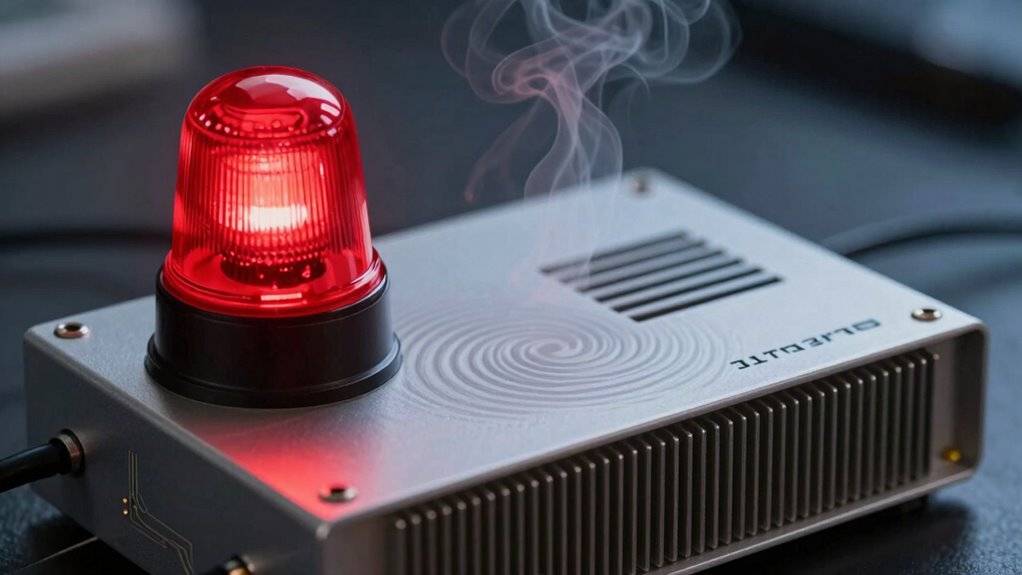

If your receiver warns of overheating, you need to improve airflow immediately to prevent damage. Make sure vents aren’t blocked by clutter or placed against walls or inside cabinets. Keep the unit in a well-ventilated space, clean dust from vents regularly, and avoid stacking devices. Elevate your receiver and consider external fans if needed. Taking these actions now can help avoid costly repairs—stay with us to discover more effective strategies.

Get audio and creator gear delivered free — and shop member deals
- Fast, free delivery on millions of items
- Access to Prime Big Deal Days deals on October 6–7
- Prime Video, Amazon Music and more included
Key Takeaways
- Ensure the receiver is in a well-ventilated area with at least a few inches of clearance on all sides.
- Regularly clean vents and fans to prevent dust buildup that impairs airflow.
- Avoid stacking devices or placing the receiver against walls or inside cabinets without proper ventilation.
- Use external cooling solutions like fans or exhaust systems if overheating persists.
- Monitor the device for signs of overheating and seek professional repair if issues continue despite airflow improvements.
As an affiliate, we earn on qualifying purchases.
Common Causes of Poor Air Circulation
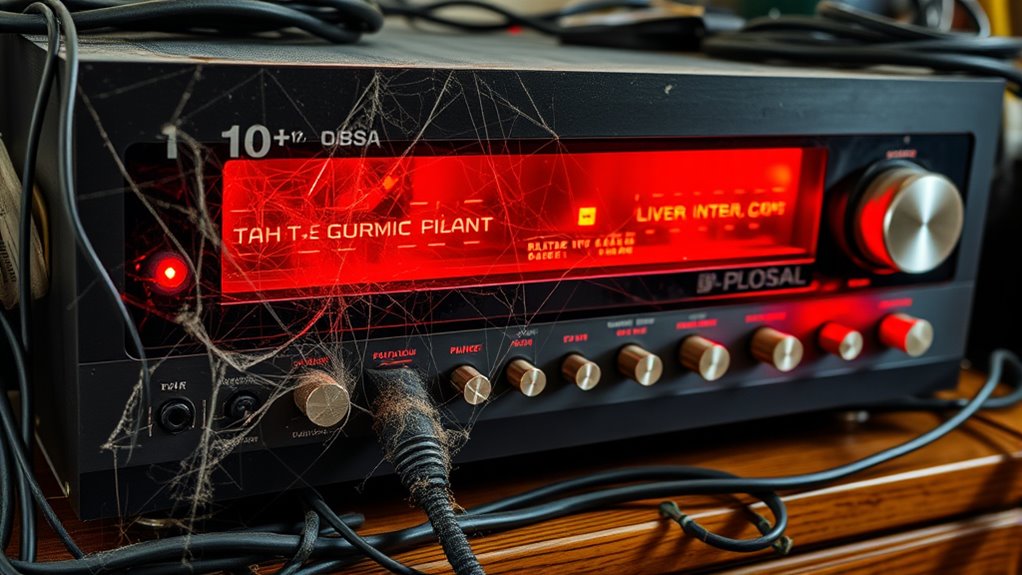
Poor air circulation is often the primary culprit behind overheating receivers. When airflow is restricted, heat builds up inside your device, risking damage. Common causes include clutter around the receiver, blocking vents, or placing it in tight spaces. If your receiver sits against a wall or inside a cabinet without proper ventilation, heat can’t escape efficiently. Dust and debris can also clog vents over time, reducing airflow and airflow management effectiveness. Additionally, using the receiver in an enclosed area or stacking other devices on top of it can trap heat. Failing to maintain clear, unobstructed airflow creates a cycle of rising temperatures. To prevent this, ensure vents are free of dust, avoid overcrowding the space around your receiver, and give it enough room to breathe. For optimal performance, consider proper airflow management techniques used in deep-sky imaging setups to keep equipment cool.
As an affiliate, we earn on qualifying purchases.
Recognizing Signs of Overheating and Its Impact
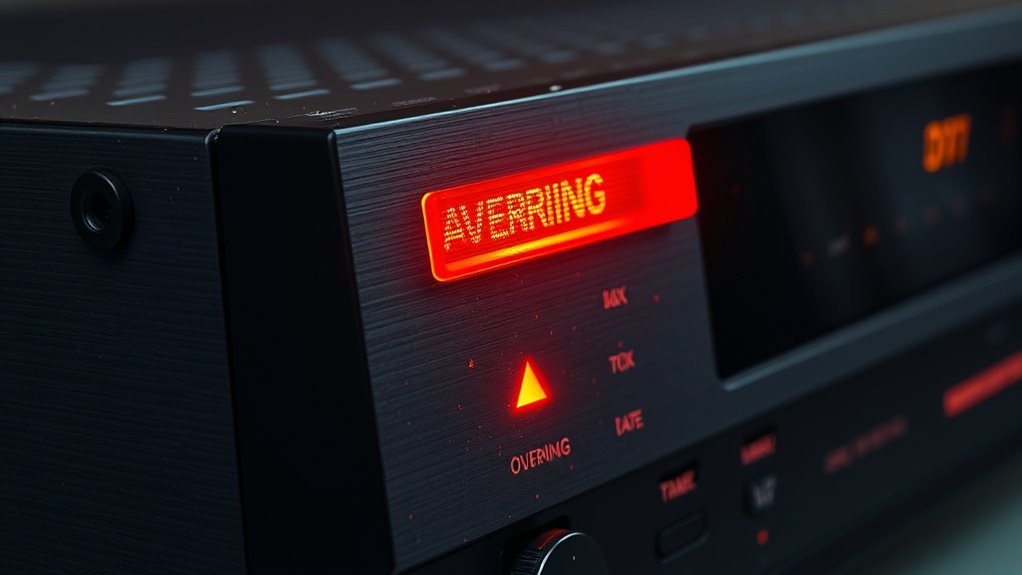
When your receiver starts overheating, you’ll notice certain warning signs that indicate it’s struggling to stay cool. You might hear it buzzing more loudly, experience a sudden drop in sound quality, or see the receiver’s LED indicators flashing. These signs aren’t just annoyances; they signal potential damage if disregarded. Recognizing these early symptoms can prevent costly repairs or replacements. Additionally, poor ventilation considerations can exacerbate overheating issues, making proper airflow essential for equipment longevity. Proper airflow management around the receiver is crucial to prevent heat buildup and extend its lifespan. Optimizing air circulation not only helps with cooling but also contributes to overall system stability, especially in environments with multiple electronic components. Ensuring that your setup includes energy-efficient cooling solutions can significantly improve overall device performance and reliability, especially in environments aiming for sustainable and secure cloud infrastructure. Regularly checking and cleaning your device’s vents can also prevent dust buildup that impairs heat dissipation, further supporting proper thermal regulation.
external cooling fan for AV receiver
As an affiliate, we earn on qualifying purchases.
As an affiliate, we earn on qualifying purchases.
Practical Steps to Improve Ventilation
Improving ventilation around your receiver is essential to prevent overheating and maintain ideal performance. Start by relocating the receiver to a well-ventilated area, away from direct sunlight and heat sources. Ensure there’s enough space around the unit—at least a few inches on each side—to allow air to circulate freely. Clean dust and debris from vents and fans regularly, as buildup can hinder airflow. Consider installing a dedicated cooling fan or an external exhaust fan if the area remains warm. Elevate the receiver slightly off surfaces to promote better airflow underneath. Avoid stacking multiple devices tightly together. Proper airflow management is crucial to maintaining optimal device operation. Proper ventilation techniques can significantly improve heat dissipation and prevent overheating. Using cooling accessories such as external fans or heat sinks can further enhance heat dissipation. Additionally, utilizing smart appliance features can help monitor temperature levels and alert you to potential overheating issues. Regularly checking the internal components for dust buildup can also improve overall device lifespan. By taking these simple steps, you can considerably reduce the risk of overheating and keep your receiver running smoothly.
As an affiliate, we earn on qualifying purchases.
Tips for Maintaining Optimal Operating Conditions
Maintaining ideal operating conditions for your receiver involves more than just good ventilation; it requires ongoing attention to its environment and usage habits. Regularly check that vents aren’t blocked and keep dust away from vents and components. Avoid placing the receiver near heat sources or in direct sunlight, which can cause overheating. Also, monitor your usage; running the receiver at high volumes or with demanding audio settings for extended periods can increase temperature. To ensure excellent conditions, consider implementing environmental monitoring tools that can alert you to temperature fluctuations before issues arise. Additionally, ensuring proper ventilation setup helps maintain consistent airflow around the device. Incorporating smart home technology can further optimize your receiver’s operating environment by providing real-time temperature data and automated adjustments. Recognizing air quality and ventilation factors plays a crucial role in preventing overheating and prolong your receiver’s lifespan. These steps help prevent overheating and prolong your receiver’s lifespan.
When to Seek Professional Assistance
Even with proper care, there are times when your receiver needs professional attention. If you notice persistent overheating despite cleaning vents and improving airflow, it’s time to call a technician. Unusual smells, smoke, or a burning odor are clear signs of serious internal issues requiring expert diagnosis. If your receiver frequently shuts down or resets unexpectedly, don’t try to fix it yourself—professional help guarantees safe, effective repairs. Additionally, understanding electronic component failure and privacy policies ensures you are informed about data handling during repairs or service visits. Proper ventilation and system cooling are crucial to prevent overheating. Also, if you hear unusual noises or see visible damage like burnt components, seek assistance immediately. Attempting to repair complex electronics without proper knowledge can cause further damage or pose safety risks. Trust a professional to accurately diagnose problems and perform necessary repairs to keep your system running smoothly and prevent costly failures. Additionally, regular preventative maintenance can help identify potential issues early before they lead to complete system failure.
Frequently Asked Questions
How Often Should I Inspect My Receiver for Airflow Issues?
You should inspect your receiver for airflow issues at least once a month. Regular checks help you spot dust buildup, obstructions, or loose connections that could hinder airflow. Keep vents clean and make sure nothing blocks the airflow paths. If you notice increased heat or noise, inspect it immediately. Consistent maintenance prevents overheating, extends receiver lifespan, and guarantees maximum performance, saving you from unexpected failures or costly repairs down the line.
Can External Environmental Factors Influence Receiver Overheating?
Absolutely, external environmental factors can turn your receiver into a furnace if you’re not careful. High temperatures, humidity, and poor ventilation can markedly increase the risk of overheating. Keep your receiver in a cool, well-ventilated space and avoid placing it near heat sources or direct sunlight. Regularly check the environment around it, as these factors can silently cause your equipment to overheat, risking damage and failure.
Are There Specific Brands or Models More Prone to Overheating?
Yes, some brands and models are more prone to overheating due to design flaws or lower-quality components. You should research user reviews and expert opinions before purchasing. Brands like Denon, Yamaha, and Onkyo have models with better cooling systems, but others might struggle with heat buildup. Regular maintenance, ensuring proper airflow, and choosing reputable brands can help prevent overheating issues and prolong your receiver’s lifespan.
What Safety Precautions Should I Take During Maintenance?
You should always turn off the power supply before maintenance to prevent electrical shock. Wear insulated gloves and safety goggles to protect yourself from sharp edges or debris. Confirm the area is well-ventilated to avoid inhaling dust or fumes. Use proper tools and follow the manufacturer’s instructions carefully. Double-check that all components are secure before turning the system back on, and never work alone in case of emergencies.
How Long Does It Typically Take to See Improvements After Fixing Airflow?
A stitch in time saves nine, so once you fix the airflow, you might see improvements within a few hours to a day. You’ll notice the receiver runs cooler, and the warning light should turn off. Keep monitoring the system during this period, and make certain no new issues arise. Usually, proper airflow restoration stabilizes performance quickly, but patience is key to confirming everything functions smoothly.
Conclusion
Think of your receiver as the heart of your system—if it overheats, everything suffers. By ensuring proper airflow, you’re tending to its well-being, preventing a silent failure. Just like a steady breath keeps a flame alive, good ventilation keeps your equipment running smoothly. Stay vigilant, maintain your airflow, and let your receiver breathe easy. When you nurture its health, you safeguard your entire setup—keeping the harmony alive and your entertainment seamless.
Fall Picks
fall essentials
As an affiliate, we earn on qualifying purchases.