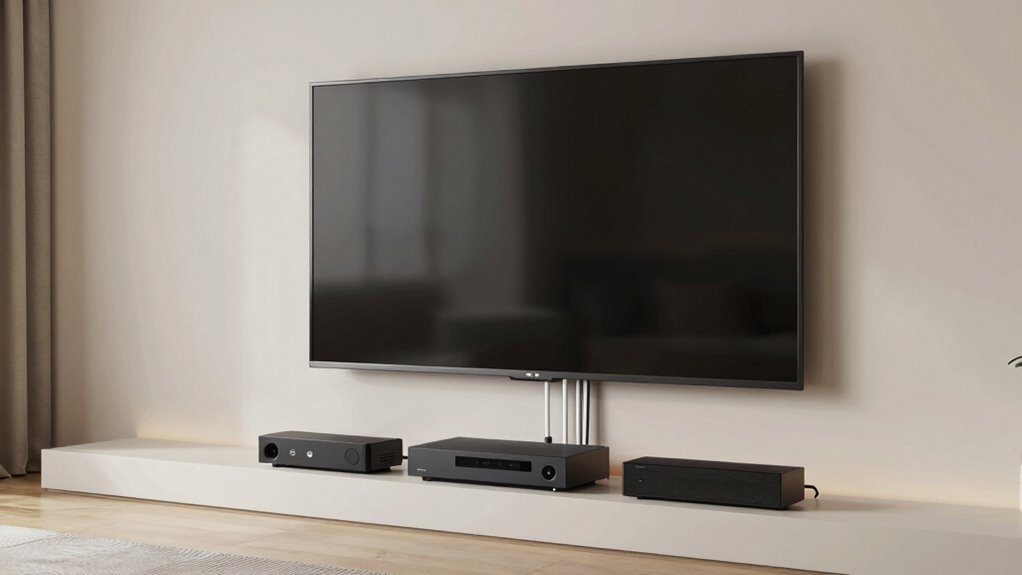

eARC simplifies your TV-first home theater wiring by consolidating audio and video signals into a single HDMI cable, reducing clutter and making setup easier. It eliminates the need for multiple cables for audio and video, so your entertainment space stays organized. You’ll enjoy seamless compatibility with modern devices like soundbars and AV receivers, plus support for high-quality audio formats. Keep going to discover how eARC can make your home theater more streamlined and future-proof.
Key Takeaways
- eARC consolidates audio and video into a single HDMI cable, reducing cable clutter behind your TV.
- It supports device compatibility, allowing seamless connection between modern TVs, soundbars, and AV receivers.
- eARC enables future-proofing by supporting emerging audio formats and high-bandwidth signals.
- It ensures high-quality, synchronized audio and visuals with minimal interference and lag.
- eARC simplifies setup by reducing cable complexity and facilitating wireless audio integration.
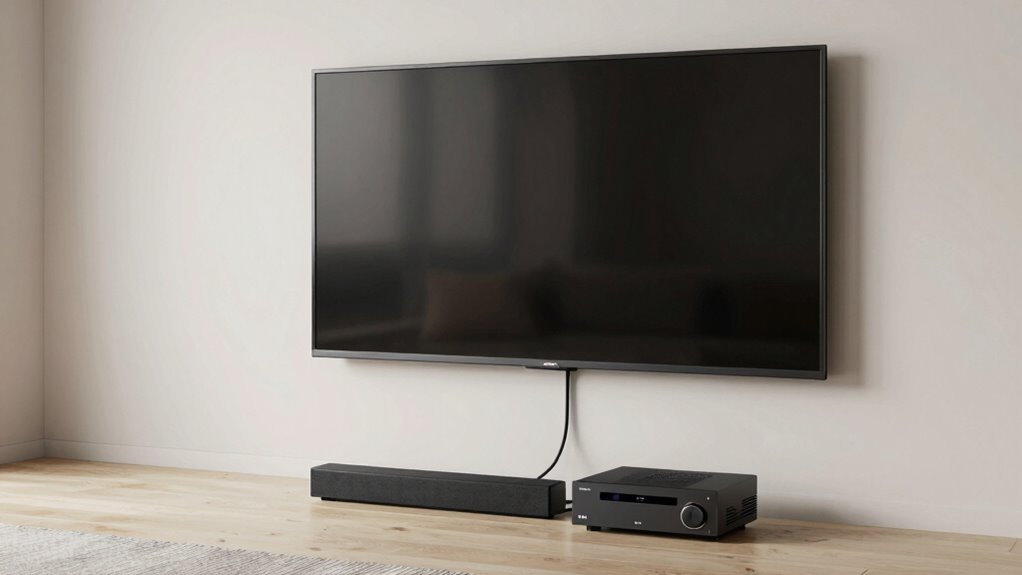
If you’ve ever felt overwhelmed by the tangled mess of cables behind your TV, you’re not alone. Traditional home theater setups often involve multiple wires running to and from your TV, soundbar, streaming devices, game consoles, and other peripherals. It can quickly become a confusing web that’s hard to manage and even harder to troubleshoot. Thankfully, eARC (Enhanced Audio Return Channel) is changing that by streamlining your connections and reducing clutter. With eARC, you can connect fewer cables while maintaining high-quality audio and device compatibility, making your setup cleaner and far easier to manage.
One of the biggest benefits of eARC is how it simplifies wiring by consolidating audio signals into a single HDMI cable. Instead of running separate audio cables from your TV to your sound system, you can use one HDMI cable to transmit both video and high-fidelity audio, including support for formats like Dolby Atmos and DTS:X. This reduces the number of cables you need, helping to eliminate the spaghetti-like tangle behind your entertainment center. Plus, because eARC is built into HDMI 2.1, it offers faster, more reliable data transfer, ensuring your audio stays in sync with your visuals without lag or dropouts.
eARC consolidates audio and video into one HDMI cable, reducing clutter and ensuring high-fidelity sound with HDMI 2.1 speed.
Device compatibility is another crucial aspect of eARC’s appeal. Modern TVs, soundbars, and AV receivers that support eARC are designed to work seamlessly together, so you don’t have to worry about mismatched devices or complex configurations. This compatibility ensures you get the most out of your home theater system, whether you’re streaming content, playing games, or watching movies. eARC also supports wireless audio, which means you can connect compatible wireless speakers or headphones without the clutter of extra cables. This opens up new ways to enjoy your audio experience, giving you flexibility and convenience in your setup.
Using eARC, you also future-proof your home theater. As technology advances, new audio formats and devices will continue to emerge. Having an eARC-enabled system means you’ll be ready to take advantage of these innovations without needing to overhaul your wiring. In essence, eARC simplifies the entire process of connecting devices, providing a cleaner, more organized entertainment space. You get high-quality audio, broad device compatibility, and the freedom to incorporate wireless audio solutions—all with fewer cables and less hassle.
Additionally, device compatibility with eARC is greatly enhanced by the fact that it is built into HDMI 2.1, which ensures broad support across newer devices and future updates. This standard also facilitates the integration of high-bandwidth audio and video signals, making your home theater more versatile and adaptable. Incorporating advanced audio formats is made easier with eARC, ensuring you get the best possible sound quality from your system. In the end, eARC makes your home theater setup smarter and more user-friendly. It reduces your reliance on multiple cables, enhances compatibility across devices, and supports wireless audio options. With eARC, you can enjoy immersive sound and crystal-clear visuals without the headache of managing a tangled mess of wires. It’s an upgrade that makes your entertainment experience simpler, cleaner, and more enjoyable.

4K@120Hz HDMI 2.1 eARC Audio Extractor 1 in 1 Out Support VRR ALLM HDCP2.3 ARC eARC HDR CEC SPDlF Optical Audio Out Digital EDID for PS5 Xbox NVIDIA AMD
【4K@120Hz HDMI 2.1Audio Extractor】HDMl2.1 eARC audio extractor 1×1 with Ultra HD 4K@120Hz support. lt supports HDMl 2.1 specification…
As an affiliate, we earn on qualifying purchases.
As an affiliate, we earn on qualifying purchases.
Frequently Asked Questions
Does eARC Require Any Special Cables or Ports?
eARC doesn’t require special cables or ports beyond an HDMI port that supports HDMI 2.1. You’ll need high-speed HDMI cables that meet the correct cable specifications to handle the advanced audio formats like Dolby Atmos and DTS:X. Make certain your TV and audio device have HDMI ARC/eARC ports, and use a compatible cable to guarantee seamless transmission. This setup simplifies wiring while delivering high-quality audio.
Can I Connect Multiple Devices Using eARC?
Sure, you can connect multiple devices using eARC, but don’t expect a circus act of seamless device juggling. While eARC allows your TV to communicate with compatible audio devices, device compatibility is key—only certain devices support this feature. Keep in mind, cable management becomes trickier with more connections. So, while it’s possible, it’s not as simple as waving a magic wand, and proper setup is essential.
Is eARC Compatible With All TV Brands?
eARC isn’t compatible with all TV brands, but many modern models support it for seamless soundbar integration. Check your TV’s HDMI compatibility—specifically, HDMI eARC support—to confirm it works with your soundbar. If your TV has HDMI ARC or eARC, you’ll enjoy high-quality audio and easy setup. Always verify your TV’s specifications before purchasing a device to guarantee compatibility and ideal home theater experience.
How Does eARC Improve Audio Quality?
eARC improves audio quality by transmitting high-resolution audio signals, which enhances audio clarity and detail. You’ll notice sharper dialogue, richer music, and more immersive surround sound. It supports formats like Dolby Atmos and DTS:X, giving you a true cinematic experience at home. With eARC, you get fewer audio dropouts and better synchronization between your TV and sound system, making your entertainment feel more realistic and engaging.
Do I Need to Update My TV Firmware for eARC?
Yes, you need to update your TV firmware for eARC compatibility. Firmware updates often include compatibility checks that guarantee your TV can support the latest audio features. Check your TV manufacturer’s website or settings menu for available updates. Updating firmware ensures you get the full benefits of eARC, like simplified wiring and improved audio quality. It’s a quick step that assures your TV works seamlessly with eARC-enabled devices.

Yamaha RX300A 5.2-Channel Home Theater AV Receiver with Dolby Atmos, 4K120/8K HDMI and Bluetooth Multipoint (Black)
Beyond the basics – This 5.2-channel home theater AV receiver delivers standout performance and value with Dolby Atmos,…
As an affiliate, we earn on qualifying purchases.
As an affiliate, we earn on qualifying purchases.
Conclusion
By using eARC, you avoid the tangled mess of multiple cables and complex setups, making your home theater experience smoother and more enjoyable. Imagine connecting your smart TV directly to a soundbar or AV receiver with just one cable—no fuss, no frustration. For instance, a friend recently upgraded to eARC and now streams movies effortlessly, celebrating clearer sound without the hassle of constant cable adjustments. Embrace eARC, and transform your home theater into a simple, sleek space.
![Acer HDMI 2.1 Cable 6.6FT, [8K@60Hz, 4K@120Hz] 48Gbps Ultra High-Speed Braided Cord Supports HDR10+/HDCP 2.2 & ARC/eARC, Certified HDMI Cable Compatible with PS5, PS4, Xbox, Monitors, Laptops, HDTV](https://m.media-amazon.com/images/I/41faSz9cP6L._SL500_.jpg)
Acer HDMI 2.1 Cable 6.6FT, [8K@60Hz, 4K@120Hz] 48Gbps Ultra High-Speed Braided Cord Supports HDR10+/HDCP 2.2 & ARC/eARC, Certified HDMI Cable Compatible with PS5, PS4, Xbox, Monitors, Laptops, HDTV
8K HDMI 2.1 Cable: This HDMI cable supports 8K@60Hz and 4K@240Hz/120Hz/144Hz, with backward compatibility for 4K@60Hz, 2K and…
As an affiliate, we earn on qualifying purchases.
As an affiliate, we earn on qualifying purchases.
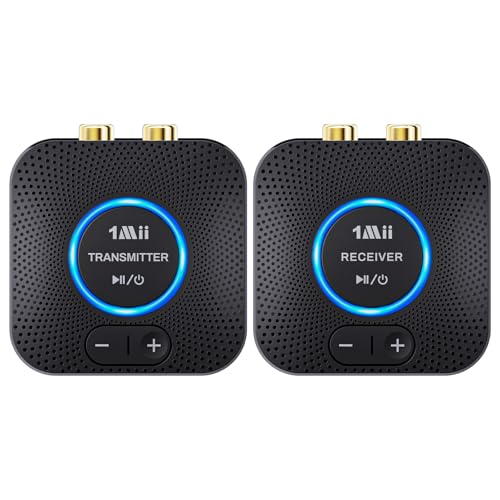
1Mii 2.4GHz Wireless Audio Transmitter Receiver Set (1 TX+1 RX) for TV, 262Ft/80M Long Range 25ms Low Latency with AUX RCA in/Out, Wireless Audio Adapter for TV PC Powered Speaker Amplifier Soundbar
【Quick connection】The 1Mii wireless audio adapter connection is quicker and more stable than older versions. After connected to…
As an affiliate, we earn on qualifying purchases.
As an affiliate, we earn on qualifying purchases.