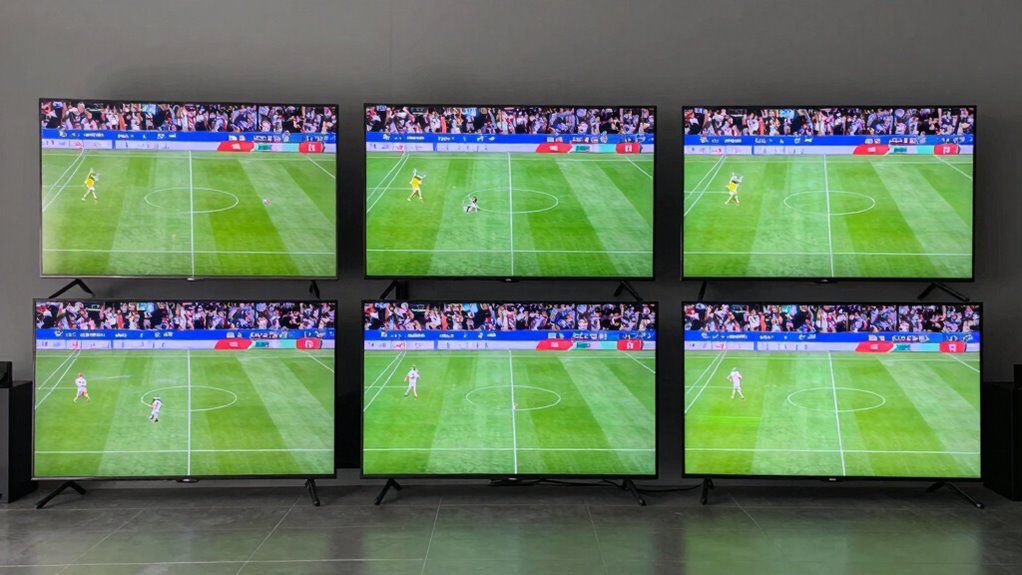

If your sports streams are out of sync on different TVs, it’s likely due to slow or unstable internet connections, device limitations, or Wi-Fi interference. Weak signals and outdated equipment can cause delays and lag between screens. Improving your network with faster internet, wired connections, central router placement, or signal extenders can help. Keep watching, as you’ll discover more ways to sync your streams seamlessly.

Get audio and creator gear delivered free — and shop member deals
- Fast, free delivery on millions of items
- Access to Prime Big Deal Days deals on October 6–7
- Prime Video, Amazon Music and more included
Key Takeaways
- Variations in internet bandwidth and connection stability can cause streams to lag differently on multiple TVs.
- Outdated streaming devices or apps may introduce delays, leading to out-of-sync playback across screens.
- Wi-Fi signal strength and interference issues can affect data consistency, causing synchronization problems.
- Differences in TV hardware or settings, such as processing speed or picture mode, can result in inconsistent streaming timing.
- Using wired Ethernet connections or network optimizations can help ensure synchronized sports streams on all TVs.
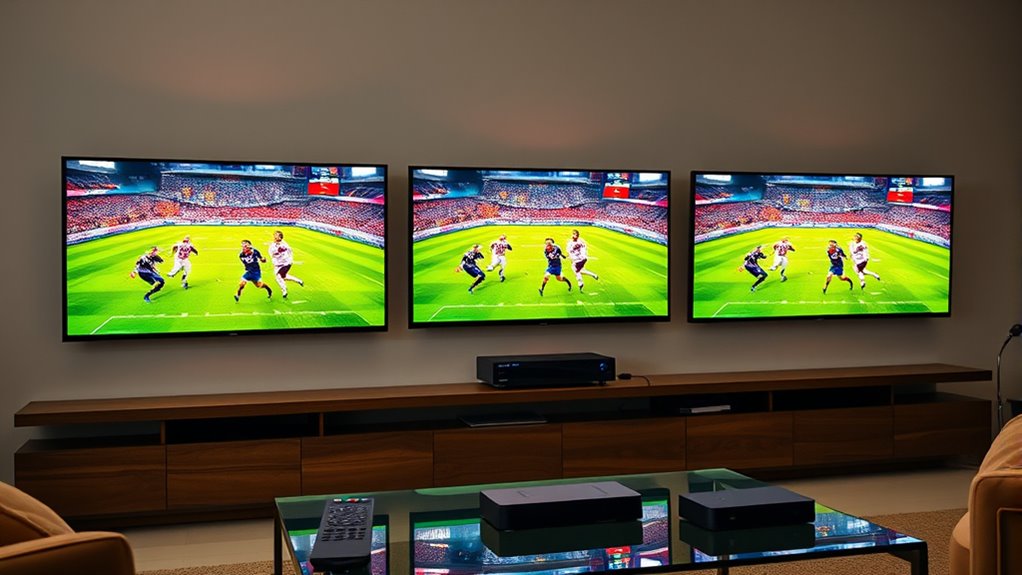
If you’ve noticed that sports streams look out of sync on different TVs, you’re not alone. This common problem can be frustrating, especially when you’re enthusiastic to catch every moment of the game. One of the main culprits behind this issue is buffering issues, which often stem from your internet speed. When your internet connection isn’t fast enough or stable, it causes delays in streaming data, leading to one TV lagging behind the other. This mismatch makes it seem like the streams are out of sync, even if you’re watching the same game on multiple devices.
Your internet speed plays an essential role in how smoothly your sports streams run. If your connection is slow or inconsistent, it can’t deliver the high-quality video data fast enough, resulting in buffering and delay. The more devices you have connected to your network, the more your internet bandwidth gets divided, which can further reduce the speed available for streaming. This is especially problematic during peak hours when many users are online, causing congestion and slowing down your connection. To fix this, you need to boost your internet speed or prioritize your streaming devices. Upgrading to a faster plan, using a wired Ethernet connection instead of Wi-Fi, or ensuring your router is modern and capable of handling high data rates can make a significant difference.
Another factor to contemplate is your streaming device or app. Sometimes, the software itself can cause delays or syncing issues. Make sure your devices and streaming apps are updated to the latest versions. Clearing cache and restarting your devices can also help eliminate temporary glitches that contribute to buffering issues. Additionally, if you’re using multiple streaming services or apps, check their settings; some platforms offer options to sync streams or adjust playback quality, which can help reduce lag and improve synchronization across TVs.
Finally, network interference and signal strength can impact your streaming experience. If your Wi-Fi signal is weak or obstructed, it can lead to inconsistent data delivery, causing streams to fall out of sync. Positioning your router in a central location, reducing interference from other electronic devices, and using Wi-Fi extenders or mesh networks can improve signal strength. When all these elements work together—fast, stable internet, updated devices, and optimized network setup—you’ll notice a significant reduction in buffering issues and a better, synchronized viewing experience across all your TVs. Ensuring your network equipment is up-to-date can also prevent many of these problems before they start.
As an affiliate, we earn on qualifying purchases.
Frequently Asked Questions
Can Internet Speed Affect Streaming Sync Across TVS?
Yes, internet speed can affect streaming sync across your TVs. Slow or inconsistent speeds often cause buffering issues and resolution mismatches, making streams appear out of sync. When your connection isn’t stable, the streams on different TVs may load at different rates, leading to mismatched video quality and timing. Ensuring a fast, stable internet connection helps minimize buffering and keeps your streams synchronized across all devices.
Do Different Streaming Platforms Handle Latency Differently?
Imagine your screens like different musical instruments playing the same song—some hit the notes faster, others lag behind. Streaming platform differences markedly impact latency management, causing varied delays. Platforms like Netflix or Hulu handle latency differently, leading to sync issues across devices. You can reduce this by choosing platforms with better latency management, ensuring your sports game stays in harmony, no matter which TV you’re watching on.
How Does HDMI Cable Quality Impact Video Sync?
Higher-quality HDMI cables usually provide better video sync because they reduce cable interference, which can cause signal disruptions. Poor-quality HDMI quality may result in lag or out-of-sync video, especially over longer distances. To guarantee your streams stay synchronized, invest in a reputable HDMI cable with good shielding. Avoid cheap, low-quality cables, as they’re more prone to interference, leading to noticeable delays or sync issues on your TVs.
Are There Settings to Improve Sync on Smart TVS?
Yes, you can improve sync on your smart TV by adjusting picture calibration and reducing audio delay settings. Start by checking your TV’s picture calibration options to ensure ideal picture timing. Also, explore the audio settings to minimize audio delay, which often causes sync issues. These tweaks can considerably enhance your viewing experience, making sure your picture and sound stay perfectly synchronized during sports streams.
Does Using a VPN Influence Streaming Delay?
Using a VPN can impact your streaming delay because it routes your internet traffic through a different server, which may cause slight lag or buffering. The VPN impact varies depending on the server distance and quality. If you notice increased streaming delay, try connecting to a server closer to your location or choose a high-speed VPN provider to minimize lag and improve your viewing experience.
As an affiliate, we earn on qualifying purchases.
Conclusion
To sum it up, syncing sports streams across different TVs can be tricky, but understanding the causes helps you stay ahead of the game. Whether it’s buffering issues or latency, addressing these factors gets you back in the action without missing a beat. Remember, sometimes you have to roll with the punches and tweak your setup. With a little patience and the right adjustments, you’ll be able to enjoy your games in perfect harmony, no matter the device.
As an affiliate, we earn on qualifying purchases.
As an affiliate, we earn on qualifying purchases.
Fall Picks
fall essentials
As an affiliate, we earn on qualifying purchases.