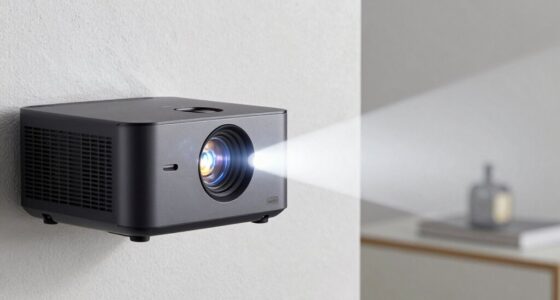
To keep your projector on a coffee table without losing sharpness, focus on precise adjustments like keystone correction and lens shift to straighten the image without moving the device. Fine-tune focus and zoom to maintain clarity while ensuring the picture remains centered. Avoid shifting the projector farther away, as this can reduce image quality. For more tips on perfect alignment without sacrificing sharpness, keep exploring these simple but effective setup tricks.
Key Takeaways
- Use keystone correction and lens shift adjustments to straighten the image without reducing sharpness.
- Keep the projector close to the screen to maintain focus and resolution, avoiding unnecessary zooming.
- Fine-tune focus and zoom carefully to preserve image clarity during setup.
- Position the projector directly aimed at the screen to minimize distortion and improve sharpness.
- Ensure proper alignment and avoid moving the projector farther away to prevent loss of image detail.
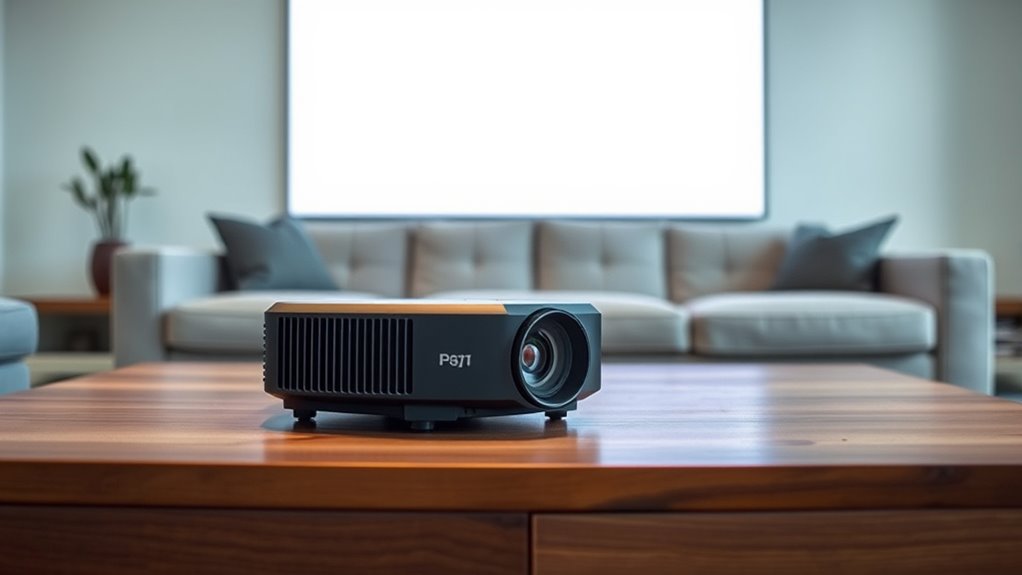
Have you ever considered how a projector placed on your coffee table can transform your living room into a home theater? It’s surprisingly simple to set up, but one of the biggest challenges is guaranteeing the image looks sharp and aligned correctly. Many people worry that adjusting the projector will compromise its sharpness or cause distortion. Luckily, there are straightforward ways to fix alignment issues without sacrificing picture quality, especially by focusing on screen calibration and audio synchronization.
First, proper screen calibration is key. When you place your projector on a coffee table, it might not be perfectly aligned with your screen or wall. Small adjustments to the projector’s keystone settings or lens shift can help straighten the image. You want the picture to be rectangular and centered, which guarantees every detail remains crisp. Don’t rush this process—take your time to tweak the focus and zoom. This way, you can maintain sharpness without needing to move the projector farther away or compromise image quality. Most modern projectors offer auto-calibration features or easy manual adjustments, making it simple to get a clean, undistorted image that looks sharp from your viewing spot.
Audio synchronization is another vital aspect. When dealing with a projector on a coffee table, sound and picture can sometimes fall out of sync, especially if you’re using external speakers or a soundbar. This mismatch can distract from your viewing experience. To fix this, ensure your audio setup is properly connected and synchronized with the projector’s output. Many projectors have built-in audio delay adjustments—use these to align the sound perfectly with the video. Alternatively, if you’re using an external sound system, check its settings for latency or delay options. Proper audio synchronization makes your movies or shows feel more immersive and natural, without distracting lip-sync issues or delayed sound effects. Energy-efficient projectors and sustainable setup considerations can further enhance your viewing while reducing environmental impact.

GooDee Video Projector With Wifi And Bluetooth, Smart Portable Projector Movie System Compatible with Netflix/Dolby Audio/Auto Focus & Keystone, 4k Video Decode & 1080p Native For Home Theater/Outdoor
「Smart TV Projector」The Goodee AC321 4K projector is officially licensed by mainstream streaming platforms such as Netflix/YouTube/Prime Video,…
As an affiliate, we earn on qualifying purchases.
As an affiliate, we earn on qualifying purchases.
Frequently Asked Questions
Can a Projector Be Safely Placed Directly on a Coffee Table?
Yes, you can safely place a projector directly on a coffee table if you guarantee projector stability and surface protection. Use a sturdy, flat surface to prevent wobbling, and add a soft pad or cloth underneath to protect the projector from scratches and heat. This setup keeps your projector stable, reduces vibrations, and maintains image quality without risking damage to the device or your furniture.
Does Placing a Projector on a Coffee Table Affect Its Lifespan?
Placing a projector on a coffee table can impact its lifespan if you don’t consider projector heat and coffee table stability. Overheating from poor ventilation shortens bulb life, and unstable placement risks damage. Visualize the projector as a delicate eye, vulnerable to heat and falls. To safeguard it, guarantee good airflow and a steady surface, so your projector stays sharp and lasts longer, delivering quality images for years to come.
What Types of Coffee Tables Are Best for Projector Placement?
You should choose a sturdy coffee table with a flat, stable surface to guarantee projector stability. Opt for one with a minimalist or neutral design to complement your space’s aesthetics without distraction. Avoid tables with uneven or fragile surfaces, as they can cause wobbling and misalignment. A solid wood or metal table provides the best stability, maintaining sharp image quality while seamlessly blending with your decor.
Are There Specific Cleaning Tips for Projectors on Coffee Tables?
To keep your projector clean on a coffee table, start with gentle cleaning tips like using a soft microfiber cloth to dust removal and avoid harsh chemicals. Regularly wipe the lens and vents to prevent dust buildup, which can affect picture quality. Turn off the projector and unplug it before cleaning, and avoid touching the lens directly. This routine keeps your projector sharp and functioning smoothly.
How Do I Prevent My Coffee Table From Blocking the Projector’s Image?
Think of your setup as a carefully choreographed dance—your projection height and table clearance are the steps. To prevent your coffee table from blocking the projector’s image, raise or lower the table or adjust the projector’s height. Use sturdy risers or furniture pads to increase clearance, guaranteeing the projection remains unobstructed. A little fine-tuning ensures sharp images without sacrificing style or comfort.

PCMD, LLC. Projector Ceiling Mount Compatible with Optoma EH412 EH412ST GT1080HDR HD27H HD29HST HD39HDR with Lateral Shift Coupling (5-Inch Extension)
100% Aircraft Aluminum (6061-T6) Construction
As an affiliate, we earn on qualifying purchases.
As an affiliate, we earn on qualifying purchases.
Conclusion
By tweaking your projector’s alignment, you can turn your coffee table into a cinematic stage without sacrificing sharpness. Think of it as fine-tuning a musical instrument—small adjustments make a world of difference. With a little patience, you’ll enjoy crisp, clear images right where you relax. No more wrestling with blurry edges or distorted pictures. Just a seamless viewing experience that feels as smooth as silk, all from the comfort of your own living room.
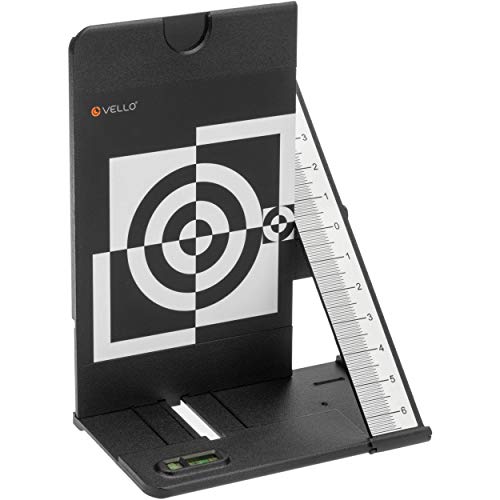
Vello LENS-2020 Lens Calibration Tool
Test Camera's Auto Focus Accuracy, AF Fine Tune or AF Micro Adjustment
As an affiliate, we earn on qualifying purchases.
As an affiliate, we earn on qualifying purchases.
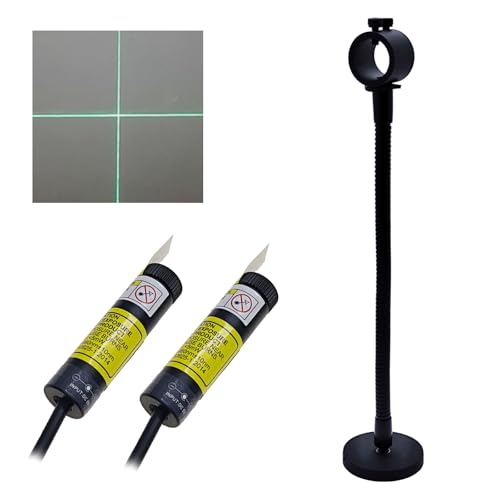
Sewing Guide Light Green Cross Light Module Generator Projector Replacable USB for Heat up Screen Printing Placement Fabric Cloth Sewing Alignment
Application: Garment Production Fabric Alignment Sewing Machine Quilting, Pocket Opening Alignment, Heat Press Machine.
As an affiliate, we earn on qualifying purchases.
As an affiliate, we earn on qualifying purchases.