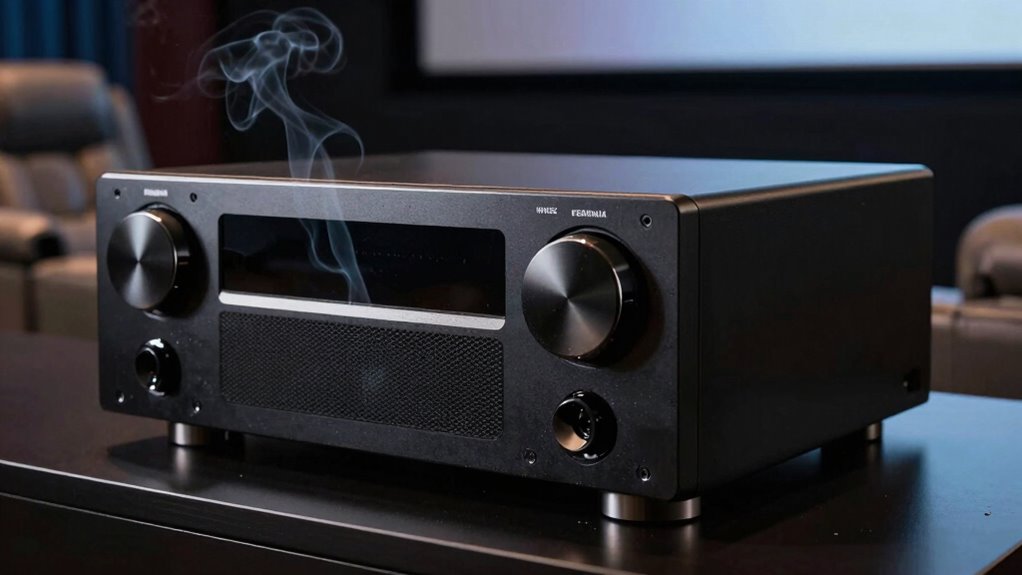

If your home theater smells like hot plastic, it’s a clear sign of overheating that can damage components. Check for blocked vents, dust buildup, or enclosed spaces trapping heat. Inspect your devices for swollen or discolored parts, and listen for system shutdowns or poor performance. Guarantee fans are working properly and consider increasing airflow around your equipment. To prevent permanent damage, it’s important to address these issues quickly—more tips will guide you through safe troubleshooting steps.

Get audio and creator gear delivered free — and shop member deals
- Fast, free delivery on millions of items
- Access to Prime Big Deal Days deals on October 6–7
- Prime Video, Amazon Music and more included
Key Takeaways
- A hot plastic smell indicates overheating, likely from circuit board stress or damaged components.
- Check for poor ventilation, dust buildup, or blocked vents that can cause excessive heat.
- Inspect circuit boards and components for signs of damage, swelling, discoloration, or burn marks.
- Ensure cooling fans are functioning properly; replace or upgrade cooling solutions if necessary.
- Use thermal cameras or temperature guns to identify hot spots and monitor internal temperatures regularly.
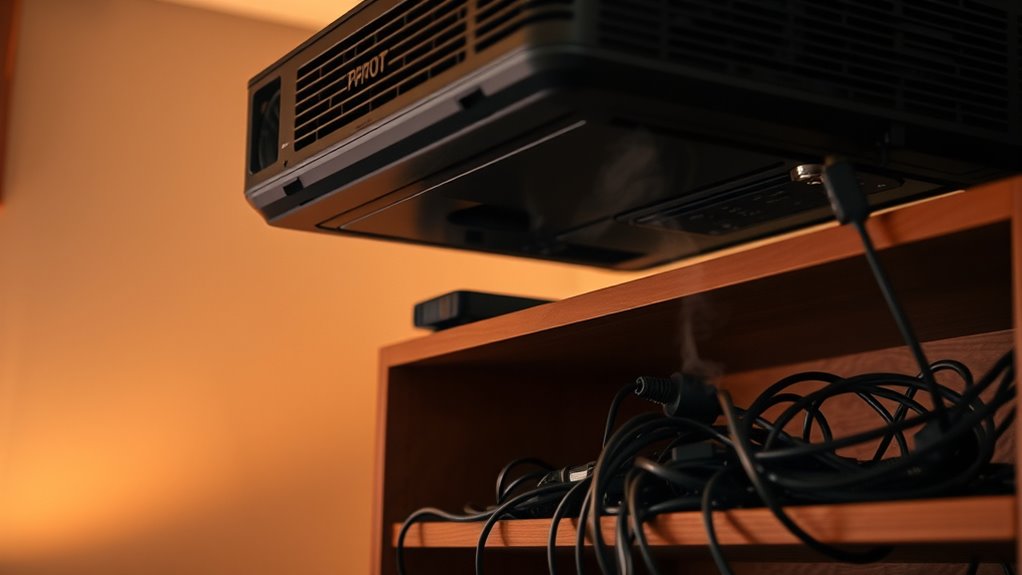
If your home theater system is overheating, it can lead to performance issues or even damage to your equipment. One common cause is circuit board issues, which can occur when components on the board become stressed or damaged due to excessive heat. When the circuit board heats up, it can cause components to malfunction or fail entirely, resulting in poor audio or video quality, or even system shutdowns. Often, overheating related to circuit board issues is a symptom of underlying ventilation problems that prevent heat from dissipating properly. If your system is enclosed in a tight cabinet or lacks proper airflow, heat can build up rapidly, stressing the internal parts and leading to overheating.
Overheating in home theater systems often stems from circuit board stress caused by poor ventilation and heat buildup.
You should start by inspecting your setup for ventilation problems. Guarantee that your home theater components have enough space around them for air to circulate freely. Avoid stacking devices or placing them too close to walls or other objects that can block vents. Regularly cleaning dust from vents and fans is vital because dust buildup can severely impair airflow. When vents are clogged or fans aren’t working efficiently, heat isn’t expelled properly, causing internal temperatures to rise. If you notice a persistent hot plastic smell, it’s a strong indicator that your equipment is overheating and needs immediate attention.
Another important step is to check for signs of circuit board issues. Look for swollen or discolored components on the circuit boards, which can be signs of overheating damage. Cracks or burn marks are clear indicators that parts are failing or have failed. If you’re comfortable opening your device, do so carefully and examine the interior for any signs of damage or accumulated dust. If you’re not confident, it’s best to consult a professional technician. Addressing circuit board issues promptly can prevent further damage and extend the life of your home theater system.
Additionally, incorporating smart cooling solutions**** such as temperature sensors connected to your home automation system can help monitor and maintain optimal operating temperatures, preventing overheating in the future.
Sometimes, overheating isn’t just about dust or placement. Faulty or aging fans can fail to cool the system adequately, further contributing to heat buildup. Replacing malfunctioning fans or upgrading to more efficient cooling solutions can considerably improve ventilation. Additionally, verify that your power supply isn’t causing excess heat, as this can also lead to circuit board issues and overheating. Using a thermal camera or temperature gun can help identify hot spots within the system, guiding you to specific areas needing attention.
In essence, diagnosing overheating involves a combination of checking for ventilation problems, inspecting circuit board conditions, and ensuring cooling components are functioning correctly. Taking these steps early can prevent costly damage and keep your home theater running smoothly. Remember, when your system smells like hot plastic, it’s a warning sign that your equipment needs immediate care to avoid permanent damage.
As an affiliate, we earn on qualifying purchases.
Frequently Asked Questions
How Often Should I Clean My Home Theater Vents?
You should clean your home theater vents every 3 to 6 months to guarantee ideal airflow and prevent overheating. Regular vent cleaning helps maintain airflow efficiency and reduces dust buildup, which can cause components to overheat. If you notice increased noise or warmth, it’s a sign to clean your vents sooner. Consistent airflow maintenance keeps your system running smoothly and prolongs its lifespan.
Can a Power Surge Cause Overheating?
Yes, a power surge can cause overheating in your home theater equipment. When a surge occurs, it overloads the circuits, potentially damaging components and impairing cooling systems. To prevent overheating, invest in surge protectors and guarantee proper ventilation. Regularly check your equipment for signs of overheating, and unplug devices during electrical storms. Taking these steps helps safeguard your system from damage caused by power surges and maintains ideal performance.
Is It Safe to Continue Using the System During a Smell?
You should stop using your home theater immediately if you notice a hot plastic smell, as it raises safety concerns. Continuing to operate it could cause damage or even fire. First, unplug the system and allow it to cool. Then, troubleshoot by inspecting for obvious signs of overheating or damaged components. If unsure, consult a professional to prevent further issues and guarantee your safety before resuming use.
What Are the Signs of Internal Component Damage?
A stitch in time saves nine. You’ll notice signs of internal damage like flickering screens, strange noises, or persistent overheating. Keep an eye out for circuit board issues such as discoloration, burnt components, or capacitor failures, which can cause malfunctions or fire hazards. If you see these, stop using your system immediately and get it inspected by a professional to prevent further damage or safety risks.
Should I Replace My Home Theater if It Overheats Frequently?
If your home theater overheats frequently, it’s best to address ventilation issues first before considering component replacement. Overheating can cause damage, so make sure vents are clear and fans work properly. If problems persist, replacing faulty components may be necessary. However, neglecting ventilation can lead to more costly repairs or complete system failure. Regular maintenance and proper airflow are vital to keep your home theater functioning at its best.
As an affiliate, we earn on qualifying purchases.
Conclusion
If your home theater smells like hot plastic, don’t ignore it. Stop and check for overheating, prevent potential damage, and protect your investment. Take action now—inspect, troubleshoot, and cool down your system. Don’t wait until it’s too late—prevent fires, avoid costly repairs, preserve your entertainment. Act quickly, think safely, and keep your home theater running smoothly. Your peace of mind depends on it—stay vigilant, stay safe, and enjoy your movies without worry.
As an affiliate, we earn on qualifying purchases.
temperature sensor for home theater
As an affiliate, we earn on qualifying purchases.
As an affiliate, we earn on qualifying purchases.
Evergreen bestsellers Picks
bestsellers
As an affiliate, we earn on qualifying purchases.