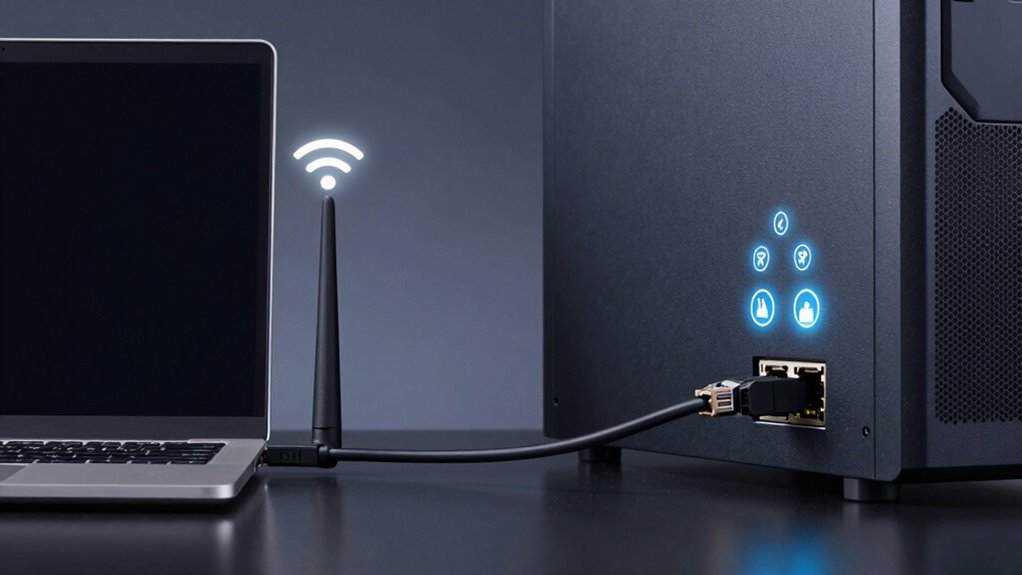

The best way to truly compare Wi-Fi and Ethernet for streaming is to run a practical stability test. Use a speed test tool to measure your connection’s download and upload speeds during typical streaming times. Watch for buffering, video quality drops, and lag; Ethernet usually offers more consistent stability. If you want to find out which works better for you, this simple test will reveal the real difference—keep exploring for more tips.
Key Takeaways
- Conduct a speed test with the device connected via Ethernet and Wi-Fi during peak usage times for accurate comparison.
- Use tools like Ookla or Fast.com to measure real-world download, upload speeds, and latency for both connections.
- Observe buffering, video quality, and interruption levels during streaming to assess stability beyond raw speeds.
- Repeat tests multiple times to account for network congestion and interference, ensuring reliable results.
- Prioritize consistency and low latency over maximum theoretical speeds to determine the best connection for streaming.
Understanding the Basics of Wi‑Fi and Ethernet
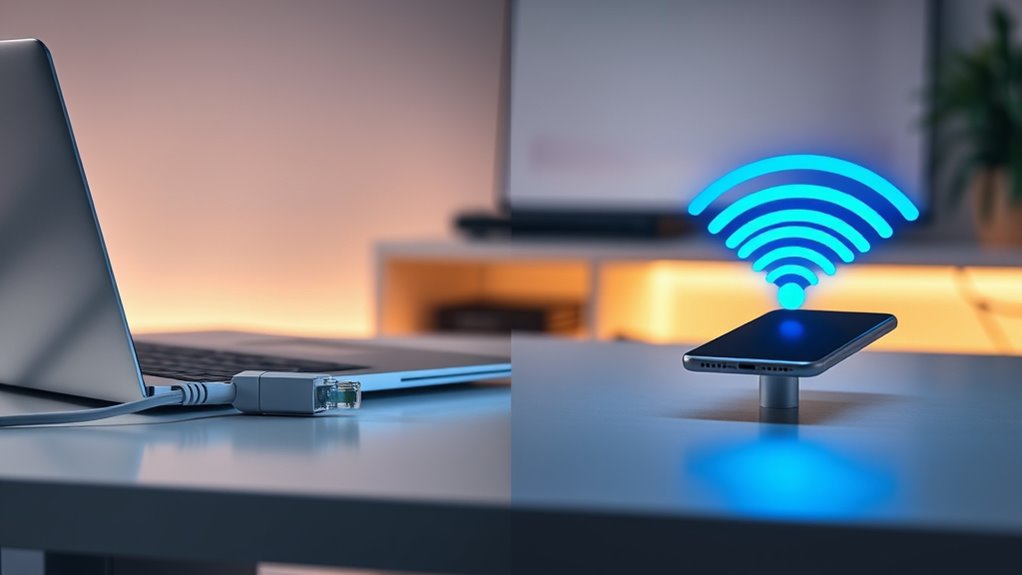
Wi-Fi and Ethernet are two common methods for connecting devices to the internet, each with its own advantages and limitations. Wi-Fi uses wireless signals, allowing you to connect without physical cables, offering convenience and mobility. It’s ideal for devices like smartphones, tablets, and laptops that need flexibility. However, Wi-Fi signals can be affected by interference from other devices, walls, or distance from the router, leading to potential disruptions. Ethernet, on the other hand, involves a physical cable connecting your device directly to the network. This connection is usually faster and more stable, with less latency and fewer interruptions. Ethernet cables support higher data transfer rates, making them a reliable choice for streaming high-quality videos or gaming. When it comes to network stability, Ethernet generally outperforms Wi-Fi, providing a more consistent streaming experience. Understanding these basics helps you choose the right connection for your streaming needs. Additionally, for optimal performance, high contrast ratios in projectors can significantly improve image clarity, especially in dark viewing environments.
Common Myths About Streaming Connections
Many people believe Wi-Fi speeds are always faster than they really are, but that’s not always the case. You might assume Ethernet is automatically better, yet your setup matters more than the connection type. Signal stability isn’t guaranteed by Wi-Fi alone—factors like interference can cause issues regardless of your connection choice. Understanding connection quality is key to choosing the best setup for your streaming needs. Additionally, network congestion can significantly impact performance, making it essential to evaluate your specific environment. Properly assessing your network setup can reveal whether a wired connection truly offers a more reliable experience, especially when considering factors like signal interference and device placement. For optimal results, consider home network planning to enhance overall streaming performance.
Wi-Fi Speed Overstated
Despite claims that Wi-Fi can handle all your streaming needs effortlessly, its speed is often exaggerated. Many believe Wi-Fi’s performance matches wired connections, but that’s rarely true in real-world scenarios. Factors like interference, distance, and device congestion slow down speeds markedly. This overstatement leads to frustration when videos buffer or quality drops unexpectedly. To understand this better, consider the following:
| Factor | Impact on Wi-Fi Speed |
|---|---|
| Signal Interference | Reduces connection quality and speed |
| Distance from Router | Slows down data transfer as you move farther |
| Device Congestion | Multiple devices compete, lowering speeds |
| Router Quality | Older or lower-end routers can’t deliver full speeds |
Knowing these limitations helps set realistic expectations about Wi-Fi streaming performance. Additionally, network congestion during peak hours can significantly reduce your streaming quality, further emphasizing the importance of understanding Wi-Fi’s real-world capabilities. Recognizing how Wi-Fi limitations differ from wired connections can help manage expectations and improve your overall streaming experience. Moreover, understanding troubleshooting techniques can aid in optimizing your connection for better performance. For instance, updating your router firmware can sometimes resolve speed issues and improve stability.
Ethernet Is Always Faster
A common misconception is that Ethernet connections are always faster and more reliable than wireless options. While Ethernet can offer higher speeds in ideal conditions, it’s not guaranteed to be faster in every situation. Your home setup, cable quality, and network traffic can notably impact Ethernet performance. If your Ethernet cable is outdated or damaged, it might slow down your connection rather than improve it. Additionally, the speed of your internet plan sets an upper limit, whether wired or wireless. Sometimes, Wi-Fi networks with modern standards like Wi-Fi 6 can match or even surpass older Ethernet connections, especially in real-world use. So, don’t assume Ethernet is inherently superior; your actual experience depends on multiple factors. Proper network setup is essential for optimizing both wired and wireless connections, especially considering the impact of network traffic on overall speeds. Moreover, network equipment quality plays a significant role in achieving consistent performance, and paying attention to network management practices can further enhance your connection stability and speed. Regularly assessing your network’s infrastructure health can help identify bottlenecks that might limit performance.
Signal Stability Assumptions
One common myth is that a strong Wi-Fi signal guarantees a stable streaming experience. Many believe that if your signal bars are full, your connection will be smooth and reliable. However, signal strength alone doesn’t tell the whole story. Interference from other devices, network congestion, and router placement can cause instability even with a strong signal. Additionally, Wi-Fi signals can fluctuate due to environmental factors like walls or electronic interference. Ethernet connections, on the other hand, provide consistent stability because they’re immune to these issues. Relying solely on signal bars can lead you to overlook underlying problems. To take into account actual connection quality, you need to consider actual connection quality, not just signal strength. A wired connection often offers the consistency that Wi-Fi cannot guarantee.
The Importance of Consistent Bandwidth for Streaming
A stable connection is essential for smooth streaming, ensuring your content plays without hiccups. When bandwidth fluctuates, buffering and interruptions become a common problem. Consistent bandwidth keeps your viewing experience seamless and frustration-free. Additionally, understanding the difference between Wi-Fi and Ethernet can help you choose the most reliable setup for your needs network stability. Establishing a wired Ethernet connection often provides a more reliable connection than Wi-Fi, especially during peak usage times.
Stable Connection Necessity
Since streaming relies heavily on a stable internet connection, inconsistent bandwidth can cause frustrating interruptions. When your connection fluctuates, videos freeze, buffers appear, or the quality drops suddenly, ruining your experience. A steady connection guarantees smooth playback and consistent quality. To understand the importance, consider this comparison:
| Aspect | Impact of Stability |
|---|---|
| Video Playback | Prevents freezing and buffering |
| Quality Consistency | Maintains high resolution without dips |
| User Experience | Ensures seamless streaming |
A stable connection keeps your streaming smooth, letting you enjoy content without distractions. Whether you’re watching a movie or live gaming, stability matters. Without it, even the fastest connection can falter, making a reliable setup essential.
Buffering and Interruptions
When your internet connection fluctuates, buffering becomes a constant annoyance, disrupting your streaming experience. Inconsistent bandwidth forces your device to pause and load data repeatedly, pulling you out of the moment. This happens whether you’re watching a movie, gaming, or live streaming an event. Buffering delays ruin the flow and can lead to frustration, especially when you’re invested in the content. Ethernet connections provide stable bandwidth, minimizing interruptions and ensuring smooth playback. Wi-Fi, on the other hand, is more prone to fluctuations due to interference and signal strength issues. Without consistent bandwidth, interruptions become inevitable, making your viewing experience frustrating. Ensuring a steady connection, preferably wired, helps keep buffering at bay and guarantees you enjoy your content seamlessly without constant pauses. Understanding bandwidth stability is crucial for choosing the best connection type for streaming.
Setting Up a Fair Testing Environment
To guarantee a fair comparison between Wi-Fi and Ethernet for streaming, you need to control variables that could skew results. First, ensure your network devices are close enough to minimize interference, but not so close that signal strength isn’t representative. Second, use a single, dedicated network for testing, avoiding other devices that could hog bandwidth. Third, keep your firmware and drivers up to date to prevent performance issues. Additionally, consider the impact of smart home devices that could introduce network congestion and affect streaming performance. Remember, this setup isn’t just about technical accuracy—it’s about accuracy that truly reflects real-world performance. The right environment will give you confidence that your results are genuine and meaningful:
- Feel the thrill of uncovering the fastest, most reliable connection
- Eliminate doubts that come from unpredictable network interference
- Gain clarity on whether Wi-Fi or Ethernet truly meets your streaming needs
- Be aware of network congestion that can distort test outcomes and mislead your conclusions
- Ensuring a controlled testing environment is essential for obtaining trustworthy results, and understanding how network performance factors influence your streaming experience.
- Conducting multiple test runs can help account for fluctuations in network conditions, providing more consistent results.
Conducting the Speed and Stability Test
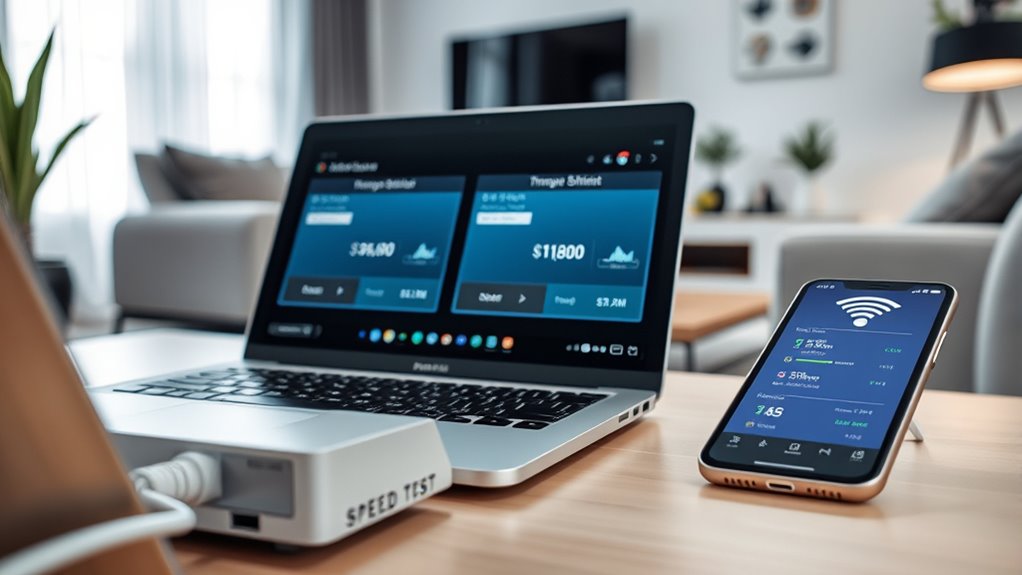
With your testing environment set, it’s time to measure how your Wi-Fi and Ethernet connections perform in real-world streaming scenarios. Start by running a speed test on both connections using a reliable tool like Ookla or Fast.com. Record download and upload speeds, noting any fluctuations. Next, stream the same video content on each connection—preferably at 4K or HD quality—and observe for buffering, lag, or interruptions. Use a stopwatch or built-in streaming stats to gauge stability over several minutes. Pay attention to any drops in quality or connection drops. Repeat these steps multiple times to ensure consistency. This approach provides a clear picture of each connection’s performance under typical streaming loads, revealing real-world differences between Wi-Fi and Ethernet. Additionally, understanding the network stability can help identify potential issues that affect streaming quality and reliability.
Analyzing Test Results: What to Look For
Analyzing your test results helps you understand how each connection performs under real streaming conditions. Look beyond raw speeds—focus on stability, consistency, and latency. Notice if your stream buffers frequently or if there are sudden drops in quality. Pay attention to:
- Smooth playback without interruptions that keep your viewing seamless and frustration-free
- Consistent performance without sudden spikes or dips, ensuring reliable streaming experience
- Low latency, which prevents lag during live interactions or online gaming
These factors reveal the true performance of your network connections. Don’t just rely on maximum speeds—consider how the connection feels during actual use. Your goal is a buffer-free, stable stream that keeps you immersed without frustration or interruptions.
Real-World Scenarios and Performance Differences
When you stream content in real-life situations, the performance differences between Wi-Fi and Ethernet become more evident. Wi-Fi networks often experience interference from other devices, walls, or distance, leading to buffering, lag, or dropped connections. You might notice slower load times or reduced video quality during peak usage times. Ethernet, on the other hand, provides a stable, consistent connection unaffected by such issues. This stability assures smoother streaming, fewer interruptions, and higher quality playback, especially during intense activities like 4K or HDR content. In everyday use, Ethernet’s reliability can make a noticeable difference, particularly if multiple devices share your network or if you demand uninterrupted streaming for gaming, video calls, or large downloads.
Making the Best Choice for Your Streaming Needs
Choosing between Wi-Fi and Ethernet for streaming depends on your specific needs and environment. Consider what matters most: reliability, convenience, or simplicity. If you crave a stable connection with minimal interruptions, Ethernet is your best choice—offering consistent speeds and lower latency. But if mobility and ease of setup matter more, Wi-Fi provides flexibility without wires. To make the right decision, think about:
- *Do you stream daily and hate buffering?* Ethernet minimizes lag and ensures smooth playback.
- *Is your space cluttered with devices?* Wi-Fi offers convenience without sacrificing quality.
- *Will you upgrade or move your setup?* Wi-Fi adapts easily, while Ethernet requires more planning.
Assess your priorities, environment, and future plans to find the perfect fit for your streaming experience.
Frequently Asked Questions
How Does Wi-Fi Interference Affect Streaming Quality?
Wi-Fi interference can profoundly impact your streaming quality by causing lag, buffering, and lower resolution. When other devices or networks operate on the same frequency, they create noise that weakens your signal. This disruption leads to unstable connections, making your streaming experience frustrating. To improve quality, minimize interference by reducing device congestion, changing Wi-Fi channels, or switching to an Ethernet connection for a more reliable, consistent stream.
Can Ethernet Cables Improve Streaming Latency?
Yes, Ethernet cables can considerably improve your streaming latency. They provide a direct, wired connection, cutting out interference and reducing lag. Think of it as taking the fast lane instead of the backroads; your data moves more smoothly and quickly. If you want a seamless streaming experience, especially for high-definition or live content, plugging in an Ethernet cable is a smart move to keep things running without a hitch.
Is Wi-Fi 6 Significantly Better for Streaming Than Previous Versions?
Yes, Wi-Fi 6 is substantially better for streaming than previous versions. You’ll notice faster speeds, lower latency, and improved stability, especially when multiple devices are connected. This means smoother 4K or even 8K streaming without interruptions. Plus, Wi-Fi 6 handles congestion better, so your streaming experience stays consistent even in busy households. Overall, upgrading to Wi-Fi 6 makes a noticeable difference in your streaming quality.
How Do Router Placement and Mesh Networks Impact Wi-Fi Performance?
You can boost your Wi-Fi performance by placing your router in a central, elevated spot away from obstructions like walls and furniture. Mesh networks help by spreading coverage evenly across your space, reducing dead zones and buffering. This setup ensures a stronger, more reliable connection for streaming. Keep your router updated and avoid interference from other electronics to maximize speed and stability.
What Are the Long-Term Cost Differences Between Wi-Fi and Ethernet Setups?
You’ll likely spend less long-term on Ethernet because it requires minimal maintenance and fewer upgrades. Ethernet cables are durable, and once installed, they rarely need replacing. Wi-Fi, on the other hand, may cost more over time due to frequent router replacements, signal boosters, and potential service upgrades to improve performance. Plus, Wi-Fi can have ongoing issues that lead to additional troubleshooting costs, making Ethernet more cost-effective in the long run.
Conclusion
Choosing between Wi-Fi and Ethernet is like picking the right path through a forest—each has its own twists and turns. If you want the clearest, most reliable stream, Ethernet often wins, offering a steady heartbeat for your devices. But Wi-Fi can still do the job if your setup is ideal. Ultimately, know your needs, test honestly, and pick what feels right—like finding a guiding star in the night sky.