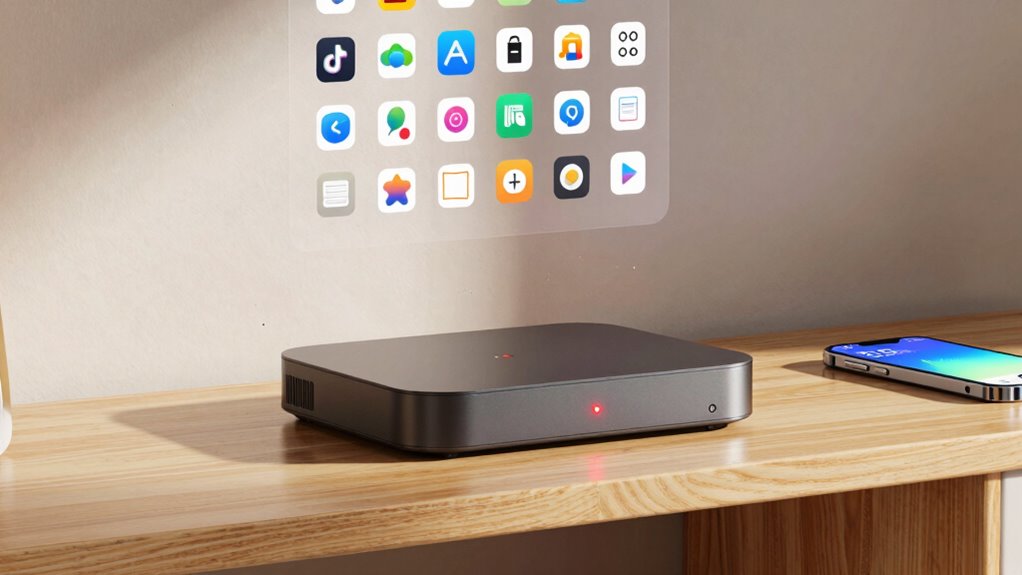

When your streaming device’s storage gets full, apps tend to slow down or freeze because there’s not enough space for new data or updates. This may happen if cache files accumulate over time or if unused apps aren’t removed. Clearing app caches, uninstalling unused programs, and managing storage can help improve performance. If you keep things optimized, your device’ll run smoother. Keep going to discover more tips to free up space and boost your streaming experience.
Key Takeaways
- Full storage prevents app updates and downloads, causing apps to slow down or freeze during use.
- Accumulated app cache temporarily boosts performance but can grow large and consume significant space over time.
- Clearing app cache releases storage space and improves device responsiveness temporarily.
- Uninstalling unused apps frees space and reduces the likelihood of performance issues.
- Regularly managing storage by removing unnecessary apps and caches helps prevent slowdowns caused by full storage.

Streaming Device Storage Full
If your streaming device’s storage is full, it can quickly hinder your ability to download new shows or movies. When space runs out, your device may slow down, freeze, or refuse to add new content, making the whole streaming experience frustrating. One common culprit behind this problem is accumulated app cache. Apps store temporary files—like images, scripts, and data—that help speed up your browsing experience. However, over time, these caches can grow large and take up significant space. Clearing app cache is an easy way to free up storage without deleting the app itself. You can usually do this through your device’s settings, selecting each app and choosing the option to clear cache. This process can improve performance and free up space, but it’s only a temporary fix if you don’t address the root cause.
Another effective way to free up space is by uninstalling apps you no longer use. It’s common to forget about apps installed long ago that no longer serve your needs. By removing these unused apps, you reclaim valuable storage, which can be used for streaming content or other essential functions. Make it a habit to review your installed apps periodically and uninstall any that are unnecessary. Keep in mind that some streaming devices also have default apps that might not be useful to you. Removing or disabling these can also help free up space and improve device responsiveness. Be cautious, though—ensure you won’t need the app in the future before uninstalling it, as some apps are hard to recover once deleted. Additionally, optimizing storage management can help prevent future capacity issues and keep your device running smoothly.

YOTUO 500GB External Hard Drive, Portable Storage Expansion HDD, USB 3.0 & USB-C for PC, Mac, Desktop, Laptop, Smartphone, PS4, Xbox One, Xbox 360, Office & Game Black
- Versatile Storage for Gaming and Work: Stores PS4/Xbox One games and files
- Shock-Absorbing Silicone Sleeve: Protects against drops and bumps
- Plug & Play Compatibility: Works with Windows, Mac, Linux, consoles
As an affiliate, we earn on qualifying purchases.
As an affiliate, we earn on qualifying purchases.
Frequently Asked Questions
Can External Storage Expand My Streaming Device’s Capacity?
Yes, external storage can expand your streaming device’s capacity. By connecting an external drive, you give yourself more space to store apps, movies, and shows, helping prevent slowdown caused by full internal storage. Just make certain your device supports external storage options, and follow the setup instructions. This way, you keep your device running smoothly and enjoy more content without constantly deleting files to free up space.
Do App Updates Affect Storage and Speed?
Think of your device like a bustling city, where software updates are new roads built to improve traffic flow. These updates can boost app performance but also take up storage space. If you ignore updates, apps slow down, like traffic jams. Regularly installing software updates helps optimize app speed and functionality, ensuring your device runs smoothly. Keep up with updates to prevent sluggish performance and maintain your streaming experience.
How Often Should I Clear Cache Files?
You should clear cache files regularly, ideally every few weeks, to keep cache management effective and guarantee optimal storage optimization. Over time, cache builds up and can slow down your device, so routine clearing prevents unnecessary clutter. If you notice apps are sluggish or storage is nearly full, it’s a good sign to clear cache files. Staying on top of cache management keeps your streaming device running smoothly and efficiently.
Is There a Risk of Deleting Essential System Files?
You generally don’t risk deleting essential system files if you’re only clearing cache or app data since these are separate from core system files. However, be cautious, as deleting system files can threaten data safety and cause device issues. To avoid system file risks, stick to cleaning temporary files and app caches through settings or trusted cleaning apps, ensuring you protect your device’s stability and important data.
Can I Automate Storage Cleanup Processes?
Think of storage automation like a smart garden sprinkler that keeps your plants healthy without overwatering. You can set up automatic cleanup to manage your device’s storage, freeing up space regularly. Using built-in system features or third-party apps, you can schedule automatic cleanup, ensuring your streaming device stays fast. This way, you don’t have to remember manual cleanups, and your device runs smoothly without risking important system files.

Best Device Performance: Ultimate Cleaner & Speed Enhancer – CleanShark
- Smart Cleaning: Automatically removes unnecessary files
- Speed Booster: Enhances device speed and responsiveness
- Cache Cleaner: Clears cache to improve performance
As an affiliate, we earn on qualifying purchases.
As an affiliate, we earn on qualifying purchases.
Conclusion
Did you know that over 60% of streaming device users experience slowdowns due to full storage? Keeping your device clutter-free can boost performance and prevent app crashes. Regularly deleting unused apps and clearing cache can free up space and keep everything running smoothly. Don’t let a full storage hold you back—taking a few minutes to tidy up can make a huge difference in your streaming experience. Stay ahead and enjoy seamless entertainment every time!

GE Backlit Buttons Universal Remote Control, Samsung TV Remote Control
- Multi-device control: Control up to four devices
- Wide device compatibility: Supports major brands and devices
- Easy setup: Automatic code search and manual entry
As an affiliate, we earn on qualifying purchases.
As an affiliate, we earn on qualifying purchases.
YOTUO 500GB External Hard Drive, Portable Storage Expansion HDD, USB 3.0 & USB-C for PC, Mac, Desktop, Laptop, Smartphone, PS4, Xbox One, Xbox 360, Office & Game Black
- Versatile Storage for Gaming and Work: Stores PS4/Xbox One games and files
- Shock-Absorbing Silicone Sleeve: Protects against drops and bumps
- Plug & Play Compatibility: Works with Windows, Mac, Linux, consoles
As an affiliate, we earn on qualifying purchases.
As an affiliate, we earn on qualifying purchases.