
Many believe that a fast internet speed alone guarantees smooth 4K streaming, but that’s a myth. While a steady 25 Mbps is recommended, your actual experience depends on connection stability, Wi-Fi quality, and data limits. If your network is unstable or capped, you’ll face buffering or reduced quality, no matter your speed. Want to uncover the real factors that influence your 4K experience? Keep exploring to get the full picture.
Key Takeaways
- A stable 25 Mbps internet speed is recommended for 4K streaming, but consistent delivery is more crucial than peak speed.
- Speed alone doesn’t guarantee quality; network stability and Wi-Fi performance significantly impact viewing experience.
- Data caps can limit 4K streaming hours; even with fast speeds, data restrictions may cause quality drops or interruptions.
- High-speed plans are ineffective if network congestion or poor Wi-Fi setup cause fluctuations and buffering.
- To ensure smooth 4K streaming, optimize network setup, monitor data usage, and avoid relying solely on internet speed.
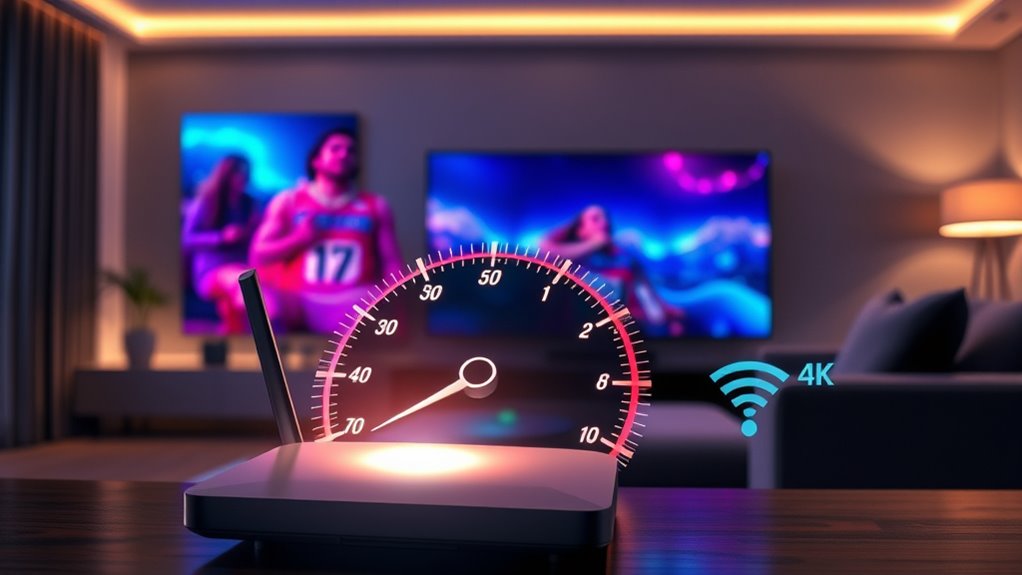
Are you wondering what it takes to enjoy smooth 4K streaming? The truth is, many people believe they need ultra-fast internet speeds to watch their favorite shows and movies in stunning 4K resolution. However, while having sufficient internet bandwidth is essential, it’s equally important to understand how data caps and your actual network setup influence your streaming experience. Your internet bandwidth determines how much data can flow to your device at any given moment, but it’s not just about having the fastest connection on paper. For true 4K streaming, most platforms recommend a steady internet speed of around 25 Mbps. That means your connection needs to consistently deliver that speed without interruptions. If your internet is slower or fluctuates, you’ll likely experience buffering, reduced quality, or interruptions during playback. But it’s not just about speed; data caps also play an instrumental role. Many internet providers impose data limits on certain plans, which can severely impact your ability to stream 4K content regularly. Streaming in 4K consumes a significant amount of data—approximately 7 to 10 GB per hour—meaning that if your plan caps your data at 100 GB per month, you might only get about 10 hours of 4K viewing before hitting the limit. Once you reach that cap, your provider may throttle your speeds, restrict access, or switch you to a lower quality stream, undermining the very reason you sought high-resolution content in the first place. It’s essential to check your current plan and see what your data cap is, especially if you’re a frequent streamer or have multiple devices competing for bandwidth. If your plan has low or no unlimited data, consider upgrading or switching to an ISP that offers higher or unlimited data packages to prevent disruptions. Additionally, keep in mind that other factors, such as Wi-Fi signal strength, network congestion, and your router’s capabilities, can affect how effectively your internet bandwidth supports 4K streaming. Even a high-speed plan won’t deliver the best experience if your Wi-Fi is weak or congested during peak hours. Understanding bandwidth requirements and data caps helps you set realistic expectations and make smarter choices about your internet plan. Don’t be fooled by the myth that only the highest speeds matter; a balanced setup with ample data allowance ensures you can enjoy seamless, high-quality 4K streaming without unexpected interruptions or additional costs.
Frequently Asked Questions
Can Wi-Fi Speed Affect 4K Streaming Quality?
Yes, Wi-Fi speed directly affects your 4K streaming quality. When Wi-Fi interference or weak signal strength occurs, your connection becomes unstable, causing buffering or reduced resolution. To improve your experience, make certain your Wi-Fi signal is strong and free from interference sources like other devices or walls. Upgrading your router or using a wired connection can help maintain consistent speeds, giving you smooth, high-quality 4K streams.
Is a Wired Connection Necessary for Consistent 4K Streams?
You don’t necessarily need a wired connection for consistent 4K streams, but it helps. Using fiber optics and Ethernet cables provides a more stable and faster internet connection, reducing buffering and lag. While a strong Wi-Fi signal might suffice, a wired setup ensures reliable performance, especially with high-bandwidth activities like 4K streaming. So, if you want seamless playback, consider connecting your device via Ethernet for peak results.
How Does Device Hardware Impact 4K Streaming Performance?
Think of your device like a car engine; if it’s outdated, it can’t handle the horsepower of 4K streaming. Your device compatibility and hardware upgrades directly impact performance, making certain your streams stay smooth. A powerful processor, sufficient RAM, and a good graphics card help decode high-resolution videos efficiently. Upgrading your hardware ensures your device can keep up with the demands of 4K content, giving you a seamless viewing experience.
Do Data Caps Influence 4K Streaming Capabilities?
Data cap limitations and streaming data restrictions can considerably impact your 4K streaming experience. When you hit these limits, your provider may reduce your streaming quality or cut off access altogether. This means you won’t be able to enjoy uninterrupted 4K content, especially if you binge-watch or stream frequently. To avoid issues, consider unlimited plans or monitoring your data usage to stay within your provider’s limits.
Can Background Apps Slow Down 4K Streaming Quality?
Yes, background app interference can slow down your 4K streaming quality since these apps use bandwidth and system resources, leading to buffering or lower resolution. Additionally, device compatibility issues might prevent your device from handling 4K streams properly, causing performance drops. To guarantee smooth streaming, close unnecessary background apps and check that your device meets the necessary specifications for 4K playback.
Conclusion
Remember, achieving 4K streaming is like chasing the Holy Grail—you don’t need mythical speeds, just a reliable connection and a little patience. Don’t fall for the myth that only lightning-fast internet can deliver stunning visuals; it’s more about consistency than raw speed. So, stay grounded, manage your expectations, and enjoy your favorite content in glorious 4K without chasing shadows. After all, even Icarus learned that soaring too high has its risks.