
After choosing a TV, the next big consideration is your seating distance, which depends on the screen size and resolution. For example, a larger screen needs you to sit farther back to avoid strain and pixelation, especially with high resolutions like 4K or 8K. If your room can’t accommodate the perfect seating spot, the size might overshadow the picture quality. Keep these factors in mind, and you’ll discover how to optimize your setup for comfort and immersion.

Get audio and creator gear delivered free with Prime
- Fast, free delivery on millions of items
- Prime Video, Amazon Music and more included
- Member-only deals all year
Key Takeaways
- The ideal TV size depends on room size and seating distance for optimal viewing comfort.
- Larger TVs require sitting further back to prevent eye strain and maintain picture clarity.
- High-resolution screens (4K/8K) allow closer seating without pixelation, enabling bigger screens.
- Room layout and available space limit maximum TV size to ensure comfortable viewing angles.
- Balancing TV size with viewing distance enhances immersion without sacrificing visual comfort.
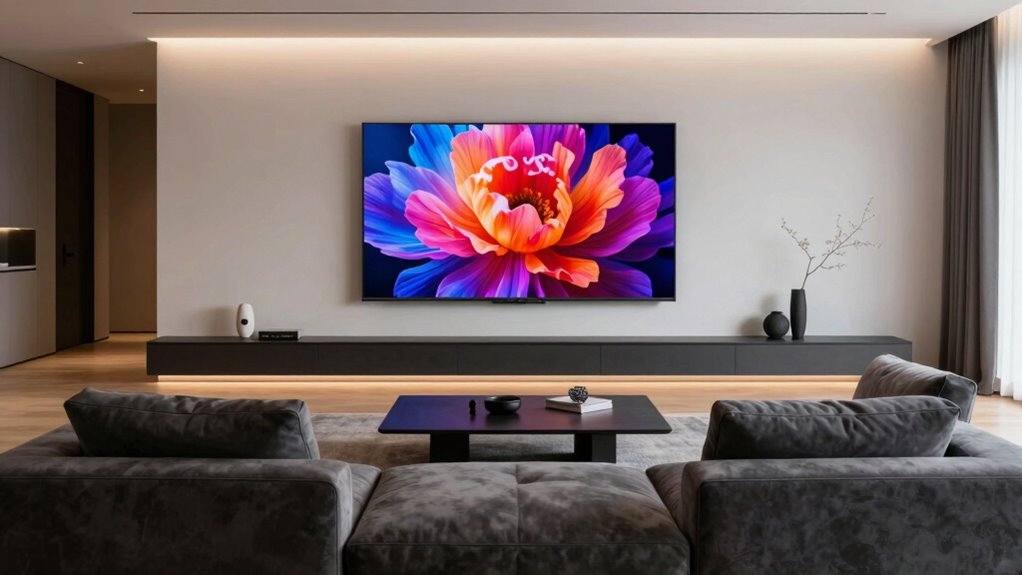
Have you ever wondered when your TV size starts to influence your seating choices rather than the other way around? It’s a common question, especially as TVs grow larger and more immersive. The key factors to consider are screen resolution and viewing distance. These elements determine how close you can sit comfortably without sacrificing picture quality or feeling overwhelmed by the display.
First, let’s talk about screen resolution. Higher resolutions like 4K or even 8K allow you to sit closer without noticing pixels or losing sharpness. If your TV has a high screen resolution, you can place your seating nearer, making the experience more immersive. Conversely, with lower resolutions, sitting too close might reveal pixelation or blurriness, which can distract you from enjoying your content. So, if you’re contemplating a larger TV, check its resolution to guarantee your seating will remain comfortable and visually pleasing.
Higher resolutions like 4K or 8K let you sit closer without losing sharpness or seeing pixels.
Next, your viewing distance plays a crucial role. This distance isn’t just about comfort; it’s about the ideal viewing angle and clarity. Sitting too close to a large screen can cause eye strain, while sitting too far can diminish the sense of immersion. A good rule of thumb is to sit at a distance roughly 1.5 to 2.5 times the diagonal size of your TV. For example, if you have a 65-inch TV, sitting about 8 to 13 feet away provides a balanced view. When you buy a bigger screen, the optimal viewing distance naturally increases, but it’s important to respect your space to avoid discomfort.
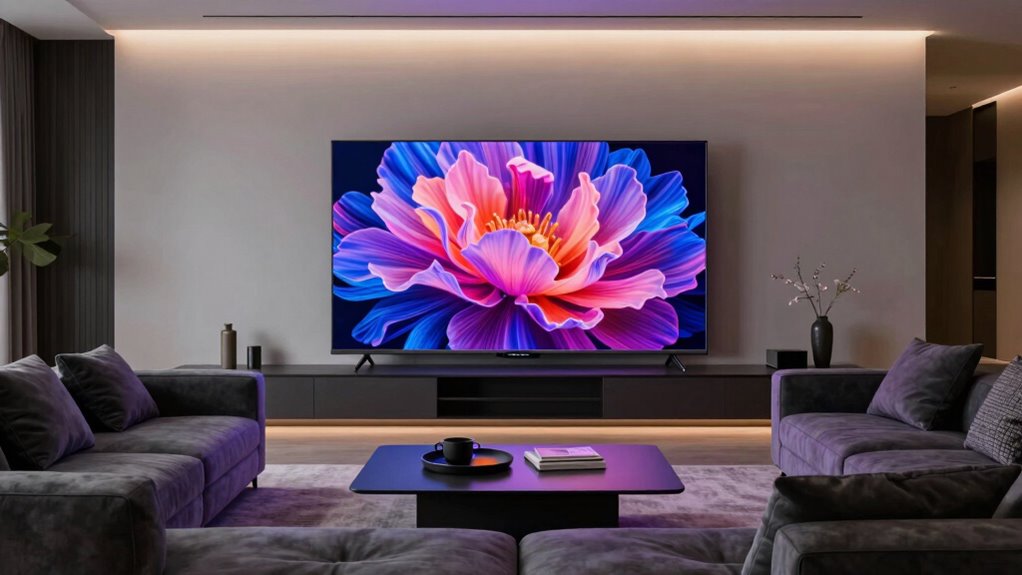
As you choose a TV size, think about how your seating arrangement will adapt. If you want the full impact of a large, cinematic display, your seating should be close enough to enjoy the details but far enough to prevent strain. Think about your room layout and seating options. If you’re limited on space, a very large TV might require you to sit further back, which could reduce the immersive effect. Additionally, considering the room layout and size can help you select a screen that fits comfortably within your space. Conversely, a smaller room might not accommodate a giant screen comfortably, making a slightly smaller TV a wiser choice.
Ultimately, your ideal TV size isn’t just about the screen itself but how it fits within your viewing environment. When you factor in screen resolution and your typical viewing distance, you’ll find that seating choices naturally follow. Incorporating display technology into your planning can help ensure you get the best picture quality for your setup. The goal is to craft a viewing setup where the size enhances your experience without causing discomfort or visual compromise. In the end, the right balance guarantees your TV becomes a true centerpiece of entertainment—without your seating becoming the limiting factor.
Products Worth Considering

LG UltraGear 34G600A-B 34-Inch Curved WQHD Gaming Monitor, 160Hz

Samsung Odyssey OLED G5 27-Inch QHD Gaming Monitor

Kindle Paperwhite Signature Edition 32GB E-Reader, 7-Inch Display, Seaglass Green
As an affiliate, we earn on qualifying purchases.
Frequently Asked Questions
How Does Room Lighting Affect TV Viewing Size?
Room lighting greatly influences your TV viewing experience, especially regarding ambient lighting and glare reduction. If your room has bright lights or windows, choose a larger TV to guarantee clear visibility without straining your eyes. Use curtains or dimmable lights to minimize glare, which can cause discomfort and reduce picture quality. Proper lighting setup helps you enjoy your TV at the ideal size while maintaining excellent picture clarity and comfort.
What Is the Ideal Viewing Distance for Different TV Sizes?
Research shows the ideal viewing distance depends on your TV size for perfect picture quality and comfort. For a 55-inch TV, sit about 7-9 feet away; for 65-inch, around 8-10 feet. Proper screen calibration and maintaining good viewing angles enhance your experience, preventing eye strain and ensuring vivid images. Always adjust your seating to match these distances for the best viewing experience.
How Do Wall-Mounting Options Influence TV Size Choices?
Wall-mounting options profoundly influence your TV size choices because wall placement and mounting styles affect both aesthetics and functionality. If you prefer a sleek, space-saving setup, choose a mount that allows for larger TVs to be flush against the wall. Consider adjustable or tilt mounts for better viewing angles. Your choice depends on your wall strength, room layout, and preferred viewing height, all shaping the ideal TV size for your space.
Are Larger TVS More Energy-Efficient Than Smaller Ones?
Larger TVs aren’t necessarily more energy-efficient than smaller ones. While a bigger screen might seem to consume more energy, the size comparison depends on technology and display type. LED and OLED models can be energy-efficient regardless of size, but bigger screens often draw more power during use. So, you should consider energy consumption alongside screen size, rather than assuming bigger always means less efficient.
How Does Screen Resolution Impact the Perceived Size?
Higher screen resolution enhances your perceived size by increasing pixel density, making images sharper and more detailed. When you choose a TV with better resolution, the screen clarity improves, and the display appears more immersive even if the physical size stays the same. So, if you want a larger-looking screen without necessarily increasing size, opt for a TV with higher resolution, which boosts pixel density and enhances your viewing experience.
Conclusion
Ultimately, choosing the right TV size is like finding the perfect dance partner—size matters, but comfort and viewability steal the show. When your screen becomes the star of the room, don’t forget that your seating arrangement is the stage that makes the performance truly shine. So, before your new TV arrives, consider your space and seating—because a great viewing experience isn’t just about the size of the screen, but how well you can sit back and enjoy the show.