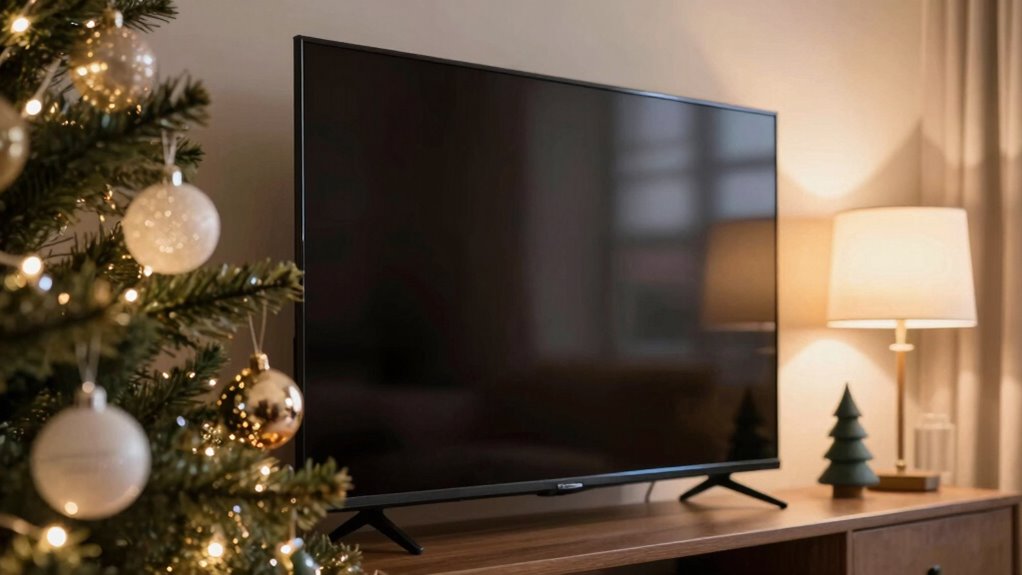

To prevent screen glare from holiday decor and lamps, start by adjusting your screen brightness to match ambient lighting. Use anti-glare screen protectors to diffuse reflections. Position your device away from direct light sources and tilt it to avoid reflections. Dim or turn off nearby lamps and decor lights when using your screen. Balancing lighting and making small environment tweaks can make a big difference—continue ahead to discover even more effective tips.
Key Takeaways
- Adjust your screen brightness to match ambient lighting, reducing harsh reflections from holiday decor and lamps.
- Use anti-glare screen protectors with matte finishes to diffuse light and minimize reflections.
- Position devices away from direct reflections by adjusting angles and relocating screens to avoid holiday lights and lamps.
- Dim or turn off nearby lamps and use curtains or diffusers to soften incoming light sources.
- Take regular breaks following eye care practices like the 20-20-20 rule to reduce eye strain from glare.
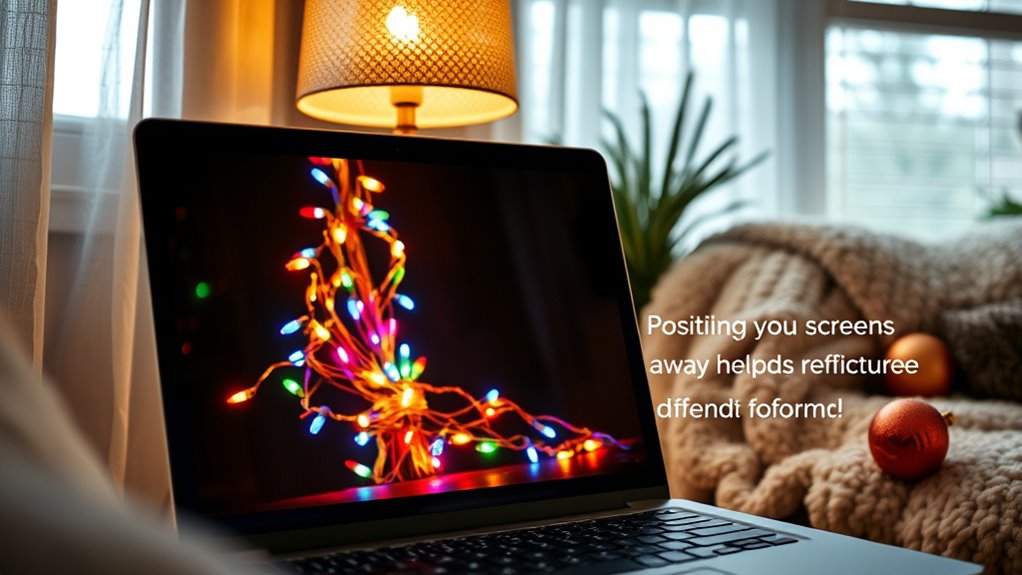
Screen glare can be be a major source of eye strain and discomfort, especially if you spend long hours at a computer or device. One of the easiest ways to reduce glare is by adjusting screen brightness. When your screen is too bright compared to the ambient lighting, it can create harsh reflections and cause your eyes to work harder. Conversely, if it’s too dim, you may strain to see details clearly. Find a comfortable balance by setting your screen brightness to match your environment. Many devices have automatic brightness settings, but if yours doesn’t, manually tweaking it can make a notable difference. You should aim for a level that feels natural and minimizes reflections, especially during times when holiday decor or lamps add bright, colorful light sources nearby.
Adjust your screen brightness to reduce glare and ease eye strain during the holidays.
Using anti glare screen protectors is another effective method to combat glare from holiday decorations and lamps. These protectors are designed to diffuse light and reduce reflections, making your screen easier to see in bright or reflective environments. They also help protect your screen from scratches and smudges. When choosing an anti glare screen protector, ensure it fits your device properly and has a matte finish to help scatter incoming light. Applying one correctly can dramatically improve visibility, especially when holiday lights create additional reflections on your screen. It’s a simple, affordable step that can make your viewing much more comfortable. Additionally, selecting a high-quality protector with light scattering properties can further enhance glare reduction.
In addition to these adjustments, consider the placement of your screen in relation to light sources. Position your device so that lamps or holiday decor don’t reflect directly onto the screen’s surface. Turning off or dimming nearby lamps can also help reduce glare. If you’re working in a room with lots of holiday lights, try to position your screen away from direct reflections, perhaps by angling it differently or using curtains to diffuse some of the light.
Furthermore, taking regular breaks can prevent eye fatigue caused by persistent glare and reflections. Follow the 20-20-20 rule: every 20 minutes, look at something 20 feet away for at least 20 seconds. This gives your eyes a chance to rest and adjust to changing lighting conditions. Combining these practices—adjusting screen brightness, using anti glare protectors, repositioning your device, and taking breaks—creates a thorough approach that remarkably reduces glare and enhances your visual comfort during the holiday season.
Frequently Asked Questions
Can Anti-Glare Screen Protectors Help Reduce Holiday Decor Glare?
Yes, a screen protector with glare reduction features can help lessen holiday decor glare. It works by diffusing reflections and reducing the intensity of light hitting your screen, making it easier to see. You should choose an anti-glare screen protector designed specifically for glare reduction. This simple addition can substantially improve your viewing experience during the holidays, especially when bright lights and decorations create challenging glare on your screen.
Are Specific Lamp Types Better for Minimizing Screen Glare?
Certain lamp types are better for reducing screen glare. You should focus on lamp placement, positioning lamps away from screens and using adjustable fixtures. Opt for bulbs with warm, diffused lighting, like LED or incandescent bulbs, rather than harsh, bright bulbs. These choices help minimize glare, making it easier to see your screen comfortably. Adjusting your lamp’s angle and using dimmers can further improve your viewing experience.
How Does Room Lighting Affect the Effectiveness of Glare Prevention?
Imagine the frustration of trying to work, only to be blinded by harsh glare. Room lighting greatly impacts glare prevention; too much ambient lighting or uncontrolled natural daylight can worsen reflections on your screen. To improve visibility, balance ambient lighting with softer sources, and use curtains or blinds to control natural daylight. Properly managed lighting creates a comfortable environment, reducing glare and easing your eyes while you focus.
Can Adjusting Screen Brightness Reduce Glare From Holiday Lights?
Adjusting your screen brightness can definitely reduce glare from holiday lights, making it easier on your eyes. When your screen is too bright or too dim compared to your surroundings, it can cause eye strain and make glare more noticeable. Keep your screen brightness in sync with room lighting for better comfort. You’ll find less eye strain and a clearer view, even with festive holiday decor shining around you.
What Are the Best Placement Tips to Avoid Glare From Holiday Lamps?
Imagine your screen as a lighthouse, guiding your focus. To avoid holiday lamp glare, position lamps so they don’t shine directly onto your screen, much like steering a ship away from rocks. Keep light sources behind or to the side of your monitor, and use adjustable lamps for better light placement. This way, you’ll reduce reflections and keep your view clear, just as a lighthouse keeps ships on course.
Conclusion
By taking simple steps to reduce screen glare, you’re lighting the way for a more comfortable, peaceful space—like a lantern guiding you through a dark night. When holiday decor and lamps no longer cast unwanted reflections, your screen becomes a clear window into your world, not a barrier. Remember, controlling glare is like tending a garden; with care and attention, it blooms into a cozy, inviting haven where your digital and festive moments shine in harmony.