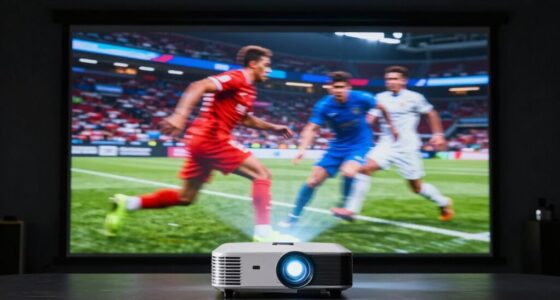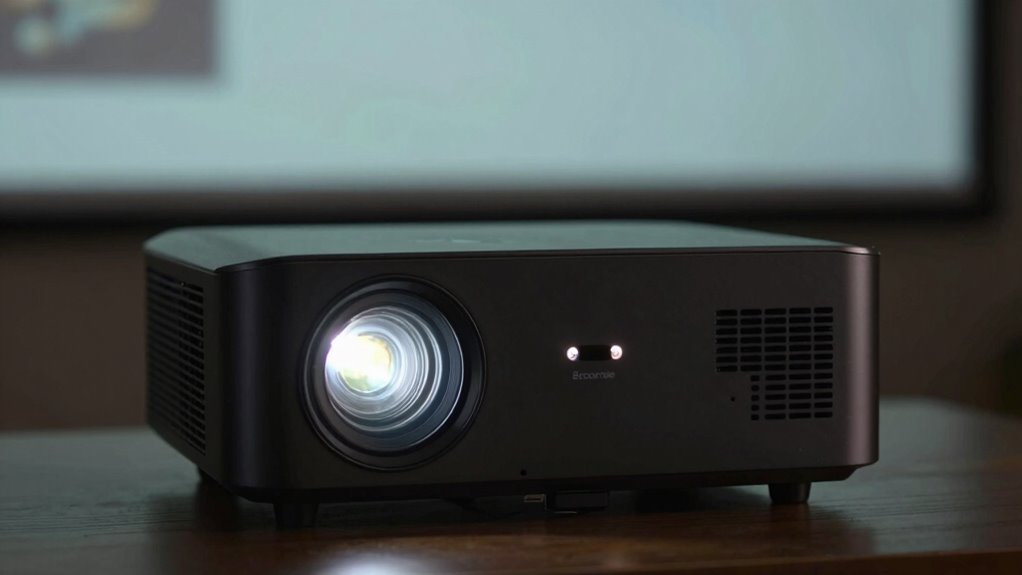
If your projector looks dim, you might be using eco mode, which reduces brightness to save lamp life. Also, check if you’re using the right screen or display settings, as a poor choice can dull the image. Ambient light can wash out the projection, so managing your room lighting helps too. Adjusting these factors can make a big difference in image brightness and clarity. Keep exploring to discover more tips for brighter, better projections.

Get audio and creator gear delivered free — and shop member deals
- Fast, free delivery on millions of items
- Access to Prime Big Deal Days deals on October 6–7
- Prime Video, Amazon Music and more included
Key Takeaways
- Eco mode reduces lamp power, dims the image, and extends lamp lifespan but may make the picture appear less bright.
- Using lower brightness modes like eco or low-power can cause the projected image to look dimmer, especially in bright environments.
- Ambient lighting and room brightness significantly impact perceived image brightness, making the projector seem dimmer.
- Choosing the right screen with high gain and contrast enhances brightness and image clarity, counteracting dimness.
- Increasing projector brightness settings or switching to a brighter mode can improve visibility but may shorten lamp life.
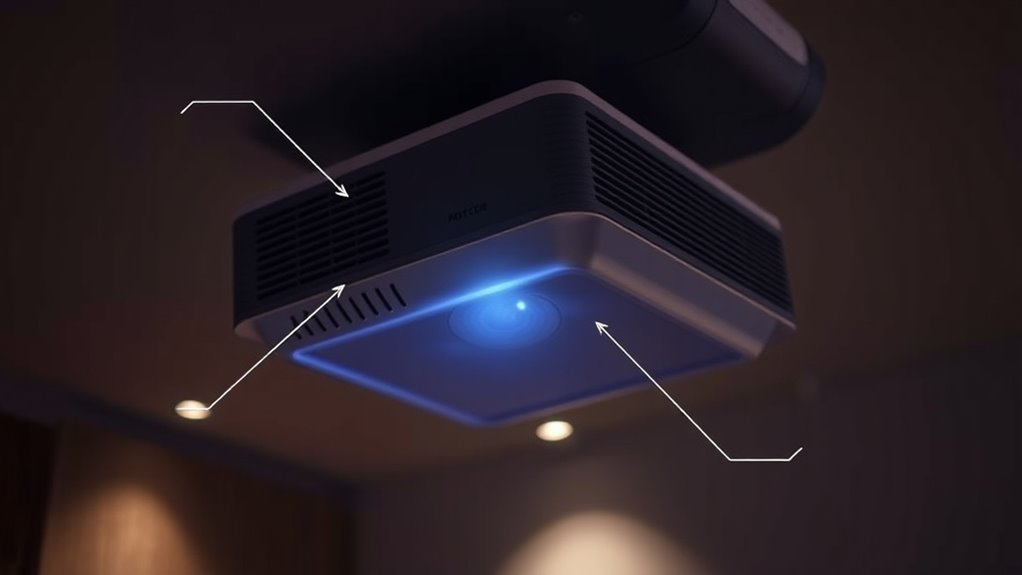
To get the best picture quality from your projector, understanding how to optimize its brightness is vital. One key factor that affects brightness is the lamp mode you choose. Most projectors come with multiple lamp modes—such as bright, standard, eco, or low-power. If your projector looks dim, it might be set to a mode that conserves lamp lifespan at the expense of brightness. Eco mode, for example, extends the lamp’s lifespan by reducing power, but it also dims the image. If you’re watching in a dark room or need a brighter picture, switching to the standard or bright mode can make a noticeable difference. Keep in mind, though, that using higher brightness modes can shorten your lamp’s lifespan over time, so find a balance that suits your viewing environment. Additionally, understanding the contrast ratio helps you appreciate how image quality is affected by brightness and black levels. Ambient lighting plays a vital role in how bright your projector appears. Even if your projector is set to the highest brightness mode, excessive ambient light can wash out the image, making it look dull and dim. To optimize your viewing experience, try to minimize ambient light by closing curtains, turning off unnecessary lights, or using blackout shades. If controlling ambient lighting isn’t feasible, consider increasing your projector’s brightness setting or investing in a screen designed to enhance contrast and brightness in well-lit environments. Remember, the more ambient light you have, the harder your projector has to work to produce a vibrant picture, which can also lead to quicker lamp wear if you’re constantly pushing the brightness to maximum.
projector brightness enhancement screen
As an affiliate, we earn on qualifying purchases.
As an affiliate, we earn on qualifying purchases.
Frequently Asked Questions
Can Adjusting the Projector’s Contrast Improve Perceived Brightness?
Adjusting the projector’s contrast can improve perceived brightness by making bright parts stand out more and dark areas more distinct. When you increase contrast, your image appears more vibrant and eye-catching, enhancing overall visibility. However, don’t overdo it, as too much contrast can cause loss of detail in shadows and highlights. Find a balance that boosts perceived brightness without sacrificing image quality for the best viewing experience.
How Does Ambient Light Affect Projector Image Quality?
Ambient light can totally sabotage your projector’s image clarity, making it look almost invisible like a ghostly shadow. Bright surroundings wash out the picture, reducing contrast and vibrancy to near zero. To keep your image sharp and vivid, you need a dark room or blackout curtains. Otherwise, even the brightest projector struggles to punch through the overwhelming ambient light, leaving your visuals dull and barely noticeable.
Are There Settings to Enhance Brightness Without Increasing Lamp Wear?
Yes, you can enhance brightness without increasing lamp wear by adjusting your projector’s brightness settings and switching to a higher lamp mode, like ‘Standard’ or ‘Bright’. Avoid eco mode, which dims the image to save lamp life. Instead, increase the brightness settings in your menu, ensuring you get a clearer picture while preserving your lamp’s longevity. Always check your user manual for specific steps.
Does Projector Screen Material Influence Perceived Brightness?
Your projector screen is like a mirror reflecting your picture, so the material’s reflectivity and glare can substantially influence perceived brightness. A screen with high reflectivity amplifies the image, making it appear brighter, while materials prone to glare can cause washed-out visuals. Choosing a matte finish reduces unwanted glare, ensuring your images stay vivid. Opt for screens designed specifically for projectors to maximize brightness and clarity in your viewing experience.
What Impact Do Projector Placement and Distance Have on Image Brightness?
Your projector placement and distance greatly impact image brightness. When ceiling mounting or wall mounting, positioning the projector closer to the screen increases brightness, while moving it farther reduces it. Make certain the projector is aligned properly for ideal light output. Avoid obstructions and maintain the recommended distance specified by the manufacturer. Proper placement maximizes brightness, clarity, and overall viewing experience, making your projection look vibrant and sharp.
As an affiliate, we earn on qualifying purchases.
Conclusion
If you’re still struggling with a dim projector, don’t give up hope—your device might be hiding its true brightness just waiting for you to reveal it! By tweaking lamp modes, switching to eco settings, or adjusting your screen, you could transform your projector from a dull, flickering shadow into a dazzling display that rivals the sun itself. So go ahead, experiment boldly—your cinematic masterpiece deserves nothing less than blinding brilliance!
eco mode projector lamp replacement
As an affiliate, we earn on qualifying purchases.
As an affiliate, we earn on qualifying purchases.
projector ambient light control curtains
As an affiliate, we earn on qualifying purchases.
As an affiliate, we earn on qualifying purchases.
Fall Picks
fall essentials
As an affiliate, we earn on qualifying purchases.