Foot-lamberts measure the brightness of a screen by quantifying how much light it emits per area, which directly affects your visual comfort and image clarity. This metric is essential for selecting the right display settings, especially in professional environments like film editing or home theaters. Properly understanding and calibrating for foot-lamberts helps reduce glare, eye strain, and guarantees ideal viewing conditions. Keep exploring to discover how mastering this metric can improve your screen experience.
Key Takeaways
- Foot-lamberts measure screen luminance, indicating how bright a display appears to viewers.
- They are essential for calibrating displays to ensure comfortable and effective viewing environments.
- Measurement involves using a light meter aimed at the screen to capture reflected light levels.
- Proper foot-lambert levels vary by setting, helping reduce glare and eye strain.
- Understanding and applying foot-lamberts improves visual quality and aids in display calibration.
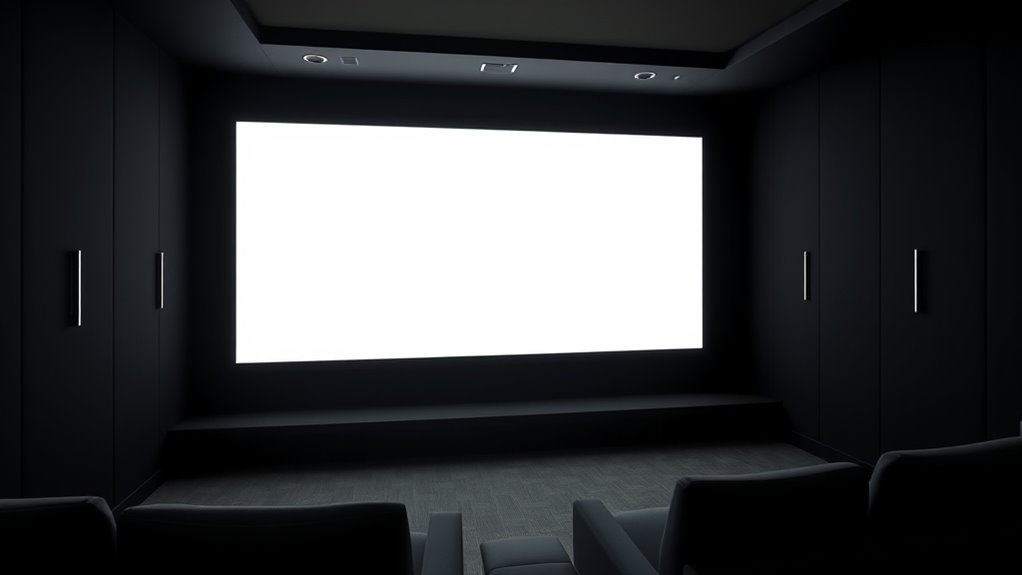
Understanding foot-lamberts can seem confusing at first, but it’s a straightforward way to measure screen brightness. When you’re selecting a display for work, entertainment, or professional use, knowing how bright a screen appears is vital. Foot-lamberts are part of the broader lighting standards that help guarantee your viewing environment is comfortable and effective. These standards guide how bright screens should be based on the ambient lighting, reducing eye strain and improving picture quality. By understanding measurement techniques, you can better interpret what the numbers mean and choose the right display for your needs. Additionally, awareness of energy-efficient cloud solutions can support sustainable technology choices in your setup.
Understanding foot-lamberts helps you choose the right screen brightness for comfortable viewing.
Foot-lamberts measure luminance, which is the amount of light a screen emits in a given area. Unlike other units like nits, foot-lamberts are more common in professional settings such as film production and video editing, where precise control over brightness levels is necessary. The measurement technique involves using a light meter aimed directly at the screen, capturing the amount of light reflected off the surface. This measurement provides a specific number that indicates how bright the image appears to your eyes, which is vital because screen brightness isn’t just about raw lumens but how those lumens are perceived in your environment.
To get an accurate reading, you need to take into account the lighting standards relevant to your setting. For example, a home theater might have different recommended foot-lambert levels compared to a professional editing suite. The measurement techniques involve adjusting screen settings and measuring multiple points across the display to ensure consistency. This method helps you determine whether your screen is too dim or too bright for the ambient light conditions. If you follow lighting standards, you’ll optimize your viewing experience, reducing glare and eye fatigue while maintaining image clarity.
Understanding these measurement techniques also allows you to compare different screens more effectively. Manufacturers often provide specifications in nits, but converting these to foot-lamberts can give you a clearer picture of how a display will perform in your environment. Knowing the ideal foot-lambert range based on lighting standards enables you to calibrate your display properly. This calibration not only improves visual quality but also guarantees your eyes aren’t strained from overly bright or dim screens.
In the end, grasping how foot-lamberts relate to lighting standards and measurement techniques empowers you to make smarter choices about display brightness. Whether you’re controlling your home theater lighting or fine-tuning professional equipment, understanding this metric helps you create a comfortable, visually optimized environment. It’s a simple yet effective way to guarantee your screens look their best and that your viewing experience is both pleasant and precise.
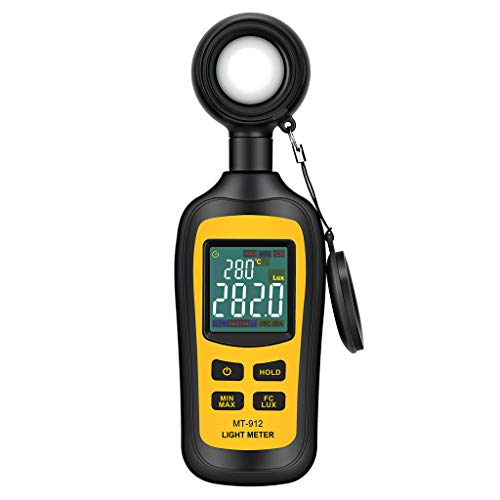
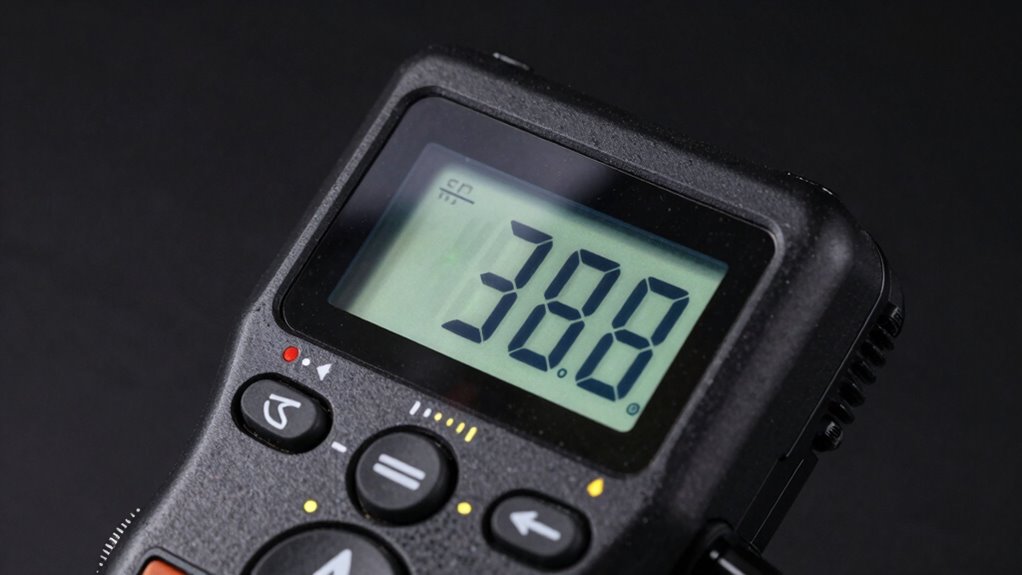
Light Meter Digital Illuminance Meter Handheld Ambient Temperature Measurer, Range up to 200,000 Lux, Luxmeter with 4 Digit Color LCD Screen
Measures luminosity from 0 to 200,000 Lux and ambient temperature
As an affiliate, we earn on qualifying purchases.
As an affiliate, we earn on qualifying purchases.
Frequently Asked Questions
How Do Foot-Lamberts Compare to Lumens for Measuring Brightness?
Foot-lamberts measure brightness based on light intensity per unit area, making them ideal for evaluating light distribution on surfaces. In contrast, lumens quantify total light output from a source, regardless of how it’s spread. You’ll find foot-lamberts useful when evaluating how bright a specific area appears, especially in displays or screens, while lumens are better for understanding overall light output. Use foot-lamberts for precise, surface-focused brightness measurements.
Can Foot-Lamberts Be Used for Outdoor Lighting Assessments?
Imagine sunlight bouncing off a shiny surface, creating intense solar glare; that’s where foot-lamberts come in. You can definitely use them for outdoor luminance assessments, helping you evaluate brightness levels and reduce glare. They’re especially useful for measuring reflective surfaces or areas with high outdoor luminance. By understanding foot-lamberts, you can better design outdoor lighting to minimize discomfort and improve visibility, even in bright, sunlit environments.
What Are Common Misconceptions About Foot-Lamberts?
You might think foot-lamberts are just a perception-based measure, but they’re actually a precise way to quantify brightness, aligning with industry standards. Many misconceptions arise because people confuse perceived brightness with actual measurement. In reality, foot-lamberts provide an objective metric, helping you assess lighting conditions accurately. Recognizing this distinction guarantees you’re making informed decisions, whether for indoor or outdoor lighting, based on reliable data rather than just visual impressions.
How Do I Convert Foot-Lamberts to Other Brightness Units?
Imagine transforming a tiny flashlight into a blazing floodlight—that’s how you convert foot-lamberts to other brightness units. To do this, you use simple unit conversion formulas based on measurement standards. For example, to switch to candela per square meter (nits), multiply foot-lamberts by 3.426. Understanding these conversions helps you compare brightness accurately across different standards, making your measurements clearer and more precise.
Are Foot-Lamberts Suitable for Evaluating All Types of Displays?
You can use foot-lamberts primarily for evaluating certain display types, especially in professional settings like theater or studio calibration. However, it’s not suitable for all display calibration needs, such as modern LCD or OLED screens, which may require other metrics like nits or candela per square meter. Always match the brightness measurement to your display type to verify accurate calibration and ideal visual performance.

Calibrite Display 123 Monitor Calibration Colorimeter for Photo Editing and Color Accurate Viewing, Easy 1 2 3 Software Workflow, USB C Connection, and Before and After Check, Supports 2 Displays
SPECIFICATIONS: Monitor calibration colorimeter with Easy 1 2 3 software workflow, USB C connection, compact body approx. 34mm…
As an affiliate, we earn on qualifying purchases.
As an affiliate, we earn on qualifying purchases.
Conclusion
So, next time you’re watching your favorite show or gaming away, remember that foot-lamberts are like the superhero of brightness metrics—they make sure your screen’s glow isn’t just pretty but perfectly powerful. Without them, your eyes would be stuck in a dull, dim nightmare. Embrace foot-lamberts, because without this tiny hero, your viewing experience would be a blurry, bland mess. Trust me, your eyeballs will thank you for it!
Light Meter Digital Illuminance Meter Handheld Ambient Temperature Measurer, Range up to 200,000 Lux, Luxmeter with 4 Digit Color LCD Screen
Measures luminosity from 0 to 200,000 Lux and ambient temperature
As an affiliate, we earn on qualifying purchases.
As an affiliate, we earn on qualifying purchases.

Digital Illuminance Light Meter Tester 200,000Lux Meter (18,500FC) Luxmeter Lighting Intensity Brightness Measurement Tool for Indoor Outdoor Grow Plants Film Photography lumens LED Photometer
【Widely used】S8608 is a digital illuminometer, used for measuring visible brightness, large screen display, wide measuring range, up…
As an affiliate, we earn on qualifying purchases.
As an affiliate, we earn on qualifying purchases.