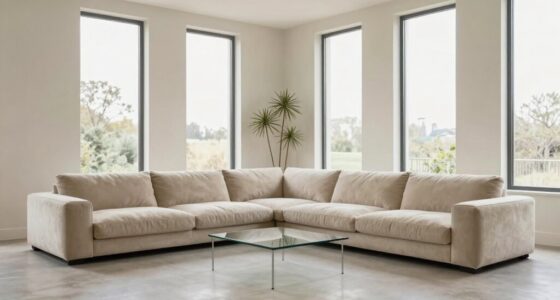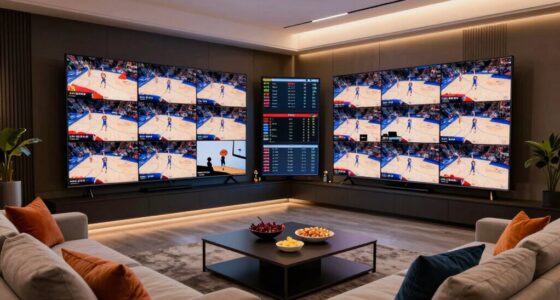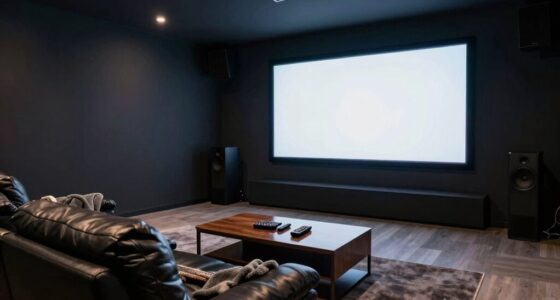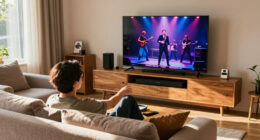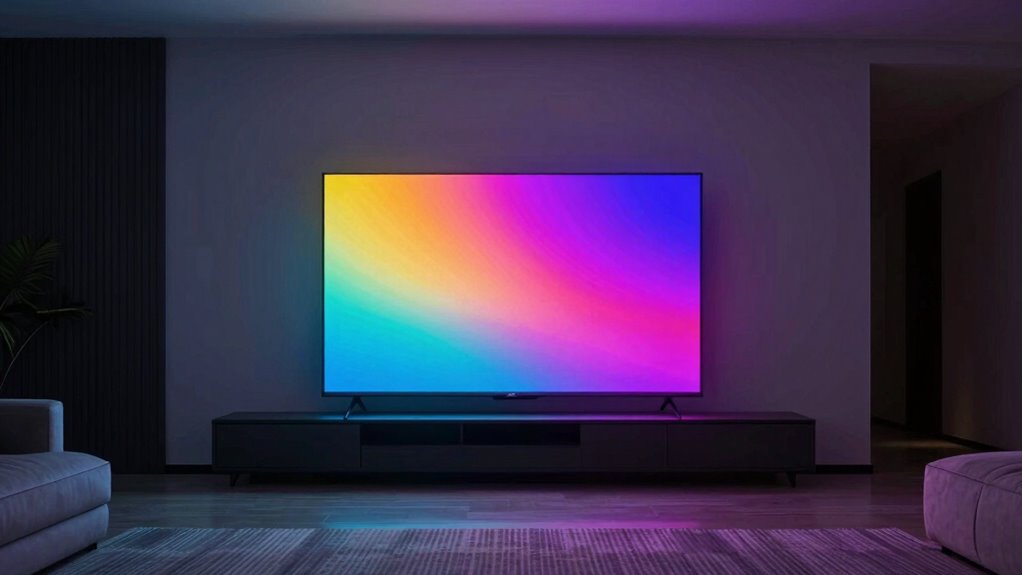

To make your screens pop at night, adjust your smart lighting to warmer, dimmer settings that complement your room’s ambient contrast. Set the lights to softer yellowish tones that reduce eye strain but still boost color vibrancy. Keep the overall brightness balanced with room lighting to enhance screen sharpness and clarity. By fine-tuning these settings, you’ll create a cozy, visually striking environment. Stick around to discover how perfect adjustments can transform your nighttime viewing experience.

Get audio and creator gear delivered free with Prime
- Fast, free delivery on millions of items
- Prime Video, Amazon Music and more included
- Member-only deals all year
Key Takeaways
- Adjust room lighting to warmer tones at night to enhance screen vibrancy and reduce eye strain.
- Use smart lights to automatically dim and warm the environment during evening viewing sessions.
- Balance ambient contrast by lowering overall room brightness while maintaining cozy, inviting lighting.
- Sync smart lighting with your screen to create seamless, immersive visual effects.
- Maintain good air quality and ventilation to support comfortable, extended viewing experiences.
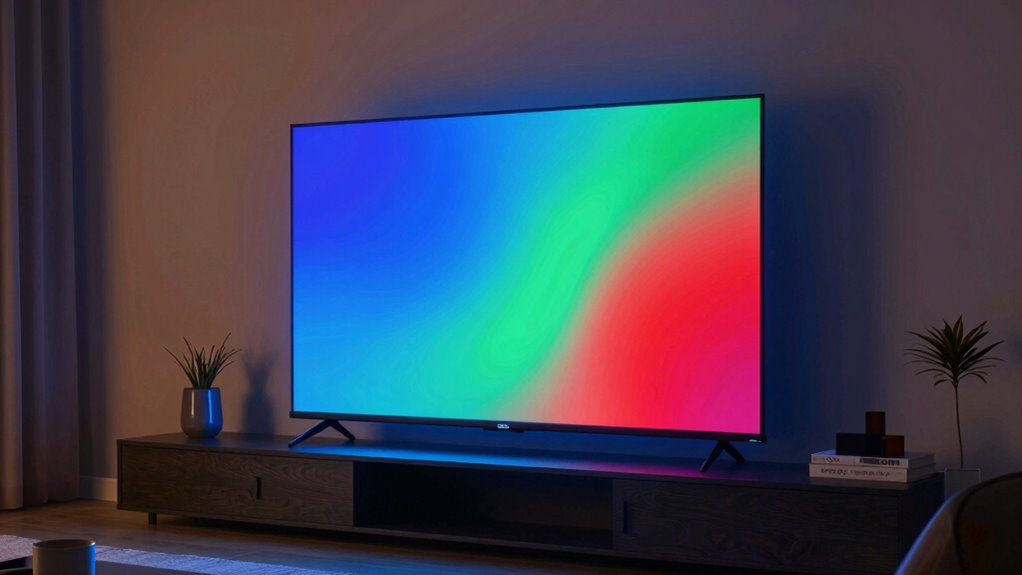
Have you ever wondered how to instantly transform your space with just a flick of a switch? The secret lies in smart lighting, especially when it comes to making your screens pop at night. One of the most effective tricks involves adjusting the color temperature of your lights. During the day, cooler light with a bluish tint helps keep you alert, but at night, warmer tones with a yellowish hue create a cozy atmosphere. When you set your smart lights to a warmer color temperature, your eyes experience less strain, and your screens can stand out more vividly against the ambient background. This subtle shift enhances contrast, making images and videos appear sharper and more vibrant without overwhelming your senses.
Adjust your smart lighting to warm tones at night for sharper screens and a cozy, strain-free viewing experience.
Ambient contrast plays a vital role here. Think of it as the difference between the brightness of your screen and the surrounding environment. If your room is too brightly lit, your screen may look dull or washed out, diminishing its visual impact. Conversely, if your ambient lighting is too dim, your eyes might strain, and the contrast won’t be as noticeable. The trick is to find a balance where the ambient contrast is optimized — dim enough to let your screen shine but not so dark that it causes discomfort. With smart lighting, you can easily tweak this balance by adjusting brightness and color temperature on the fly. For instance, lowering the overall light intensity but keeping the color warm helps your screens appear more vibrant, making colors pop and details stand out. Additionally, understanding how ambient contrast influences visual clarity can help you create a more immersive viewing environment. Incorporating adaptive lighting that responds to your activities can further enhance this effect, creating a seamless experience tailored to your needs. Moreover, paying attention to the air quality in your space can also contribute to a more comfortable viewing environment, as poor air quality can lead to eye and respiratory discomfort that detracts from your viewing experience. Keeping the room well-ventilated and clean can support better visual comfort during extended viewing or work sessions.
Another benefit of using smart lighting is the ability to automate these adjustments based on the time of day or activity. Imagine setting your lights to automatically shift to a warmer, dimmer setting when the sun sets. This creates a natural contrast that makes your screens look more lively and eye-catching, without the need for manual intervention. Plus, many smart lighting systems allow you to customize these settings for different rooms or activities, giving you full control over your environment. By syncing your lighting with your screens, you create an immersive experience that enhances everything you watch or work on.
In essence, mastering the use of color temperature and ambient contrast through smart lighting tricks can dramatically improve your nighttime viewing experience. It’s a simple yet powerful way to make your screens pop, bringing clarity and vibrancy to your favorite content while maintaining a comfortable, inviting space.
smart LED light bulbs for ambient lighting
As an affiliate, we earn on qualifying purchases.
As an affiliate, we earn on qualifying purchases.
Frequently Asked Questions
Can Smart Lighting Reduce Eye Strain During Nighttime Screen Use?
Yes, smart lighting can reduce eye strain during nighttime screen use. By adjusting brightness and incorporating blue light reduction, your eyes aren’t overwhelmed by harsh light. Smart lighting also supports your circadian rhythm, helping you relax before sleep. You’ll notice less fatigue and discomfort, making it easier to enjoy screen time at night while protecting your eyes and maintaining a healthy sleep cycle.
What Types of Smart Lighting Are Best for Enhancing Screen Visibility?
You should choose smart lighting that offers adjustable color temperature and an ambient glow. Warm tones, around 2700K, reduce eye strain and make screens stand out more vividly at night. Look for lights that allow you to tweak these settings easily, creating a gentle ambient glow that enhances screen visibility without overwhelming your eyes. This combination guarantees your display appears vibrant while maintaining a comfortable, eye-friendly environment.
How Energy-Efficient Are These Smart Lighting Tricks?
Like a whisper in the dark, smart lighting tricks are surprisingly energy-efficient. You’ll notice significant energy savings because they use LED technology and adaptive controls to reduce power when full brightness isn’t needed. This makes them highly cost-effective over time, cutting down your electricity bills while enhancing your screen visibility. So, not only do they brighten your screen, but they also brighten your budget by conserving energy.
Are There Any Health Risks Associated With Specific Lighting Colors?
Yes, certain lighting colors can pose health risks, especially if they disrupt your circadian rhythm. Blue light, with a high color temperature, suppresses melatonin production, making it harder to fall asleep and potentially affecting your overall health. To minimize risks, opt for warmer lighting in the evening, which has a lower color temperature and supports your natural sleep cycle. Be mindful of your lighting choices to protect your well-being.
Can Smart Lighting Be Synchronized With Different Devices Automatically?
Yes, smart lighting can seamlessly dance with your devices through automation features. You’ll find that device compatibility is key—many systems connect effortlessly with smartphones, tablets, and smart home hubs. Once set up, your lights can automatically sync with your devices, adjusting brightness and color to match your activities. This creates a harmonious environment, making your space feel more dynamic and personalized without you lifting a finger.
color temperature adjustable smart lights
As an affiliate, we earn on qualifying purchases.
As an affiliate, we earn on qualifying purchases.
Conclusion
By adjusting your smart lighting, you can instantly make your screens stand out at night. Imagine dimming your lights just enough so your phone’s display glows vividly without glare, creating a cozy yet striking ambiance. For example, a gamer might set their lights to a cool blue before an evening session, making their screen pop and immersing them completely. With this simple trick, you transform your space into a mesmerizing visual experience effortlessly.
smart lighting system for home theater
As an affiliate, we earn on qualifying purchases.
As an affiliate, we earn on qualifying purchases.
dimmable Wi-Fi smart light bulbs
As an affiliate, we earn on qualifying purchases.
As an affiliate, we earn on qualifying purchases.
Columbus Day / Indigenous Peoples' Day Picks
long weekend sales
As an affiliate, we earn on qualifying purchases.