To prevent lip sync issues, make certain your audio and video are properly calibrated using a microphone or app, and conduct tests before guests arrive. Keep all connections stable, preferably wired, to avoid dropouts, and regularly check volume levels to prevent sudden jumps. Adjust your lighting to minimize glare, reduce distractions, and set the mood without causing eye strain. By following these tips, you’ll create a smooth, enjoyable celebration—and you’ll find more helpful strategies as you go along.
Key Takeaways
- Test and calibrate all audio equipment beforehand using a microphone or app to balance dialogue, music, and effects.
- Use wired connections for stability and minimize interference that can cause audio dropouts.
- Regularly check and adjust volume levels across devices to prevent sudden jumps or inconsistencies.
- Synchronize audio and video during setup to avoid lip sync issues, and perform a test run before guests arrive.
- Incorporate ambient or dimmable lighting to reduce glare, improve contrast, and enhance overall viewing experience.
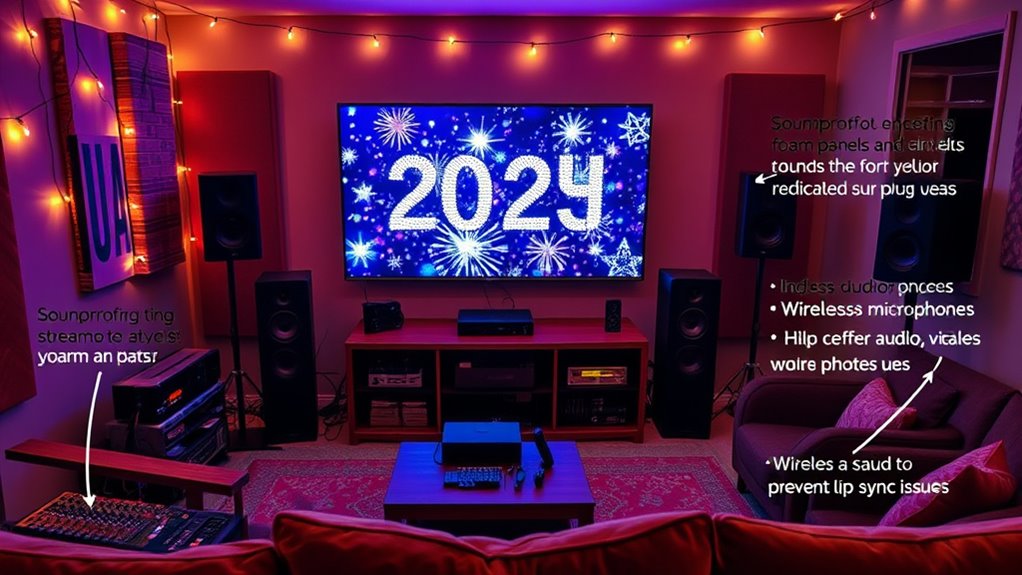
As New Year’s Eve approaches, it’s the perfect time to plan a memorable watch party that brings friends and family together to celebrate. To guarantee everything runs smoothly, you need to focus on your setup, especially when it comes to audio calibration and lighting arrangements. Proper audio calibration is key to preventing lip sync issues, audio dropouts, and volume jumps that can disrupt the celebration. Start by testing your sound system ahead of time, making sure your speakers are correctly positioned to fill the room evenly. Use a calibration microphone or a smartphone app to fine-tune the audio levels, guaranteeing that dialogue, music, and sound effects are balanced. This step helps prevent the common problem of delayed audio, where speech doesn’t match the on-screen lips, which can be distracting and diminish the viewing experience.
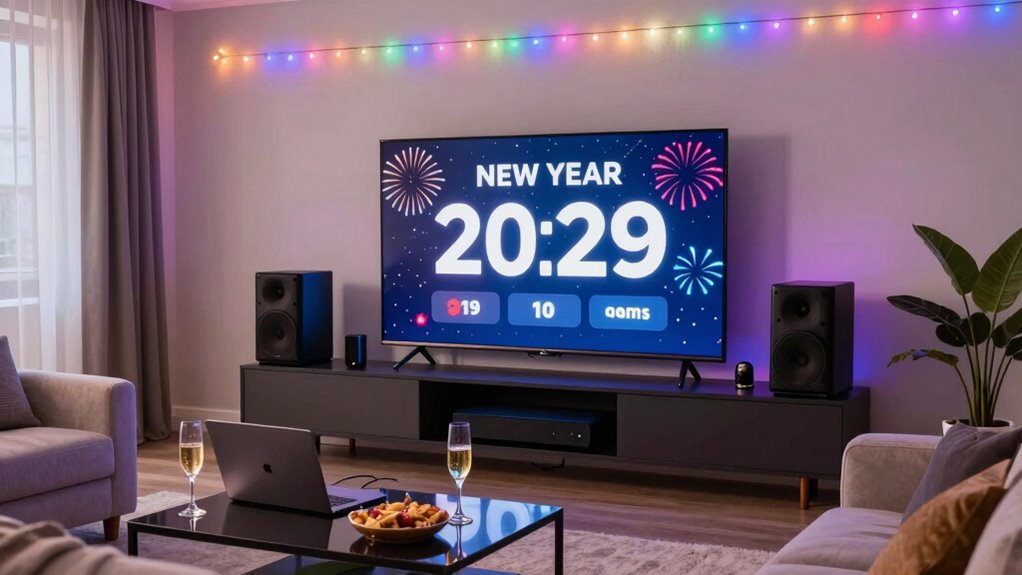
Lighting arrangements also play an essential role in creating an engaging atmosphere. Dim the main lights to focus attention on the screen, but avoid complete darkness, which can cause eye strain. Incorporate ambient lighting, such as string lights, LED strips, or smart bulbs, that can be dimmed or color-adjusted to match the mood of the countdown. Proper lighting not only enhances the visual experience but also reduces glare and reflections on the screen, making it easier for everyone to enjoy the festivities. Consider placing lights behind the TV or projector to reduce eye fatigue and improve contrast. Synchronizing your lighting with the content can also amplify the excitement, especially during moments like the countdown or fireworks display.
Additionally, double-check your connections and ensure all cables are secure before guests arrive. Wireless connections can be convenient, but wired setups often provide more stability, reducing the risk of interruptions. Keep extra batteries and backup devices handy, especially for remote controls or wireless speakers, so your entertainment isn’t interrupted unexpectedly. When calibrating your audio, don’t forget to test the volume levels across different devices—your TV, soundbar, or speakers—to prevent sudden jumps that might startle guests or drown out important audio cues. Consistent audio levels are vital, particularly during live broadcasts or speeches, to keep everyone engaged and comfortable.

Herdio 6.5 Inch 800W Outdoor Bluetooth Speakers Wired Waterproof with Multifunctional Amplifier, Wall Mount Speaker System for Patio Home Poolside Deck Backyard(2 Pairs,Black)
【Full-Range Speakers】The high powered full range indoor outdoor speakers wired waterproof has a maximum power output of 800...
As an affiliate, we earn on qualifying purchases.
Frequently Asked Questions
How Can I Ensure My Wi-Fi Supports Multiple Streaming Devices?
To make certain your Wi-Fi supports multiple streaming devices, start by upgrading to a high-capacity router with strong network security features. Check device compatibility to make sure your router can handle the latest streaming tech. Place your router centrally to maximize coverage, and consider using a mesh network if you have a large space. This setup helps prevent dropouts and keeps everyone’s streaming smooth during your party.
What Are the Best Backup Options for Internet Outages?
When your internet drops, don’t panic—think of network redundancy and cellular backup as your safety net. You can set up a secondary internet connection or use a mobile hotspot to keep streaming alive. This way, your party stays uninterrupted, and you avoid frustrating dropouts. With cellular backup, you stay connected even if your primary network fails, ensuring your New Year’s Eve celebration goes on without a hitch.
How Do I Optimize Audio Settings for Different Rooms?
To optimize audio settings across different rooms, start with speaker calibration to guarantee balanced sound. Adjust levels based on each room’s acoustics, considering acoustic treatment like rugs or wall panels to reduce echo and improve clarity. Use a consistent equalizer setting, and test playback in each space. This approach minimizes volume jumps and dropouts, creating a seamless listening experience tailored to each room’s unique environment.
What Equipment Is Necessary for Multi-Room Audio Synchronization?
For multi-room audio sync, you need reliable wireless speakers and quality audio cables. Wireless speakers allow seamless playback across rooms, while audio cables connect components where needed. Juxtapose convenience with stability—wireless offers flexibility, but cables guarantee consistent sound. Use a central controller or app to synchronize your devices, preventing lip sync issues and dropouts. Invest in good equipment, and your party’s sound will stay smooth, loud, and perfectly in sync everywhere.
How Can I Prevent Device Overheating During Extended Viewing?
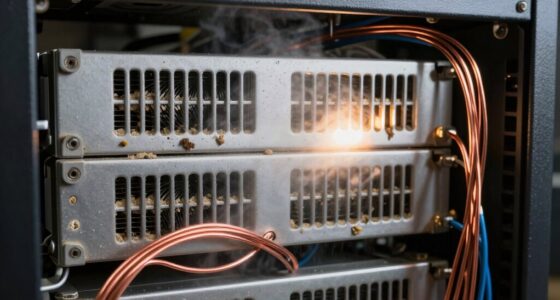
To prevent device overheating during extended viewing, focus on device cooling by ensuring proper ventilation airflow around your equipment. Keep vents clear of dust and obstructions, and place devices in well-ventilated areas. Consider using external fans or cooling pads for added airflow. Regularly monitor device temperatures, and avoid stacking equipment tightly. These steps help maintain peak performance and prevent overheating during long watch parties.

STUDIOFINIX 6.5 Inch Outdoor Speakers Wall-Mounted 800W - Waterproof and High-Performance Audio Solution for Indoor/Outdoor,Home,Patio,Garden,Backyard(4 Passive Speakers Bundle/Black)
〖Powerful Performance〗: Boasting a peak power handling of 800 watts, it delivers a full range of dynamic sound...
As an affiliate, we earn on qualifying purchases.
Conclusion
As you prepare for your perfect party, prioritize problem-proofing by preventing pauses, pushy volume, and pesky lags. Double-check your devices, dial down distractions, and do a dry run to dodge disruptions. By staying sharp and strategic, you’ll ensure a smooth, sensational celebration that’s set to shine. So, stay savvy, safeguard your sound, and savor the spectacular, seamless soirée of your stunning New Year’s Eve celebration!

Polk Audio Atrium 4 Weatherproof Outdoor Speakers with Powerful Bass (Pair, Black), All-Weather Durability, Broad Sound Coverage, Speed-Lock Mounting System
EASY INSTALLATION - One-click speed-lock mounting bracket offers anti-slip, one-handed installation. Mount these outdoor speakers wired vertically or...
As an affiliate, we earn on qualifying purchases.

6.5 Inch Max 800W Outdoor Bluetooth Speakers Waterproof Wired with Multifunctional Amplifier Wall Mount Outdoor Speaker System for Patio Garden Poolside Home(4 Speakers,Black)
Powerful Acoustics: Unmatched Sound Output,Each speaker pumps out an impressive 200 watts, with a pair delivering a combined...
As an affiliate, we earn on qualifying purchases.