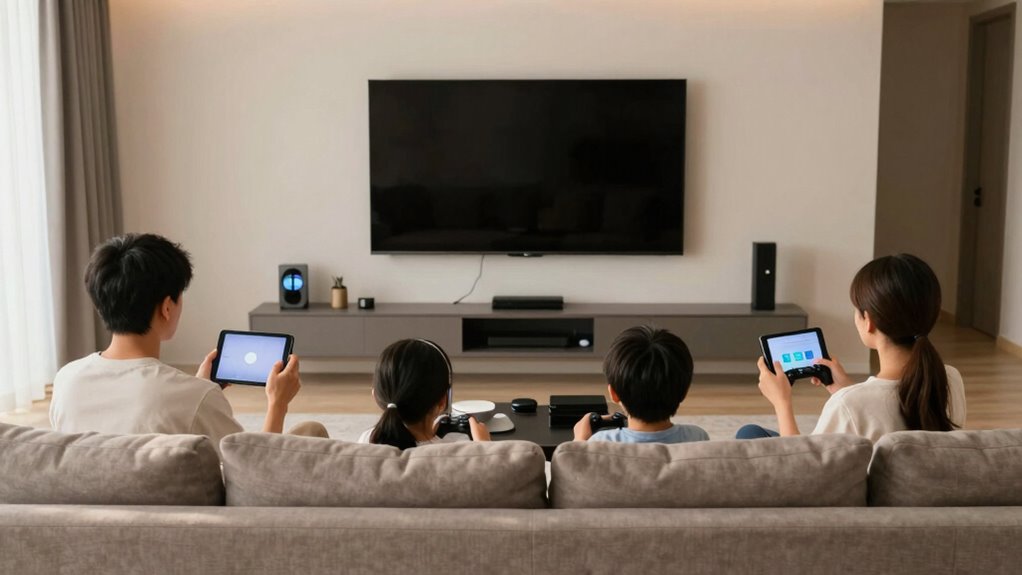

To make shared gaming and TV time less annoying, set clear boundaries from the start. Use simple tech tools like voice control to switch content or pause easily, and establish a shared schedule so everyone knows when it’s their turn. Incorporate designated zones or devices to reduce conflicts, and use parental restrictions to manage content and limits. Clear communication and straightforward rules create a smoother experience; keep going to find out more helpful tips to keep everyone happy and frustration-free.

Get audio and creator gear delivered free — and shop member deals
- Fast, free delivery on millions of items
- Access to Prime Big Deal Days deals on October 6–7
- Prime Video, Amazon Music and more included
Key Takeaways
- Establish clear rules and boundaries for shared screen time from the start.
- Use voice control to manage content and transitions smoothly without interruptions.
- Set parental restrictions and device limits to prevent conflicts and inappropriate access.
- Create a shared schedule and set time limits to ensure fair gaming and viewing periods.
- Designate specific zones or devices for each activity to minimize disputes and promote respectful use.

Sharing gaming and TV time can be a great way to bond with family or friends, but it also requires some cooperation and boundaries. When everyone’s sharing space and screens, disagreements can quickly arise over what to watch, who gets to play next, or how long the sessions should last. To keep things smooth and enjoyable, establishing clear rules from the start can make a big difference. One simple solution is to leverage voice control technology. With voice-controlled devices, you can set commands to pause, switch programs, or change volume without having to get up or interrupt the game or show. This minimizes interruptions and keeps everyone engaged without frustration.
Using voice control helps manage shared screens smoothly, reducing interruptions and keeping everyone engaged and frustration-free.
In addition to voice control, implementing parental restrictions can help manage what content is accessible and how long screens are used. Many gaming consoles and streaming platforms allow you to set boundaries that prevent kids from accessing inappropriate content or exceeding screen time limits. You can customize restrictions based on age, ensuring that younger family members only see suitable material and stick to agreed-upon time frames. This takes some of the onus off you and creates a fair, transparent system everyone can follow. Incorporating device management tools can further simplify monitoring and controlling screen time across multiple devices, making it easier to enforce boundaries consistently.
It’s also helpful to create a shared schedule that everyone agrees on. Decide in advance how much time will be spent gaming or watching TV, and stick to it. This way, nobody feels like they’re losing out, and you avoid constant negotiations. When it’s time to switch activities, using voice commands to pause or switch content makes progressions smoother. For example, saying “pause the game” or “change to family movie” keeps things moving without arguments. Additionally, setting up reminders or alerts through smart home technology can reinforce agreed-upon limits and help everyone stay accountable.
Another tip is to designate specific devices or zones for gaming and TV use. If everyone knows where their designated spot is, it reduces conflicts over device access. Combine this with voice control-enabled devices in those zones so that switching between activities becomes effortless. When everyone understands and respects these boundaries, the shared experience remains fun rather than frustrating. Additionally, understanding the benefits of modern home technology, such as smart voice assistants and device management tools, can further improve the shared experience.
Ultimately, clear communication and the right technology make shared gaming and TV time more enjoyable. Voice control offers a hands-free way to manage content effortlessly, while parental restrictions ensure appropriate use. By setting rules and using these tools, you create a more cooperative environment where everyone can relax and enjoy their time together without constant hassle.
voice control smart home devices
As an affiliate, we earn on qualifying purchases.
As an affiliate, we earn on qualifying purchases.
Frequently Asked Questions
How Can I Set Boundaries Without Causing Conflicts?
You can set boundaries without causing conflicts by communicating openly and calmly. Explain your needs clearly and listen to others’ perspectives. Use conflict resolution techniques like finding compromises and staying respectful. When you set boundaries, focus on “I” statements to avoid blame. This approach encourages understanding and cooperation, making it easier to establish healthy limits without sparking disagreements. Respectful communication and active listening are key to conflict-free boundary-setting.
What Are Some Effective Communication Strategies?
Master mindful messaging by maintaining open, honest, and respectful communication. Focus on family bonding and technology balance by actively listening and expressing your feelings without blame. Use “I” statements to share concerns clearly, and set specific boundaries collaboratively. Keep conversations calm and constructive, ensuring everyone feels heard. This approach fosters understanding, reduces conflicts, and encourages cooperation, making shared gaming and TV time more enjoyable and less stressful for everyone involved.
How Do I Handle Disagreements Over Content Choices?
When disagreements over content choices arise, you should focus on content compromise by discussing what everyone feels comfortable watching or playing. Respect privacy concerns by ensuring no one feels pressured to share more than they’re comfortable with. Encourage open dialogue and set boundaries, so each person’s preferences are acknowledged. This approach helps create a balanced environment where everyone feels heard, leading to more enjoyable shared gaming and TV time.
What Tools Can Help Monitor Screen Time?
You can use device management tools like parental control apps or built-in settings to gently guide screen time. These tools help you set limits, monitor usage, and create healthy boundaries without causing friction. With features like scheduled downtime or activity reports, you stay informed about how much time is spent on devices. This way, you encourage responsible screen time habits while maintaining a peaceful, enjoyable environment for everyone.
How Can I Involve Everyone in Creating Rules?
You can involve everyone in creating rules by organizing a family bonding session where each person shares their preferences and ideas. Encourage open discussions about screen time limits and game choices, making rule customization a collaborative effort. When everyone has a say, they’re more likely to respect and follow the rules, making shared gaming and TV time more enjoyable for the whole family. This approach fosters understanding and cooperation.
As an affiliate, we earn on qualifying purchases.
Conclusion
By setting clear boundaries, creating designated spaces, and communicating openly, you’re turning shared gaming and TV time from a stormy sea into a calm lake. It’s all about steering the boat smoothly so everyone enjoys the ride. Remember, a little patience and planning go a long way—think of it as planting seeds for better days ahead. With these simple steps, you’ll transform shared screens into shared smiles, making the experience less annoying and more fun for everyone.
As an affiliate, we earn on qualifying purchases.
device management tools for family
As an affiliate, we earn on qualifying purchases.
As an affiliate, we earn on qualifying purchases.
Fall Picks
fall essentials
As an affiliate, we earn on qualifying purchases.